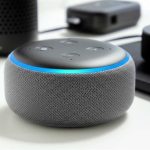
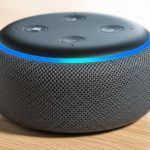
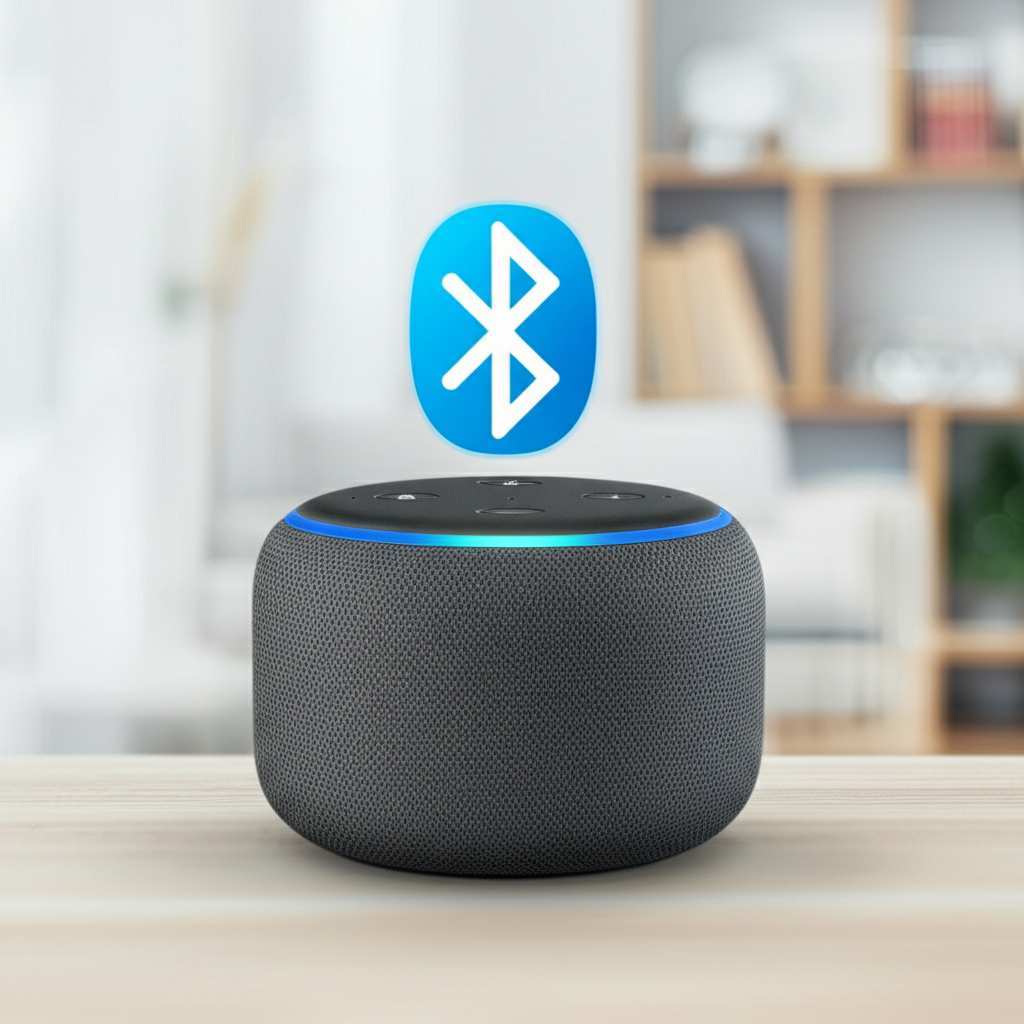
Yes, you absolutely can use your Amazon Echo device as a Bluetooth speaker! It’s a fantastic way to stream music from your phone or tablet directly to your Echo, giving you great sound for all your favorite tunes, podcasts, and more. Let’s unlock this awesome feature together!
Hey there, tech explorers! Max here from AffTechy.com, ready to dive into something super cool today. You know how much we love our music, right? Whether it’s jamming out to our favorite playlist, getting lost in an audiobook, or even just needing some background tunes while we work, good sound makes a huge difference. And sometimes, the speakers on our phones or tablets just don’t cut it.
That’s where our smart speakers, like the Amazon Echo, come in. They’re amazing for asking questions or controlling smart home devices, but what if they could do even more? What if you could use that Echo speaker to play all the audio from your phone? Well, spoiler alert: you totally can! It’s like giving your Echo a whole new superpower.
I know tech can sometimes feel a bit like a puzzle, with all sorts of buttons and settings. But don’t worry, that’s what I’m here for! We’re going to break down exactly how to connect your phone to your Echo and use it as a Bluetooth speaker. It’s simpler than you might think, and the results are pretty amazing. Let’s make this easy and get your music playing!
Echo and Bluetooth: A Match Made in Sound Heaven!
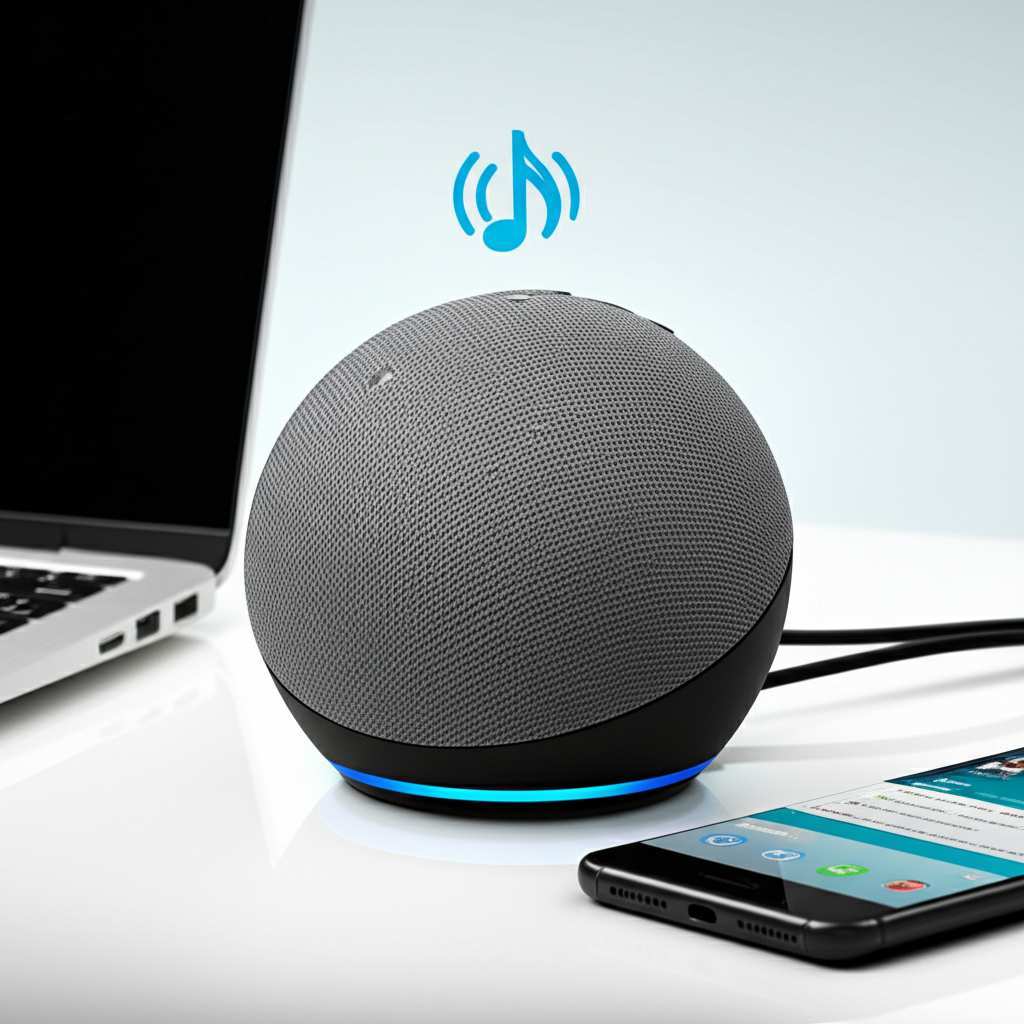
So, can you actually use your Echo as a Bluetooth speaker? The short answer is a resounding YES! Amazon designed Echo devices with this capability in mind. Think of it as a dual-purpose gadget: it’s a smart assistant, and it’s also a pretty decent Bluetooth speaker. This means you can stream audio from any device that supports Bluetooth, like your smartphone, tablet, or even your laptop.
This feature is a game-changer for many. Instead of relying on your phone’s tinny speakers, you can leverage the better audio quality of your Echo. It’s perfect for parties, movie nights, or just enjoying your favorite tunes with richer sound. It’s a fantastic way to get more bang for your buck from a device you already own.
Why Would You Want to Do This Anyway?
You might be thinking, “I can already stream music to my Echo using Alexa commands. Why bother with Bluetooth?” That’s a fair question! While Alexa can play music from services like Spotify, Amazon Music, or Apple Music directly, Bluetooth offers a different kind of flexibility. Here are a few reasons why using your Echo as a Bluetooth speaker is awesome:
- Play Anything from Your Phone: Bluetooth lets you play any audio from your phone. This includes YouTube videos, podcasts from apps Alexa doesn’t directly support, audio from games, or even that funny voice note from your friend. If it makes a sound on your phone, you can play it through your Echo.
- Offline Content: Got music or podcasts downloaded on your phone that aren’t on streaming services? Bluetooth is your ticket to playing them through your Echo.
- Simplicity for Certain Apps: Sometimes, it’s just easier to hit play on an app on your phone than to ask Alexa to find and play specific content. Bluetooth bypasses Alexa’s direct music service integration for a more direct audio stream.
- Better Sound Quality: Let’s be honest, Echo speakers generally offer better sound than most phone speakers. Using Bluetooth lets you enjoy that improved audio for all your phone’s sounds.
Let’s Get Connected: How to Pair Your Device
Ready to make the magic happen? Connecting your phone or tablet to your Echo is a straightforward process. You’ll mostly be using the Alexa app on your smartphone, which is your command center for all things Echo. Here’s how to do it, step by step:
- Open the Alexa App: Make sure you have the Amazon Alexa app downloaded on your smartphone or tablet and that you’re logged into your Amazon account.
- Go to Devices: In the app, tap on the “Devices” icon, usually found at the bottom right of the screen.
- Select Your Echo Device: You’ll see a list of all your Alexa-enabled devices. Tap on the specific Echo device you want to use as a Bluetooth speaker.
- Find Bluetooth Settings: Scroll down on the device’s settings page. You should see an option for “Bluetooth.” Tap on it.
- Pair New Device: Tap on “Pair a New Device.” Your Echo will now enter pairing mode, and you’ll usually hear a chime or a voice announcement confirming it’s ready to connect.
- Open Bluetooth on Your Phone: Now, go to the Bluetooth settings on your smartphone or tablet. Make sure Bluetooth is turned on.
- Find Your Echo: Your phone will scan for nearby Bluetooth devices. Look for your Echo device’s name in the list of available devices. It might be something like “Echo Dot” or “Echo Plus,” followed by some characters.
- Tap to Connect: Tap on your Echo’s name in the list. Your phone and Echo should now pair. You’ll likely hear another chime or voice confirmation from your Echo stating that it’s connected.
And voilà! Your phone is now connected to your Echo via Bluetooth. You can now play any audio from your phone, and it will come out of your Echo speaker. Pretty neat, right?
Playing Audio: It’s as Easy as Pressing Play!
Once your device is paired, the fun really begins. There’s no special command you need to give Alexa to start playing audio from your phone via Bluetooth. Simply open any app on your phone that plays sound and hit play. Your Echo will automatically start playing that audio.
For example, if you open Spotify on your phone and start playing a song, you’ll hear it come from your Echo. If you open YouTube and watch a video, the sound will stream through your Echo. It truly is that simple!
To disconnect, you can either turn off Bluetooth on your phone, or go back into the Alexa app, navigate to your Echo’s Bluetooth settings, and select “Disconnect.” You can also tell Alexa, “Alexa, disconnect Bluetooth.”
Managing Your Bluetooth Connections
Your Echo can remember multiple Bluetooth devices. This is super handy if you want to connect your phone, your partner’s phone, or a tablet. Here’s a quick rundown on managing those connections:
- Connecting Previously Paired Devices: If your phone or tablet has been paired before, you can usually just turn on Bluetooth on your device and say, “Alexa, connect my phone” (or whatever your device is named). If that doesn’t work, you might need to go to your phone’s Bluetooth settings and select the Echo device again.
- Forgetting Devices: If you want to remove a device from your Echo’s memory, you can do this through the Alexa app. Go to Devices > Your Echo > Bluetooth. You should see a list of paired devices. Tap on the device you want to remove and select “Forget.”
- Using Multiple Devices: While your Echo can be paired with multiple devices, it can only actively play audio from one device at a time. If another device tries to connect while one is already playing, the Echo might switch or require you to disconnect the first device.
Echo vs. Dedicated Bluetooth Speakers: What’s the Difference?
This is a common question for many. Since you can use your Echo as a Bluetooth speaker, why would you buy a separate Bluetooth speaker? While Echo devices are great, dedicated Bluetooth speakers often have some advantages, especially for audiophiles or those who are always on the go. Let’s look at a few points:
| Feature | Amazon Echo (e.g., Echo Dot 4th Gen) | Dedicated Bluetooth Speaker (Mid-Range Example) |
|---|---|---|
| Sound Quality | Good for its size, decent for casual listening. Varies by Echo model. | Often superior, with richer bass, clearer highs, and more powerful output. Designed purely for audio. |
| Portability | Requires a power outlet. Not designed for travel. | Often battery-powered, water-resistant, and built for outdoor use. Highly portable. |
| Smart Features | Excellent! Voice control, smart home integration, Alexa assistant. | Limited or none. Focus is on audio playback. |
| Connectivity | Bluetooth, Wi-Fi. Can sometimes connect to other speakers (e.g., Echo Studio). | Bluetooth, sometimes Wi-Fi, often an AUX input. |
| Price Range | $30 – $150+ (depending on model) | $50 – $300+ (depending on brand and features) |
As you can see, Echo devices are fantastic all-rounders with their smart capabilities. If you’re looking for a speaker to take to the beach or a powerful sound system for a party, a dedicated Bluetooth speaker might be a better fit. But for casual listening at home, using your Echo is an incredibly convenient and cost-effective solution. It’s all about what fits your lifestyle best!
Tips for the Best Bluetooth Audio Experience with Echo
Want to get the most out of using your Echo as a Bluetooth speaker? Here are a few friendly tips:
- Keep Devices Close: Bluetooth has a limited range. For the best connection and sound quality, keep your phone or tablet relatively close to your Echo. Obstacles like walls can interfere with the signal.
- Update Your Echo: Ensure your Echo device is running the latest software. Amazon regularly pushes updates that can improve performance, including Bluetooth connectivity. Your Echo usually updates automatically, but it’s good to know.
- Check Your Phone’s Bluetooth: If you’re having trouble connecting, try turning your phone’s Bluetooth off and then back on. Sometimes a quick reset is all it needs.
- Restart Your Echo: If you encounter persistent issues, unplugging your Echo, waiting 30 seconds, and plugging it back in can resolve many minor glitches.
- Adjust Volume on Both Devices: You can control the volume from both your phone and your Echo. Sometimes, you might need to turn up the volume on both your phone and the Echo to get the loudest, clearest sound.
- Consider Echo Sound Settings: Some Echo models allow you to adjust EQ (equalizer) settings through the Alexa app. You might be able to tweak bass and treble to your liking.
Fun Fact: The Evolution of Bluetooth
Did you know Bluetooth technology was named after a Viking king? Harald Bluetooth united the Bluetooth tribes of Denmark and Norway in the 10th century. The technology was named after him because it was designed to unite different communication protocols, much like King Harald united the tribes. It’s a pretty cool piece of history behind the tech we use every day!
Troubleshooting Common Bluetooth Issues
Even with the best tech, sometimes things don’t go as planned. If you’re having trouble connecting or experiencing choppy audio, don’t panic! Here are a few common issues and how to fix them:
- Echo Won’t Pair: Make sure your Echo is in pairing mode (you initiated “Pair a New Device” in the app). Also, ensure your phone’s Bluetooth is on and discoverable. If it still doesn’t show up, try restarting both devices.
- Choppy or Intermittent Audio: This is often due to a weak Bluetooth signal. Move your phone closer to the Echo. Other wireless devices (like microwaves or Wi-Fi routers) can sometimes cause interference, so try moving them further away if possible.
- No Sound After Connecting: Double-check that the volume is turned up on both your phone and your Echo. Make sure the audio isn’t playing on your phone’s internal speaker instead.
- Connection Drops Frequently: This can be a signal issue or sometimes a software bug. Ensure both your Echo and your phone are up-to-date. Forgetting the device on both ends and re-pairing can often resolve persistent connection problems.
If you’re still stuck, the Amazon Help pages are a great resource for more in-depth troubleshooting. You can often find specific solutions for your Echo model.
Frequently Asked Questions (FAQ)
Q1: Do I need a specific type of Echo to use it as a Bluetooth speaker?
Nope! Most Amazon Echo devices, including Echo Dots, Echo Shows, Echo Studios, and original Echo speakers, support Bluetooth connectivity. So, chances are, your Echo can do this!
Q2: Can I control my music playback (play, pause, skip) using voice commands with Alexa when using Bluetooth?
Generally, no. When streaming via Bluetooth, playback controls are managed through your phone or tablet. You’ll use your device’s app to pause, play, skip tracks, or adjust volume, not Alexa’s voice commands for these specific functions.
Q3: Will my Echo still listen for “Alexa” commands when it’s connected to my phone via Bluetooth?
Yes, absolutely! Your Echo’s primary function as a voice assistant remains active. You can still ask Alexa questions, control smart home devices, or set timers, even while it’s playing audio from your phone via Bluetooth.
Q4: Can I connect my Echo to multiple phones at once for a party?
Your Echo can be paired with multiple devices, but it can only stream audio from one device at a time. If you want to switch who’s controlling the music, you’ll need to disconnect the current device before connecting another.
Q5: Does using Bluetooth drain my Echo’s battery faster?
Echo devices (except for the portable Echo Hull) need to be plugged into a power outlet, so battery life isn’t a concern. However, using Bluetooth will consume more power on your phone or tablet than if you were just using its internal speaker.
Q6: Is the sound quality as good as playing music directly through Alexa?
This depends on the app and audio source. For many streaming services, the quality might be similar. However, if you’re playing a low-quality audio file from your phone, it might not sound as good as a high-fidelity stream played directly by Alexa. Generally, it’s very good for most everyday listening.
Q7: Can I use two Echo devices together as Bluetooth speakers for stereo sound?
You can create a stereo pair with two identical Echo devices (like two Echo Dots) for music played through Alexa services. However, for Bluetooth audio streaming from a single phone, you typically cannot create a stereo pair across two separate Echo devices. The Bluetooth connection is usually one-to-one with your phone.
Your Echo: More Than Just a Smart Assistant!
So there you have it! Using your Amazon Echo as a Bluetooth speaker is a fantastic way to boost your audio experience without buying extra gadgets. It’s simple to set up, incredibly versatile, and lets you enjoy all the sounds from your phone with better quality.
Whether you’re streaming your favorite podcast, sharing music with friends, or just want to enjoy movies with richer sound, your Echo is ready to be your go-to speaker. Don’t hesitate to try it out! You’ll be amazed at how easy it is and how much better your audio can sound.
Now go forth and fill your space with amazing sound! Happy listening!