
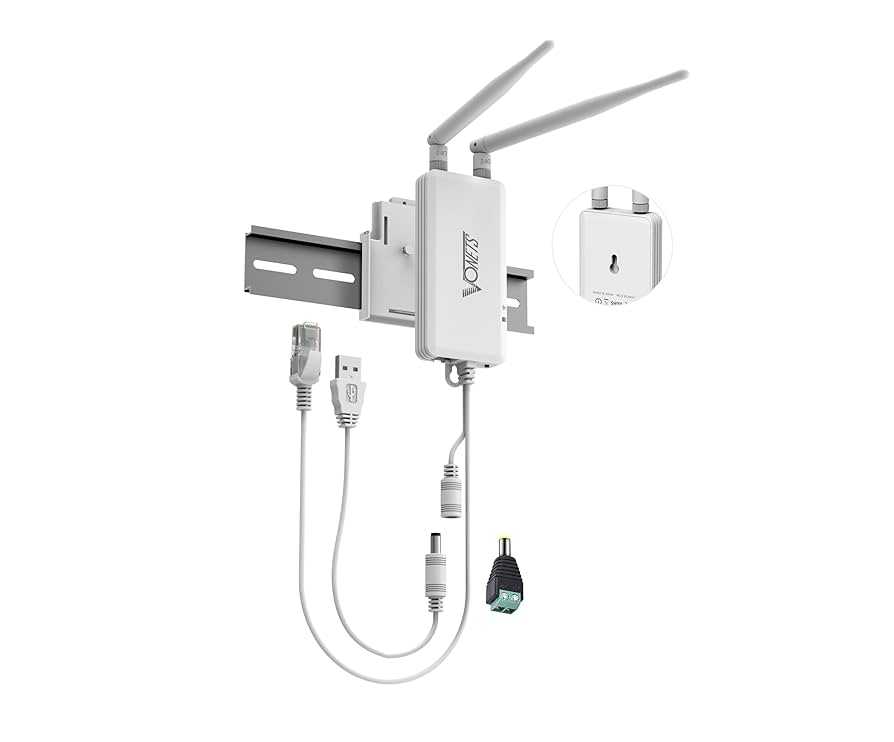
How To Monitor Devices On Wifi Router For Better Security
To quickly monitor devices connected to your WiFi router, access your router’s admin panel through a web browser, navigate to […]
To quickly monitor devices connected to your WiFi router, access your router’s admin panel through a web browser, navigate to […]
Quick answer: Use online speed tests and perform real-world browsing and streaming checks to evaluate your WiFi router’s performance. Check
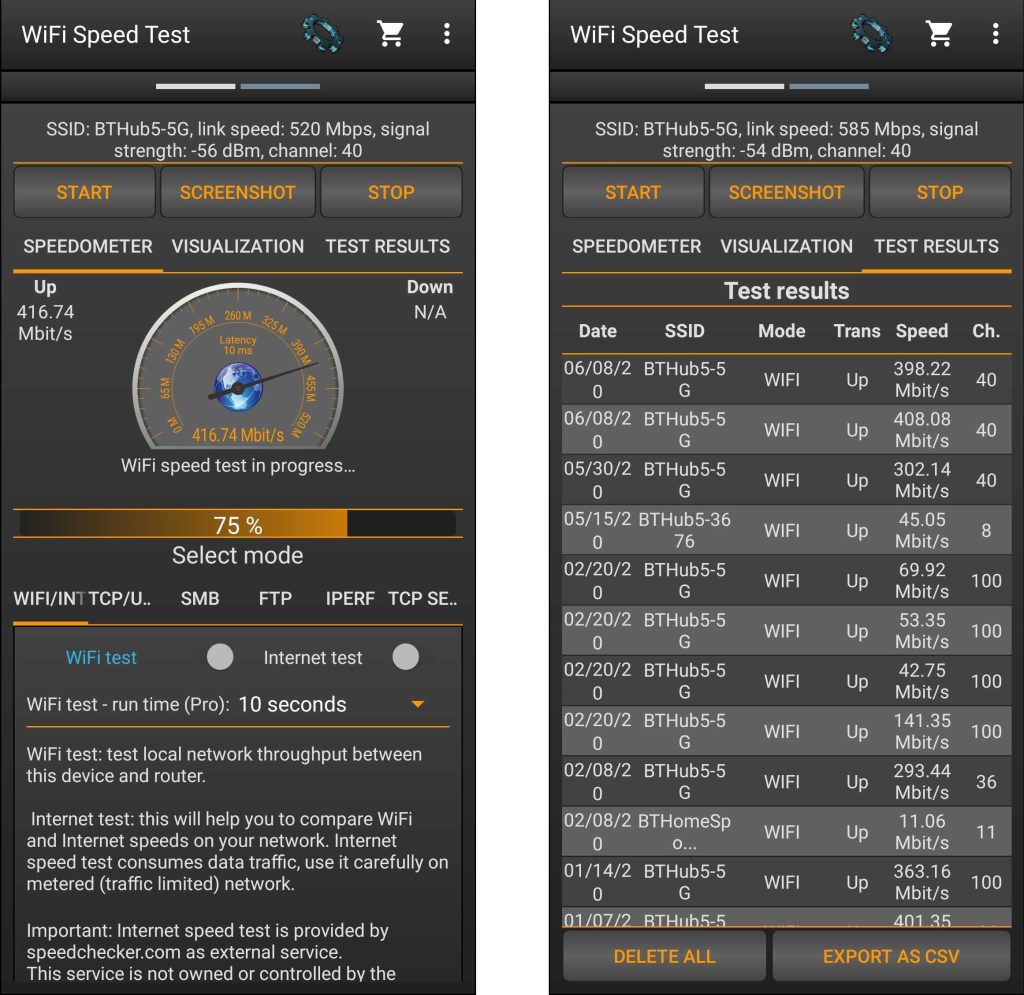
To quickly check your Wi-Fi router speed, run an online speed test like Ookla’s Speedtest or Fast.com. These tools give
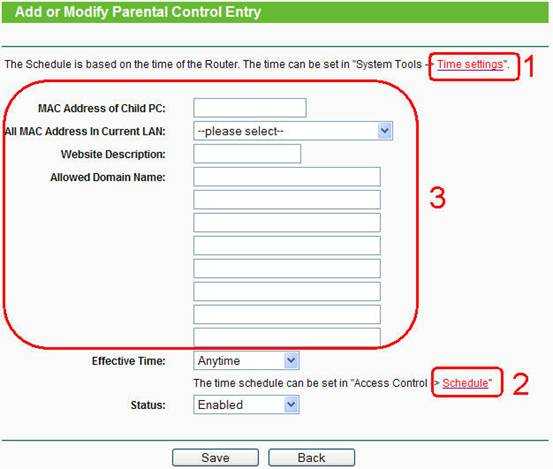
To enable parental controls on your router quickly, log into your router’s admin panel, find the parental control settings, and
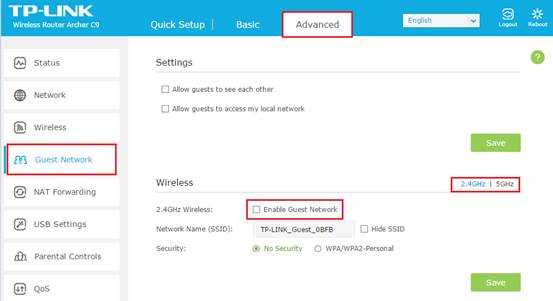
To enable a guest network on your router, simply log into your router’s settings, locate the guest network option, and
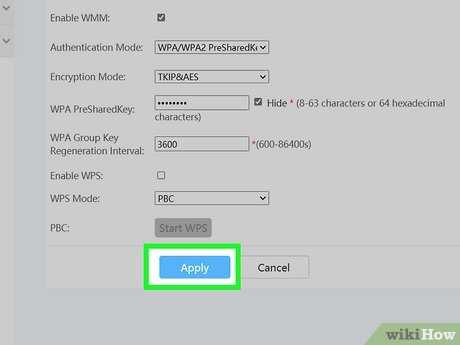
To hide your Wi-Fi network, access your router’s settings, disable the SSID broadcast, and save changes. This makes your network
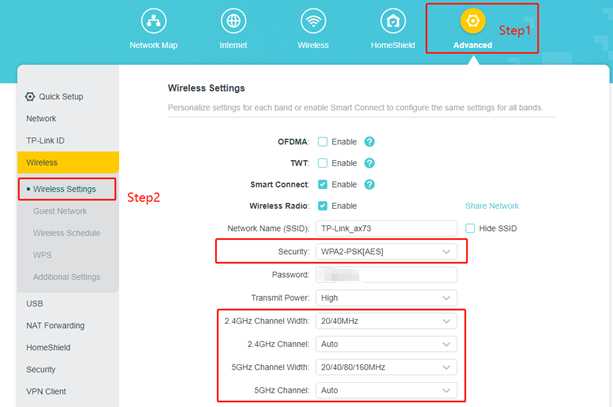
To change your Wi-Fi router settings quickly, log into the router’s admin panel through your web browser, usually by entering
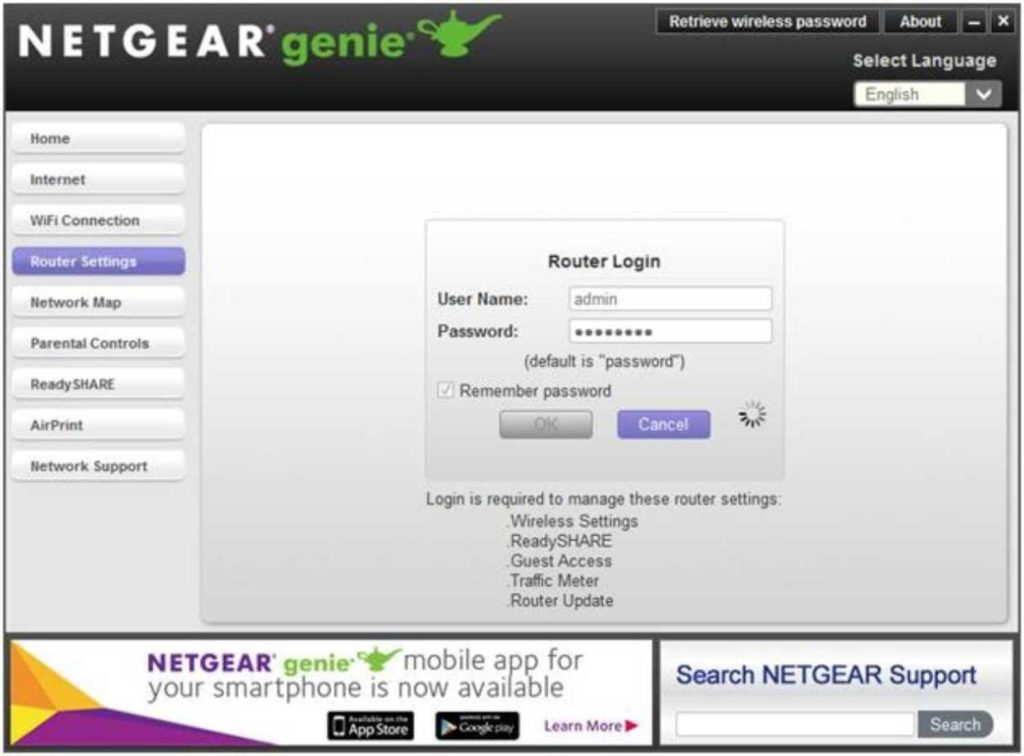
To access your Wi-Fi router, simply connect your device to the router’s network, open a web browser, and enter the
To restart your Wi-Fi router remotely, access its admin panel through your smartphone or computer and hit the restart or
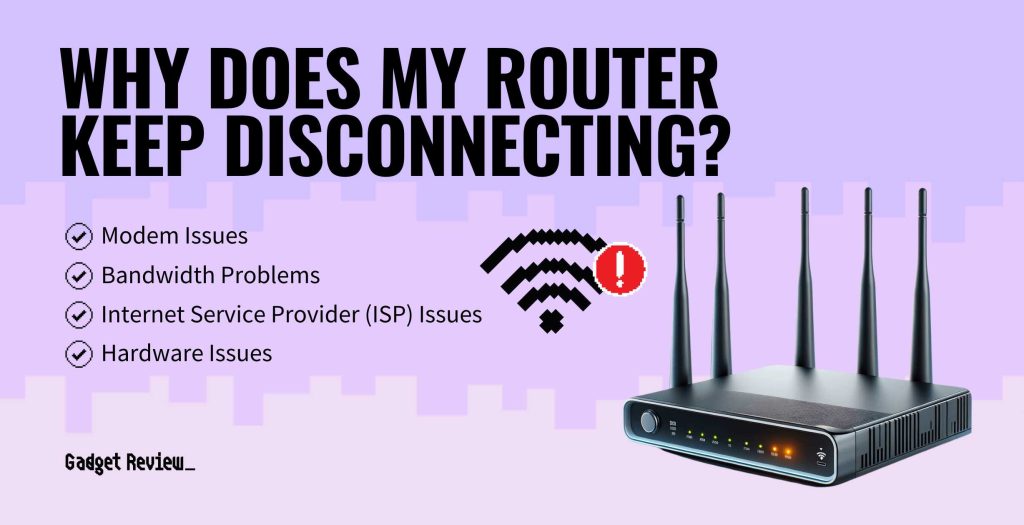
If your WiFi keeps disconnecting, it can be incredibly frustrating and disruptive. The good news is, most connection issues can