
How To Fix Wifi Router Not Working Effectively
If your WiFi router suddenly stops working, don’t panic—there are simple steps you can take to get your internet back […]
If your WiFi router suddenly stops working, don’t panic—there are simple steps you can take to get your internet back […]
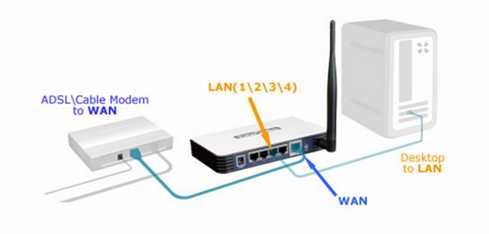
To connect your router to your modem quickly, simply power off both devices, connect the modem to the router’s WAN
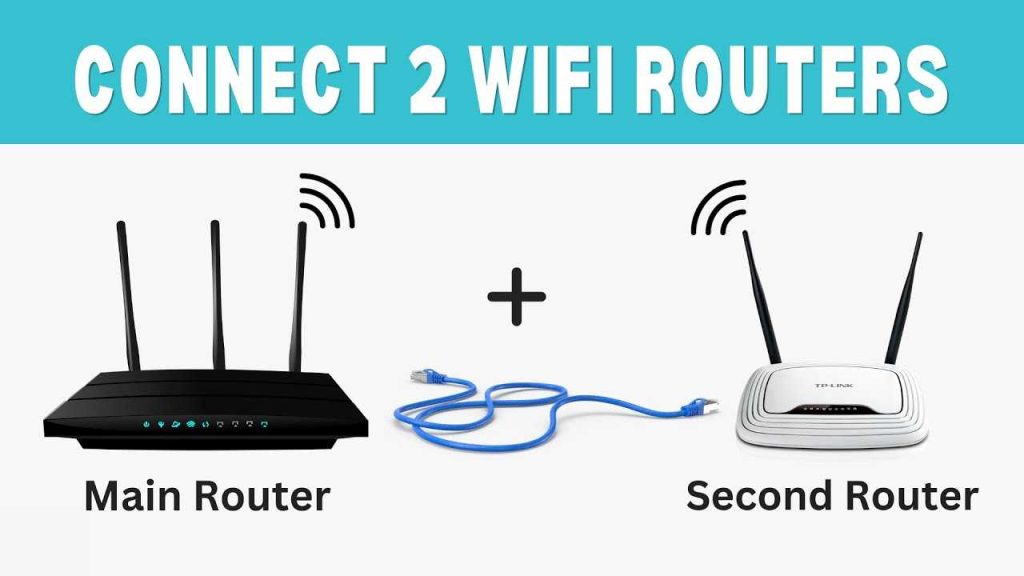
To connect two routers, you’ll need to link them either via Ethernet cable or wirelessly, making sure they’re configured correctly
Secure your WiFi router now to protect your personal data from hackers and unauthorized access. Changing default passwords, enabling WPA3
To instantly improve your WiFi signal, consider repositioning your router to a central, open spot, updating its firmware, or adding
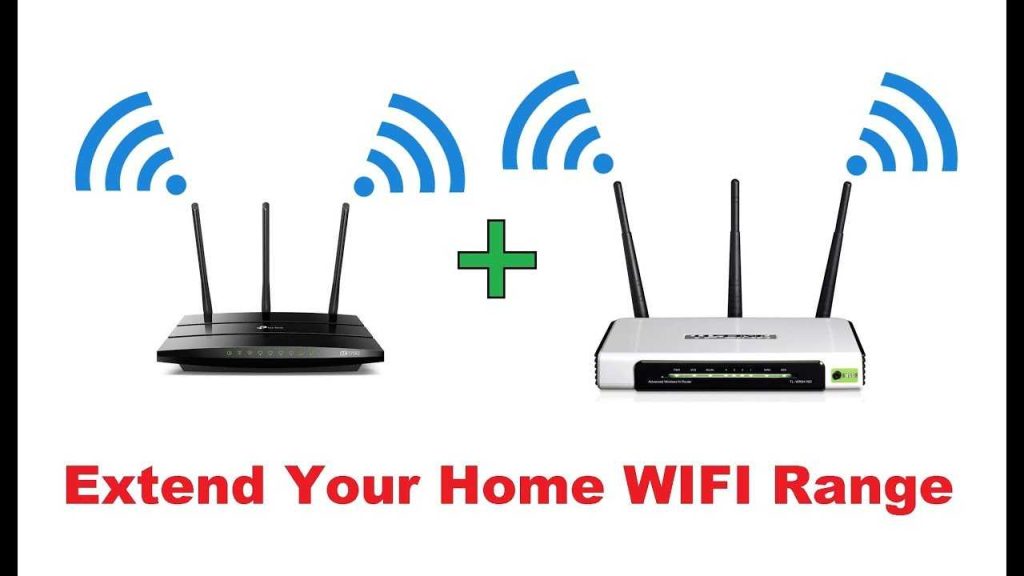
To boost your Wi-Fi signal and cover every corner of your home, simply reposition your router to a central spot,
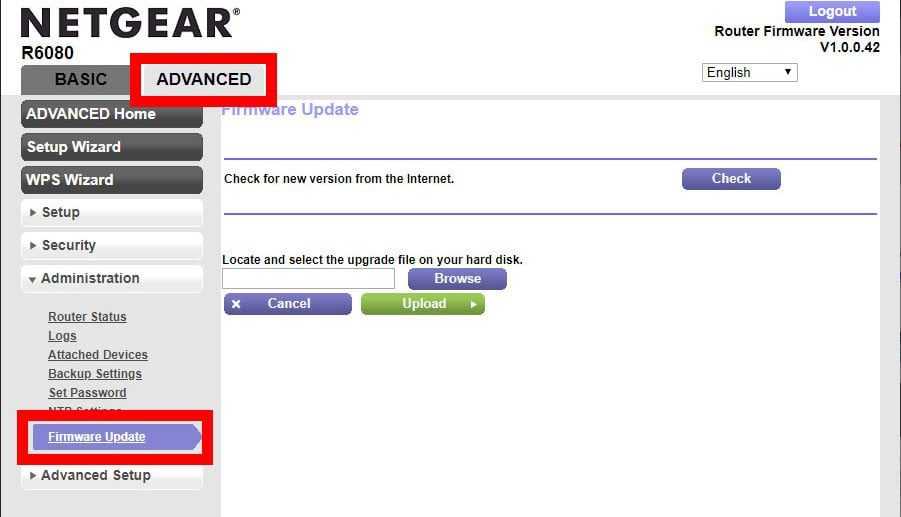
To update your Wi-Fi router firmware quickly and easily, start by logging into your router’s admin panel, download the latest
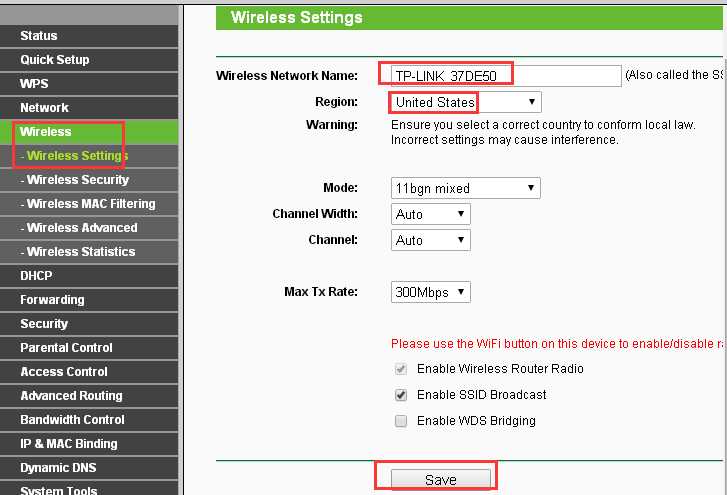
To quickly configure your Wi-Fi router, connect it to your modem, access the admin panel through a web browser, and
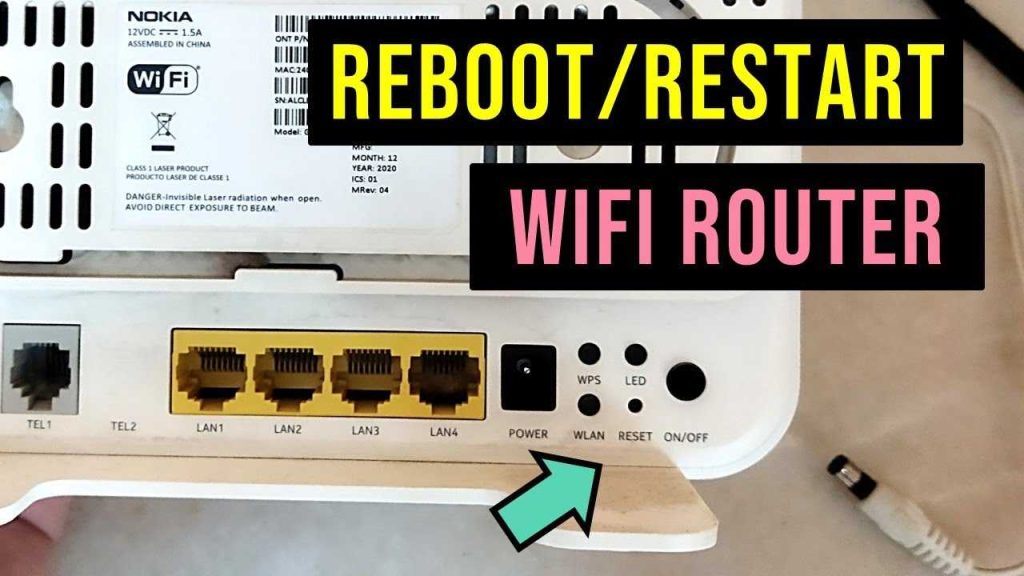
To reset your Wi-Fi router quickly, simply press and hold the reset button on the back of the device for
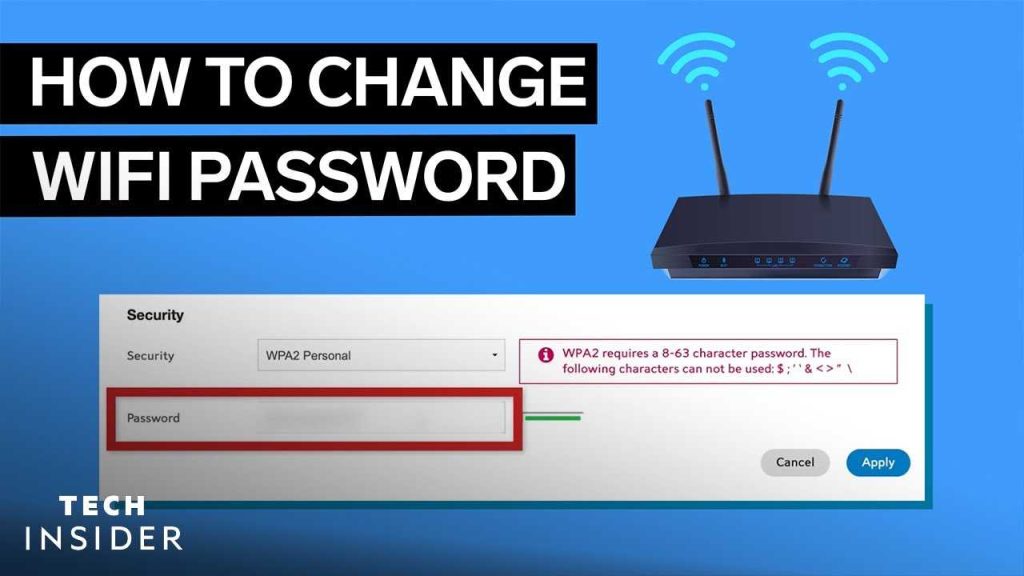
Quick answer: To change your Wi-Fi router password, log into your router’s admin panel through a web browser, navigate to