Want amazing Bluetooth speaker sound? It’s not just the speaker! Your phone, the room, even how far away you are can totally change how your music sounds. Let’s uncover the surprising secrets to getting the best audio experience without the tech headache.
Hey there, tech explorer! Ever cranked up your favorite tunes on a Bluetooth speaker, only to feel like something’s missing? Maybe the bass isn’t thumping, or the vocals sound a bit fuzzy. It’s a bummer when your music doesn’t sound as epic as it should!
It can be super confusing, right? You see all these fancy terms, and you just want to enjoy your music. But don’t worry, I’m here to make it simple. We’ll dive into all the things that mess with your speaker’s sound.
Think of me as your friendly guide through the world of audio. We’ll break down what really matters, from your phone to your living room. Get ready to discover the “shocking truths” that will help you get the best sound possible. Let’s dive in!
Why Sound Quality Matters (More Than You Think!)
Sound quality isn’t just about loud music. It’s about feeling the emotion in a song. It’s about hearing every whisper in a movie. Good sound makes your everyday moments way more awesome.
Imagine listening to a podcast and missing a key point because the voice is unclear. Or trying to enjoy a party playlist, but the beat is all muddy. That’s no fun! Good sound makes a huge difference in how we experience things.
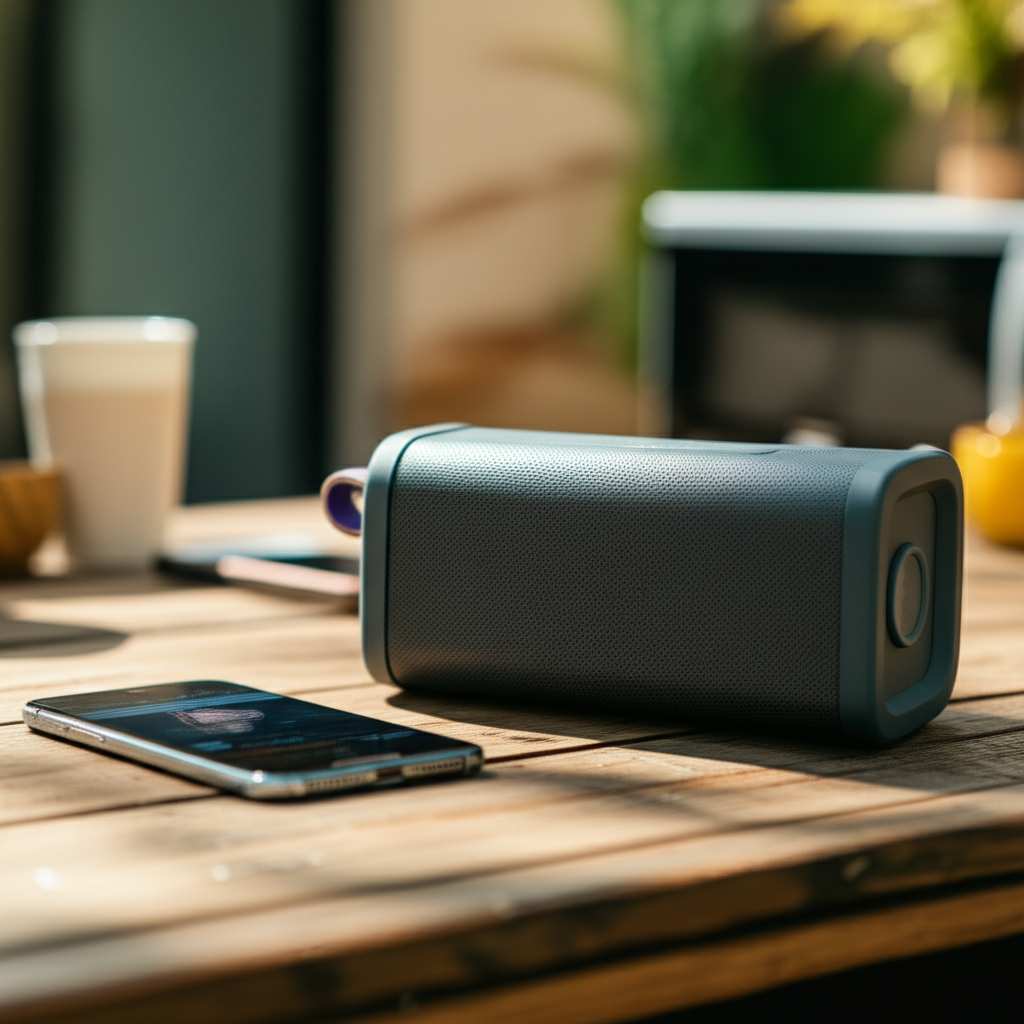
That’s why understanding what makes your Bluetooth speaker sound its best is super important. It’s not about buying the most expensive gadget. It’s about knowing the little things that add up to a big change.
The Speaker Itself: The Obvious Stuff
Okay, let’s start with the speaker itself. This is the most obvious thing, but there are still cool details to know! The size and type of drivers inside play a big role. Drivers are like the tiny speakers within your speaker that make the sound.
Bigger drivers can often push more air, which usually means better bass. Smaller drivers are great for portability but might struggle with deep lows. Also, some speakers have dedicated tweeters for high notes and woofers for low notes. This separation really helps make the sound clear and rich.
How Your Phone or Device Connects
Did you know your phone has a huge impact? The Bluetooth version your phone and speaker use matters. Newer versions, like Bluetooth 5.0 or higher, are way better. They offer a more stable connection and can send more audio data.
More data means higher quality sound! Think of it like a highway. A newer Bluetooth version is like a wider highway with more lanes. It can carry more traffic (audio information) smoothly. Older versions are like a single-lane road – things can get choppy.
Bluetooth Codecs: The Secret Language of Sound
This sounds techy, but it’s actually pretty simple and super important! Codecs are like translators for audio signals. They compress the sound so it can be sent wirelessly. Then, your speaker uncompresses it to play.
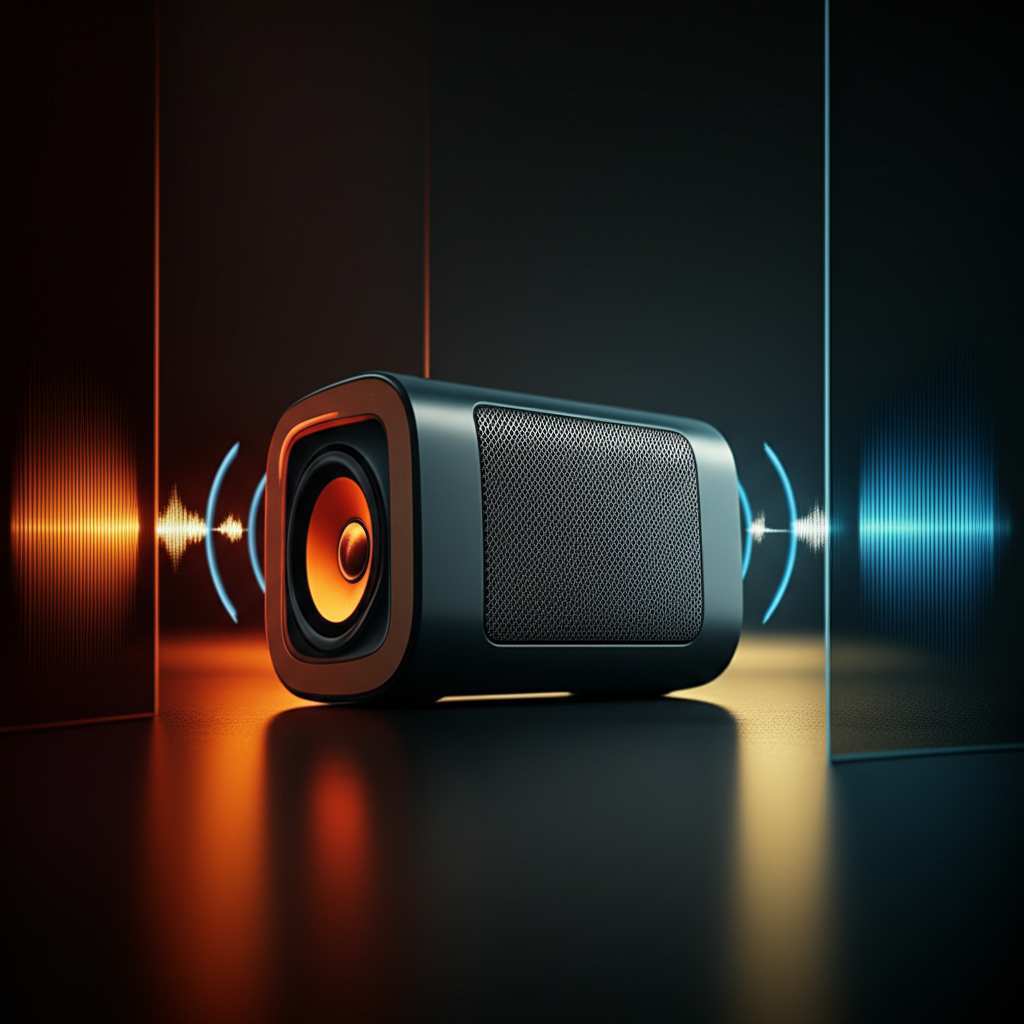
Some codecs are better than others. They can send more detailed sound. The most common are SBC (basic), AAC (good for Apple devices), and aptX (great for Android devices, often better quality). If your phone and speaker both support a better codec like aptX, you’ll likely hear clearer sound.
Common Bluetooth Codecs and What They Mean
Here’s a quick look at what these codecs do:
| Codec | Typical Quality | Device Compatibility | Notes |
|---|---|---|---|
| SBC | Basic | All Bluetooth devices | Universal, but not the best for audiophiles. |
| AAC | Good | Apple devices, some Android | Great for iPhones and iPads. |
| aptX | Very Good | Many Android devices, some laptops | Offers better detail and lower latency (delay). |
| LDAC | Excellent | High-end Android devices (Sony) | Can transmit more audio data for near-lossless sound. |
So, what does this table tell you? If you have an iPhone, look for speakers that support AAC. If you have an Android phone, aptX or even LDAC would be fantastic for richer sound. If your devices only support SBC, it’s not the end of the world, but you might miss out on some audio detail.
The Distance Between Your Speaker and Device
Yep, even how far away you are can mess things up! Bluetooth has a limited range. When you move too far away, the signal starts to get weak. This can cause dropouts or lower sound quality.
Most Bluetooth speakers have a range of about 30 feet (10 meters). But this is in an open space. Walls, furniture, and even your own body can block the signal. So, keeping your device and speaker closer together is always a good idea for the best performance.
Obstacles and Interference: The Invisible Enemies
This is where things get a bit sneaky! Other wireless devices can interfere with your Bluetooth signal. Things like Wi-Fi routers, microwaves, and even other Bluetooth devices can cause problems. They all use similar radio frequencies.
This interference can make your music skip or sound choppy. It’s like trying to have a conversation in a crowded, noisy room. The signal just can’t get through clearly. So, if you notice weird sound issues, try moving your speaker away from other electronics.
The Room Environment: Your Speaker’s Acoustic Playground
This is a big one that most people forget! The room your speaker is in dramatically affects the sound. A small, bare room will sound very different from a large, carpeted one.
Hard surfaces like bare walls and floors can reflect sound waves. This can make bass sound boomy or cause echoes. Soft surfaces like carpets, curtains, and furniture absorb sound. This can make the sound feel warmer and more controlled.
How Room Shape and Material Affect Sound
Let’s break down some common room effects:
Echoes (Reverberation): Too many hard surfaces (like in a bathroom or kitchen) bounce sound around. This makes everything sound muddy and unclear.
Bass Buildup: Placing a speaker in a corner can sometimes make the bass sound too loud and boomy. This is because the sound waves bounce off two walls at once.
Sound Absorption: Rooms with lots of soft things (like a living room with a rug and couch) tend to sound more balanced. The sound waves are soaked up instead of bouncing everywhere.
It’s kind of like how an empty stadium sounds different from a cozy theater. The space itself is a major player in how you hear things.
The Audio Source: Garbage In, Garbage Out
What are you actually listening to? The quality of your music file or stream matters a lot! A low-quality MP3 file or a music stream set to the lowest quality won’t sound good on even the best speaker.
Think of it like trying to watch a blurry photo on a super sharp TV. The TV can’t make the blurry photo look clear. Similarly, a great speaker can’t magically make a bad audio file sound amazing.
Volume Levels: Pushing the Limits
Most Bluetooth speakers have a sweet spot for volume. When you push them too hard, they can distort. This means the sound starts to sound crackly or fuzzy. It’s like over-inflating a balloon – it can pop!
It’s best to avoid maxing out the volume on your speaker. Try finding a level where the sound is clear and powerful without distortion. Your ears will thank you, and your speaker will too!
Speaker Placement: Where You Put It Matters!
This ties into the room environment, but it’s worth its own section. Where you position your speaker can make a surprising difference. For most speakers, placing them at ear level is ideal.
Avoid placing your speaker directly against a wall if you want clear bass. Pulling it out a bit, maybe a foot or two, can help the sound breathe. Experimenting with different spots in the room can reveal a much better sound!
Battery Level: The Unexpected Power Drain
This one might surprise you! A speaker with a low battery might not perform at its peak. Some speakers are designed to reduce power consumption when the battery is low. This can sometimes lead to slightly reduced volume or bass.
So, if your speaker sounds a bit weak, try plugging it in! A full charge often means a full performance. It’s a simple fix that can bring your sound back to life.
Firmware Updates: Keeping Your Speaker Smart
Manufacturers sometimes release software updates, called firmware, for their speakers. These updates can improve performance, fix bugs, and even enhance sound quality.
It’s a good idea to check the manufacturer’s app or website occasionally to see if there’s an update available for your speaker. It’s usually a quick and easy process.
Water, Dust, and Wear and Tear
Your speaker is a piece of technology, and like all tech, it can be affected by its environment. Exposure to dust, moisture, or even physical damage can impact its internal components. This can lead to degraded sound quality over time.
If your speaker is rated as water-resistant, that’s great for outdoor use! But it doesn’t mean it’s indestructible. Taking good care of your speaker will help it sound its best for longer.
How to Get the Best Sound: Your Action Plan
Ready to put all this knowledge to good use? Here’s a quick checklist to help you get the best sound from your Bluetooth speaker:
1. Check Compatibility: Make sure your phone and speaker support the same high-quality Bluetooth codecs (like aptX or AAC).
2. Stay Close: Keep your device within about 20 feet (6 meters) of the speaker for a strong connection.
3. Minimize Interference: Place your speaker away from microwaves, Wi-Fi routers, and other strong wireless signals.
4. Room Placement: Experiment with speaker placement. Try ear level and a little distance from walls.
5. Use High-Quality Sources: Listen to music from good quality files or streaming services set to higher quality.
6. Moderate Volume: Avoid maxing out the volume to prevent distortion.
7. Keep it Charged: Ensure your speaker has a good battery level for optimal performance.
8. Update Firmware: Check for and install any available firmware updates.
9. Keep it Clean: Protect your speaker from dust and moisture.
Real-World Examples: My Own Audio Adventures
I remember when I first got a portable Bluetooth speaker. I was so excited! I took it to the park, and the sound was okay, but a bit tinny. Then, I moved it out from behind a bush and placed it on a picnic table. Wow! The difference was night and day. The bass was punchier, and the vocals were so much clearer. It was a simple placement change that totally transformed the experience.
Another time, I was trying to stream a new album on my phone. It kept cutting out and sounded fuzzy. I realized I had my phone sitting right next to my Wi-Fi router. I moved my phone a few feet away, and suddenly, the music was smooth and clear. It’s amazing how these small things can make such a big impact!
Choosing the Right Speaker: What to Look For
When you’re shopping for a new Bluetooth speaker, keep these factors in mind for better sound:
Driver Size and Type: Look for speakers with decent-sized drivers, or even multiple drivers for highs and lows.
Bluetooth Version: Aim for Bluetooth 5.0 or higher for a more stable and higher-quality connection.
Codec Support: Check if the speaker supports codecs like aptX or AAC if your device does. This is a big plus for sound fidelity.
Battery Life: While not directly sound quality, a good battery means consistent performance.
Build Quality: A well-built speaker often houses better components and can handle more demanding audio.
Don’t get overwhelmed by specs! Focus on what matters most for your listening habits. A speaker that’s great for your desk might not be the best for outdoor parties.
A Quick Look at Speaker Features and Sound
Here’s a table that shows how different features can relate to sound quality:
| Feature | Impact on Sound Quality | What to Look For |
|---|---|---|
| Driver Size | Larger drivers generally produce deeper bass and fuller sound. | Look for speakers with drivers 40mm or larger for decent bass. |
| Multiple Drivers | Separate drivers for bass (woofers) and treble (tweeters) create a more balanced sound. | “2.1” systems or speakers with distinct high/low frequency drivers. |
| Power Output (Watts) | Higher wattage can mean louder volume without distortion. | More watts are better for larger rooms or outdoor use. |
| Bluetooth Codec Support | Supports better codecs (aptX, AAC) for higher fidelity audio transmission. | Check specs for aptX, aptX HD, AAC, or LDAC support. |
| Water/Dust Resistance | Doesn’t directly impact sound quality but protects components. | IPX ratings (e.g., IPX7) indicate protection. |
This table helps you see that features like driver size and codec support are directly linked to how good your music will sound. While wattage is about loudness, it also helps prevent distortion at higher volumes.
Frequently Asked Questions (FAQs)
Q1: Does the brand of the Bluetooth speaker really matter for sound quality?
Yes, to an extent! Well-known audio brands often invest more in research and development for better sound. However, many newer brands also make fantastic speakers. It’s more about the specific model and its features than just the brand name.
Q2: Can I improve the sound of my current Bluetooth speaker?
Absolutely! You can improve sound quality by optimizing placement, ensuring a strong connection (staying close to your device), minimizing interference, and using high-quality audio sources. Sometimes, a firmware update can also help!
Q3: What’s the difference between Bluetooth and Wi-Fi speakers?
Bluetooth speakers connect directly to your device over short distances. Wi-Fi speakers connect to your home network, allowing for longer range and multi-room audio, often with higher quality streaming. For simple, portable sound, Bluetooth is usually the way to go.
Q4: My speaker sounds distorted when I turn it up loud. What should I do?
This is usually because the speaker is being pushed too hard. Try lowering the volume slightly on both your device and the speaker. Ensure you’re not using a low-quality audio file, as that can also contribute to distortion.
Q5: Is it better to use my phone’s equalizer or the speaker’s app (if it has one)?
It depends! If your speaker has a dedicated app with EQ settings, it’s often designed to work best with that specific speaker’s sound profile. However, your phone’s general equalizer can also make adjustments. Experiment to see what sounds best to you!
Q6: How does the shape of the speaker affect sound?
The shape influences how sound waves are dispersed. Some shapes are designed to project sound in 360 degrees, making them great for filling a room. Others might focus sound in a particular direction. It’s all about how the sound waves interact with the enclosure.
Q7: What is ‘latency’ and why does it matter for Bluetooth speakers?
Latency is the delay between when the audio is sent and when it’s heard. For music, a little delay isn’t usually noticeable. But for watching videos or playing games, high latency can cause the audio to be out of sync with the visuals, which is really annoying!
Wrapping It All Up: Your Sound Journey Continues!
So there you have it! We’ve uncovered the hidden factors that influence your Bluetooth speaker’s sound quality. It’s not just about the speaker itself, but also your device, the environment, and even the little things like battery levels and firmware.
You’ve learned how Bluetooth codecs act as translators, how room acoustics can be your friend or foe, and why keeping your device close is key. You’re now armed with the knowledge to troubleshoot sound issues and even pick out your next awesome speaker with confidence.
Don’t be afraid to experiment! Move that speaker around, try different audio sources, and play with settings. You’ve got this! Now go enjoy amazing sound and make every moment louder and better!