Want to keep your Bluetooth speaker to yourself? Learn simple ways to block unwanted listeners and enjoy your music in peace. It’s easier than you think to secure your sound!
Hey there, tech adventurers! Max here, your pal from AffTechy.com, ready to dive into the wonderful world of gadgets. You know, there’s nothing quite like the freedom of wireless sound. Whether it’s jamming out to your favorite tunes, getting lost in a podcast, or just adding some atmosphere to movie night, Bluetooth speakers are awesome. They fill our lives with audio joy without a single tangled wire.
But let’s be real for a second. Sometimes, all that wireless connection fun can feel a little… exposed. Ever been chilling in the park, or maybe just at home, and suddenly heard someone else’s music blasting from your speaker? Or worse, someone accidentally (or maybe not so accidentally!) connects to your speaker and starts playing their questionable playlist? Yeah, it’s happened to me too! That’s why today, we’re going to tackle a question that pops up a lot: “How do I stop random people from connecting to my Bluetooth speaker?”
It can be super annoying when someone jumps on your sound system uninvited. It feels like a tiny invasion of your personal audio space, right? But don’t worry one bit. We’re going to make this super simple. Think of me like your friendly neighborhood tech coach, here to guide you through the ins and outs, no confusing jargon, just plain talk. By the end of this, you’ll be a pro at keeping your Bluetooth speaker your own private party zone.
So grab your favorite drink, get comfy, and let’s break down how to “block intruders” and keep your Bluetooth speaker secured. It’s time to take back control of your soundscape!
Why Blocking Unwanted Bluetooth Connections Matters
Imagine this: You’re at a picnic, enjoying some chill vibes with your portable Bluetooth speaker. Suddenly, a complete stranger’s techno beats start blasting, drowning out your mellow tunes. Awkward, right? Or maybe you’re at home, and your neighbor’s device keeps popping up in your Bluetooth list, trying to connect.

It’s not just about annoying music choices. Sometimes, unauthorized connections can be a privacy concern. You don’t want someone playing inappropriate content or potentially accessing any personal information linked to your speaker’s connection. Keeping your Bluetooth speaker to yourself ensures you control what’s being played and who’s listening. It’s all about maintaining your personal audio space and enjoying your devices without surprises.
Understanding How Bluetooth Connections Work (The Simple Way!)
So, how does this magic wireless connection actually happen? Bluetooth is like a very short-range radio wave that devices use to talk to each other. When you turn on your Bluetooth speaker and put it in “pairing mode,” it’s basically saying, “Hey, I’m here and ready to connect!” Your phone, tablet, or laptop then looks for these signals and lets you choose which device to connect to.
Most Bluetooth speakers are designed to be pretty open for easy connecting. This is great when you want to share music with friends. But it also means that if someone has their Bluetooth on and their speaker is discoverable, they might be able to see and connect to your speaker too, especially if you’re nearby. It’s like an open door, which is convenient but not always secure.
Your Bluetooth Speaker’s Privacy Settings: What to Look For
Now, let’s get down to business! While not all Bluetooth speakers have advanced security settings like your Wi-Fi router, many offer ways to manage connections. It’s not always a big, obvious “block” button, but there are smart ways to prevent casual connections.
Many speakers and devices have a feature called “discoverable mode” or “visibility.” When your speaker is discoverable, it means other devices can see it and attempt to connect. Turning this off after you’ve initially paired your main device is a great first step. Think of it like closing the curtains after you’ve invited your personal guests inside.
Some speakers also allow you to “forget” or “unpair” devices from their memory. If you’ve had many devices connect over time, clearing out the old ones can help prevent accidental reconnections. It’s like decluttering your contact list!
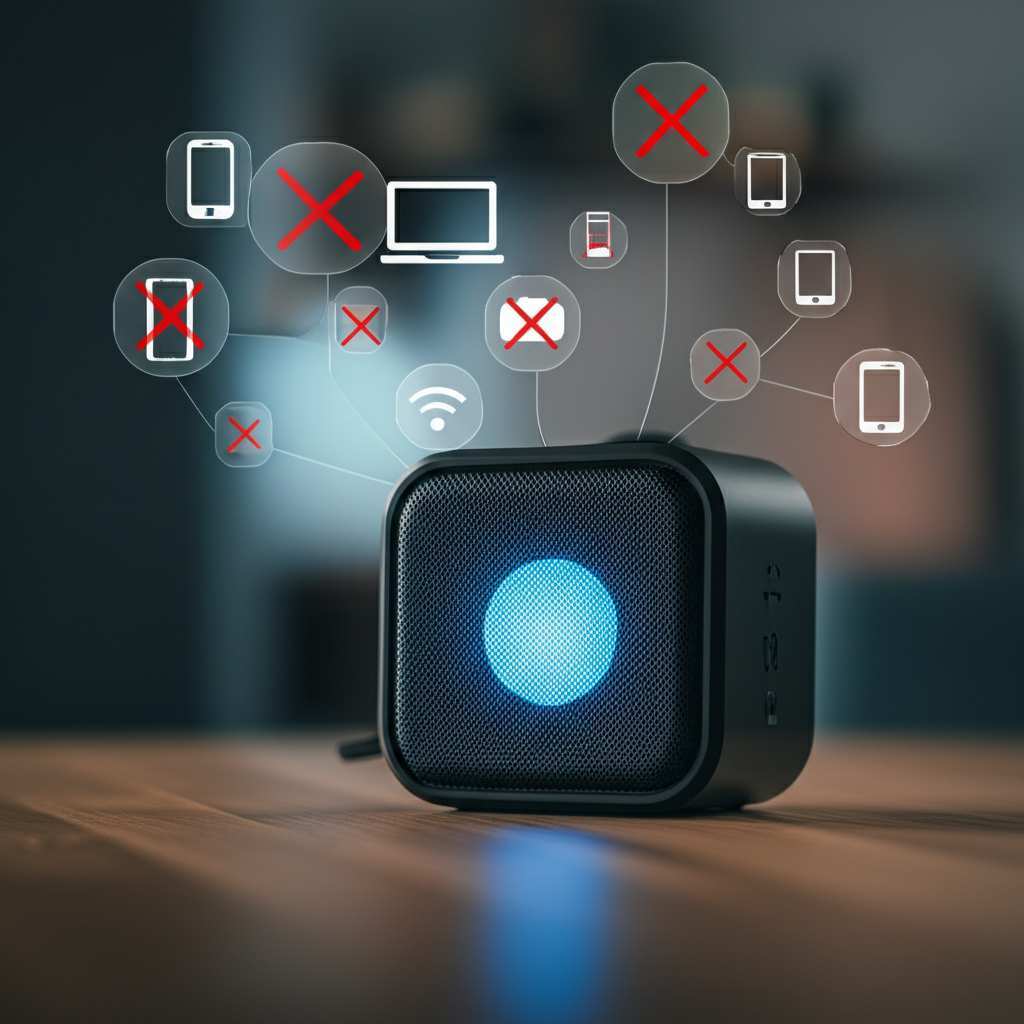
Simple Steps to Prevent Unwanted Connections
Ready to take charge of your speaker’s connections? Here’s how to do it, step-by-step. We’ll start with the easiest methods and move to slightly more advanced ones.
1. Turn Off Discoverable Mode on Your Speaker
This is your first line of defense. When your speaker is on but not actively trying to pair, it’s usually not broadcasting its presence to every device in the vicinity.
How to do it: Check your speaker’s manual. Most speakers only stay in “discoverable” or “pairing” mode for a few minutes. Once your primary device (like your phone) is connected, the speaker automatically exits discoverable mode. If yours stays discoverable, look for a button or setting to turn it off. Some brands, like Bose, have an auto-off feature for visibility.
Why it works: Without being discoverable, other devices can’t easily “see” your speaker to attempt a connection, even if they have Bluetooth on.
2. Only Pair with Your Trusted Devices
When you first set up your speaker, you pair it with your phone or tablet. Make sure you only pair it with devices you own and trust.
How to do it:
1. Turn on your Bluetooth speaker.
2. Activate pairing mode on the speaker (usually by holding down a Bluetooth button).
3. On your phone or tablet, go to Bluetooth settings.
4. Find your speaker in the list of available devices and tap to connect.
5. Confirm any pairing codes if prompted.
6. Once connected, your speaker will likely stop being discoverable.
Why it works: This establishes a primary, trusted connection. Future connections from this device will be quicker and more direct.
3. Disconnect When Not in Use
This is a super simple habit that makes a big difference. When you’re done listening, just disconnect the Bluetooth connection from your phone or tablet.
How to do it:
1. Go to your phone’s or tablet’s Bluetooth settings.
2. Find your speaker in the list of “Paired Devices” or “Connected Devices.”
3. Tap on your speaker’s name and select “Disconnect” or “Turn Off.”
Why it works: Even if your speaker is on, disconnecting at the source (your phone) prevents audio from being sent to it. Other devices won’t be able to hijack the connection if it’s not active.
4. Forget Unused Devices from Your Speaker
Many speakers can remember several paired devices. If you’ve let friends or family connect in the past, they might still be in the speaker’s memory.
How to do it: This is often the trickiest part, as it varies hugely by speaker model.
Check the manual: Your speaker’s instruction booklet is your best friend here.
Press and hold a button: Sometimes, holding down the Bluetooth button for an extended period resets the speaker and clears its memory.
Use a companion app: Some advanced speakers come with an app (like the JBL Portable app or Bose Connect app) that lets you manage connected devices, view paired devices, and remove them. This is the easiest way if your speaker supports it!
Why it works: By clearing out old pairings, you reduce the chances of a previously connected device automatically trying to jump back on without your explicit permission.
5. Keep Your Speaker’s Firmware Updated
This is a bit more advanced but can sometimes offer better connection management.
How to do it:
1. If your speaker has a companion app, check for firmware updates within the app.
2. Follow the app’s instructions to download and install the update.
Why it works: Manufacturers sometimes release updates that improve Bluetooth connectivity, security, and management features. Think of it as giving your speaker a software tune-up!
6. Use a PIN Code (If Available)
Some higher-end or professional Bluetooth devices might support PIN code authentication. This is less common on consumer speakers but worth checking.
How to do it: This feature is rare for typical portable speakers. If your speaker does support it, you’ll need to enable it via a companion app or specific button combination, and then set a PIN that all connecting devices must enter. A common default might be “0000” or “1234.”
Why it works: Like a password for your speaker, this ensures only devices with the correct PIN can connect, providing a serious layer of security.
When to Consider More Advanced Solutions
For most of us, the simple steps above are enough. But what if you’re in a very public place, or you’re concerned about more persistent attempts to connect?
Turn off your speaker: The most foolproof way to prevent anyone from connecting is to simply turn your speaker off when you’re not actively using it. This cuts off the Bluetooth signal entirely.
Move away: Bluetooth has a limited range (usually around 30 feet or 10 meters). If you’re in a crowded area, moving your speaker further away from potential interlopers can help.
Consider speaker management apps: As mentioned, some brands offer dedicated apps. These are invaluable for controlling your speaker’s settings remotely. For example, the Bose Connect app allows you to manage which devices are connected and even disconnect others remotely. The app is a super handy tool for keeping your personal audio space secure. You can find more information about specific apps by searching for “[Your Speaker Brand] Connect App” online.
Comparing Bluetooth Speaker Pairing Features
Let’s look at how some popular speaker brands handle pairing and connection management. This can help you understand what to expect from your own speaker, or what to look for in a new one.
| Feature | Basic Speakers | Mid-Range Speakers | Premium Speakers |
| :——————— | :————————– | :————————– | :————————— |
| Discoverable Mode | Often stays on for minutes | Auto-off after connection | Auto-off, user-controllable |
| Device Memory | 1-3 devices | 5-8 devices | 10+ devices, app management |
| Companion App | Rare | Sometimes available | Usually included |
| Multi-Point Pairing | No | Limited (1-2 devices active)| Yes, easily managed via app|
| Remote Disconnect | No | Rare | Yes, via app |
| PIN/Security | Very Rare | Very Rare | Rare, but sometimes supported|
What does this table mean for you? If you have a basic speaker, your best bet is to disconnect from your phone when you’re done and only enable pairing mode when you intend to connect. Mid-range speakers offer more convenience, especially if they have an app. Premium speakers give you the most control, allowing you to see and manage all connected devices from your phone. Knowing your speaker’s capabilities helps you use it most effectively to prevent unwanted connections.
Fun Fact: Bluetooth Version Matters!
Did you know there are different versions of Bluetooth? Newer versions, like Bluetooth 5.0 and above, offer better range, speed, and sometimes even improved connection stability. While this doesn’t directly add a “block” button, a more stable connection means fewer accidental disconnects that might prompt someone else to try and connect. It’s part of the overall picture of how your wireless audio works!
Frequently Asked Questions About Bluetooth Speaker Security
Got more questions swirling in that brilliant mind of yours? I’ve got answers! Here are some common queries that pop up when people want to secure their Bluetooth speakers.
Q1: Can someone hack my Bluetooth speaker?
It’s highly unlikely for typical portable Bluetooth speakers. Hacking a Bluetooth device requires you to be very close and often involves exploiting very specific vulnerabilities that are more common in older or poorly designed systems. For most everyday users, the main concern is accidental or casual connections, not malicious hacking.
Q2: My speaker keeps connecting to my friend’s phone. How do I stop that?
The easiest way is to “forget” your friend’s phone from your speaker’s memory. You can usually do this by holding down the Bluetooth button on the speaker until it resets, or by using a companion app if your speaker has one. You can also tell your friend to “forget” your speaker from their phone so it doesn’t automatically try to reconnect.
Q3: What happens if someone connects to my speaker without permission?
They can play any audio from their device through your speaker. It might be annoying (like playing music you don’t like) or, in rare cases, could involve playing inappropriate content. They generally cannot access files on your phone or tablet through the Bluetooth speaker connection itself.
Q4: My speaker shows up with a strange name. Should I be worried?
Probably not. Sometimes speakers come with generic names like “SPK-BT” or a model number. If you see a name you don’t recognize that isn’t your speaker, it’s likely just another device nearby that is discoverable. Your speaker will have its own unique name during the pairing process, which you can often change via a companion app.
Q5: Does turning off my phone’s Bluetooth stop people from connecting?
Yes, if your phone is the device connected to the speaker, turning off your phone’s Bluetooth will disconnect the speaker. If other devices have previously paired with the speaker and are nearby, they might try to connect if the speaker is discoverable. So, disconnecting from your phone is a good step, but ensuring discoverable mode is off is better.
Q6: How do I make sure only my devices can connect?
Focus on turning off “discoverable mode” on your speaker after you’ve paired your devices. Also, regularly “forget” any devices you no longer use from the speaker’s memory. If your speaker has a companion app, use it to manage active connections and paired devices.
Q7: Are there Bluetooth speakers with better security features built-in?
While true robust security features like encryption keys are rare on consumer portable speakers, some higher-end models offer more control via companion apps, allowing you to see and disconnect other devices actively connected to your speaker. Always check the product’s features and reviews to see if advanced connection management is a priority for you.
Keeping Your Sound, Your Own
So there you have it! Taking simple steps can really help you prevent unwanted guests from crashing your audio party. It’s all about being smart with your settings and understanding how your speaker works. By turning off discoverable mode when you don’t need it, disconnecting when you’re done, and managing your paired devices, you’re well on your way to a secure and enjoyable listening experience.
Remember, most Bluetooth speakers are designed for ease of use, which sometimes means openness. But with a little knowledge, you can easily add a layer of privacy to your wireless sound. Don’t be afraid to explore your speaker’s manual or any companion apps it might have – they are packed with helpful tips too!
Now go forth and enjoy your music, podcasts, and audiobooks with confidence, knowing your Bluetooth speaker is playing what you want, for who you want. Make every moment louder and better, all by yourself or with your chosen crew!