Experiencing distorted sound in your home theater can ruin movie nights and gaming sessions. This guide breaks down the common culprits, from simple setting adjustments to potential hardware issues, offering practical steps to restore crystal-clear audio. You’ll learn how to troubleshoot your system and enjoy an immersive listening experience again.
Imagine this: you’re settling in for an epic movie night. The opening scene explodes with action, but instead of thunderous roars and crisp dialogue, you’re met with a crackling, muddy mess. Or maybe you’re deep in a video game, and the sound effects that should be immersive are instead grating and unpleasant. Distorted sound in a home theater system isn’t just annoying; it actively detracts from your entertainment experience. It can mask crucial audio cues, make dialogue unintelligible, and turn what should be a powerful auditory journey into a frustrating ordeal.
Fortunately, this is a problem many home theater enthusiasts face at some point. The good news is that most causes of distorted sound are fixable with a bit of troubleshooting. We’re not necessarily talking about needing to replace your entire system. Often, the solution lies in simple adjustments to settings, checking your connections, or understanding how different components interact. Let’s dive into how we can get your home theater sounding its best again, transforming that muddy mess back into crystal-clear, immersive audio.
Key Takeaways
- Speaker Placement Matters: Incorrect speaker positioning can lead to reflections and interference, causing distortion.
- Volume Levels Are Crucial: Pushing your system too loud, especially on specific channels, can overload components and distort sound.
- Connection Quality is Key: Loose or damaged cables, or using the wrong type of cables, can introduce noise and distortion.
- Receiver/Amplifier Settings: Improper audio settings on your receiver or amplifier, like EQ or surround sound modes, can cause muddied or harsh audio.
- Source Material Quality: Low-quality audio files or streams can inherently sound distorted, regardless of your system’s capabilities.
- Component Health: Over time, speakers or other components can degrade, leading to audible distortion.
📑 Table of Contents
Understanding the Causes of Distorted Sound
Before we can fix the problem, it’s helpful to understand what might be causing your home theater system to sound distorted. Think of it like a doctor diagnosing an illness; you need to identify the root cause to apply the right treatment. Distorted sound usually means the audio signal is being altered in an undesirable way, making it sound harsh, crackly, fuzzy, or “broken.” This can happen at various points in your audio chain, from the source device all the way to your speakers.
The Overwhelmed Amplifier or Receiver
One of the most common culprits is an amplifier or AV receiver that’s being pushed too hard. Every amplifier has a limit to how loud it can play without distorting the signal. When you crank the volume up too high, especially on certain frequencies or demanding audio tracks, the amplifier can’t reproduce the signal accurately. It starts clipping the audio peaks, which is the technical term for that harsh, distorted sound. This is often more noticeable on bass-heavy music or loud action sequences.
Speaker Limitations and Damage
Your speakers are the final step in the audio chain, and they can also be a source of distortion. If you’re playing audio at a volume that exceeds a speaker’s capabilities, you can push its driver (the cone that moves to create sound) beyond its physical limits. This can lead to a blown or damaged driver, which will permanently sound distorted. Even without physical damage, some speakers are simply not designed to handle very high volumes without producing some level of distortion.
Connection Issues and Cable Quality
The way your components are connected is also vital. Loose or damaged speaker wires can cause intermittent audio dropouts or buzzing, which can be perceived as distortion. Similarly, using under-spec or faulty interconnect cables (like HDMI or optical cables) can sometimes lead to digital audio errors that manifest as pops, clicks, or outright distortion. The quality of your speaker cables matters too; thinner, cheaper cables can’t carry the audio signal as efficiently, especially over longer runs, potentially impacting sound quality. For advice on choosing the right ones, check out our guide on how to choose speaker cable for home cinema system.
Room Acoustics and Speaker Placement
Surprisingly, the room itself and where you place your speakers can contribute to distorted sound. If speakers are too close to walls or corners, or if they’re firing directly at hard surfaces, the sound waves can reflect in ways that interfere with each other. This can create “hot spots” where certain frequencies are amplified unevenly or cause a muddy, boomy sound that can sound like distortion. This is particularly true for bass frequencies.
Troubleshooting Volume and Gain Settings
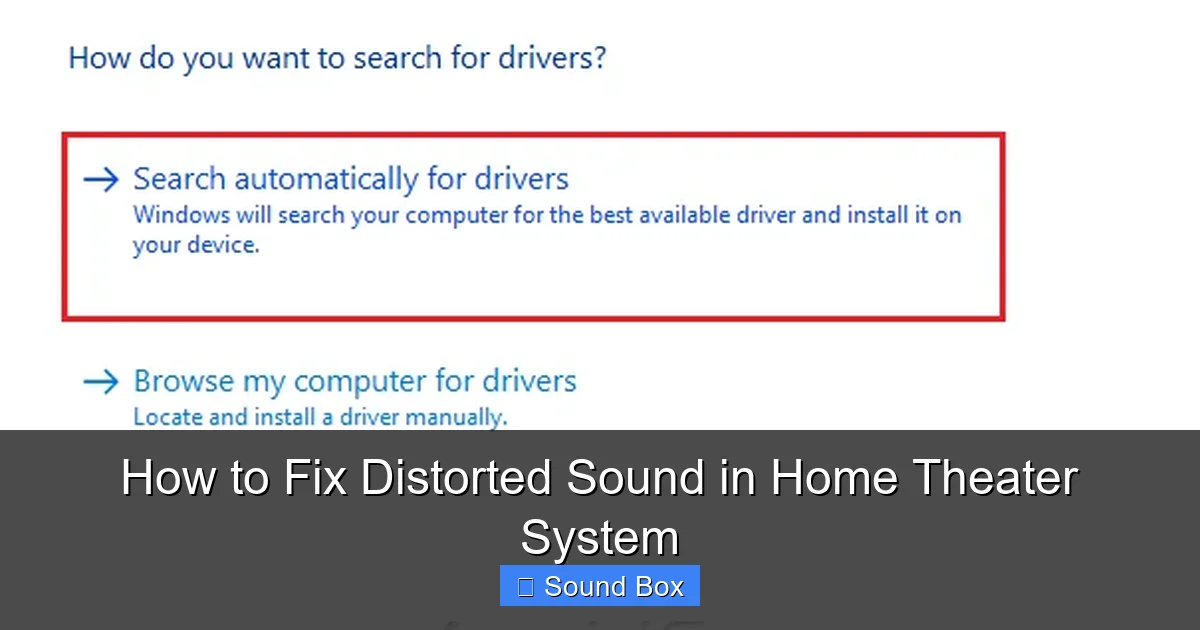
Visual guide about How to Fix Distorted Sound in Home Theater System
Image source: avoiderrors.com
Once you’ve got a general idea of what might be wrong, let’s start with the most common and easiest fixes: your volume and gain settings.
The Dangers of “Too Loud”
This might seem obvious, but it’s worth emphasizing. If your system sounds distorted only when you turn the volume up, the problem is likely that you’re simply playing it too loud for your components. Each speaker and amplifier has a maximum clean output level. Trying to exceed this will almost always result in distortion.
* **Experiment with Volume:** Try lowering the volume significantly. Does the distortion disappear? If so, you’ve found your problem. The solution isn’t necessarily to buy new equipment (though that’s an option), but to understand the limits of your current system. You might need to adjust your expectations for how loud you can play your system without degradation.
* **Identify the Culprit Source:** Does distortion only happen with specific content? For example, a loud action movie scene versus a quiet dialogue-heavy drama? This points to the dynamic range of the content itself, and how your system handles it.
Understanding Gain vs. Volume
It’s easy to confuse volume and gain, but they behave differently. Volume is typically the master control you adjust for listening. Gain, often found on individual speaker inputs or within AV receiver settings, is about the signal level being sent to a particular component.
* **Receiver Gain Settings:** Many AV receivers have “speaker level” or “gain” settings for each channel. If these are set too high, they can drive the receiver’s internal amplifiers into distortion even at moderate volume levels. Check your receiver’s manual for how to adjust these settings. Often, setting them to a “0 dB” or “unity gain” is a good starting point, and then you use the main volume control.
* **Subwoofer Level:** Your subwoofer has its own volume control, and sometimes a “gain” knob if it’s an active (powered) subwoofer. If the subwoofer level is too high, it can overwhelm the rest of the system and make everything sound boomy and distorted. Start with the subwoofer volume at around the halfway point and adjust it to balance with your main speakers.
Checking Your Connections and Cables
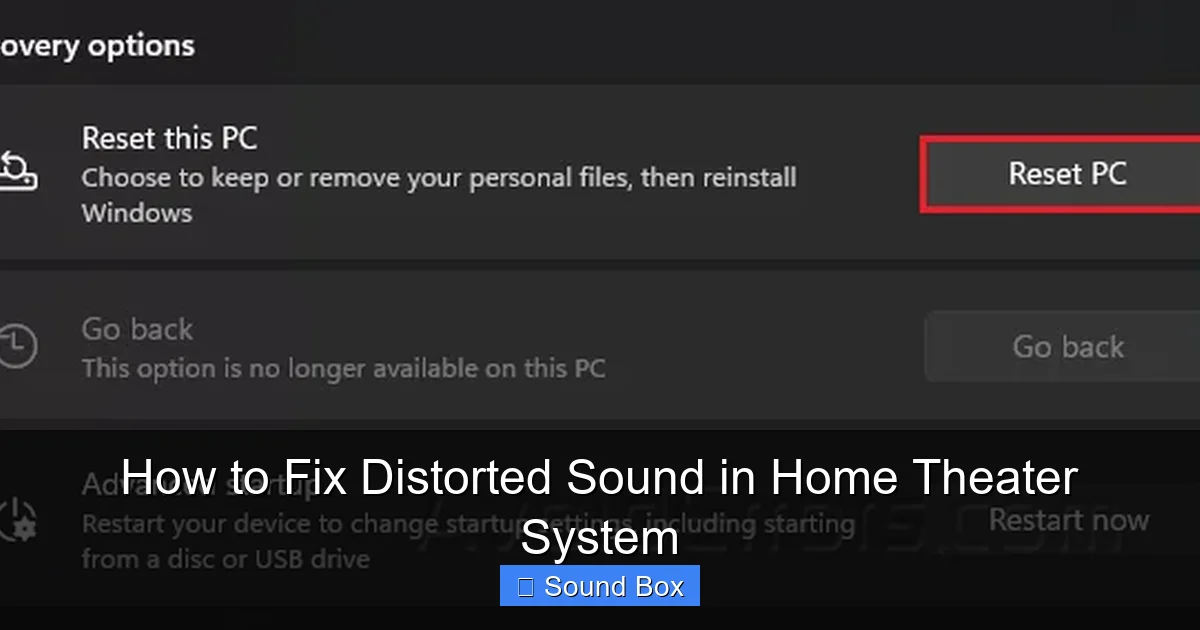
Visual guide about How to Fix Distorted Sound in Home Theater System
Image source: avoiderrors.com
Audio signals travel through a complex web of wires and connections. Any weakness or fault in this chain can lead to audible problems.
The Importance of Secure Connections
Loose connections are a prime suspect for crackling or intermittent distorted sound.
* **Speaker Wire:** Ensure your speaker wires are securely attached to both the amplifier/receiver terminals and the speaker terminals. For binding posts, make sure the wire is firmly clamped. For spring clips, ensure the bare wire is inserted fully and held firmly. If you have banana plugs, make sure they’re seated correctly. A loose wire can cause the signal to break up or short out, leading to pops and distortion. Consider doing a quick check on how to test speaker cables to ensure they are in good working order.
* **Interconnect Cables:** Similarly, check that your HDMI, optical, or RCA cables are fully plugged into their respective ports on all connected devices (Blu-ray player, streaming device, AV receiver, TV). Sometimes a slight wiggle can reveal a loose connection.
Cable Quality and Type
Not all cables are created equal, and using the wrong ones can impact sound.
* **Speaker Wire Gauge:** For home theater systems, especially with longer runs of cable, using the correct gauge (thickness) of speaker wire is important. Thinner wires (higher gauge number) have more resistance and can degrade the signal, potentially leading to less precise sound or even distortion, especially at higher volumes. Our guide on how to choose speaker cable for home cinema system can help you select appropriate options.
* **Damaged Cables:** Inspect all your cables for any visible signs of damage – kinks, cuts, or frayed insulation. A damaged cable is a candidate for replacement. Try swapping out suspect cables one by one with known good ones to isolate the issue.
Optimizing Receiver and Speaker Settings
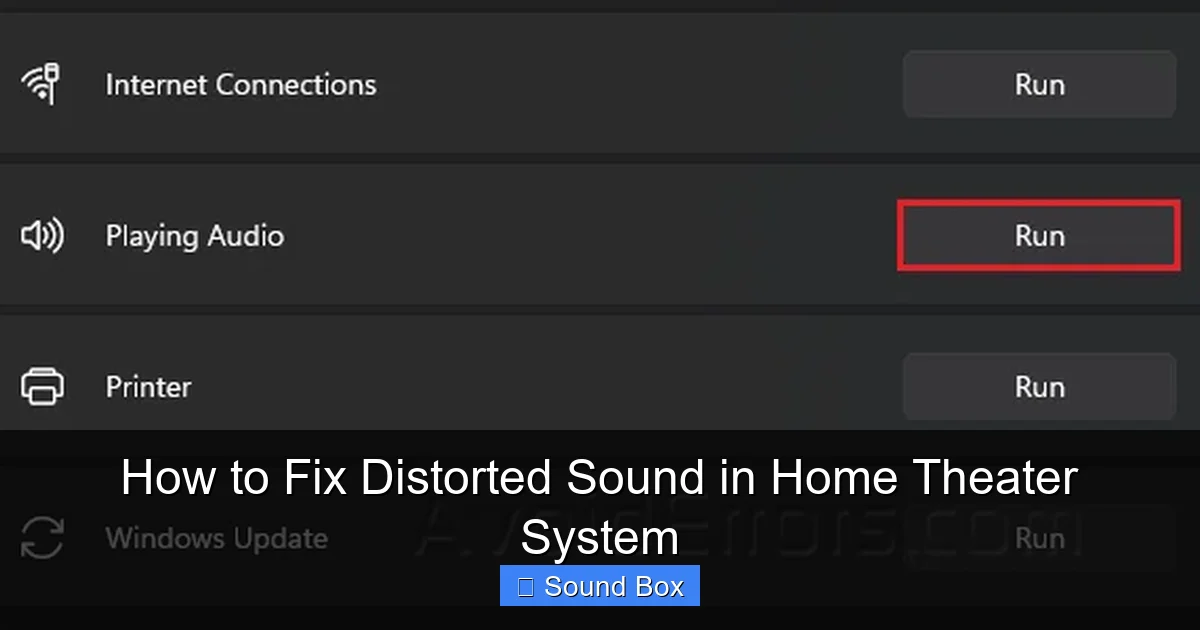
Visual guide about How to Fix Distorted Sound in Home Theater System
Image source: avoiderrors.com
Your AV receiver is the brain of your home theater, and its settings play a huge role in the final sound.
The Role of EQ and Sound Modes
Many receivers offer equalization (EQ) settings and various sound modes. Incorrectly configured settings here can easily lead to distorted audio.
* **EQ Settings:** If you’ve manually adjusted an equalizer, it’s possible you’ve boosted certain frequencies too high, causing them to distort. Try resetting your EQ to its flat or default setting and see if the distortion improves. Some receivers have automatic room correction systems (like Audyssey, YPAO, or MCACC) that analyze your room and speakers and apply EQ. If this process was done incorrectly or if your room has changed, it might need to be re-run.
* **Surround Sound Modes:** While exciting, some advanced surround sound modes (like certain Dolby Atmos or DTS:X configurations) can be very demanding. If your receiver or speakers are struggling to process these complex soundfields, it can result in distortion. Try switching to a simpler stereo or surround mode to see if the distortion persists. This can help determine if the issue is with the processing of complex audio formats.
Speaker Configuration and Levels
Properly configuring your speakers within your receiver is crucial for balanced sound.
* **Speaker Size/Type:** Ensure your receiver is set correctly for the type and size of speakers you have. For example, if you have small satellite speakers but have told your receiver they are “large” speakers, it might be sending too much low-frequency information to them, causing them to struggle and distort. Most systems allow you to set speakers to “Small,” “Large,” or “None,” and specify a crossover frequency.
* **Distance and Level Calibration:** If your receiver has an automatic calibration system, it’s essential to run it. If not, manually setting speaker distances and levels is vital. Incorrect levels can make one speaker sound significantly louder than others, which can create an unbalanced sound field that might be perceived as distortion. The goal is for all speakers to blend seamlessly.
Addressing Source Material and Speaker Issues
Sometimes the problem isn’t with your setup, but with what you’re feeding into it.
The Quality of Your Audio Source
Not all audio is created equal.
* **Low-Quality Files/Streams:** If you’re listening to heavily compressed MP3 files, or streaming audio from a service with low-bitrate settings, the audio data itself may be corrupted or lacking detail, leading to a distorted or “muddy” sound. Try playing a high-resolution audio file or a different streaming service with higher quality settings to see if the problem improves.
* **Digital vs. Analog:** If you’re using a digital connection (HDMI, optical, coaxial), ensure the digital output on your source device is set to the correct format (e.g., PCM, Bitstream) for your receiver to decode. Sometimes mismatched digital formats can cause issues.
Speaker Performance and Potential Damage
Your speakers are the most visible part of your system, and they can develop problems over time.
* **Listening for Specific Speaker Distortion:** Try to isolate the distortion to a particular speaker. Play test tones or a familiar piece of music that highlights the distortion and listen closely to each individual speaker. If only one speaker is distorting, the problem is likely with that specific unit.
* **Check for Physical Damage:** Visually inspect the speaker cones for any tears or damage. If a speaker cone is visibly damaged, it will almost certainly cause distortion.
* **”Broken-In” Speakers:** New speakers often sound stiff initially. They need a “break-in” period to loosen up their suspension. However, if the distortion is severe and doesn’t improve after significant use, it’s not just a break-in issue.
* **Can Bluetooth Speakers Replace Home Theater?** While portable Bluetooth speakers have improved dramatically, they are generally not designed to replace a dedicated home theater system for power and sonic accuracy. If you’re trying to use a Bluetooth speaker as your primary home theater sound source, you might be hitting its limitations. For more on this comparison, see our article on Can Bluetooth Speakers Replace Home Theater System Amazing Sound.
Advanced Troubleshooting and Professional Help
If you’ve tried all the above and your home theater system still sounds distorted, it might be time for some more in-depth investigation or even professional assistance.
Room Acoustics and Treatment
As mentioned earlier, your room plays a huge role.
* **Reflections and Echoes:** Hard surfaces like bare walls, glass tables, and large windows can cause sound reflections that interfere with the direct sound from your speakers. This can create standing waves and resonances that lead to an uneven frequency response, sometimes perceived as distortion. Trying to reduce echo in a room can significantly improve clarity.
* **Acoustic Treatment:** For serious audiophiles, acoustic panels, bass traps, and diffusers can dramatically improve sound quality by controlling reflections and resonances. While this is a more involved step, it can solve issues that no amount of tweaking settings can fix.
Component Degradation or Failure
Components, like anything electronic, can fail or degrade over time.
* **Aging Electronics:** Older AV receivers or amplifiers might have capacitors or other components that are nearing the end of their lifespan, which can affect their ability to output clean power.
* **Speaker Driver Wear:** Even without visible damage, the suspension and surround of a speaker driver can degrade over many years of use, impacting its performance and leading to distortion.
* **Professional Repair:** If you suspect a component has failed internally, or if you’re not comfortable opening up electronics, it might be time to contact a qualified audio technician or the manufacturer for repair options.
Conclusion
Dealing with distorted sound in your home theater system can be a frustrating experience, but it’s often a solvable puzzle. By systematically working through potential causes – from simple volume adjustments and connection checks to more complex issues like receiver settings and room acoustics – you can significantly improve your audio quality. Remember to be patient, test one change at a time, and consult your equipment manuals. With a little effort, you can reclaim the immersive, crystal-clear audio that your home theater was designed to deliver, making every movie night and gaming session a true pleasure.
Frequently Asked Questions
Why does my home theater sound distorted at high volumes?
This is usually because your amplifier or receiver is being pushed beyond its clean power output. When components are overworked, they start to clip the audio signal, resulting in a harsh, distorted sound. Try lowering the volume to see if the distortion disappears.
Could my speaker cables be causing distorted sound?
Yes, loose connections or damaged speaker cables can introduce noise and distortion. If the cables are too thin for the length of the run or the power of your system, they can also degrade signal quality. Ensure all connections are secure and consider using appropriate gauge speaker wire.
How do I know if my speakers are damaged?
Visually inspect the speaker cones for any tears or deformities. If you hear distortion that is isolated to a specific speaker, especially a crackling or rattling sound, it could indicate a damaged driver. Sometimes, damage isn’t visible but can affect the speaker’s performance.
What role do AV receiver settings play in sound distortion?
Your AV receiver’s settings, like equalization (EQ), speaker configuration, and surround sound modes, significantly impact the sound. Incorrect EQ boosts, improper speaker size settings, or complex sound modes that your system struggles to process can all lead to distortion.
Is it possible for the audio source itself to be distorted?
Absolutely. Low-quality audio files, compressed streaming services with low bitrates, or even poorly mastered tracks can sound distorted regardless of your home theater system’s quality. Try playing different types of audio sources to rule this out.
When should I consider getting professional help for distorted sound?
If you’ve tried all basic troubleshooting steps, checked your connections and settings, and the distortion persists, it might be time for professional help. This is especially true if you suspect internal component failure in your receiver or amplifier, or if you’re dealing with complex room acoustic issues.
=== END FAQS ===