Yes, vintage turntables can connect to Bluetooth speakers! You just need a little help. Think of it as giving your classic record player a modern voice. We’ll show you the easy ways to make it happen, so you can enjoy that warm vinyl sound on your favorite wireless speakers.
Hey there, fellow music lovers! Ever find yourself surrounded by stacks of vinyl, dreaming of spinning those classic records but wishing you could do it without all those messy wires? I totally get it. That amazing, warm sound of a vinyl record is something special, right? But sometimes, the idea of hooking up old-school audio gear to our sleek, modern Bluetooth speakers can feel like trying to solve a puzzle.
You might have a fantastic vintage turntable that belonged to your parents or grandparents, or maybe you just love the retro vibe. And you probably have a fantastic Bluetooth speaker that you use for everything from morning podcasts to party playlists. The big question is: can these two worlds collide? Can you actually get that old-school magic to play through your new-fangled wireless speaker?
Well, get ready for some awesome news! The answer is a big, fat YES! It’s not as complicated as it might sound, and it’s a fantastic way to breathe new life into your beloved vinyl collection. We’re going to walk through all the simple steps and options, making it super easy for you to enjoy that rich, authentic sound everywhere.
So, grab your favorite record, get comfy, and let’s break down how to make your vintage turntable and modern Bluetooth speaker best friends. It’s going to be fun, and you’ll be jamming in no time!
Spinning Records, Modern Style: The Big Picture
So, you’ve got a vintage turntable. That means it’s probably an analog device. It reads the grooves on your vinyl and turns them into a tiny electrical signal. This signal is usually pretty weak and needs to be amplified. Most vintage turntables either have a built-in phono preamp or they expect you to connect them to a receiver or amplifier that has one.
Your Bluetooth speaker, on the other hand, is all about digital signals and wireless magic. It’s designed to receive audio wirelessly and then amplify it for you. The challenge is bridging the gap between the analog output of your turntable and the digital input of your Bluetooth speaker.
Don’t worry if that sounds a bit techy! The good news is, there are super straightforward ways to do this. We’re going to look at the most common methods. Each one is pretty simple to set up, and you’ll be enjoying your records wirelessly before you know it. Think of it as giving your turntable a Bluetooth upgrade!
Why Bother? The Joy of Wireless Vinyl
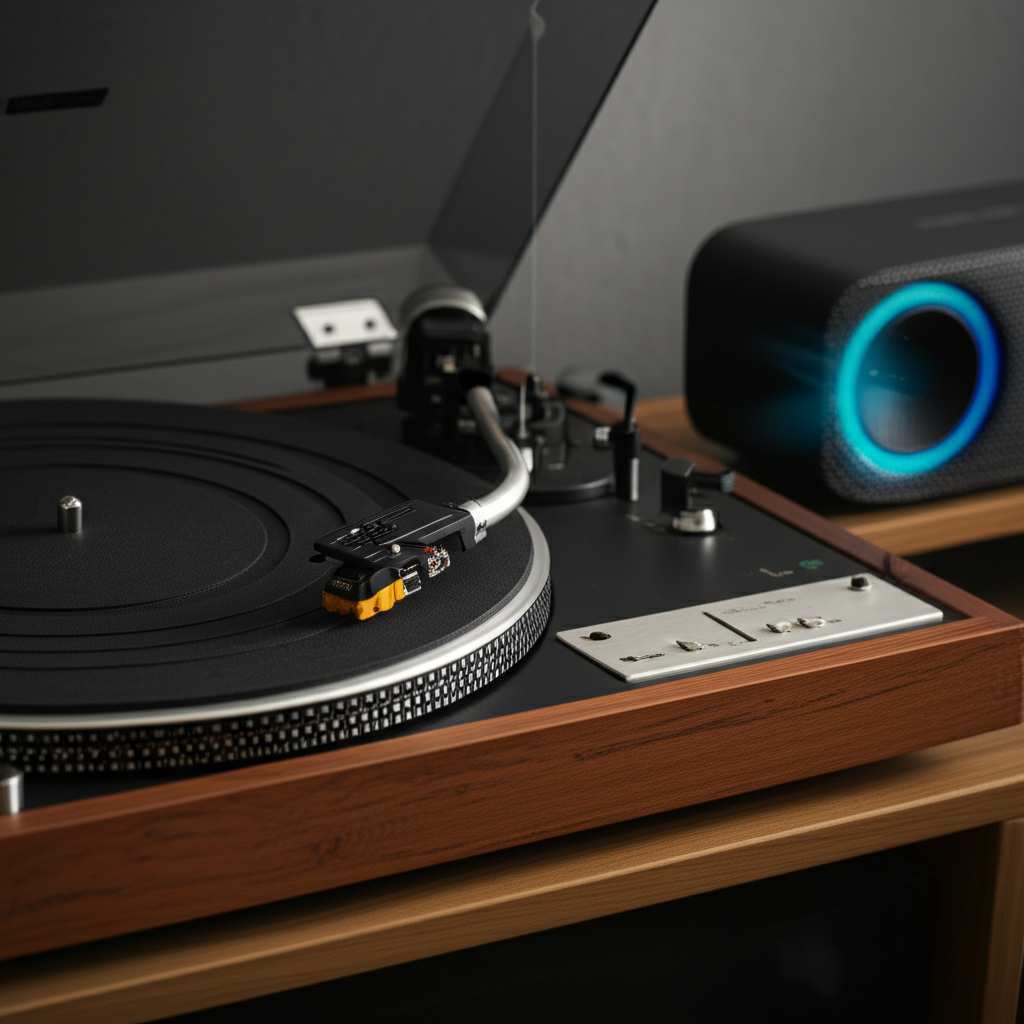
Let’s talk about why this is so cool. Imagine this: you’re cleaning up, and your favorite album is playing through a speaker in another room. Or maybe you’re having a chill get-together and want that warm vinyl vibe filling the whole space, not just one corner. Wireless audio gives you that freedom!
It’s also about preserving that classic sound. Turntables are built for a certain kind of audio fidelity – a warmth and richness that digital formats sometimes struggle to replicate. By connecting to a good Bluetooth speaker, you can enjoy that unique vinyl character without being tethered by wires. You get the best of both worlds: timeless sound and modern convenience.
Plus, let’s be honest, fewer wires just look cleaner! It’s a small thing, but decluttering your listening space can make a big difference to the whole experience. So, let’s dive into how you can actually make this happen.
Method 1: The Bluetooth Transmitter/Adapter — Your Turntable’s New Best Friend
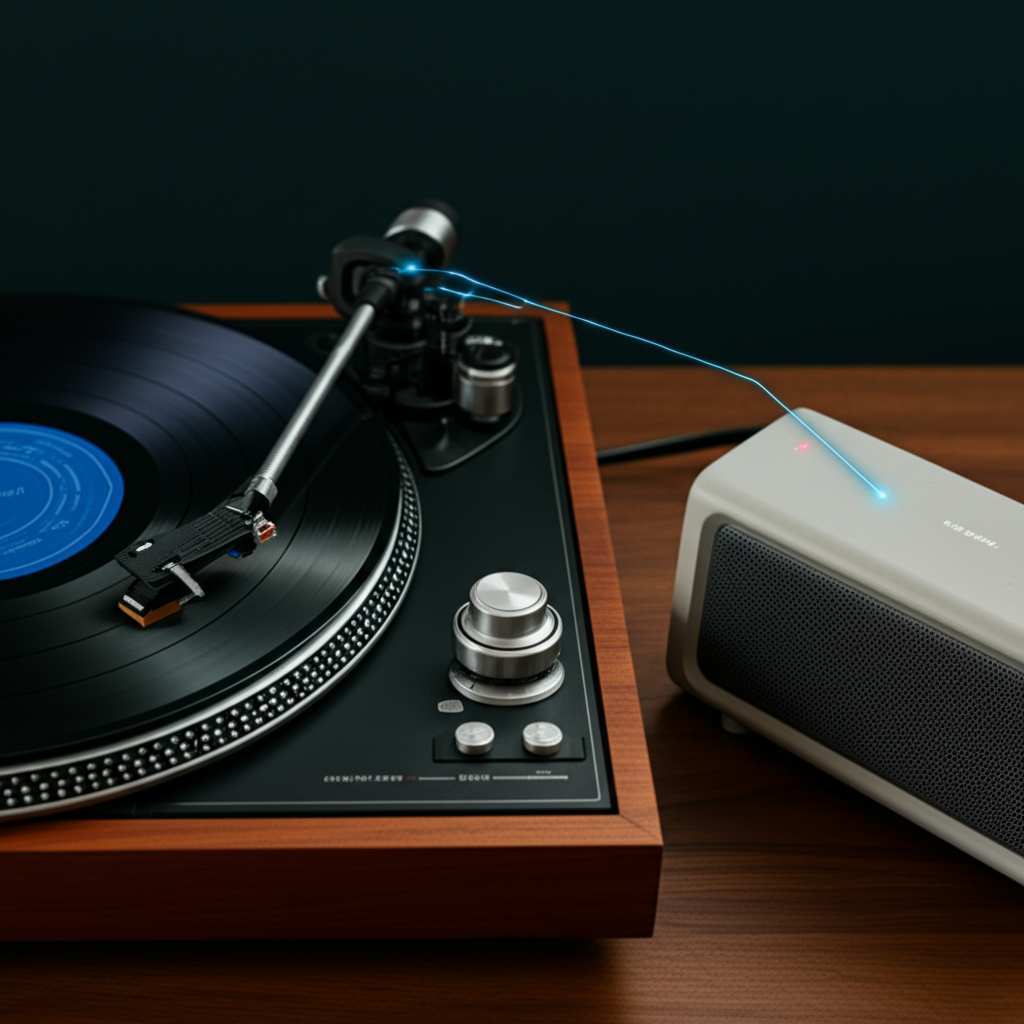
This is probably the most common and easiest way to get your vintage turntable talking to your Bluetooth speaker. Think of a Bluetooth transmitter as a translator. It takes the audio signal from your turntable and converts it into a wireless Bluetooth signal that your speaker can understand.
Most vintage turntables will have an audio output. This is usually a pair of RCA jacks (red and white). You’ll need to connect your turntable to the Bluetooth transmitter using an RCA cable or a 3.5mm to RCA adapter cable. Once connected, the transmitter will broadcast the audio. Then, you just pair your Bluetooth speaker to the transmitter, just like you would pair any other Bluetooth device.
What You’ll Need:
- Your vintage turntable
- Your Bluetooth speaker
- A Bluetooth Transmitter (make sure it supports A2DP profile for high-quality audio)
- An audio cable: usually a 3.5mm to RCA adapter cable or a stereo RCA cable, depending on your turntable’s output and the transmitter’s input.
Step-by-Step Setup:
- Locate Your Turntable’s Audio Output: Find the RCA jacks (red and white) on the back or bottom of your turntable. If it only has a single 3.5mm headphone jack, you’ll need a 3.5mm to 3.5mm cable.
- Connect the Turntable to the Transmitter: Plug one end of your audio cable into the turntable’s output. Plug the other end into the audio input on your Bluetooth transmitter.
- Power Up the Transmitter: Most transmitters need to be plugged into a power source, usually via a USB cable.
- Put the Transmitter in Pairing Mode: Follow the transmitter’s instructions. Usually, you press and hold a button until a light flashes.
- Put Your Bluetooth Speaker in Pairing Mode: Turn on your speaker and put it into pairing mode. This is usually done by pressing and holding a Bluetooth button.
- Wait for Them to Connect: The transmitter and speaker should find each other automatically. A solid light on the transmitter often indicates a successful connection.
- Play Some Music! Put on a record, and the sound should now come from your Bluetooth speaker.
Pro Tip: Built-in Phono Preamp Matters!
Here’s a crucial detail. Many vintage turntables don’t have a built-in phono preamp. This little box (or chip inside a device) is essential because the signal from a turntable’s needle is very weak and needs to be boosted and equalized correctly. If your turntable doesn’t have one, you’ll need a phono preamp before the signal reaches the Bluetooth transmitter.
Some Bluetooth transmitters actually have a built-in phono preamp, which is super convenient! Others are designed to take a “line-level” signal. If your turntable outputs a “phono-level” signal (which is weaker and needs RIAA equalization), and your transmitter doesn’t have a preamp, you’ll need an external phono preamp box. You’d connect the turntable to the preamp, and then the preamp to the Bluetooth transmitter.
Look for a switch on your turntable that says “Phono/Line”. If it has “Line”, you’re good to go directly to most transmitters. If it only says “Phono”, you likely need a preamp. Many modern turntables have this switch. Always check your turntable’s manual!
Method 2: The Bluetooth Receiver — For Turntables with Built-in Preamp or External Preamp
This method is similar to the transmitter, but it works in reverse. If your vintage turntable already has a built-in phono preamp and outputs a “line-level” signal, or if you have a separate phono preamp box, you can use a Bluetooth receiver.
A Bluetooth receiver takes the audio signal (from your turntable, via the preamp) and then sends it to your speaker or audio system. However, for connecting to a Bluetooth speaker, a transmitter is usually the more direct route. A receiver is more common when you want to send audio from your phone to an older stereo system. But, if you have a setup where the turntable outputs to a small device that then receives Bluetooth (which is less common for this specific scenario), you could use that. For simplicity, sticking with a transmitter for connecting a turntable to a Bluetooth speaker is usually the way to go.
Let’s clarify:
Bluetooth Transmitter: Takes analog audio IN (from turntable) and sends wireless Bluetooth audio OUT. This is what you need for a turntable to a Bluetooth speaker.
Bluetooth Receiver: Takes wireless Bluetooth audio IN and sends analog audio OUT (to speakers or an amp). This is for connecting your phone to a non-Bluetooth stereo.
So, for our goal, the Bluetooth Transmitter is your star player!
Method 3: The All-in-One Solution — New Turntables with Built-in Bluetooth
If you’re finding all these adapter steps a bit much, or if you’re thinking about upgrading your turntable entirely, there’s an even simpler option: turntables that come with Bluetooth built-in!
Many newer turntables are designed with modern convenience in mind. They look like classic turntables, but they have a transmitter built right into them. This means you can connect them wirelessly to your Bluetooth speaker directly, with no extra boxes or cables needed (beyond the power cord and maybe an RCA cable if you want to connect to a traditional stereo too).
These are fantastic if you want a plug-and-play experience. You just power up the turntable, put it in pairing mode, and pair your Bluetooth speaker. It’s as easy as connecting your phone to your speaker.
What to Look For in a Bluetooth-Enabled Turntable:
- Clear Bluetooth Indicator: A visible light or button that shows Bluetooth is active and ready to pair.
- Easy Pairing Process: Simple instructions on how to initiate pairing.
- Audio Quality: Some turntables use more advanced Bluetooth codecs (like aptX) for better sound quality.
- Built-in Phono Preamp: Most Bluetooth turntables include this, making them versatile.
While this article is about connecting vintage turntables, knowing about these modern options is great! It shows how far audio technology has come, and it might inspire you if you decide to get a new player down the line.
Understanding Your Turntable’s Output: Phono vs. Line Level
This is a super important technical detail, but we’ll keep it simple! As mentioned before, the signal that comes directly from your turntable’s needle (the “phono” signal) is very, very quiet. It also has a specific EQ curve called RIAA equalization applied to it. To hear it properly, it needs to be boosted and equalized by a phono preamp.
A line-level signal is what you get after it has gone through a phono preamp. This signal is much stronger and is ready to be sent to an amplifier or a Bluetooth transmitter that expects a standard audio input.
How to Tell What Your Turntable Does:
- Look for a Switch: Many modern turntables (and some later vintage models) have a switch on the back labeled “PHONO” and “LINE”.
- If you set it to “LINE”, it has a built-in preamp, and you can connect it directly to a Bluetooth transmitter or any AUX input.
- If you set it to “PHONO”, it’s outputting the raw phono signal, and you MUST connect it to a phono preamp (either external or built into your receiver/amp) before it can go to a line-level input or a Bluetooth transmitter.
- Check the Manual: The absolute best way is to find the user manual for your specific turntable model. It will tell you exactly what kind of output it has.
- Look at the Connectors: If it only has RCA outputs and no “PHONO/LINE” switch, it’s very likely outputting a phono signal and will need a preamp. If it has a 3.5mm output jack, it might be line-level.
If you’re unsure, it’s always safer to assume you might need a phono preamp. External phono preamps are relatively inexpensive and can make a huge difference in sound quality.
Choosing the Right Bluetooth Transmitter
Not all Bluetooth transmitters are created equal! Here’s what to look for to get the best sound for your vinyl.
Key Features to Consider:
- Bluetooth Version: Look for Bluetooth 4.0 or higher. Newer versions are more power-efficient and can offer better stability and range.
- Audio Codecs (aptX, LDAC): These are like special languages that allow for higher-quality audio transmission over Bluetooth. If both your transmitter and speaker support the same advanced codec (like aptX Low Latency or aptX HD), you’ll get much closer to the sound quality of a wired connection. Not all speakers support these, so check your speaker’s specs too!
- Inputs: Ensure it has the right audio inputs for your turntable. RCA inputs or a 3.5mm jack are common.
- Power Source: Most use USB power. Make sure it comes with a cable, or you have a compatible adapter.
- Multiple Device Pairing: Some transmitters can connect to two devices at once, which can be handy if you have more than one Bluetooth speaker.
A Quick Comparison of Transmitter Types:
| Feature | Basic Transmitter | Advanced Transmitter (e.g., aptX HD) | Transmitter with Built-in Phono Preamp |
|---|---|---|---|
| Audio Quality | Standard (SBC codec) | High-quality (aptX, aptX HD, LDAC support) | Standard to High-quality (depends on codec) + handles phono signal |
| Setup Complexity | Easy | Easy | Easiest for turntables needing a preamp |
| Price | $ (Budget-friendly) | $$ (Mid-range) | $$ (Mid-range) |
| Best For | Budget-conscious users, simple setups | Audiophiles wanting the best wireless sound | Vintage turntables with no built-in preamp |
When looking at transmitters, always check reviews. Real-world experiences can tell you a lot about how well they perform. Sites like CNET often have great reviews of audio accessories.
Connecting Your Turntable to a Bluetooth Speaker: A Deeper Dive
Let’s get into the nitty-gritty of making the connection. Remember, patience is key, and double-checking your cables is always a good idea!
The Setup for a Turntable WITHOUT a Built-in Preamp
This is where things get a little more involved, but it’s totally manageable.
- Turntable Output: Connect your turntable’s RCA output cables to the input of an external phono preamp.
- Phono Preamp Output: Connect the RCA output cables (or a 3.5mm output, if your preamp has one) from the phono preamp to the audio input of your Bluetooth transmitter.
- Bluetooth Transmitter: Power up the transmitter.
- Pairing: Put the transmitter into pairing mode, then put your Bluetooth speaker into pairing mode.
- Play: Once paired, you should hear your vinyl through the Bluetooth speaker.
This setup ensures the weak phono signal is properly boosted and equalized before it’s sent wirelessly.
The Setup for a Turntable WITH a Built-in Preamp (Set to LINE)
This is much simpler!
- Turntable Output: Connect your turntable’s RCA output cables (or 3.5mm output, if it has one) to the audio input of your Bluetooth transmitter. Make sure your turntable is set to “LINE” output.
- Bluetooth Transmitter: Power up the transmitter.
- Pairing: Put the transmitter into pairing mode, then put your Bluetooth speaker into pairing mode.
- Play: Once paired, enjoy the music!
See? The key is understanding whether your turntable needs that extra help from a phono preamp. It’s like giving your signal the right fuel before it hits the road.
Troubleshooting Common Issues
Even with the best setup, sometimes things don’t work perfectly the first time. Don’t get discouraged! Here are a few common hiccups and how to fix them.
Issue 1: No Sound
- Check Power: Are all devices (turntable, preamp if used, transmitter, speaker) powered on?
- Check Cables: Are all audio cables securely plugged into the correct ports? Red to red, white to white!
- Check Volume: Is the volume turned up on the speaker and, if applicable, on the transmitter or your turntable’s volume knob?
- Check Pairing: Are the transmitter and speaker successfully paired? Look for solid indicator lights. Try re-pairing them.
- Check Preamp/Output Setting: If using a preamp or a turntable with a switch, ensure it’s set correctly (PHONO/LINE).
Issue 2: Sound is Distorted or Low Quality
- Codec Mismatch: If you’re using advanced codecs, ensure both the transmitter and speaker support the same one. Try defaulting to a standard SBC codec if possible.
- Interference: Other wireless devices can sometimes interfere. Try moving your speaker and transmitter closer together, or away from other electronics.
- Poor Quality Cables: While less common, a faulty audio cable can degrade sound. Try a different cable.
- Turntable Alignment: Make sure your turntable’s cartridge and stylus are properly aligned and in good condition. This affects the raw audio quality.
Issue 3: Connection Drops
- Distance: Bluetooth has a limited range (typically around 30-50 feet). Try moving the speaker closer to the transmitter.
- Obstacles: Walls, furniture, and even your own body can weaken the signal. Try to maintain a clear line of sight.
- Interference: As mentioned, other devices can cause drops.
- Battery Level: If your speaker or transmitter is battery-powered, a low battery can cause instability.
A great resource for troubleshooting audio gear is TechRadar. They have tons of guides and reviews that can help!
Making the Most of Your Wireless Vinyl Setup
Once you’ve got everything connected and working, here are a few tips to elevate your listening experience.
Placement is Key:
For the best sound from your Bluetooth speaker, place it in a good spot. Avoid corners if possible, as they can make bass sound boomy. Experiment with different locations to see what sounds best in your room.
Speaker Quality Matters:
The quality of your Bluetooth speaker will significantly impact the sound. A higher-end speaker with good drivers and better audio processing will do more justice to the warm sound of vinyl than a small, tinny speaker.
Record Care:
Keep your vinyl clean! Dust and grime can affect sound quality and even damage your stylus. Invest in a good record brush and cleaning solution.
Stylus Condition:
A worn-out or damaged stylus won’t just sound bad; it can permanently damage your records. Check your stylus and replace it if it’s old.
Frequently Asked Questions (FAQ)
Q1: Can I connect my vintage turntable directly to my Bluetooth speaker without any extra devices?
Generally, no. Most vintage turntables produce a raw “phono” signal that needs boosting by a phono preamp. Bluetooth speakers receive digital signals wirelessly and don’t have the input or processing for a direct phono connection. You’ll almost always need a Bluetooth transmitter, and possibly a phono preamp.
Q2: What is a phono preamp, and do I need one?
A phono preamp is a device that boosts the weak signal from your turntable’s needle and applies specific equalization (RIAA curve). Most vintage turntables output a “phono-level” signal. If your turntable doesn’t have a built-in preamp (check for a “PHONO/LINE” switch), you’ll need an external phono preamp before connecting to a Bluetooth transmitter.
Q3: How do I know if my turntable has a built-in phono preamp?
Look for a switch on the back or bottom of your turntable that says “PHONO” and “LINE.” If it has a “LINE” setting, it has a built-in preamp and can connect directly to a Bluetooth transmitter. If it only says “PHONO,” it likely needs an external preamp.
Q4: What’s the difference between a Bluetooth transmitter and a receiver?
A Bluetooth transmitter takes an audio signal (like from your turntable) and sends it wirelessly via Bluetooth. A Bluetooth receiver takes a Bluetooth signal (like from your phone) and outputs it as an analog audio signal. For connecting a turntable to a Bluetooth speaker, you need a transmitter.
Q5: Will the sound quality be as good as a wired connection?
It can be very close, especially if you use a good quality Bluetooth transmitter that supports advanced codecs like aptX HD or LDAC, and if your Bluetooth speaker also supports them. However, traditional wired connections often offer the absolute best fidelity, as they don’t rely on wireless compression.
Q6: Can I connect multiple Bluetooth speakers to one turntable?
Some advanced Bluetooth transmitters are designed to connect to two devices simultaneously. If your transmitter supports this feature, you can pair two speakers. You’ll need to check the specifications of the transmitter you purchase.
Q7: My Bluetooth speaker crackles when connected to my turntable. What could be wrong?
Crackling can be caused by a few things: interference from other wireless devices, a weak Bluetooth signal (try moving devices closer), a faulty audio cable, or issues with the turntable’s stylus or cartridge. Ensure all connections are secure and try troubleshooting interference.
Conclusion: Your Vinyl, Your Wireless World!
So there you have it! Connecting your cherished vintage turntable to a modern Bluetooth speaker is totally achievable, and it opens up a whole new world of listening possibilities. You’ve learned about the essential role of Bluetooth transmitters and phono preamps, and how to set them up step-by-step.
It’s about blending the best of both worlds – the timeless, warm sound of vinyl with the convenience and freedom of wireless audio. Whether you’re tidying up your living room or just want to share your favorite records throughout your home, you now have the knowledge to make it happen.
Don’t be afraid to experiment and find the setup that works best for you. With a little help, your vintage turntable can sing through your favorite modern speakers. Now go enjoy amazing sound and make every moment louder and better!