
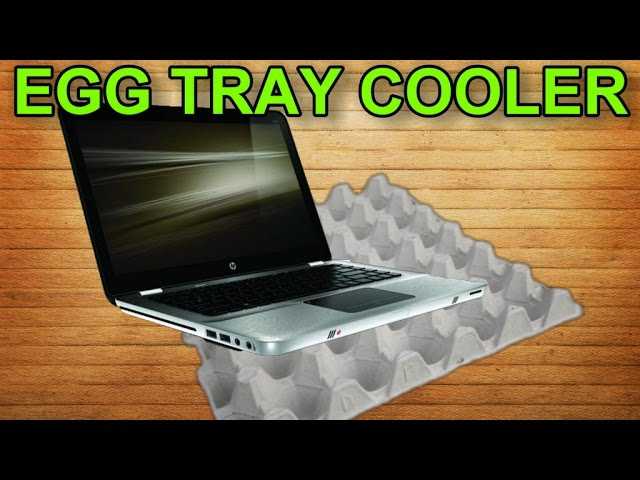
How To Cool Down A Laptop Effectively
To cool down a laptop quickly, start by shutting down unnecessary programs, using a cooling pad, and ensuring proper airflow. […]
To cool down a laptop quickly, start by shutting down unnecessary programs, using a cooling pad, and ensuring proper airflow. […]
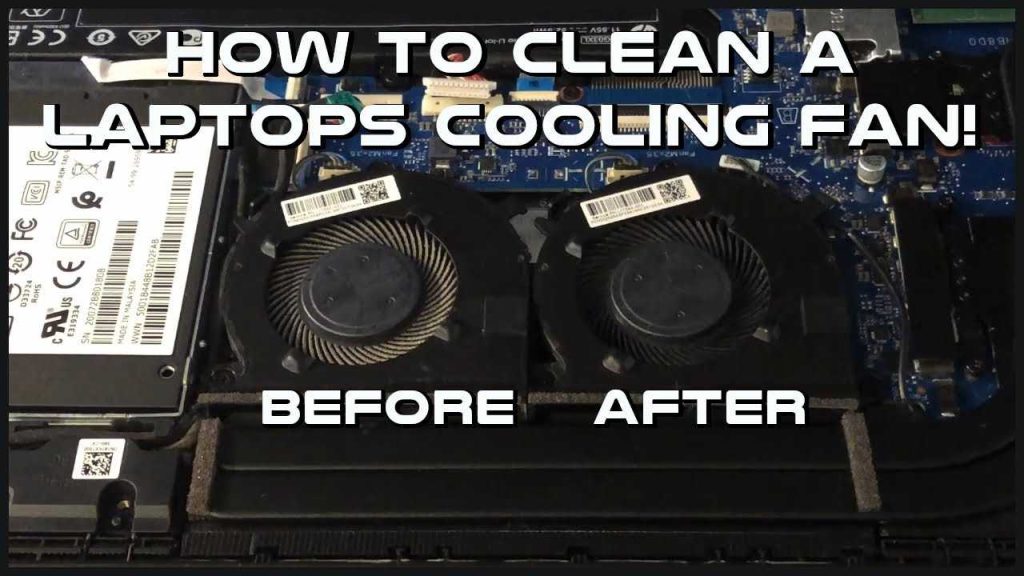
To clean your laptop fan quickly and effectively, turn off your laptop, open the back panel, and gently remove dust
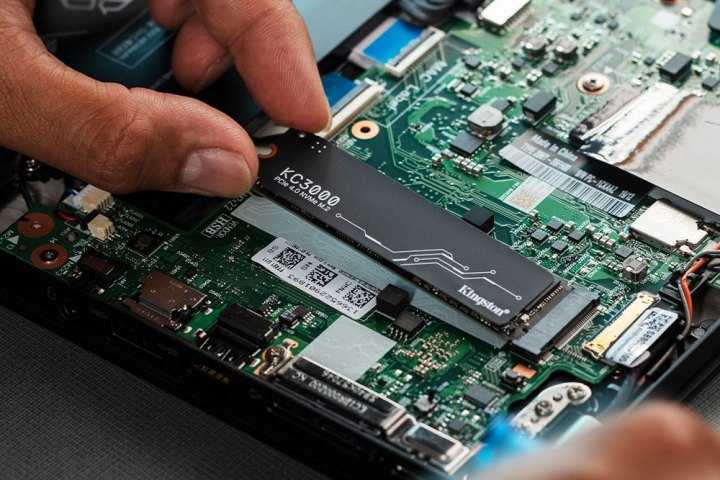
To install an SSD in your laptop quickly, power down the device, open the back panel, and replace the existing
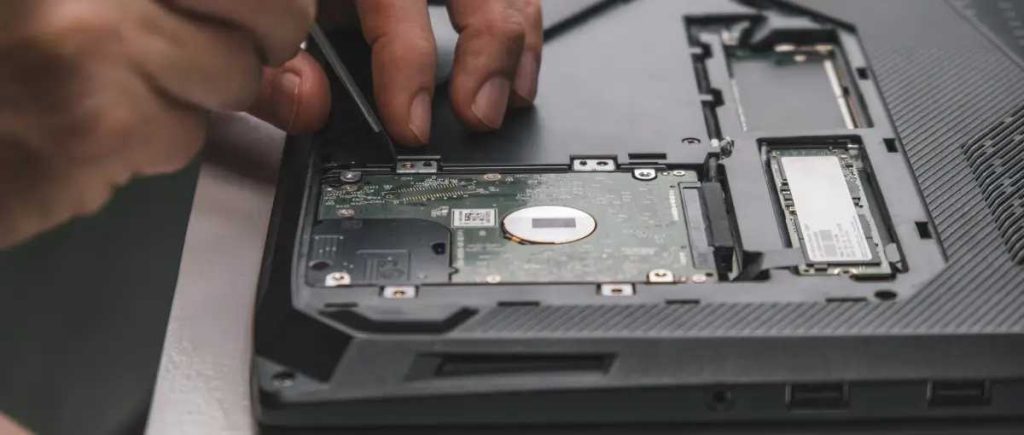
To replace a laptop hard drive quickly and effectively, start by backing up your data, then power down the laptop
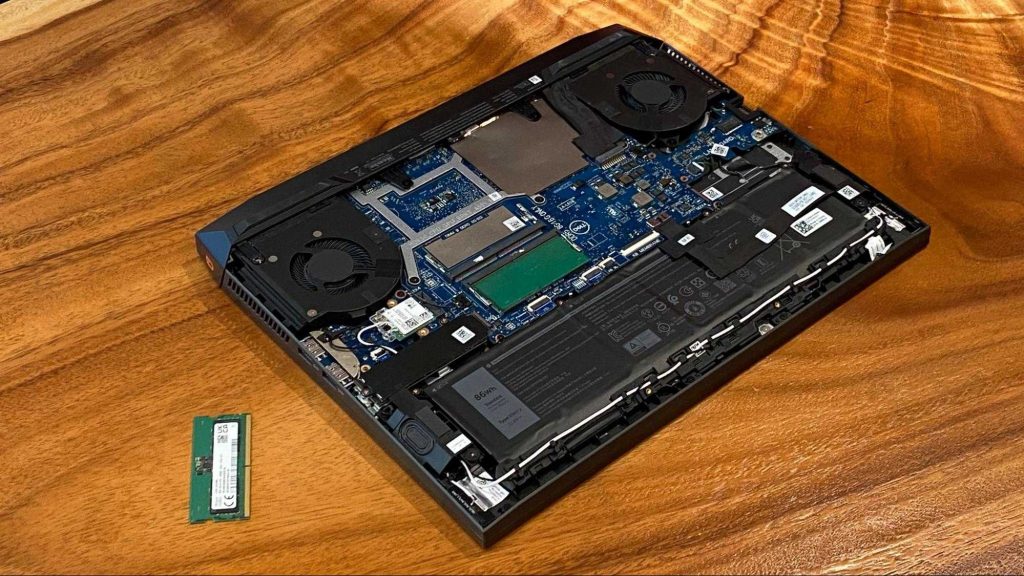
To upgrade your laptop RAM quickly, open your laptop, locate the RAM slots, remove the old modules, and insert new,
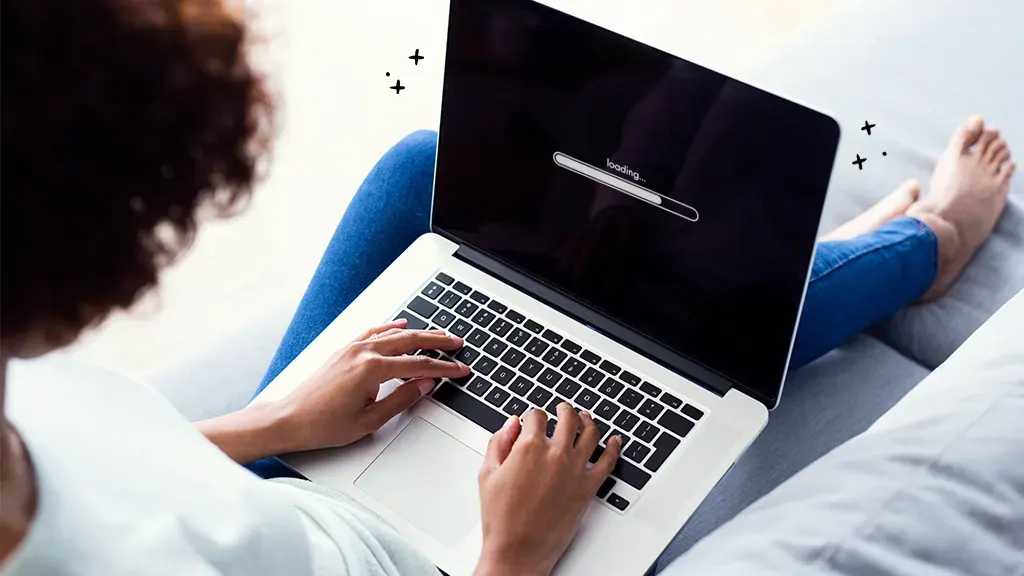
Are you tired of waiting forever for your laptop to respond? A slow computer can ruin your productivity and frustrate
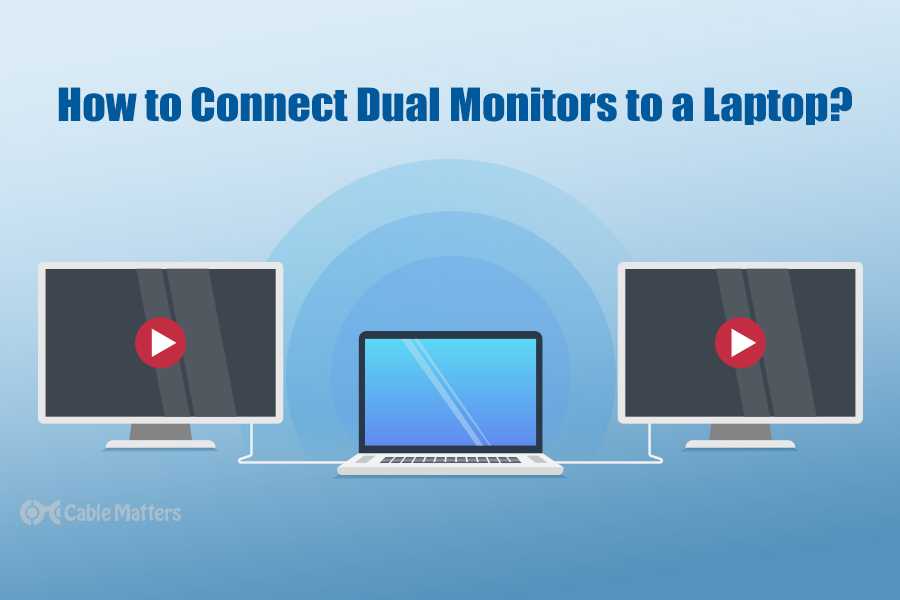
To connect two monitors to your laptop, you simply need the right ports and perhaps some adapters or docking stations.
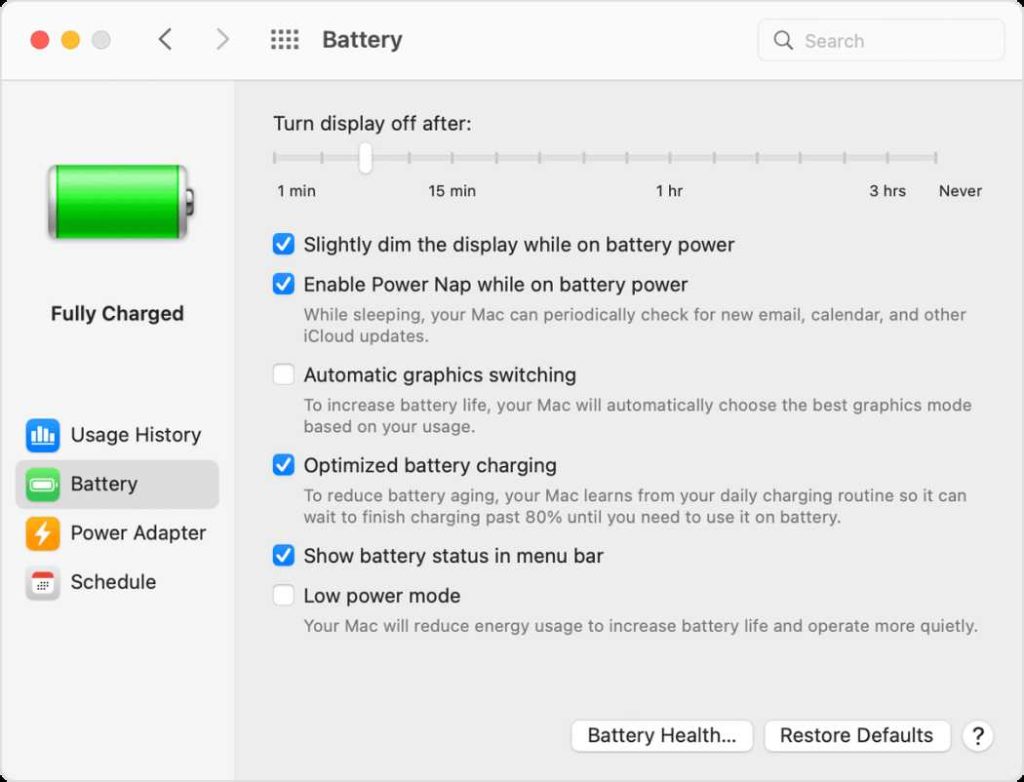
To maximize your laptop’s battery life, keep the screen brightness low, close unused apps, disable Bluetooth and Wi-Fi when not
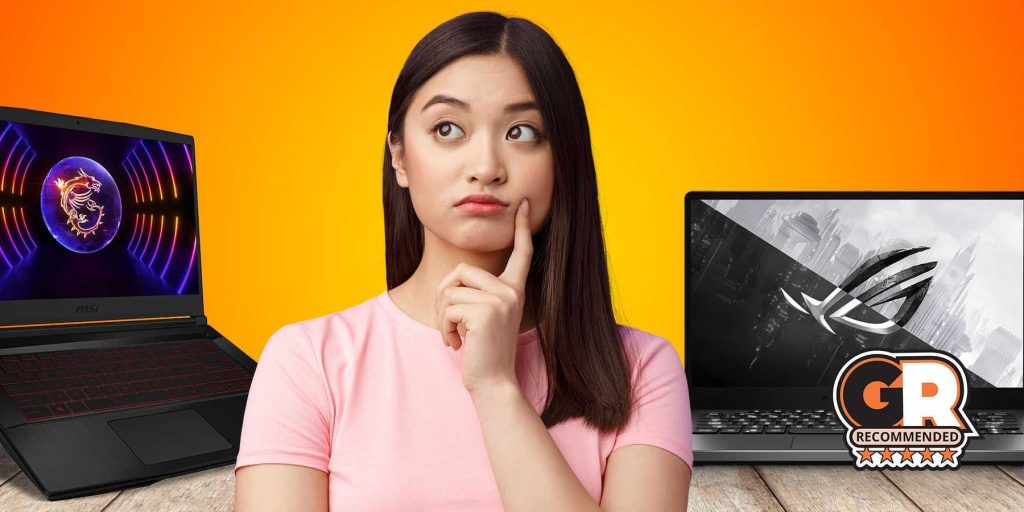
Looking to find the perfect gaming laptop? The key is balancing power, portability, and budget. Your ideal gaming machine should
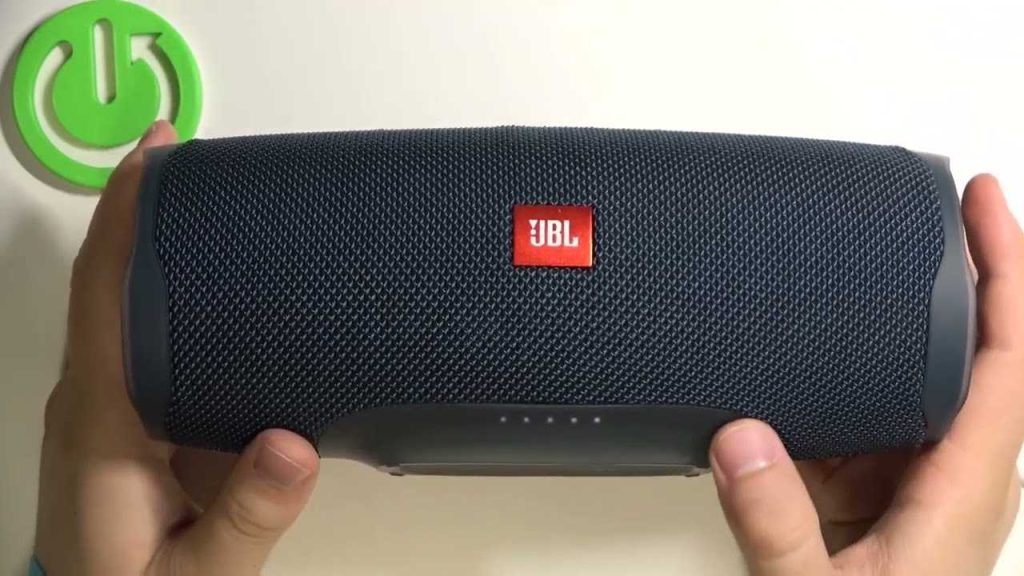
If you’re wondering whether your JBL device is charging, the quickest way to tell is by checking for a blinking