Your Bluetooth speaker crackling? It’s usually a simple fix! Often, it’s just interference, a low battery, or distance. We’ll walk through easy steps to get your sound crystal clear again.
Hey there, tech adventurer! Max here from AffTechy.com, your go-to buddy for making technology simple and fun. We all love our Bluetooth speakers, right? They bring music to life at parties, make movies more epic, and even help us focus while we work. But then, out of nowhere, that annoying crackling sound starts. It’s like a tiny gremlin is messing with your audio!
It can be super frustrating when your favorite song suddenly sounds like it’s coming through a tin can. You might wonder if your speaker is broken or if you need to buy a new one. Don’t worry, though! Most of the time, this crackling issue is totally fixable without any fancy tools or expensive repairs.
Picking the right speaker can feel like a puzzle sometimes, with all those technical terms. But understanding how to keep it working its best? That’s the real superpower. I’m here to help you figure out exactly why your Bluetooth speaker might be crackling and, more importantly, how to fix it.
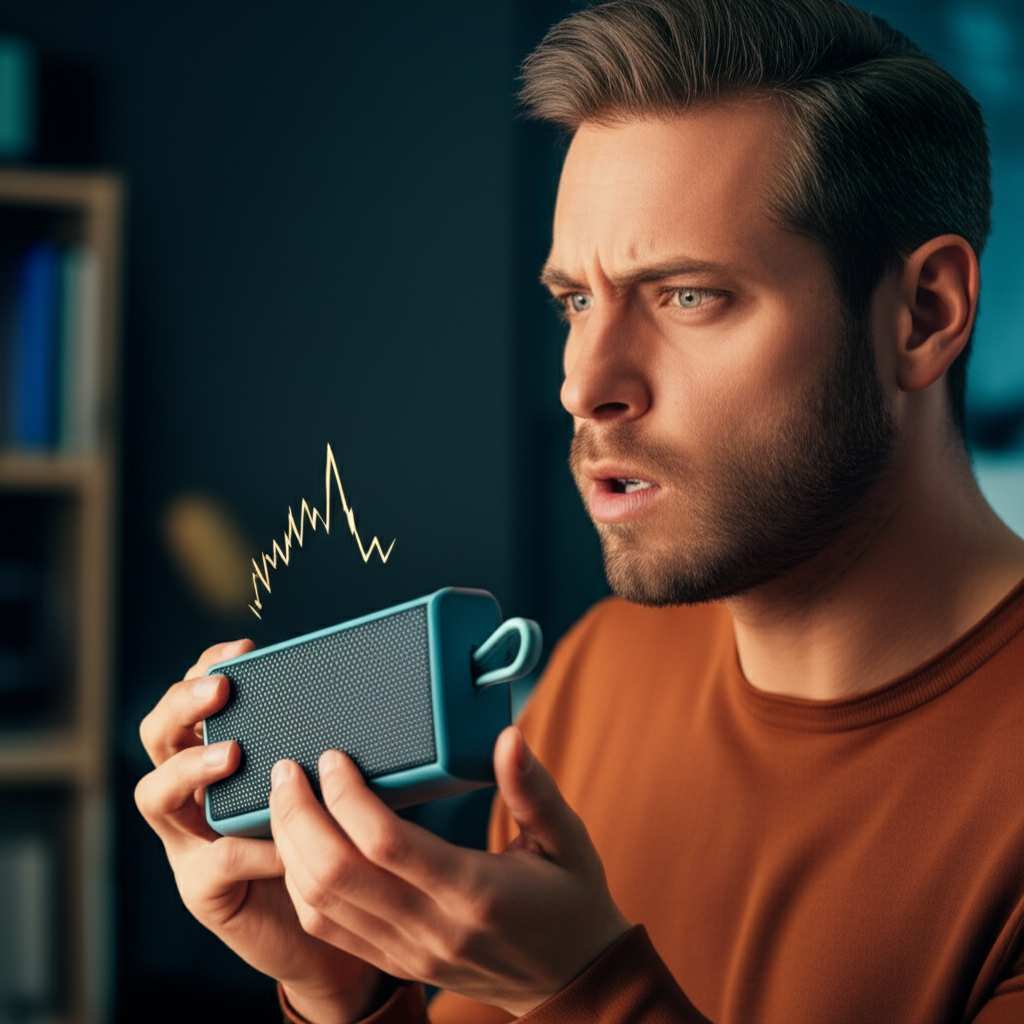
Let’s make that frustrating crackle disappear so you can get back to enjoying pure, crisp sound. Ready to dive in? Let’s break it down step by step!
Why Is My Bluetooth Speaker Crackling? Let’s Find Out!
So, you’re chilling, maybe listening to a podcast or some chill tunes, and suddenly… crackle, pop, hiss. It’s enough to make anyone pull their hair out! But before you toss your speaker out the window, let’s explore the common culprits behind that pesky crackling sound. Think of it like troubleshooting a puzzle; each piece helps us see the bigger picture.
It’s All About the Connection!
Bluetooth technology is pretty amazing. It lets us connect devices wirelessly, cutting down on messy cables. But this wireless magic relies on radio waves. And just like radio waves can get fuzzy sometimes, Bluetooth signals can too. Interference is a big reason why your speaker might crackle.
Other devices using similar radio frequencies can step on Bluetooth’s toes. Things like microwaves, Wi-Fi routers, and even other Bluetooth devices can cause trouble. It’s like trying to have a quiet chat in a crowded, noisy room – sometimes, your words just get lost in the shuffle.
Distance Matters, Too!
Bluetooth has a range, and if you push it too far, the signal weakens. When the signal is weak, it can become choppy and lead to that crackling sound. It’s like trying to hold a conversation with someone across a football field – they might not hear you clearly!
Most Bluetooth speakers work best when they’re within about 30 feet (10 meters) of your device. But this can vary depending on the speaker and your surroundings. Obstacles like walls, doors, or even furniture can block or weaken the signal.
Common Causes of Bluetooth Speaker Crackling (And How to Fix Them!)
Let’s get down to business and tackle those crackles. Here’s a breakdown of the most frequent causes and simple solutions you can try right away.
1. Low Battery Woes
This is a super common one, and thankfully, one of the easiest to fix. When your Bluetooth speaker’s battery is running low, it might not have enough power to transmit a strong, stable signal. This can lead to audio dropouts and that annoying crackling.
The Fix: Simply charge your Bluetooth speaker! Plug it in and let it get a good charge. Most speakers have an indicator light that shows when they’re charging and when they’re fully charged. Once it’s powered up, see if the crackling stops.
2. Interference is the Enemy
As we talked about, other electronic devices can interfere with your Bluetooth signal. This is especially true if they operate on the same 2.4 GHz frequency band as Bluetooth.
The Fixes:
Move Closer: Bring your speaker and your connected device closer together. This strengthens the signal and reduces the chance of interference.
Reduce Other Devices: Temporarily turn off or move away from other wireless devices that might be causing interference. Think microwaves, other Bluetooth devices, and even some cordless phones.
Relocate Your Router: If your Wi-Fi router is very close to your speaker, try moving it a bit further away.
Clear the Path: Ensure there are no physical obstructions between your speaker and your device. Walls and metal objects can be signal blockers.
3. Outdated Software or Firmware
Just like your smartphone or computer, Bluetooth speakers often have firmware. This is like the speaker’s internal operating system. Sometimes, outdated firmware can cause performance issues, including crackling.
The Fix: Check the manufacturer’s website or app for your specific speaker model. They might have firmware updates available. Usually, you’ll connect your speaker to your phone or computer and use an app to install the update. It’s a good idea to keep your speaker’s firmware up to date for the best performance.
4. Your Source Device Might Be the Problem
It’s not always the speaker’s fault! The device you’re streaming from (your phone, tablet, laptop) can also be a source of crackling.
The Fixes:
Restart Your Device: A simple restart can clear temporary glitches in your phone or tablet’s Bluetooth.
Update Your Device’s Software: Make sure your phone or tablet’s operating system is up to date.
Check the Audio Source: If you’re streaming from an app, try playing a downloaded file or a different app to see if the crackling persists. Sometimes, the issue is with the streaming quality itself.
Forget and Re-pair: On your phone or tablet, go to your Bluetooth settings. Find your speaker, tap “Forget Device” or “Unpair,” and then re-pair it. This creates a fresh connection.
5. Too Many Devices Connected
Some Bluetooth speakers can connect to multiple devices simultaneously or remember many paired devices. When there are too many connections or devices trying to take control, it can cause instability and crackling.
The Fix: Try disconnecting other Bluetooth devices from your source device. Also, on your speaker, you might have an option to clear its paired device list (check your speaker’s manual for how to do this). Then, re-pair only the device you want to use.
6. Physical Damage or Internal Issues
While less common for sudden crackling, sometimes physical damage or internal component issues can be the cause. If the speaker has been dropped or exposed to moisture, this could be a factor.
The Fix: Inspect your speaker for any visible damage. If you suspect a hardware issue and the simple fixes haven’t worked, it might be time to contact the manufacturer for support or consider a repair.
Let’s Talk About Sound Quality: What to Listen For
When your Bluetooth speaker is working perfectly, the sound should be clear and smooth. You won’t hear any pops, hisses, or sudden drops in audio. Music should have distinct highs, mids, and lows. Voices should be clear and easy to understand.
If you’re experiencing crackling, it often sounds like static or like the speaker is struggling to produce the sound. It can be a consistent fuzz, or it might happen intermittently, especially during louder passages of music or when a new sound starts.
Decoding Bluetooth Specs: What Matters?
When you’re looking at Bluetooth speakers, you might see terms like Bluetooth version, codecs, and range. These can actually affect sound quality and connection stability.
Here’s a quick rundown:
| Feature | What it Means for You | Why it Matters for Sound |
| :————— | :—————————————————————————————————————- | :——————————————————————————————————————————————————- |
| Bluetooth Version | The generation of Bluetooth technology (e.g., 4.0, 5.0, 5.2). Newer versions are more power-efficient and stable. | Newer versions (like 5.0 and above) offer better range, faster speeds, and more robust connections, which can reduce interference and crackling. |
| Codecs | These are technologies that compress and decompress audio data. Common ones are SBC, AAC, and aptX. | Better codecs (like aptX) can transmit higher-quality audio over Bluetooth with less latency, resulting in clearer, more detailed sound. SBC is standard. |
| Range | The maximum distance your device can be from the speaker while maintaining a stable connection. | A longer effective range means more freedom of movement and less chance of signal degradation leading to crackling, especially in larger spaces. |
| Multipoint | The ability to connect to two devices at once. | While convenient, sometimes having too many active connections can strain the Bluetooth connection, potentially causing issues. |
What this table means for you: When choosing a speaker, look for newer Bluetooth versions (5.0+) and support for better codecs if audio quality is a top priority. Also, consider the advertised range and how it fits your typical listening spaces. Understanding these can help you pick a speaker that’s less prone to connection issues!
A Little Story: The Case of the Wandering Speaker
My friend Sarah got a new Bluetooth speaker, super excited to use it by her pool. She kept it on a table a bit further away, by some outdoor plants. Soon, she noticed her music was crackling every time she walked around the yard. She thought the speaker was faulty! I visited, and we moved the speaker closer to her phone, away from the dense bushes and the Wi-Fi router. Suddenly, the crackling vanished. Turns out, the plants and distance were acting like a wall for the Bluetooth signal! It was a simple fix, but it taught her how important placement and signal strength are.
Troubleshooting Steps: Your Action Plan
When you hear that crackle, don’t panic! Follow these steps in order. You’ll likely find the culprit quickly.
1. Check the Battery: Is your speaker charged? If not, plug it in.
2. Move Closer: Bring your device and speaker within a few feet of each other.
3. Restart Everything: Turn off Bluetooth on your device, then turn it back on. Restart your speaker and your source device (phone, tablet, etc.).
4. Unpair and Re-pair: Go to your device’s Bluetooth settings, forget your speaker, and then pair it again.
5. Minimize Interference: Turn off or move away from other wireless devices, especially microwaves.
6. Check Your Source: Try playing audio from a different app or a downloaded file.
7. Update Firmware/Software: Check for updates for your speaker and your source device.
8. Test a Different Device: Try connecting your speaker to a different phone or tablet to see if the issue follows the speaker or the original device.
Quick Tip: The Power of a Reset
Many Bluetooth speakers have a factory reset option. This can often clear out stubborn glitches. You’ll usually need to press and hold a specific button combination while the speaker is on or charging. Always consult your speaker’s manual for the exact instructions for your model.
When to Seek More Help
If you’ve gone through all these steps and your Bluetooth speaker is still crackling, it might be time to investigate further.
Check the Manual: Your speaker’s manual is a goldmine of information. It might have specific troubleshooting tips for your model.
Manufacturer Support: Visit the manufacturer’s website. They often have FAQs, support forums, or customer service contact options. You can find great resources from companies like Bose, JBL, or Sony.
Online Reviews and Forums: Search online for your specific speaker model and “crackling sound.” You might find other users who have experienced similar issues and found solutions. For instance, CNET often has detailed reviews and troubleshooting guides for popular tech gadgets.
Frequently Asked Questions (FAQ)
Q1: Why does my Bluetooth speaker crackle only when I’m far away?
This is usually due to a weak Bluetooth signal. As the distance increases, the signal can become unstable, leading to crackling or dropouts. Try to stay within the recommended range (usually around 30 feet or 10 meters) and minimize obstructions like walls.
Q2: Can my phone’s case cause my Bluetooth speaker to crackle?
While less common, a very thick or metallic phone case could potentially interfere with the Bluetooth signal. If you suspect this, try removing the case and see if the crackling stops.
Q3: My speaker crackles when playing music loudly. What’s wrong?
This can happen if the speaker is being pushed too hard, or if the audio file itself has distortion at high volumes. Ensure your speaker’s battery is fully charged, and try playing music at a slightly lower volume. If it’s still an issue, check the audio source.
Q4: Is it safe to use a Bluetooth speaker that’s crackling?
Generally, yes, it’s safe. The crackling is usually a sign of a connection or signal issue, not a dangerous malfunction. However, if the speaker is making unusual noises other* than crackling (like buzzing or popping accompanied by smoke or heat), turn it off immediately and contact support.
Q5: How often should I update my Bluetooth speaker’s firmware?
You don’t need to update it constantly. Check for updates periodically, perhaps every few months, or if you encounter specific issues that a firmware update might address. Manufacturers usually release updates to improve performance or fix bugs.
Q6: My speaker crackles when connected to my laptop but not my phone. What does that mean?
This strongly suggests the issue lies with your laptop’s Bluetooth connection. Your laptop might have older Bluetooth drivers, interference from other devices connected to the laptop, or a less robust Bluetooth chip. Try updating your laptop’s Bluetooth drivers and moving it closer to the speaker.
Q7: Can water damage cause a Bluetooth speaker to crackle?
Yes, if your speaker isn’t rated as waterproof or water-resistant, water damage can absolutely cause internal components to malfunction, leading to crackling or other sound issues. If your speaker got wet, dry it thoroughly and let it air out completely before trying to use it again. If the crackling persists, it may have sustained damage.
Enjoying Clear Sound Again!
There you have it! That annoying Bluetooth speaker crackle is usually no match for a little bit of troubleshooting. We’ve covered everything from low batteries and signal interference to software updates and device pairings. Most of the time, a simple restart, a move closer, or a quick re-pair is all it takes to get your audio back in tip-top shape.
Remember, technology is meant to make our lives easier and more enjoyable. Don’t let a little crackle get you down. You’ve got the power to fix it now!
So, go ahead, try these tips, and reclaim your crisp, clear sound. Whether you’re jamming out, catching up on podcasts, or immersing yourself in a movie, a glitch-free audio experience is just a few steps away. Now go enjoy amazing sound and make every moment louder and better!