
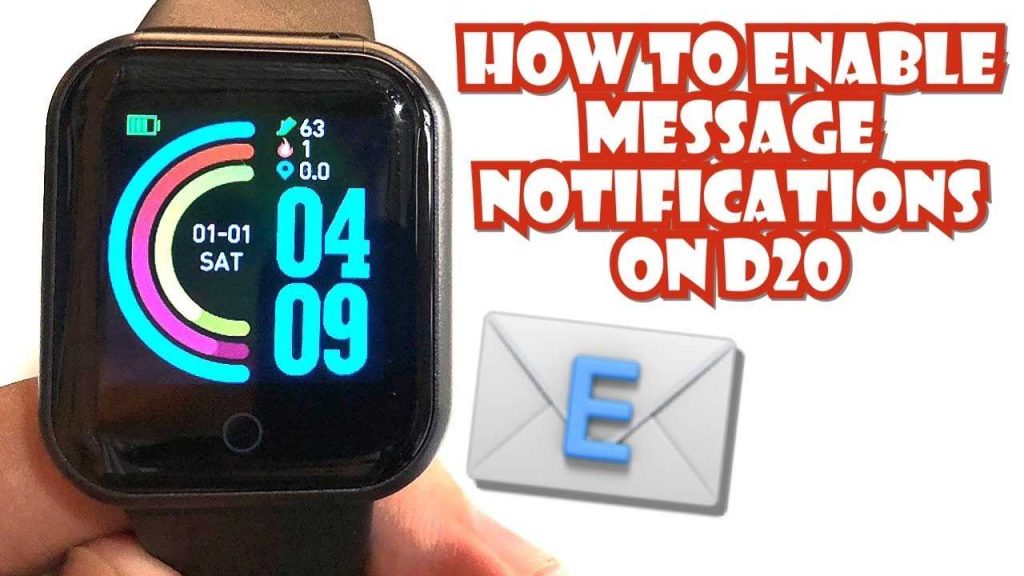
How To Text On A Smart Watch: Easy Step-By-Step Guide
To send a text on a smartwatch, simply open your messaging app, select or start a new message, and use […]
To send a text on a smartwatch, simply open your messaging app, select or start a new message, and use […]
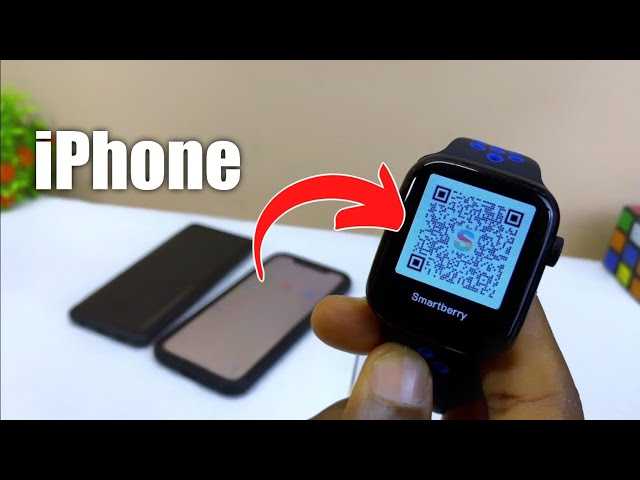
To connect your smartwatch to your iPhone seamlessly, start by enabling Bluetooth on your iPhone and turning on your watch’s
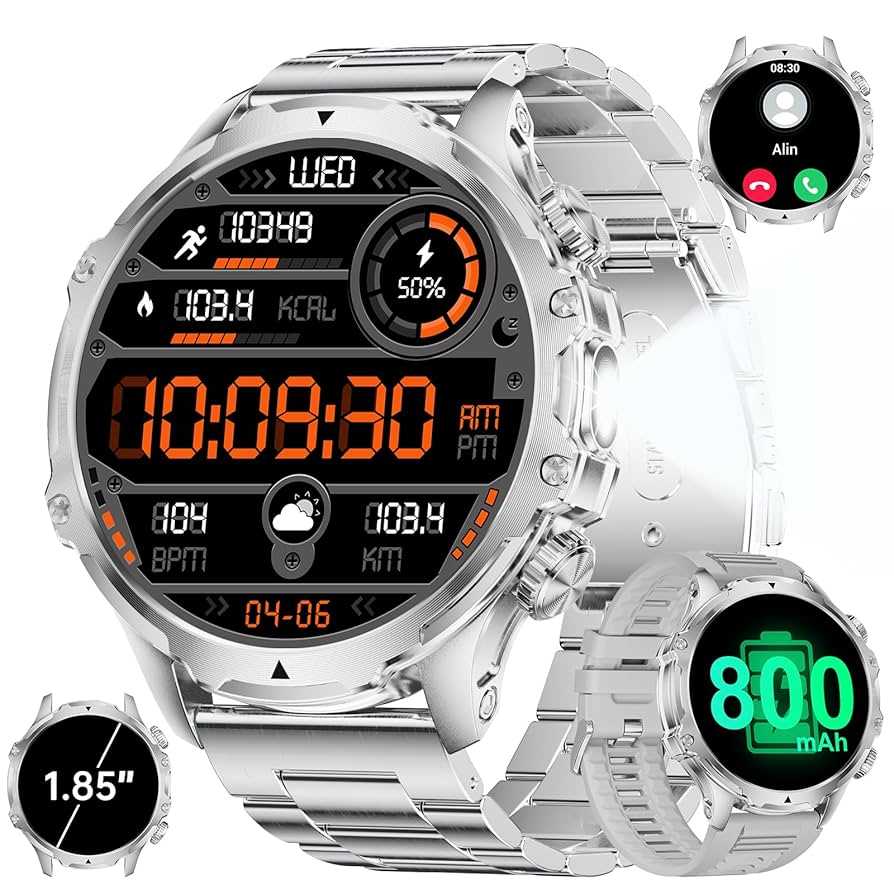
To call your Sunkta smartwatch, simply open the designated calling app or use voice commands if supported. Make sure your
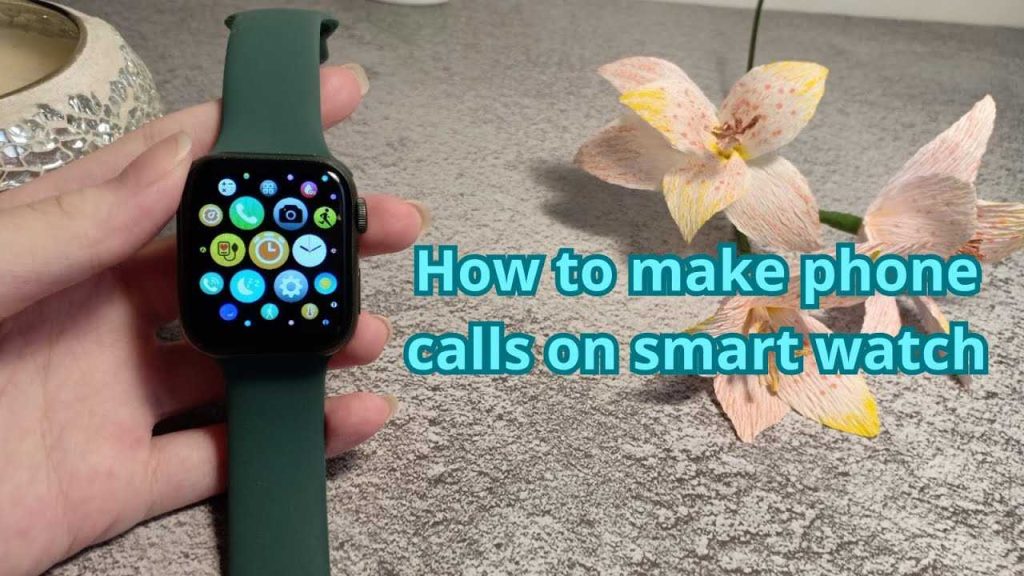
Yes, smart watches can make phone calls, providing a convenient way to stay connected without having to reach for your
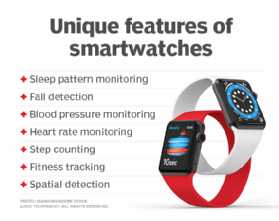
Smart watches are like tiny personal assistants strapped to your wrist, offering a variety of functions that make everyday life
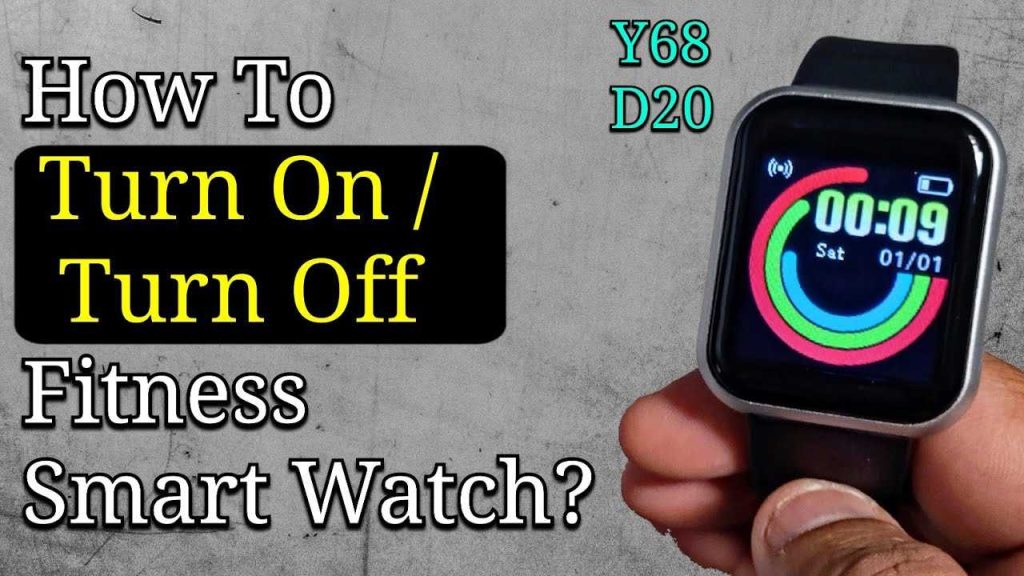
To turn on your smartwatch, simply press and hold the power button until the screen lights up. If it doesn’t
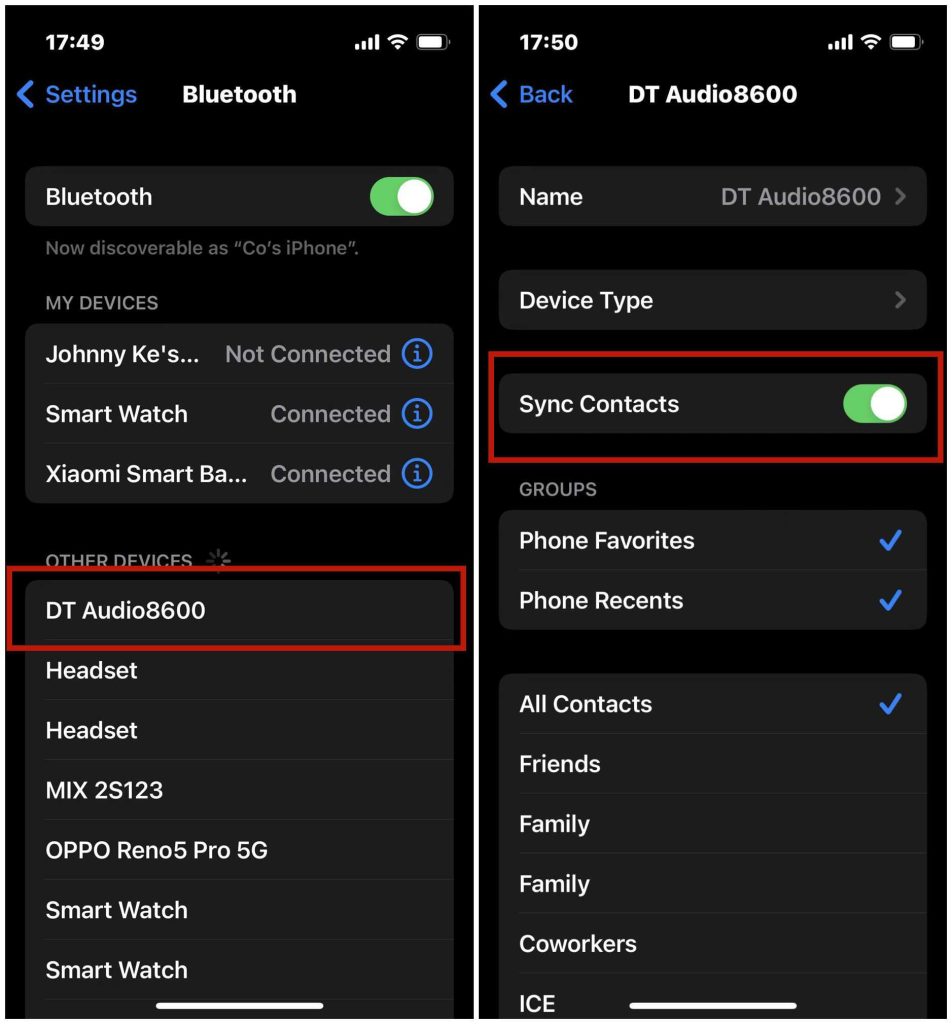
To quickly sync your address book with your smartwatch, open the companion app on your phone, ensure Bluetooth is active,
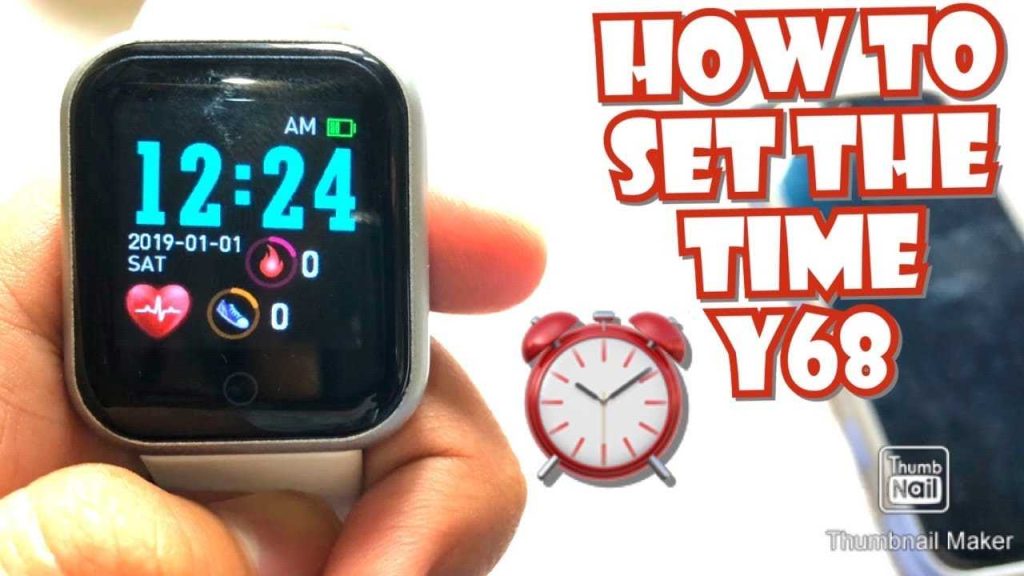
To quickly set the date and time on your smartwatch, simply access the settings menu, locate the date and time
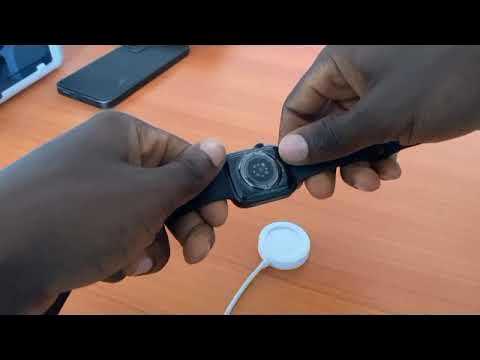
To charge your smartwatch with a magnetic charger, simply align the magnetic end of the charger with the back of
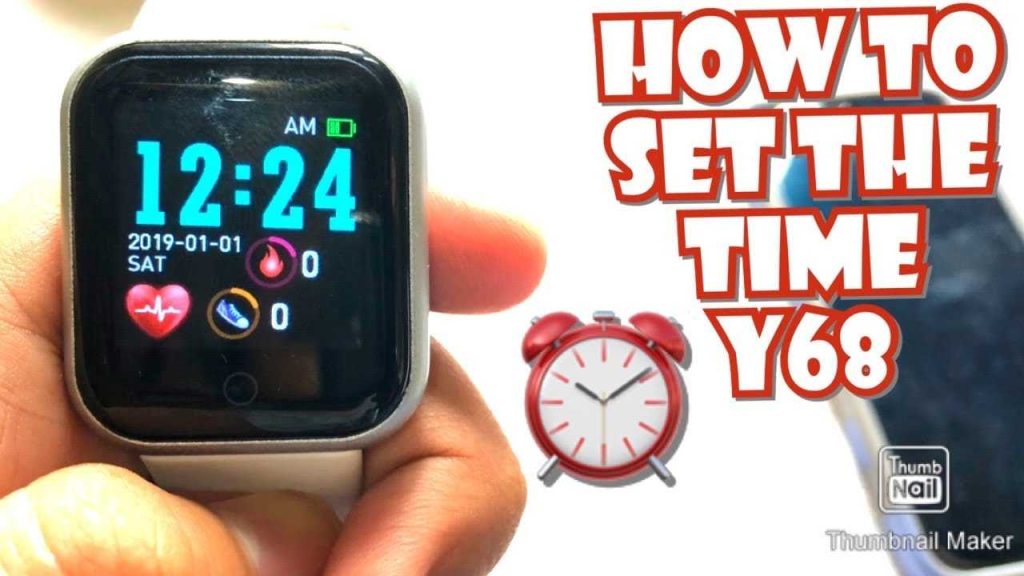
To quickly change your smartwatch time, simply access the device’s settings menu, find the Date & Time section, and manually