
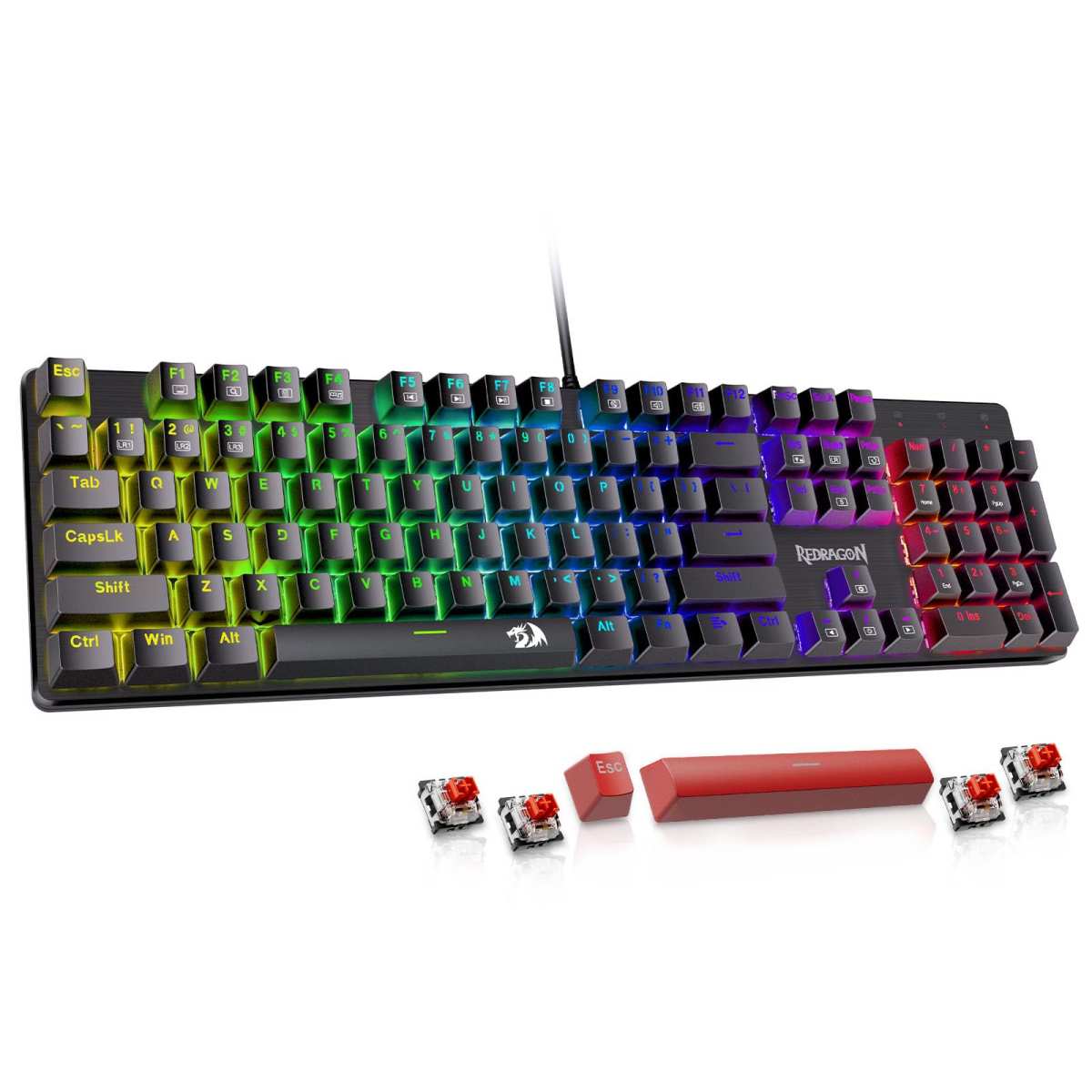
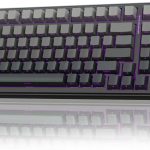
Redragon Mechanical Gaming Keyboard
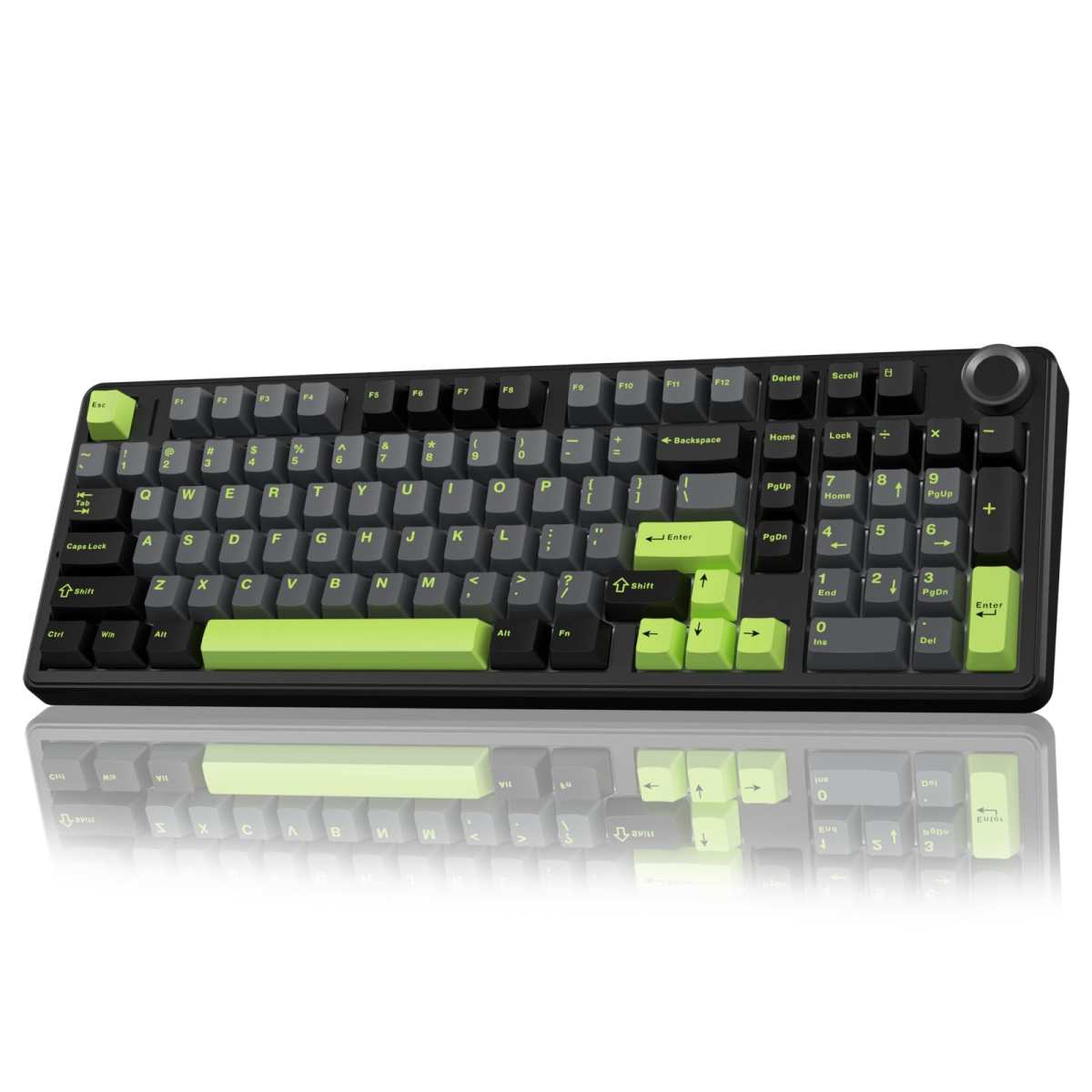
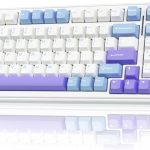
AULA F99 Pro Wireless
When it comes to upgrading your typing or gaming setup, choosing the right mechanical keyboard can feel like picking a favorite child—especially when two solid contenders sit side by side. On one hand, you’ve got the Redragon Mechanical Gaming Keyboard, a wired workhorse known for its reliability, hot-swappable switches, and no-nonsense design. On the other, the AULA F99 Pro Wireless offers cutting-edge tri-mode connectivity, a satisfyingly creamy sound profile, and a sleek 96% layout with a handy control knob. Both are popular among gamers, remote workers, and typing enthusiasts—but which one truly fits your needs?
This head-to-head comparison dives deep into every feature that matters: build quality, connectivity, customization, battery life (where applicable), typing feel, and real-world user feedback. Whether you’re building a battle station for competitive esports or crafting a cozy home office nook, we’ll help you decide which keyboard delivers the best value, performance, and long-term satisfaction. By the end, you’ll know exactly whether to go wired and rugged or wireless and refined.
In-Depth Look: Redragon Mechanical Gaming Keyboard
The Redragon Mechanical Gaming Keyboard is built like a tank—and that’s exactly what many users love about it. Designed for those who prioritize durability and straightforward functionality over flashy extras, this full-sized wired keyboard delivers solid performance at an affordable price point. At its core are hot-swappable linear red switches, which require minimal actuation force and offer a smooth, quiet keystroke ideal for long typing sessions or fast-paced RPGs and MMOs. The inclusion of four spare switches and two replacement keycaps shows Redragon’s commitment to longevity—a big plus if you’re prone to heavy use or accidental spills.
One standout feature is the double-injection ABS keycaps, which ensure legends stay visible even after months of pounding away at emails or code. While ABS isn’t as premium as PBT, the double-shot molding prevents wear and tear far better than standard printed keys. Backlighting is generous with 11 preset modes and five brightness levels, though you can’t customize individual key colors—something power users might miss. Still, for late-night gaming or dimly lit workspaces, the lighting provides just the right ambiance without being distracting.
Macro editing is fully supported via software, allowing you to remap keys, create shortcuts, or assign complex commands—perfect for streamers or productivity hounds. Combined with full N-key rollover and 12 dedicated multimedia keys (volume, email, calculator, etc.), this keyboard excels in both gaming and daily tasks. And let’s not forget the stellar customer service: Redragon offers a 24-month warranty and has earned praise for responsive replacements when issues arise.
Of course, it’s not perfect. Being wired-only limits desk flexibility, and the lack of RGB customization may disappoint aesthetic-focused builders. But if you value reliability, ease of cleaning, and no-frills performance, this keyboard shines. As one reviewer put it: “It doesn’t have any useless functions… It’s the best mechanical full-size keyboard for the price range.”
Customer reviews echo this sentiment. One user shared: “I was looking for a replacement because letters kept wearing off my old keyboards… They sent a replacement when the ‘W’ key acted up—that’s what customer service is all about!!” Another noted: “After my Bluetooth keyboard died mid-meeting, I switched to this wired one. No regrets—it’s sturdy, reliable, and great for heavy typing.”
Best for: Budget-conscious gamers, office workers needing durability, and anyone who prefers wired reliability over wireless convenience.
In-Depth Look: AULA F99 Pro Wireless
If the Redragon is the reliable pickup truck of keyboards, the AULA F99 Pro Wireless is a sleek, feature-packed luxury sedan. This 96% layout mechanical keyboard packs serious innovation into a compact frame, starting with its tri-mode connectivity: Bluetooth 5.0, 2.4GHz wireless via USB dongle, and USB-C wired mode. That means seamless switching between your laptop, tablet, phone, and desktop—up to five devices total—making it ideal for hybrid workers or multi-device setups.
But where this keyboard truly impresses is in its typing experience. Thanks to a gasket-mounted structure, extended silicone dampening, and five layers of internal silencing foam, every keystroke feels soft, elastic, and remarkably quiet—what users describe as a “creamy” sound profile. Pre-lubed linear switches contribute to the smoothness, while the hot-swappable PCB supports both 3-pin and 5-pin switches (pullers included), giving you total freedom to customize your feel.
The double-shot PBT keycaps are another win—resistant to shine, fade-proof, and satisfyingly textured. Add in a massive 8000mAh battery, and you get weeks (or even months) of use on a single charge. One reviewer noted: “I’ve had it for 2 weeks, working 8 hours a day, and it’s still at 100% battery.” That’s peace of mind you just don’t get with smaller batteries.
Customization is robust: 16 RGB lighting effects, full 16.8 million color support, macro programming, and music-synced lighting via driver software. The multi-function knob is a game-changer—rotate to adjust volume or brightness, click to play/pause or switch lighting modes, and long-press to toggle between functions. It’s intuitive, tactile, and eliminates the need for function-key combos.
Users rave about the build quality too. “Easily the best keyboard I’ve ever owned!” wrote one. “The keys are creamy and silky… It’s heavy and chunky [in a good way], feels durable, and the price is great.”
That said, the compact 99-key layout means you lose the numpad—something to consider if you crunch numbers daily. And while wireless freedom is liberating, some hardcore gamers still prefer the zero-latency assurance of wired mode (which this supports, thankfully).
Best for: Multi-device users, remote workers, typists who love a soft, quiet keystroke, and anyone wanting premium features without breaking the bank.
Head-to-Head Comparison
Connectivity & Flexibility
The AULA F99 Pro Wireless dominates here with tri-mode connectivity and multi-device pairing—perfect for modern, mobile workflows. The Redragon’s wired-only design ensures rock-solid stability but lacks versatility.
Typing Feel & Sound
Both use linear switches, but the AULA’s gasket structure and silencing foam create a noticeably softer, quieter, and more premium typing experience. The Redragon feels solid but stiffer in comparison.
Build Quality & Keycaps
AULA wins with double-shot PBT keycaps and a reinforced internal layout. Redragon’s ABS keycaps are durable but more prone to shine over time.
Battery & Portability
Only the AULA has a battery—and a massive 8000mAh one at that. If you need wireless freedom, there’s no contest.
Customization
AULA offers full RGB and advanced lighting sync; Redragon provides fixed backlight modes. Both support macros, but AULA’s software is more feature-rich.
Value for Money
Redragon delivers exceptional bang-for-buck for wired reliability. AULA costs more but justifies it with premium materials, wireless tech, and innovative design.
Frequently Asked Questions
Q: Can I use the AULA F99 Pro Wireless with my iPad or phone?
A: Absolutely! With Bluetooth 5.0 support, you can pair it with iOS, Android, tablets, and laptops. Switch between devices instantly using the side button or FN combos. Check it out on Amazon.
Q: Are the Redragon switches really hot-swappable?
A: Yes! The Redragon Mechanical Gaming Keyboard uses a hot-swappable PCB, so you can replace switches without soldering. Four spares are even included. See our full review here.
Q: Does the AULA F99 Pro support Mac?
A: Yes, it works with macOS in both wired and wireless modes. Some keys may need remapping, but full functionality is supported.
Q: Which keyboard is better for gaming?
A: For competitive, low-latency gaming, the Redragon’s wired connection is safer. But the AULA’s 2.4GHz mode is nearly lag-free and offers more flexibility. Read our deep dive on AULA F99 Pro performance.
Q: Is the control knob on the AULA F99 Pro useful?
A: Extremely! Users love it for quick volume or brightness adjustments without touching function keys. It’s one of the most praised features in reviews.
Q: Do either keyboard come with software?
A: Yes—both support driver software for macro and lighting customization. Redragon’s is simpler; AULA’s offers deeper RGB control.
Final Verdict: Which One Should You Choose?
Choosing between these two comes down to your lifestyle. If you want a dependable, no-fuss wired keyboard that won’t break the bank and handles daily abuse like a champ, go with the Redragon Mechanical Gaming Keyboard. It’s perfect for offices, dorm rooms, or dedicated gaming rigs where cable management isn’t an issue.
But if you crave freedom, premium feel, and cutting-edge features—and don’t mind paying a bit more—the AULA F99 Pro Wireless is the clear winner. Its creamy typing experience, insane battery life, tri-mode connectivity, and sleek design make it ideal for modern, mobile professionals and enthusiasts alike.
Whichever you pick, both keyboards represent excellent value in their categories. Ready to upgrade your setup? Grab the Redragon here or get the AULA F99 Pro Wireless now—your fingers will thank you.
Related posts:
 AULA F99 Pro Wireless Mechanical Keyboard Review: Silent, Hot-Swappable & Gasket
 AULA F99 Wireless Mechanical Keyboard Review: Tri-Mode Custom Gaming Keyboard wi
 AULA F99 Wireless Mechanical Keyboard Review: Creamy Sound, RGB Backlit & Hot Sw
 AULA F99 Wireless Mechanical Keyboard Review: Tri-Mode, Hot Swappable & Pre-Lube