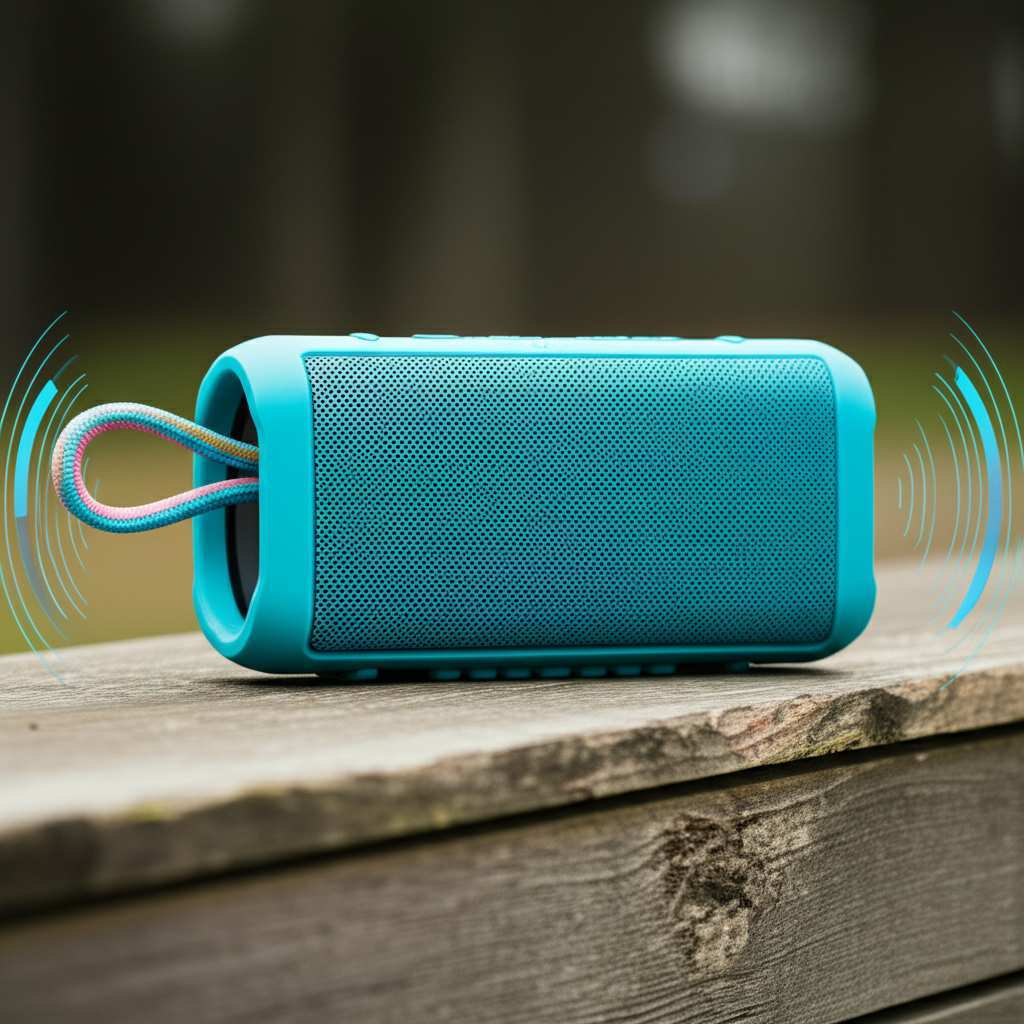
Want a louder Bluetooth speaker? Here’s how to boost your music volume! We’ll cover simple tweaks, app settings, and even how to choose a speaker that packs a punch, making your tunes blast louder and sound amazing.
Hey there, music lovers! Max here from AffTechy.com, your go-to spot for making tech feel super simple. You know that feeling when you’re at a party, or just chilling outside, and your Bluetooth speaker just isn’t loud enough? It’s a bummer, right? You want your music to fill the space, make you want to dance, or just totally immerse you in your favorite songs.
Sometimes, it feels like your speaker is holding back its true power. You might wonder if there’s a secret button or a magic setting you’re missing. And let’s be honest, picking out a new speaker can be confusing with all those specs and jargon. But don’t worry! I’m here to break it all down for you.
We’ll go through easy ways to crank up the volume on the speaker you already have. And if you’re thinking about getting a new one, I’ll give you some simple tips to find one that’s loud and proud. Get ready to blast your tunes and make every listening session epic!
Let’s Talk About Sound: Why Volume Matters
Music is awesome. It sets the mood, gets you moving, and makes everyday moments better. Whether you’re hosting a BBQ, having a beach day, or just need some background tunes while you work, a good speaker makes a huge difference. But what happens when “good” isn’t “loud enough”?
A speaker’s volume, or loudness, is measured in decibels (dB). Higher dB means louder sound. It’s like turning up the dial on your favorite song – you want to feel the bass and hear every note clearly. A weak volume can make your music feel distant and unexciting.
The good news is, you don’t always need a brand-new, super-expensive speaker to get more volume. Many times, a few simple adjustments can make a big difference. We’ll start with the easiest tricks first.
Quick Wins: Simple Tweaks for More Oomph
Before we dive deep, let’s try some super simple things. These are the first steps I always take when my speaker sounds a bit quiet.
1. Check Your Source Volume
This sounds obvious, but it’s the most common culprit! Your phone, tablet, or laptop has its own volume control. Make sure it’s turned all the way up.
Sometimes, you might think the speaker is quiet, but your device is just set to a low volume. It’s like trying to fill a bucket with a leaky hose – the problem isn’t the bucket!
2. Disable Volume Limits on Your Device
Many smartphones and tablets have built-in volume limiters to protect your hearing. While this is a great safety feature, it can also cap your speaker’s maximum output.
You can usually find this in your device’s sound or accessibility settings. Turning it off can unlock more volume. Just remember to be mindful of your hearing!
3. Ensure Full Battery Charge
Did you know that some Bluetooth speakers perform better when they have a full charge? A low battery can sometimes mean reduced power output, leading to lower volume.
It’s like a car needing enough gas to run at full speed. Plug in your speaker and let it charge up completely before you try to blast your tunes.
4. Get Closer to the Speaker
This is basic physics! Sound waves lose energy as they travel through the air. The farther you are from the speaker, the quieter the sound will be.
If you’re trying to fill a large room or an outdoor space, try moving the speaker closer to where most people are. Sometimes, just repositioning it can make a noticeable difference.
Level Up Your Sound: Software and Settings
Now, let’s get a little more technical, but don’t worry – it’s still easy! These steps involve settings on your device and sometimes your speaker itself.
5. Use a Dedicated EQ App
EQ stands for equalizer. Think of it as a set of sliders that control different sound frequencies (bass, mids, treble). Many devices and speaker apps have built-in EQs.
You can use an EQ app to boost certain frequencies, which can make your music sound louder and fuller. Some apps even have “bass boost” or “loudness” presets.
- How to use it: Look for an EQ option in your phone’s sound settings or download a third-party EQ app from your app store. Experiment with presets like “Rock,” “Pop,” or “Bass Boost” to see what sounds best.
- Pro Tip: Be careful not to overdo it! Boosting frequencies too much can distort the sound and even damage your speaker. A little adjustment goes a long way.
6. Update Your Speaker’s Firmware
Just like your phone, Bluetooth speakers can have software updates called firmware. Manufacturers release these updates to fix bugs and improve performance.
Sometimes, an update can include enhancements that boost sound quality or volume. Check the speaker manufacturer’s website or their dedicated app for instructions on how to update.
7. Reset Your Bluetooth Connection
A finicky Bluetooth connection can sometimes lead to audio issues, including lower volume. Sometimes, simply forgetting the speaker on your device and re-pairing it can fix things.
-
Steps to reset:
- On your phone or tablet, go to Bluetooth settings.
- Find your speaker in the list of paired devices.
- Tap “Forget” or “Unpair.”
- Put your speaker back into pairing mode (usually by holding a Bluetooth button).
- On your device, scan for new devices and select your speaker to re-pair.
8. Check the Speaker’s Specific App
Many modern Bluetooth speakers come with their own mobile apps. These apps often unlock advanced features, including EQ settings, custom sound profiles, and firmware updates.
If your speaker has an app, download it! It’s often the best way to fine-tune the sound and ensure you’re getting the most out of your device. Some apps even have a “loudness mode” you can activate.
The Physics of Loudness: What Makes a Speaker Loud?
Let’s get a little geeky for a moment, but in a fun way! Understanding what makes a speaker loud can help you choose better ones and appreciate the ones you have.
A speaker’s loudness depends on a few key factors. It’s not just one thing; it’s a combination. Think of it like baking a cake – you need the right ingredients and the right oven temperature!
Speaker Driver Size and Power
The “driver” is the part that actually makes the sound. Larger drivers can move more air, which generally means they can produce louder sound. Power is also crucial.
This is often measured in watts (W). A higher wattage speaker can typically get louder than a lower wattage one. It’s like comparing a small fan to a powerful industrial fan – the bigger one moves more air!
Efficiency and Sensitivity
Speaker efficiency is a bit like fuel efficiency in a car. A more efficient speaker needs less power to produce the same amount of sound. Sensitivity is closely related.
Sensitivity is usually measured in decibels (dB) at 1 meter with 1 watt of power. A speaker with a higher sensitivity rating (e.g., 90 dB vs. 85 dB) will be louder with the same amount of power. This is a super important spec if you want maximum volume!
Enclosure Design
The box the speaker sits in (the enclosure) also plays a role. A well-designed enclosure can amplify certain frequencies and improve overall sound quality and loudness.
Think of a subwoofer in a car. It’s often in a specially designed box to make those deep bass notes sound massive. Portable speaker designs vary, but good engineering helps.
Choosing Your Next Loud Speaker: What to Look For
If you’ve tried all the tricks and still want more, it might be time for an upgrade. But how do you pick a speaker that’s actually loud?
Focus on Wattage and Sensitivity
When you’re shopping, look for speakers with higher wattage (e.g., 20W, 30W, or more for portable speakers). Also, pay attention to the sensitivity rating.
A speaker rated at 90 dB or higher is generally considered quite sensitive and will get loud easily. It’s a great indicator of potential volume.
Consider “Party Mode” or Stereo Pairing
Some speakers have features designed for bigger sound. “Party Mode” or “Stereo Pairing” lets you connect two identical speakers together.
When paired, they can play music in stereo or simply amplify the sound, filling a larger space. This is a fantastic way to double the loudness!
Read Reviews Focused on Volume
Don’t just look at the specs; see what other people say! Many tech review sites and user reviews will mention how loud a speaker can get and if it distorts at high volumes.
Sites like CNET, TechRadar, and PCMag often do in-depth reviews that can tell you if a speaker truly lives up to its loudness claims. You can check out CNET’s latest Bluetooth speaker reviews here.
Speaker Comparison: Volume Focused
To give you an idea, here’s a quick look at how some popular portable speaker types might stack up in terms of loudness potential. Remember, actual volume can vary based on specific models and features.
| Speaker Type | Typical Wattage (W) | Typical Sensitivity (dB) | Loudness Potential |
|---|---|---|---|
| Mini Portable Speaker | 3-10W | 80-85 dB | Good for personal listening, quiet rooms. |
| Standard Portable Speaker | 10-25W | 85-90 dB | Great for small gatherings, outdoor use. |
| Large/Party Portable Speaker | 25-50W+ | 88-92 dB+ | Excellent for parties, large spaces, outdoor events. |
| Waterproof/Rugged Speaker | 10-30W | 85-90 dB | Good balance of durability and volume. |
As you can see, if you’re aiming for maximum volume, you’ll want to lean towards the larger portable speakers or those specifically advertised for parties. Higher wattage and sensitivity are your best friends here!
Common Speaker Myths Debunked
Let’s clear up some confusion. Not everything you hear about speaker volume is true!
-
Myth: All speakers of the same size sound the same.
False! Driver quality, enclosure design, and internal electronics matter a lot. Two 15W speakers can sound very different in loudness and quality.
-
Myth: You can magically make any speaker louder with software alone.
Software tweaks can help optimize what your speaker can do, but they can’t create power that isn’t there. Hardware limitations exist.
-
Myth: Higher volume always means better sound.
Not necessarily! Pushing a speaker too hard can lead to distortion, where the sound quality degrades. It’s best to find a balance.
A Note on Hearing Safety
We’re talking about making your speaker louder, but it’s super important to remember your hearing. Listening to music at very high volumes for extended periods can cause permanent hearing damage.
Always be mindful of how loud you’re playing your music, especially if others are around. If you feel discomfort or ringing in your ears, turn it down!
Here’s a little chart to give you an idea of safe listening levels. Remember, these are general guidelines, and individual sensitivity varies.
| Volume Level (dB) | Exposure Time Limit | Example Sound |
|---|---|---|
| 50-60 dB | Unlimited | Normal conversation, quiet library |
| 70 dB | 8 hours | Traffic noise, noisy restaurant |
| 85 dB | 2 hours | Lawnmower, heavy city traffic |
| 90 dB | 1 hour | Subway, leaf blower |
| 100 dB | 15 minutes | Motorcycle, garbage disposal |
| 115 dB | Less than 2 minutes | Rock concert, car horn |
| 130 dB | Instant damage risk | Jet engine at close range |
The goal is to enjoy your music at a satisfying volume without risking your hearing. Aim for a level where you can hear clearly and feel the music, but it’s not uncomfortably loud.
Frequently Asked Questions (FAQ)
Got more questions? Let’s tackle a few common ones!
Q1: Can I really make my old Bluetooth speaker much louder?
You can often make it a bit louder and sound better with the tips in this article, like checking device volume, using EQ apps, and ensuring a full charge. However, there are hardware limits to how loud a speaker can physically get.
Q2: Is it safe to boost the bass on my speaker?
It can be safe in moderation! Boosting bass too much can cause distortion, which sounds bad and can stress the speaker’s driver. Use your EQ settings wisely and listen for any unwanted crackling or fuzziness.
Q3: What does “waterproof” mean for a Bluetooth speaker?
Waterproof ratings (like IPX7) tell you how well a speaker can handle water. IPX7, for example, means it can be submerged in water up to 1 meter for 30 minutes. Always check the specific rating for your speaker!
Q4: Why does my speaker sound quieter after connecting to my computer?
Computers can sometimes have different audio drivers or default volume settings than your phone. Make sure your computer’s volume is up and check for any specific audio enhancements or limits in its sound settings.
Q5: Can I use two different Bluetooth speakers together?
Generally, no. Most speakers designed for pairing (like “Party Mode” or “Stereo Pair”) require two identical models. You can connect two devices (like a phone and a tablet) to some speakers simultaneously, but not two different speakers to play together.
Q6: How do I know if my speaker is loud enough for my needs?
Think about where you’ll use it. For personal listening or a small office, a smaller speaker is fine. For outdoor parties or large rooms, you’ll need a more powerful speaker with higher wattage and sensitivity. Reading reviews is your best bet!
Q7: Will a wired connection make my speaker louder than Bluetooth?
Not necessarily. While a wired connection can sometimes offer a more stable and higher-fidelity signal, it doesn’t inherently make the speaker louder. The speaker’s own power and design are the main factors for volume.
Ready to Turn Up the Volume?
So there you have it! We’ve covered everything from quick fixes like checking your phone’s volume to understanding speaker specs and choosing your next loud companion. You’ve learned that a little bit of know-how can go a long way in making your music sound its best and loudest.
Don’t be afraid to try out the software tweaks and settings. Play around with your EQ, check for updates, and experiment with positioning. And if you’re in the market for a new speaker, you now know what to look for – wattage, sensitivity, and those awesome pairing features!
It’s all about making your music fit your moment. Whether it’s a quiet evening or a lively get-together, you can now ensure your tunes are heard loud and clear. Now go enjoy amazing sound and make every moment louder and better!