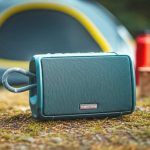
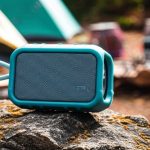
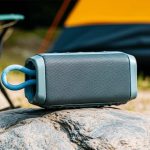
Connect your Bluetooth speaker without internet for epic camping trips! It’s super simple: just pair your device directly to the speaker using Bluetooth. No Wi-Fi or cell service needed for awesome tunes under the stars.
Hey there, tech adventurers! Ever dreamed of having your favorite tunes serenade you while you’re out under a blanket of stars, far from the hustle and bustle of everyday life? Music just makes everything better, right? Whether it’s campfire stories, singalongs, or just relaxing to some chill vibes, a good Bluetooth speaker can totally level up your camping experience. But then comes the tech stuff. Sometimes, picking the right speaker or figuring out how to get it working can feel like a puzzle. Don’t you worry, though! I’m here to make it all super clear and easy. We’ll dive into how to connect that awesome speaker to your phone or tablet, even when you’re totally off the grid. Let’s break it down step by step and get your campsite booming with good sound!
Why Your Camping Trip Needs a Bluetooth Speaker
Imagine this: You’ve just set up your tent. The sun is setting, painting the sky with amazing colors. All you hear is the gentle rustling of leaves and the crackling campfire. What’s missing? A little background music, maybe? A Bluetooth speaker is like your personal DJ, ready to play your favorite playlists anywhere. It’s way better than just listening to your phone’s tiny speaker, that’s for sure!
And the best part? You don’t need fancy internet or Wi-Fi to make it happen. This is a game-changer for camping. You can be miles away from the nearest signal tower and still enjoy crystal-clear audio. It’s all about direct connection, and it’s easier than you think. We’ll get into the nitty-gritty details soon, but first, let’s cover the basics.
Let’s Talk About Sound: What is Bluetooth Anyway?
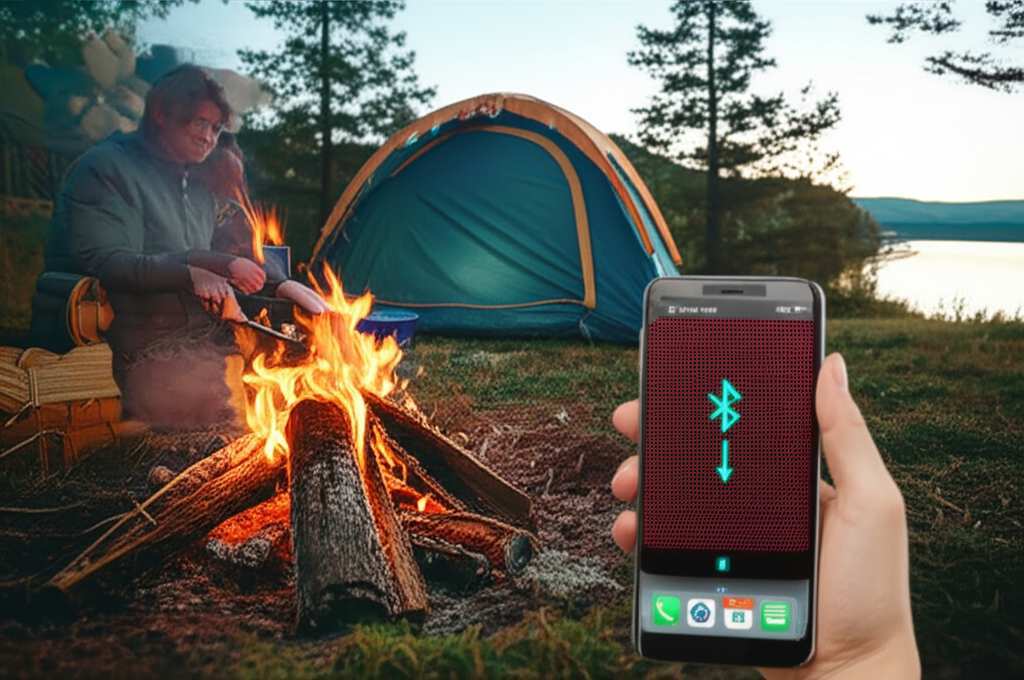
So, what exactly is Bluetooth? Think of it as a short-range wireless connection. It lets two devices, like your phone and your speaker, talk to each other without any cables. It’s like a secret handshake for gadgets! This technology is built into most modern phones, tablets, and, of course, Bluetooth speakers.
The magic of Bluetooth is that it doesn’t need the internet. It creates its own little bubble of connection between your devices. This is perfect for places where Wi-Fi is spotty or non-existent, like deep in the woods or on a remote beach. Pretty cool, huh?
How to Pick the Right Speaker for Your Adventures
Before we connect, let’s chat about choosing a speaker. Not all speakers are created equal, especially when you’re heading outdoors. You want something that can handle a little bit of rough and tumble.
Here are a few things to look for:
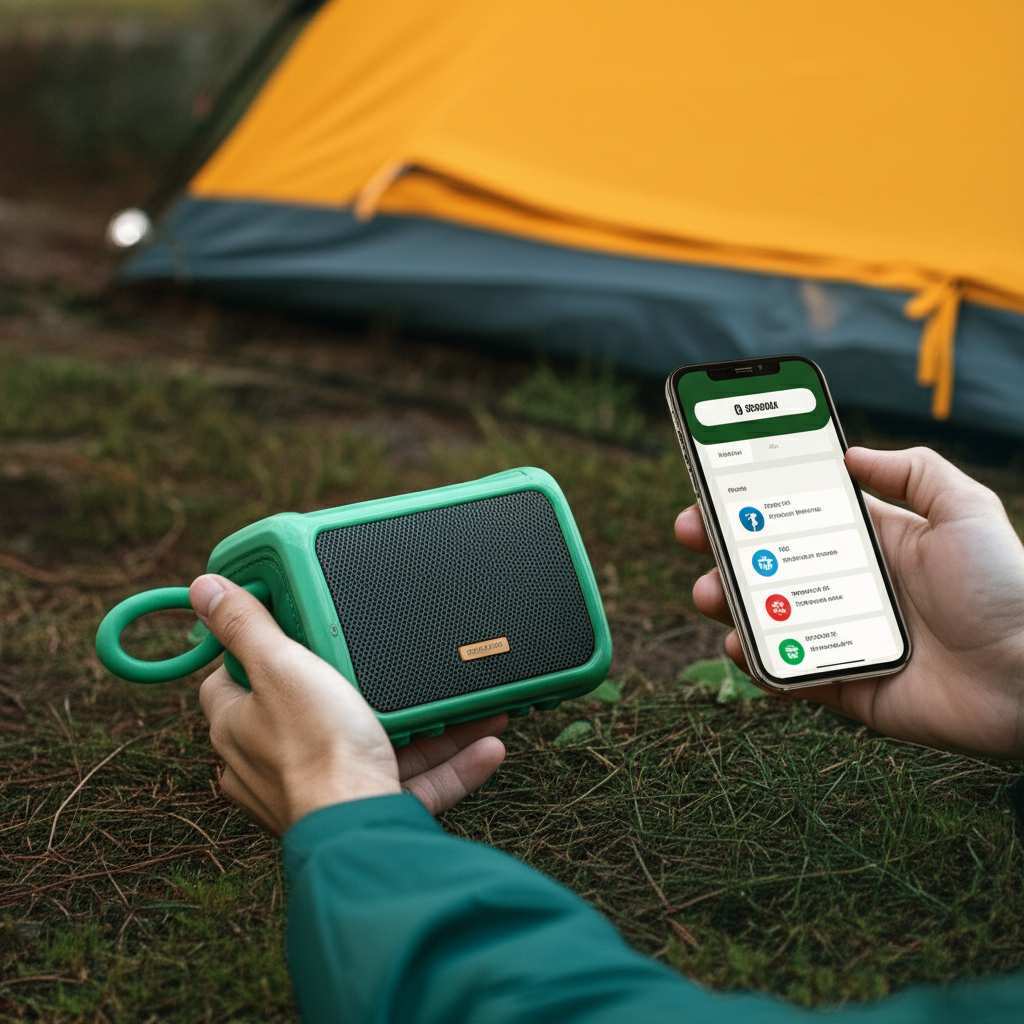
Durability: Look for speakers that are rugged. Many are built to be dustproof and waterproof. This is super important for camping!
Battery Life: You don’t want your music to die halfway through your bonfire. Aim for a speaker with at least 10-15 hours of playback time. Some can even last 20 hours or more!
Sound Quality: While you’re camping, you might not need concert-hall sound. But clear, rich audio makes a big difference.
Portability: You’ll be carrying it around, so make sure it’s not too heavy or bulky. Many portable speakers come with handy straps or carabiners.
Connectivity: Most speakers use Bluetooth, but some also have an auxiliary (AUX) input, which is a nice backup if Bluetooth acts up.
Here’s a quick look at some popular types of camping-friendly Bluetooth speakers:
| Speaker Type | Best For | Key Features | Typical Price Range |
| Rugged Portable | Active campers, hiking trips | Waterproof, dustproof, shock-resistant, long battery life | $50 – $200 |
| Compact & Lightweight | Backpacking, minimalist camping | Small size, easy to clip on, decent sound | $30 – $100 |
| High-Fidelity Outdoor | Glamping, base camps, music lovers | Superior sound quality, larger size, might be less rugged | $150 – $400+ |
This table just gives you a general idea. The “Rugged Portable” speakers are usually the champions for most camping scenarios because they can take a beating and keep the music playing.
Step-by-Step: Connecting Your Bluetooth Speaker Without Internet
Alright, the moment of truth! You’ve got your speaker, you’ve got your phone or tablet, and you’re ready to create some magic. Connecting is a breeze, and it works the same whether you have internet or not.
Here’s how to do it, step by step:
Step 1: Power On Your Speaker and Put It in Pairing Mode
First things first, make sure your Bluetooth speaker is charged up. Then, press the power button to turn it on. You’ll usually hear a little chime or a voice prompt saying it’s on.
Now, you need to tell the speaker to look for a new device to connect to. Most speakers have a dedicated Bluetooth button, often with the Bluetooth symbol (it looks like a sideways “B”). Press and hold this button until you see a blinking light (often blue or white) or hear a sound that indicates it’s ready to pair. This blinking light means it’s actively searching for a device.
Step 2: Turn On Bluetooth on Your Phone or Tablet
Next, grab your phone or tablet. You need to enable its Bluetooth feature.
For iPhones/iPads: Go to `Settings` > `Bluetooth`. Make sure the toggle switch next to `Bluetooth` is green.
For Android Phones/Tablets: Go to `Settings` > `Connections` (or `Connected devices`) > `Bluetooth`. Make sure the toggle switch is turned on.
Your device will start scanning for nearby Bluetooth devices.
Step 3: Select Your Speaker from the List
On your phone or tablet’s Bluetooth screen, you’ll see a list of available devices. Your speaker should appear in this list. It might show up with its brand name (like “JBL Flip 5” or “Bose SoundLink”) or a generic name.
Tap on the name of your speaker in the list. Your phone or tablet will then try to connect to it. You might hear another sound from the speaker, or the blinking light will turn solid, indicating that the connection is successful.
Step 4: Play Your Music!
That’s it! You’re connected. Now you can open your favorite music app, podcast player, or audio streaming service on your phone or tablet. Start playing whatever you like, and the sound will come out of your Bluetooth speaker.
You can control the volume and skip tracks right from your phone. It feels like magic, but it’s just smart technology working its wonders!
Troubleshooting Common Connection Glitches
Sometimes, things don’t go perfectly smooth. Don’t get frustrated! Most connection issues are easy to fix.
Here are a few common problems and how to solve them:
Speaker Not Showing Up:
Make sure the speaker is still in pairing mode (blinking light).
Try turning Bluetooth off and then on again on your phone/tablet.
Move your phone and speaker closer together.
Restart both your speaker and your phone/tablet.
Connection Drops Frequently:
Check the distance between your devices. Bluetooth has a limited range, usually around 30 feet (10 meters).
Are there a lot of physical objects (like trees, rocks, or even your own body) between the speaker and your phone? This can interfere with the signal.
Ensure your speaker’s battery is sufficiently charged. Low battery can sometimes cause unstable connections.
Try “forgetting” the speaker on your phone’s Bluetooth settings and then re-pairing it.
No Sound:
Double-check that the speaker is connected (solid light).
Make sure the volume is turned up on both your phone/tablet AND the speaker itself.
Ensure you’ve selected the speaker as the audio output device if your phone has that option.
A quick tip: If you’re having persistent issues, consult your speaker’s user manual. It often has specific troubleshooting tips for that model. You can usually find a digital version on the manufacturer’s website if you lost the paper copy.
Keeping the Music Going: Battery Power & Maintenance
Camping often means limited access to power outlets. So, keeping your speaker charged is key!
Here are some tips:
Charge Fully Before You Go: This is the most important step. A full charge before you leave home will give you the longest playback time.
Use a Power Bank: Portable power banks are lifesavers for camping. Make sure your power bank has enough juice to fully recharge your speaker at least once or twice.
Conserve Battery: Lowering the volume slightly can significantly extend battery life. Also, avoid using your phone for other power-hungry tasks while it’s connected to the speaker.
Keep It Clean: After your trip, wipe down your speaker. Remove any dirt, dust, or sand. This helps keep the ports clear and the speaker functioning well.
Store Properly: If you won’t be using it for a while, store the speaker in a cool, dry place. Don’t leave it in a hot car for extended periods.
Fun Facts About Bluetooth Technology
Did you know Bluetooth technology was named after a Viking king? That’s right! Harald Bluetooth Gormsson was a king of Denmark and Norway in the 10th century. He was known for uniting Danish tribes, much like Bluetooth technology aims to unite different devices. The Bluetooth logo is actually a combination of two Old Norse runes representing H and B, the initials of Harald Bluetooth. How’s that for a cool historical tidbit to impress your friends around the campfire?
Bluetooth technology has evolved a lot since its inception. Early versions were slower, but modern Bluetooth (like Bluetooth 5.0 and newer) offers faster speeds, longer range, and better power efficiency. This means your connection will be more stable and your speaker’s battery will last longer. It’s a constant improvement that makes our wireless lives better and better.
Understanding Speaker Features: What Does It All Mean?
You might see terms like “IPX rating” or “AAC support” when looking at speakers. Let’s quickly break down what these mean in simple terms.
IPX Rating: This tells you how protected your speaker is against water and dust.
`IPX4`: Protected against splashes of water. Good for light rain.
`IPX7`: Can be submerged in up to 1 meter of water for 30 minutes. Excellent for poolside or accidental drops in puddles.
`IP67`: Dustproof and waterproof (same as IPX7). This is the gold standard for ruggedness.
Audio Codecs (e.g., SBC, AAC, aptX): These are like languages your devices use to send audio wirelessly.
`SBC`: Standard Bluetooth audio. Works on all devices.
`AAC`: Common on Apple devices, offers better sound quality than SBC.
`aptX`: Found on many Android devices, often provides near CD-quality sound and lower latency (delay).
Knowing these terms can help you choose a speaker that fits your camping needs. For example, an `IPX7` rated speaker is a great choice if you camp near water or in unpredictable weather.
Comparing Popular Camping Bluetooth Speakers
To help you visualize, let’s look at a comparison of a few well-regarded portable Bluetooth speakers that are great for camping.
| Speaker Model | Battery Life (Hours) | Water/Dust Rating | Size & Weight | Sound Quality | Price Estimate |
| JBL Flip 6 | 12 | IP67 | Compact, ~1.2 lbs | Very Good, Punchy Bass | $100 – $130 |
| Sony SRS-XB13 | 16 | IP67 | Ultra-Compact, ~0.6 lbs | Good, Clear | $50 – $70 |
| UE Boom 3 | 15 | IP67 | Cylindrical, ~1.3 lbs | Excellent, 360° Sound | $120 – $150 |
| Bose SoundLink Flex | 12 | IP67 | Compact, ~1.3 lbs | Excellent, Rich Sound | $150 – $170 |
When looking at this table, consider what’s most important for your camping style. If you need the longest playtime, the Sony SRS-XB13 is a great option. If you want the best sound and don’t mind a slightly higher price, the Bose SoundLink Flex or UE Boom 3 are fantastic choices. The IP67 rating on all these means they can handle splashes, rain, and even a quick dunk!
Can I Connect Multiple Speakers?
Some modern Bluetooth speakers allow you to connect two or more speakers together for stereo sound or to fill a larger area with music. This feature is often called “TWS” (True Wireless Stereo) or by a brand-specific name like JBL Connect+ or UE PartyUp.
To do this, you typically need two identical speakers. You’ll pair one speaker to your phone as usual. Then, using a button on one of the speakers, you can activate the TWS mode to link the second speaker to the first. This creates a more immersive sound experience for your campsite! Check your speaker’s manual to see if it supports this feature.
Frequently Asked Questions (FAQs)
Q1: Do I really need internet to connect a Bluetooth speaker?
Nope, absolutely not! Bluetooth is a direct connection between your device and the speaker. It doesn’t use your Wi-Fi or cellular data at all. This makes it perfect for places with no internet.
Q2: How far can my phone be from the Bluetooth speaker?
The standard range for Bluetooth is about 30 feet (10 meters). For the best, most stable connection, it’s best to keep your phone and speaker within 15-20 feet of each other, especially if there are obstacles like trees or rocks in the way.
Q3: What if my speaker won’t pair with my phone?
First, make sure both devices have Bluetooth turned on and that the speaker is in pairing mode (usually indicated by a blinking light). Try turning Bluetooth off and then back on your phone. If that doesn’t work, restart both your phone and your speaker. Sometimes, simply forgetting the device in your phone’s Bluetooth settings and re-pairing it can solve the problem.
Q4: Can I use my Bluetooth speaker in the rain?
It depends on the speaker’s water resistance rating! Look for an IPX rating. An IPX4 rating can handle splashes, while an IPX7 or IP67 rating means it can be submerged in water for a short time. Always check your speaker’s specific rating before exposing it to the elements.
Q5: How can I make my Bluetooth speaker’s battery last longer while camping?
Charge it fully before you leave! Use a portable power bank to recharge it during your trip. Also, keeping the volume at a moderate level instead of max volume can significantly extend battery life. Minimizing other power-draining activities on your phone while connected also helps.
Q6: Is it safe to leave my Bluetooth speaker outside overnight?
Generally, yes, especially if it’s rated for outdoor use and weather-resistant. However, it’s always a good idea to bring it inside your tent or vehicle if there’s a risk of heavy rain, strong winds, or if you’re in an area with wildlife that might be curious about it. Protecting it from extreme temperatures is also important.
Q7: My speaker is connected but I can’t hear anything. What should I do?
Check the volume! Make sure the volume is turned up on both your phone/tablet and the speaker itself. Also, confirm that the speaker is actually selected as the audio output device on your phone. Sometimes, a quick disconnect and reconnect can also fix this.
Your Campsite Soundtrack Awaits!
See? Connecting a Bluetooth speaker without internet is totally doable and super straightforward. You don’t need to be a tech wizard to enjoy great music on your camping trips. It’s all about that direct wireless connection, and once you’ve done it once, you’ll be a pro.
Remember to pick a speaker that fits your camping style – something rugged and with good battery life is usually a win. And don’t forget to charge up before you head out! With these simple steps, you’re all set to bring your favorite tunes, podcasts, or audiobooks into the great outdoors.
Now go forth and make some amazing memories, soundtracked by your awesome tunes. Happy camping and happy listening!