Yes, your Nintendo Switch can totally connect to a Bluetooth speaker! It might seem a little tricky at first, but it’s simpler than you think. Just follow these easy steps to unlock wireless audio for your games and videos.
Hey there, tech explorers! It’s your buddy Max from AffTechy.com. You know, sometimes you just want to kick back and really feel the sound of your games or Netflix binges on your Nintendo Switch. That epic explosion, that dramatic soundtrack – it’s way better with a good speaker, right? But then you look at your shiny new (or not-so-new) Bluetooth speaker and then back at your Switch, and you start wondering, “Can these two talk to each other?” It’s a super common question, and honestly, it can feel a bit like trying to speak a secret tech language!
I remember the first time I tried to connect a new gadget to my audio setup. There were so many buttons and blinking lights! It felt overwhelming. But here’s the good news: connecting your Nintendo Switch to a Bluetooth speaker isn’t rocket science. It’s more like baking a cake – just follow the recipe, and you’ll have sweet, sweet sound in no time. My goal here is to make this process super clear and, dare I say, even a little fun. We’ll skip all the confusing jargon and get straight to the good stuff.
So, if you’re ready to ditch those headphones or just want a different way to experience your Switch, stick with me. I’m going to walk you through everything, step by simple step. Let’s break down how to make your Switch and your Bluetooth speaker best buds.
Let’s Talk About Nintendo Switch & Bluetooth
So, you’ve got your trusty Nintendo Switch, and you’ve got that awesome Bluetooth speaker that makes your music sound incredible. The big question is: can they be friends? The answer is a resounding YES! For a long time, the Switch was a bit of a holdout when it came to built-in Bluetooth audio support. But thankfully, Nintendo heard our calls, and now, it’s surprisingly straightforward to get them connected. This means you can enjoy your games with richer sound, or watch videos without bothering anyone around you. It’s a game-changer, literally!
Think about it: no more tangled wires getting in the way of your epic gaming sessions. You can set up your speaker across the room and still get that immersive sound. Or maybe you want to share the game audio with friends without everyone cramming around a tiny tablet screen. Bluetooth audio opens up a whole new world of convenience and better listening experiences. It truly is one of those little tech upgrades that makes a big difference in your day-to-day enjoyment.
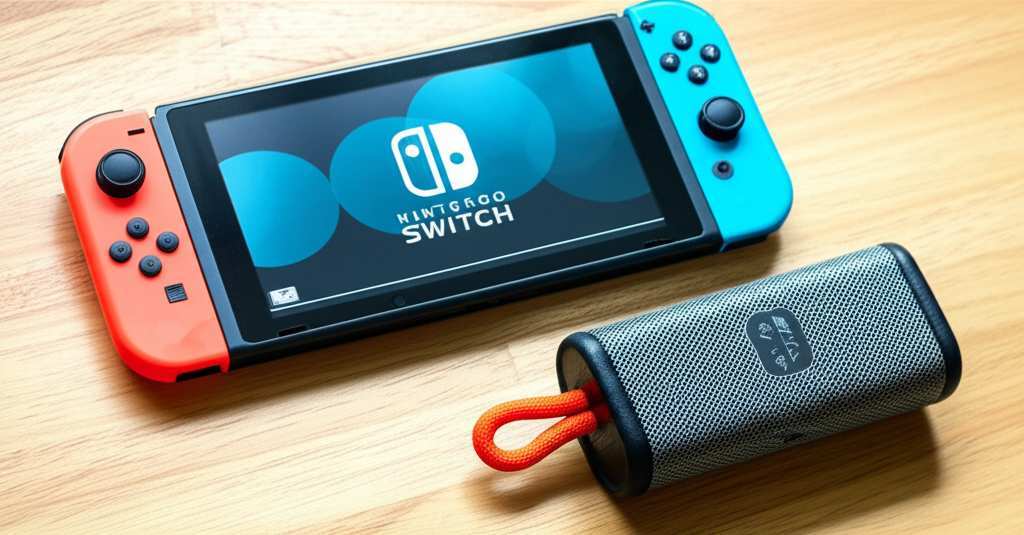
Your Quick Guide: Connecting Switch to Bluetooth Speaker
Here’s the magical part! Nintendo added Bluetooth audio support to the Switch in a system update. This means you don’t need any special adapters or weird hardware for most newer models. It’s all built-in, just waiting for you to unlock it. The process is actually quite simple, and we’ll go through it together. Just a heads-up, this feature is available on the Nintendo Switch, Nintendo Switch Lite, and the Nintendo Switch OLED model. So, no matter which Switch you have, you’re likely good to go!
Before we dive into the steps, make sure your Bluetooth speaker is charged up and ready to go. Also, it’s a good idea to have it close to your Switch during the pairing process. Think of it like introducing two new people – they need to be able to see and hear each other clearly to get acquainted! Now, let’s get this connection going.
Step-by-Step: Pairing Your Bluetooth Speaker
Ready to make some sweet music (or epic game sounds)? Follow these simple steps on your Nintendo Switch. It’s designed to be super user-friendly, so don’t worry if you’re not a tech wizard.
- Power On Your Switch and Speaker: First things first, turn on your Nintendo Switch. Then, make sure your Bluetooth speaker is also powered on and in pairing mode. Most speakers have a dedicated button for this, often indicated by a Bluetooth symbol or a flashing light. Check your speaker’s manual if you’re unsure!
- Navigate to System Settings: On your Switch’s HOME Menu, find and select the “System Settings” icon. It looks like a little gear or wrench.
- Find the Bluetooth Audio Option: Scroll down the left-hand menu in System Settings until you see “Bluetooth Audio.” Select it.
- Pair Bluetooth Device: You’ll see an option that says “Pair Bluetooth Device.” Select this. Your Switch will then start searching for nearby Bluetooth devices.
- Select Your Speaker: Your Bluetooth speaker should appear in the list of available devices. It might show up with its model name. Select your speaker from the list.
- Confirm Pairing: Your Switch might ask you to confirm the pairing. Follow any on-screen prompts. Once successfully paired, it will say that your device is connected!
- Enjoy the Sound!: That’s it! Your Switch is now connected to your Bluetooth speaker. Any audio from your Switch, whether it’s game sounds or video audio, will now come out of your speaker.
See? I told you it was simple! It’s like a little digital handshake between your devices. Now you can enjoy your games and movies with fantastic sound without being tethered by wires. It’s a simple upgrade that really boosts the whole experience, making those gaming marathons or movie nights so much more immersive.
Troubleshooting Tips: When Things Don’t Connect
Sometimes, even with the best of intentions, technology likes to throw a little curveball. If your Switch isn’t connecting to your Bluetooth speaker right away, don’t panic! There are a few common culprits and easy fixes. We’ve all been there, staring at a blinking light that doesn’t seem to do anything. But usually, a little troubleshooting goes a long way.
Let’s look at some common issues and how to sort them out.
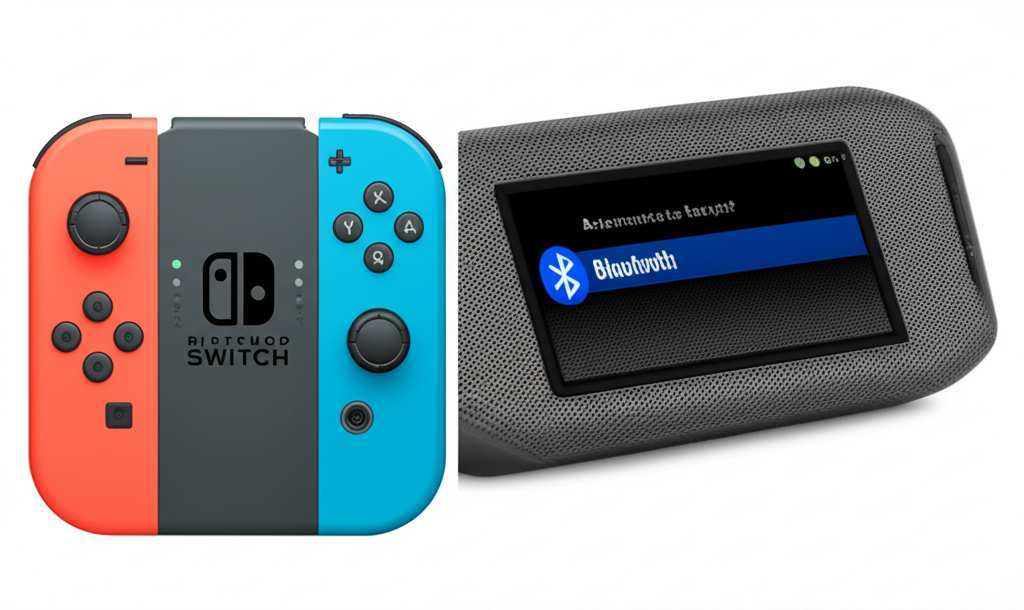
Common Connection Problems and Their Fixes
Here are some quick tips if you’re having trouble:
- Speaker Not Showing Up: Ensure your speaker is in pairing mode. Many speakers only stay in pairing mode for a limited time. Also, try turning your speaker off and on again, then re-entering pairing mode. Keep the speaker close to your Switch.
- Pairing Fails: Try restarting both your Nintendo Switch and your Bluetooth speaker. Sometimes, a fresh start is all that’s needed to clear out any glitches. Also, make sure your speaker isn’t currently connected to another device (like your phone or tablet). Most speakers can only connect to one device at a time.
- No Sound After Connecting: Double-check the volume levels on both your Switch and your Bluetooth speaker. It sounds obvious, but this is a frequent oversight! Also, try disconnecting from the speaker in the Switch’s Bluetooth Audio settings and then reconnecting.
- Delayed Audio (Lag): While Bluetooth technology has improved a lot, there can still be a slight delay between the video and audio, especially with games. This is called audio lag. For games that require precise timing, like rhythm games or fast-paced shooters, you might want to stick with wired headphones or the Switch’s built-in speakers. For less time-sensitive games or media playback, Bluetooth is usually fine.
- Switch Limits: Remember that your Switch can only be paired with one Bluetooth audio device at a time. If you have multiple devices, you’ll need to disconnect from one before connecting to another.
These little fixes usually sort out most connection hiccups. Most of the time, it’s just a matter of ensuring the devices are in the right mode and close enough to find each other. If you’re still stuck, checking the support pages for both your specific Bluetooth speaker and Nintendo’s official support can offer even more detailed help.
Understanding Bluetooth Audio for Your Switch
So, why would you want to connect your Switch to a Bluetooth speaker in the first place? Beyond the obvious benefit of better sound, it’s about convenience and versatility. Having a Bluetooth speaker means you can easily move your audio experience around your home. You can game in the living room, then move to the backyard for a bit without lugging your TV or a complicated sound system.
Now, there are a few cool tech details to know. Most Bluetooth speakers use something called “Bluetooth Low Energy” (BLE) or standard Bluetooth profiles. Your Switch supports these standard profiles, which is why it works! This technology has gotten really good, offering decent sound quality and a stable connection. Some high-end Bluetooth speakers even boast amazing features like waterproofing, incredible battery life, or smart assistant integration.
Here’s a quick look at some popular Bluetooth speaker types and what makes them appealing for your Switch setup:
Table 1: Popular Bluetooth Speaker Types for Gaming
| Speaker Type | Pros | Cons | Best For |
|---|---|---|---|
| Portable Bluetooth Speaker | Compact, easy to carry, long battery life, often affordable. | Sound quality can vary, might not have deep bass without a subwoofer. | On-the-go gaming, small spaces, casual listening. |
| Smart Bluetooth Speaker (e.g., Echo Dot, Google Nest Mini) | Can be used for more than just audio (voice commands, smart home control), decent sound for its size. | Primary function is often voice assistance, so pure audio focus might be less. Needs Wi-Fi for full smart features. | Multi-taskers, those already in a smart home ecosystem. |
| Bookshelf Bluetooth Speaker | Better sound quality, richer bass, more powerful than portables. | Less portable, requires a power outlet, can be more expensive. | Dedicated gaming setup, home entertainment. |
| Soundbar (Bluetooth-enabled) | Immersive audio experience, often designed for TV/movies but works great for gaming; can significantly improve sound. | More expensive, takes up more space, less portable. | Creating a cinema-like atmosphere for Switch gaming. |
When choosing a speaker, consider where you’ll use it most. A portable speaker is fantastic for flexibility, letting you take your gaming audio anywhere. If you’re building a more permanent gaming nook, a bookshelf speaker or a soundbar might offer that extra punch and clarity that really brings games to life. It’s all about matching the speaker to your lifestyle and how you play!
Let’s talk about one really important factor for gamers: latency. This is the delay between when something happens in the game and when you actually hear it. With Bluetooth, there’s almost always a tiny bit of latency. While it’s often unnoticeable for casual games or watching videos, super fast-paced games where every millisecond counts can feel a little off. Technologies like Qualcomm aptX Low Latency (if your speaker supports it and your Switch somehow did, which it doesn’t natively) aim to minimize this. However, for absolute zero lag, wired headphones or direct audio output are still king.
But for most users, the convenience of wireless audio far outweighs the minimal lag you might experience. It’s a trade-off that’s definitely worth considering for the freedom it offers.
Choosing the Right Speaker: A Quick Chat
Picking a Bluetooth speaker can feel like navigating a maze sometimes, with all the different brands, features, and prices. But don’t sweat it! Let’s break down what matters most for your Nintendo Switch.
First, sound quality is key. Do you want booming bass for explosions, or crystal-clear highs for dialogue? Most people want a balance. Read reviews to see how a speaker performs across different types of audio.
Next, battery life is your friend, especially for portable speakers. If you plan on gaming away from an outlet, look for speakers that last at least 8-10 hours on a single charge.
Durability is also a factor. If you’re clumsy or plan to take your speaker outside, look for water-resistant or rugged designs. Brands like JBL and Ultimate Ears are known for their tough, portable speakers.
And, of course, there’s price. You can find great Bluetooth speakers at almost any price point. Decide on a budget, and then look for the best features within that range. You don’t always need the most expensive option to get fantastic sound.
Here’s a little something to help you compare common features:
Table 2: Key Bluetooth Speaker Features for Switch Gamers
| Feature | What it Does | Why it Matters for Switch |
|---|---|---|
| Bluetooth Version (e.g., 4.2, 5.0, 5.1) | Determines connection stability, range, and power efficiency. Newer versions are generally better. | A newer version (like 5.0+) means a more stable connection with less chance of dropouts, and potentially longer battery life for the speaker. |
| Battery Life (Hours) | How long the speaker can play music before needing a recharge. | Crucial for portability. A longer battery life means uninterrupted gaming sessions without needing to find a power outlet. |
| Water Resistance (IP Rating) | Indicates how well the speaker can withstand water and dust. IPX7 means it can be submerged for a short time! | Great for gaming near pools, at the beach, or if you’re worried about spills. Adds peace of mind. |
| Driver Size (mm) | The size of the speaker’s internal drivers that produce sound. Larger drivers generally mean more powerful bass and fuller sound. | A larger driver can make game sound effects more impactful and music richer, enhancing immersion. |
| Fast Charging | Allows the speaker to recharge its battery much faster. | If your speaker runs out of juice, fast charging means you’ll be back to gaming with great sound in no time. |
When you’re browsing, you’ll see these specs listed. For example, a speaker with Bluetooth 5.0 and 20 hours of battery life is usually a solid bet. For more insights into great speakers, check out reviews from trusted tech sites like CNET or TechRadar. They do a fantastic job of testing and comparing different models so you can make an informed choice.
Fun Facts About Nintendo Switch Audio
Did you know that the Nintendo Switch has a dedicated audio chip that handles all its sound processing? It’s pretty sophisticated and helps create those memorable sound effects we love in Nintendo games! When you connect to Bluetooth, your Switch sends this processed audio signal wirelessly to your speaker. It’s fascinating how all these little pieces of technology work together to bring your games to life, isn’t it?
Also, it’s interesting to note that while the Switch supports Bluetooth audio, it doesn’t support Bluetooth controllers for audio. This means you still need to use wired headphones if you want to use a Bluetooth controller and hear the game simultaneously without a speaker. It’s one of those quirky tech limitations, but thankfully, connecting to a speaker is a breeze!
Frequently Asked Questions (FAQ)
Got more questions buzzing in your head? No problem, I’ve got you covered with answers to some common curiosities.
- Can I use any Bluetooth speaker with my Nintendo Switch?
- Generally, yes! The Nintendo Switch uses standard Bluetooth audio profiles, so most Bluetooth speakers on the market should work. Just make sure your speaker is compatible with a typical Bluetooth connection.
- Does connecting to a Bluetooth speaker drain the Switch’s battery faster?
- Yes, using Bluetooth audio does consume a bit more power from your Switch’s battery than using wired headphones or the built-in speakers. However, the difference is usually not drastic for typical play sessions.
- Can I use a Bluetooth headset with my Switch to connect to a speaker?
- No, the Switch’s Bluetooth audio feature is designed for outputting sound to speakers or headphones, not for connecting to other Bluetooth audio transmitters. You can connect one Bluetooth audio device (speaker or headset) at a time for sound output.
- What is “pairing mode” on a Bluetooth speaker?
- Pairing mode is a special state where your Bluetooth speaker is actively searching for and ready to connect to a new device, like your Nintendo Switch. It’s usually activated by pressing and holding a specific button, and often indicated by a flashing light.
- How far away can my Bluetooth speaker be from my Switch?
- The typical Bluetooth range is around 30 feet (10 meters) in an open area. However, walls, furniture, and other electronic devices can interfere and reduce this range. It’s best to keep your speaker and Switch within reasonable proximity for a stable connection.