

How To Use Laptop In Tablet Mode Effectively
To switch your laptop to tablet mode, simply activate the device’s built-in touchscreen and toggle the mode through your system’s […]
To switch your laptop to tablet mode, simply activate the device’s built-in touchscreen and toggle the mode through your system’s […]

To unzip files on your laptop quickly, simply right-click the zipped file and select “Extract Here” or “Unzip.” If you’re
Looking to save space on your laptop or make file sharing easier? Compressing files is the perfect solution! It reduces
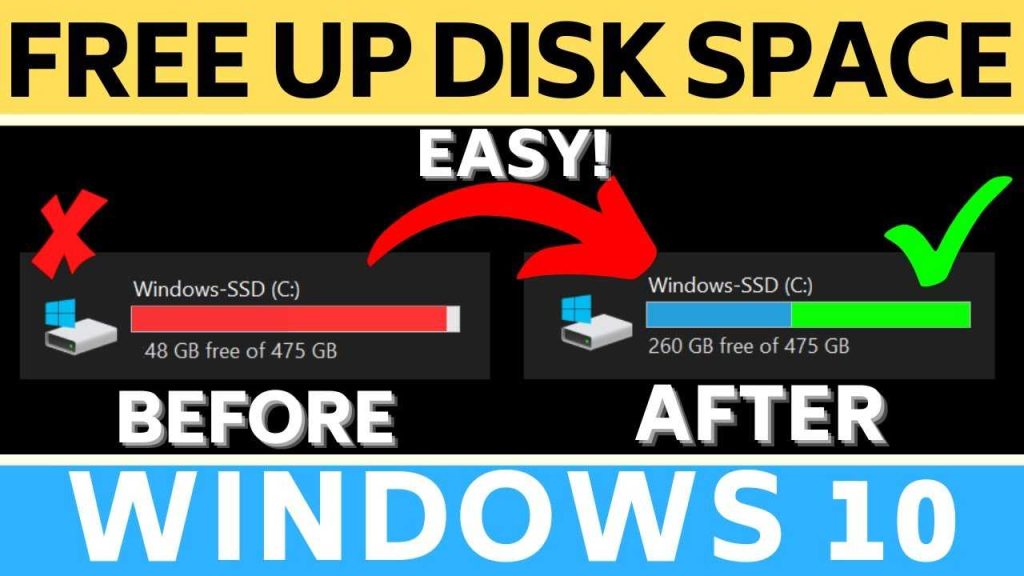
To quickly free up space on your laptop, start by deleting unnecessary files, uninstalling unused programs, and utilizing built-in tools
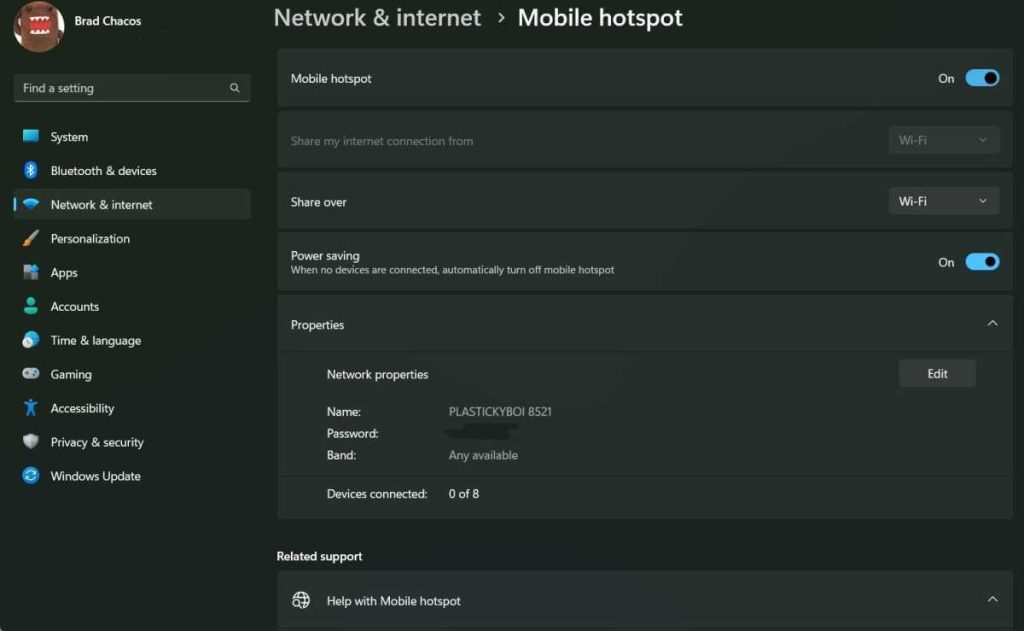
Quick answer: To use your laptop as a hotspot, enable the mobile hotspot feature in your system settings, connect your
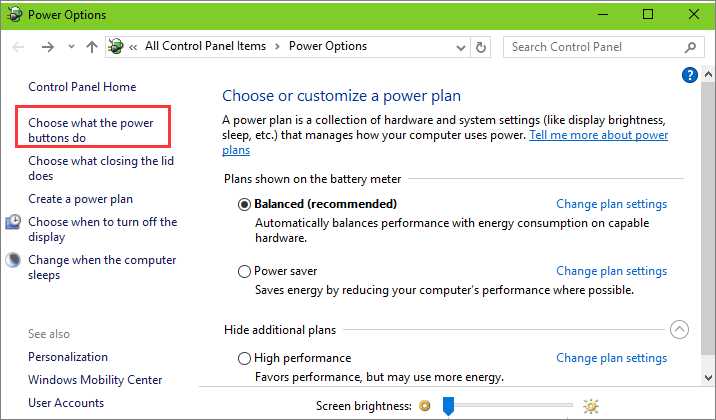
If your laptop takes forever to start, don’t worry—you’re not alone, and there are simple fixes to get it booting
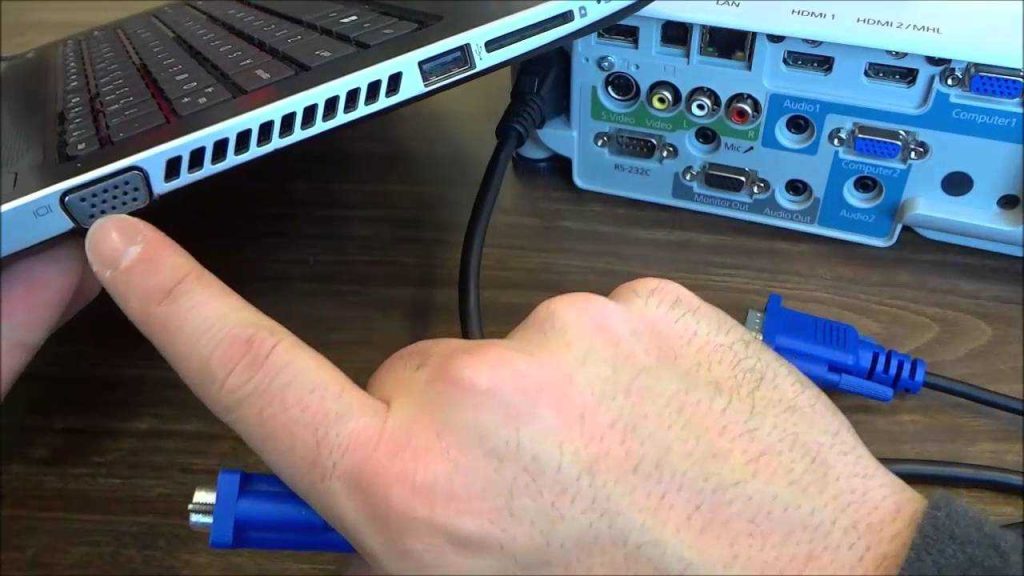
To connect your laptop to a projector quickly, simply identify the correct cable or wireless method that matches your devices—like
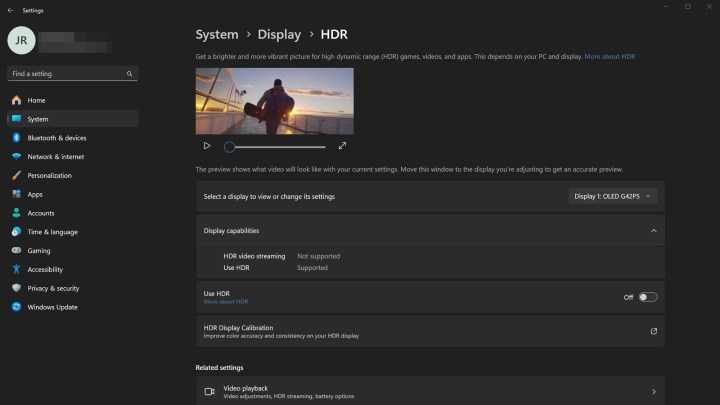
To enable HDR on your laptop quickly, go to your display settings, turn on HDR, and ensure your graphics drivers
To optimize your laptop for video editing, start by upgrading your hardware, such as increasing RAM and switching to a
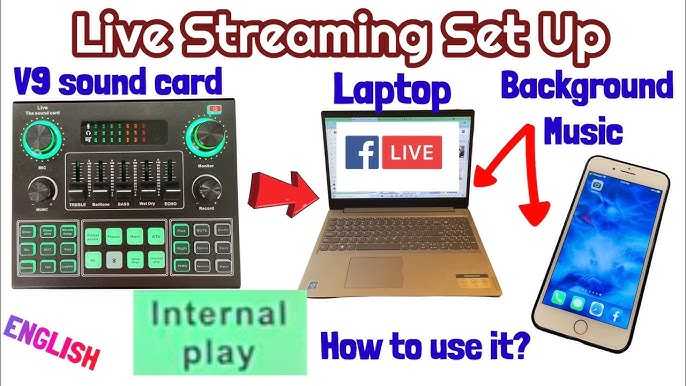
To start streaming on your laptop, simply connect it to a stable internet connection, open your preferred streaming platform, and