
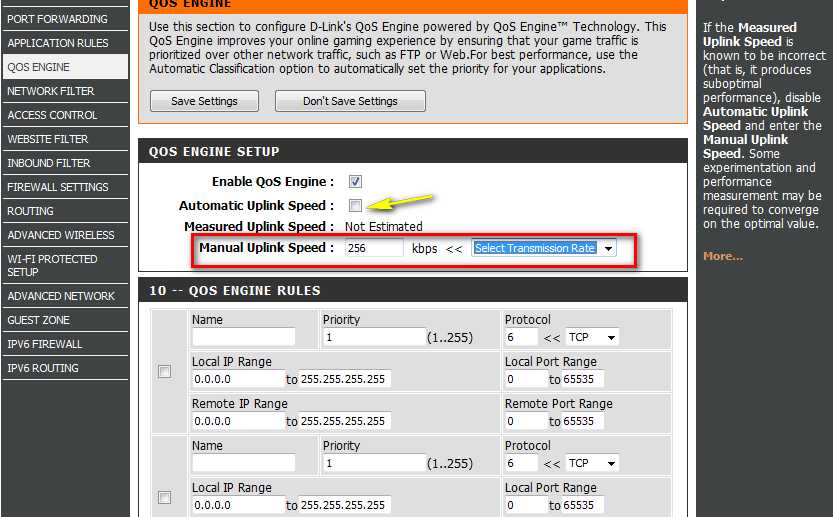
How To Configure Qos On Router For Optimal Network Performance
Quick answer: To configure QoS on your router, access the router’s admin panel, locate the QoS settings, and prioritize your […]
Quick answer: To configure QoS on your router, access the router’s admin panel, locate the QoS settings, and prioritize your […]
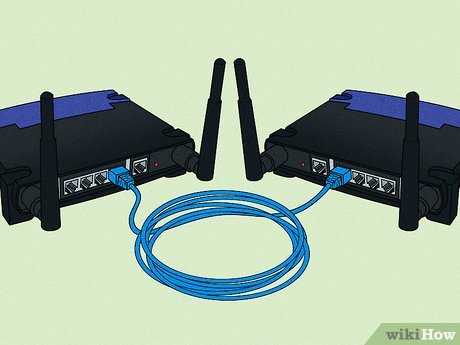
To bridge two routers, connect their LAN ports with an Ethernet cable, disable DHCP on one router, and assign it

To turn your WiFi router into a repeater, simply access its settings, enable the repeater mode, and connect it to

To easily daisy chain routers, connect the Ethernet port of the first router to the WAN port of the second

To set up a mesh WiFi router quickly, start by placing the main unit near your modem and powering it

To connect your laptop to a Wi-Fi router, simply turn on your laptop’s Wi-Fi, select your network from the available

To connect your phone to a Wi-Fi router quickly, turn on your phone’s Wi-Fi, select your router’s network from the

To connect your smart TV to a Wi-Fi router quickly, go to your TV’s network settings, select your Wi-Fi network,

To connect a printer to your Wi-Fi router quickly, start by ensuring your printer is powered on and within range

If you’ve forgotten your Wi-Fi router password and can’t connect to the internet, don’t panic—there are simple ways to recover