
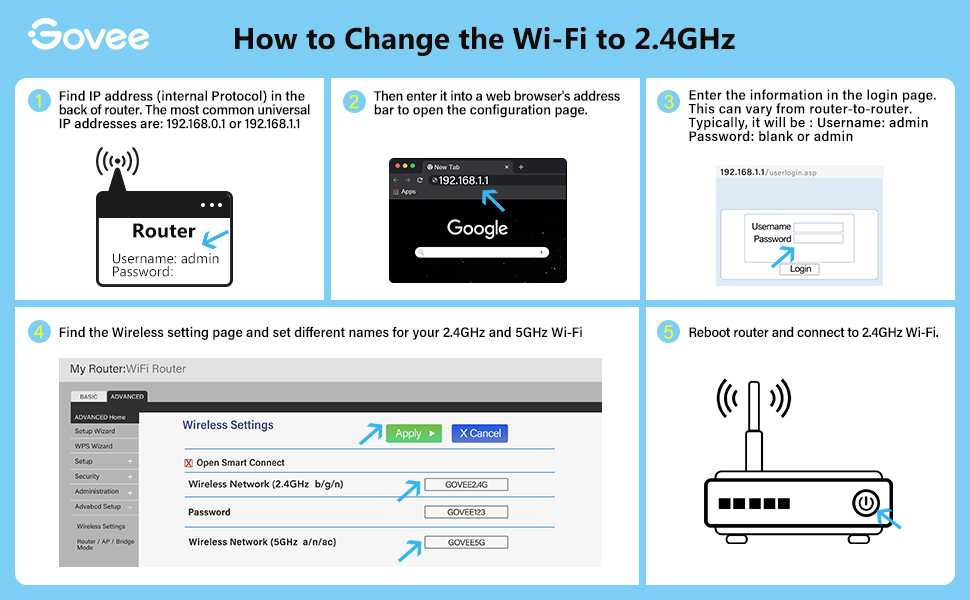
How To Switch Router From 2.4Ghz To 5Ghz For Better Speed
To switch your router from 2.4GHz to 5GHz, simply access your router’s settings through its web interface, find the wireless […]
To switch your router from 2.4GHz to 5GHz, simply access your router’s settings through its web interface, find the wireless […]
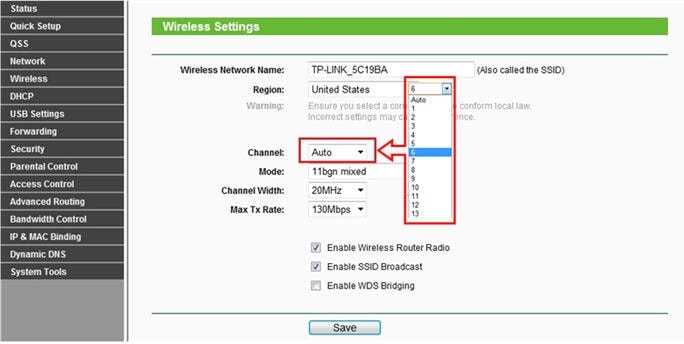
To change your router’s frequency, simply log into its admin panel and switch the wireless band from 2.4 GHz to
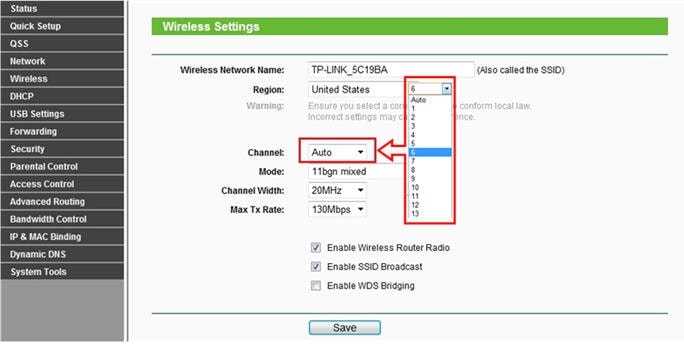
To change your router channel quickly, log into your router’s settings and select a less congested Wi-Fi channel, usually 1,
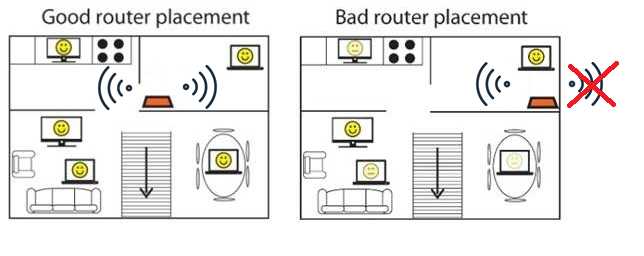
To get the strongest Wi-Fi signal, place your router in a central, elevated spot away from obstructions and interference. Avoid
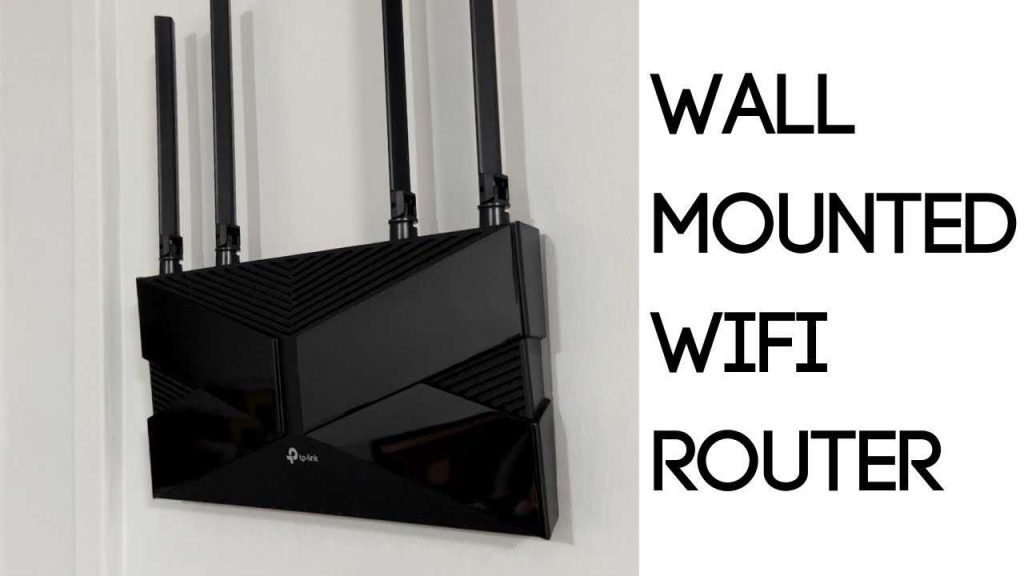
To mount your WiFi router on the wall quickly, start by selecting a sturdy spot away from obstructions, then use
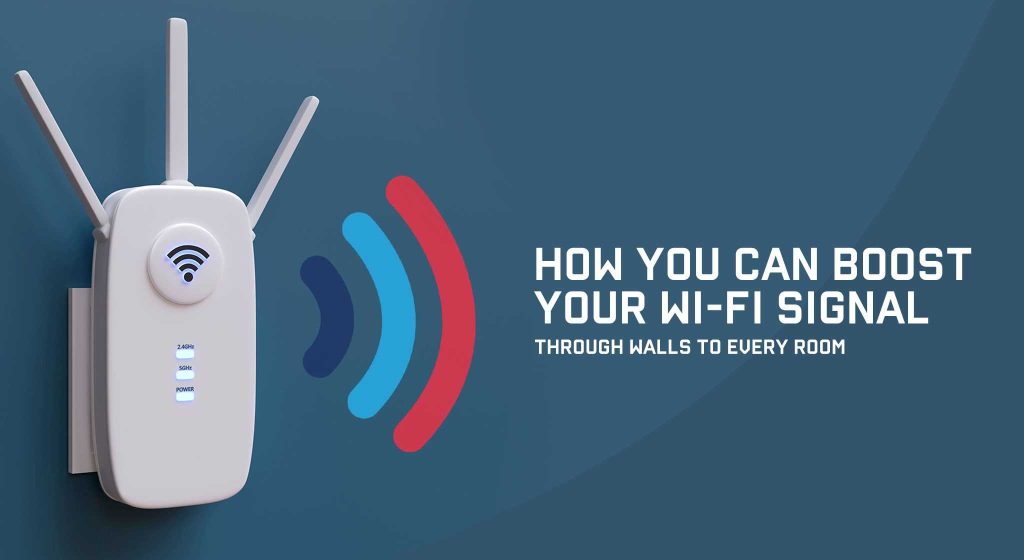
To boost your WiFi signal through walls, consider repositioning your router to a more central, open spot, upgrading to a
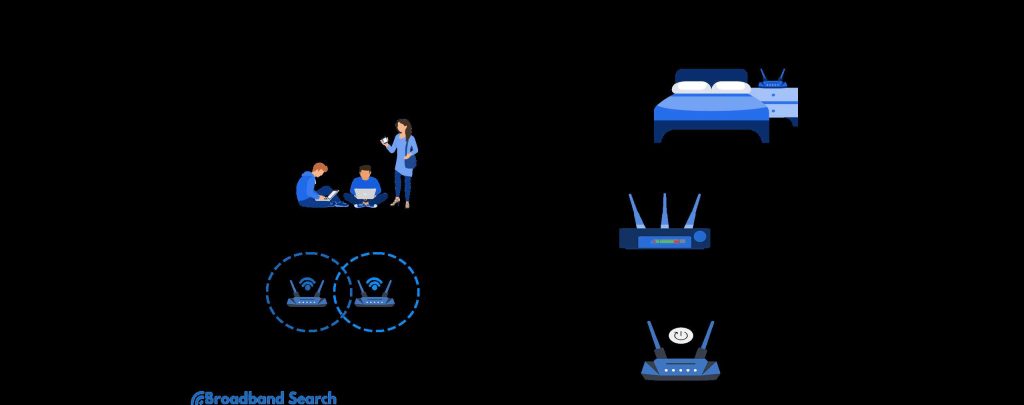
If your WiFi feels sluggish and frustrating, don’t worry—there are simple steps to boost your speed quickly. First, restart your
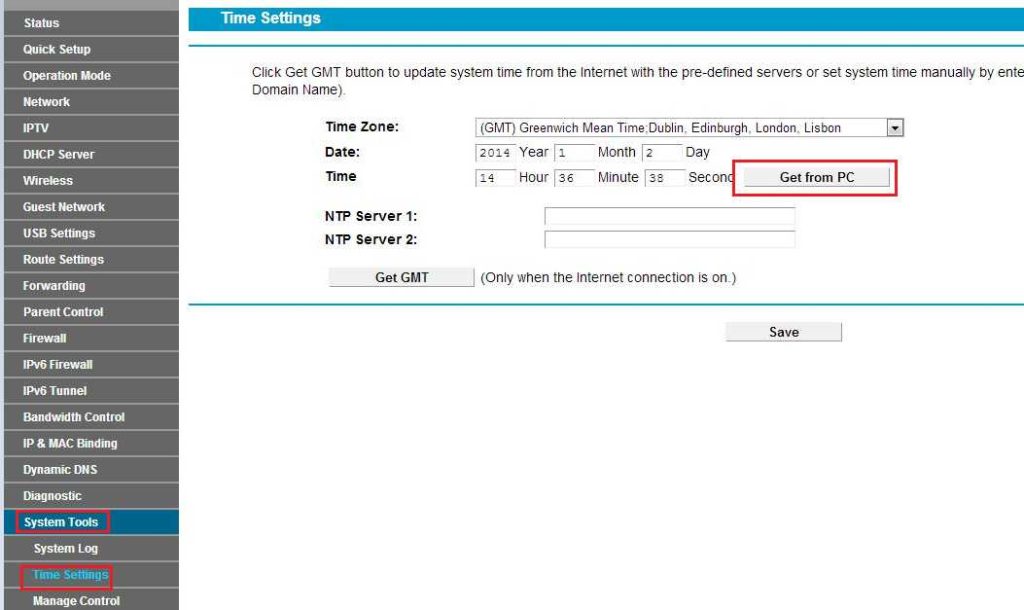
To enable the firewall on your router, access your router’s admin panel, locate the firewall settings, and toggle it on.
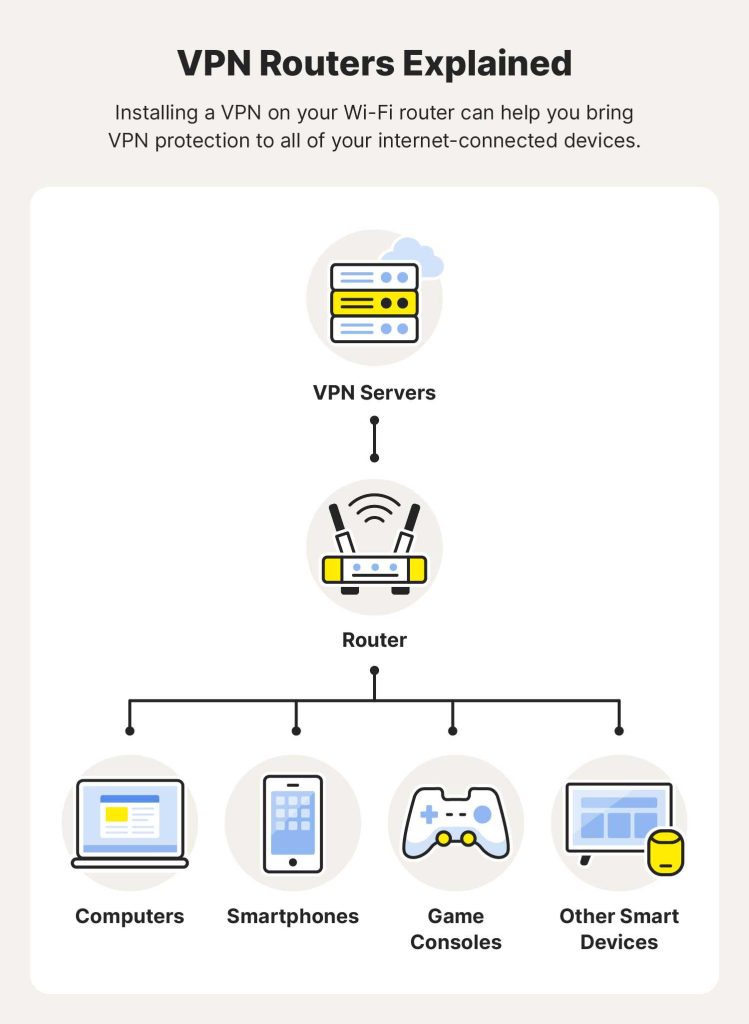
To enable VPN on your router, simply access your router’s admin panel, find the VPN settings, and enter your VPN
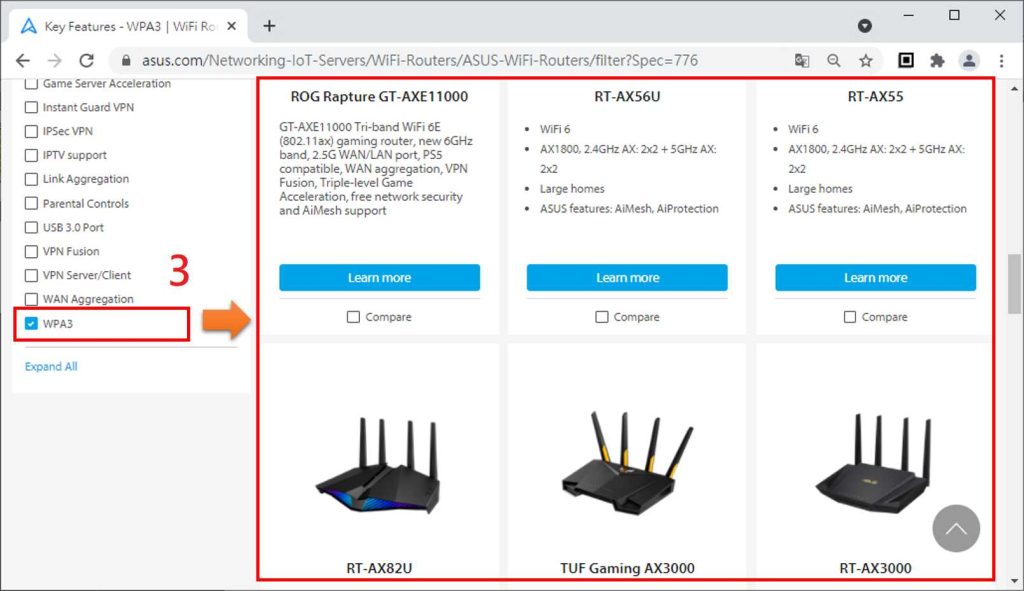
To enable WPA3 on your router, log into the router’s admin panel, navigate to wireless security settings, and select WPA3