
Is your JBL speaker producing a muffled sound? This can be frustrating.
Don’t worry, you’re not alone. A muffled speaker can ruin your listening experience. It could be due to several reasons, such as dust, water damage, or internal issues. In this blog, we will explore the common causes of a muffled JBL speaker and how to fix them.
Understanding the problem can help you enjoy clear and crisp audio again. Let’s dive in and find out why your JBL speaker sounds muffled and what you can do about it.
Common Causes
A muffled JBL speaker can stem from dirt in the speaker grille, low battery, or damaged cables. Another common issue is a loose connection within the speaker. Simple fixes like cleaning the grille or checking connections often resolve the problem.
Low Battery
A low battery can cause the sound to be weak or muffled. Speakers need a good amount of power to work well. Always check the battery level. Charge your speaker fully. This can solve the problem.
Obstructions
Objects in front of the speaker can block sound. Check if anything is covering the speaker. Remove any items that might be in the way. This can help make the sound clear again.

Credit: www.tiktok.com
Check Connectivity
Bluetooth connections can be tricky. Ensure the speaker is not too far from the device. Walls or other objects can block the signal. Try moving closer. Interference from other devices can also be a problem. Turn off other Bluetooth devices nearby. Reconnect your JBL speaker if issues persist.
Wired connections can also cause muffled sound. Check the cable for any damage. A broken cable can affect sound quality. Ensure it is plugged in properly. Sometimes, dirt or dust in the ports can be an issue. Clean the ports gently with a dry cloth. If the problem continues, try a different cable.
Inspect Speaker Hardware
Check if any part of your speaker is broken. Cracks and dents can affect the sound. Use a flashlight to look inside the speaker. Make sure no wires are loose. Loose wires can cause poor sound quality. If you find any broken parts, contact support.
Water can harm your speaker. If your speaker got wet, dry it quickly. Use a dry cloth to remove water. Do not use the speaker if it is still wet. Moisture inside can damage the parts. If the sound is still bad, it might need professional repair.
Update Firmware
Keeping your JBL speaker firmware up-to-date can fix sound issues. Firmware updates provide bug fixes and performance improvements. They ensure your speaker works with the latest devices. New updates can also add features. Check the JBL website or app for updates. Follow the instructions carefully to update. Regular updates help maintain sound quality.
Compatibility between devices and firmware is crucial. Ensure your device’s operating system is compatible with the speaker. Mismatched versions can cause muffled sound. Always pair with supported devices for the best audio experience. Compatibility checks help avoid sound issues.
Adjust Audio Settings
Check the equalizer settings on your device. Different settings can change sound quality. Choose a setting that enhances clarity. Many devices have preset options. Try options like “treble boost” or “bass reduction”. These may help with muffled sound. Custom settings can also be useful. Adjust the levels for treble and bass. Experiment until you find a clear sound.
Sometimes, volume levels can affect sound quality. Too high a volume may cause distortion. Lower the volume slightly to see if it helps. Make sure your device’s volume is not too low either. Balance both the speaker and device volumes. This ensures a more even sound. External noise may also interfere. Keep your surroundings quiet for better sound clarity.
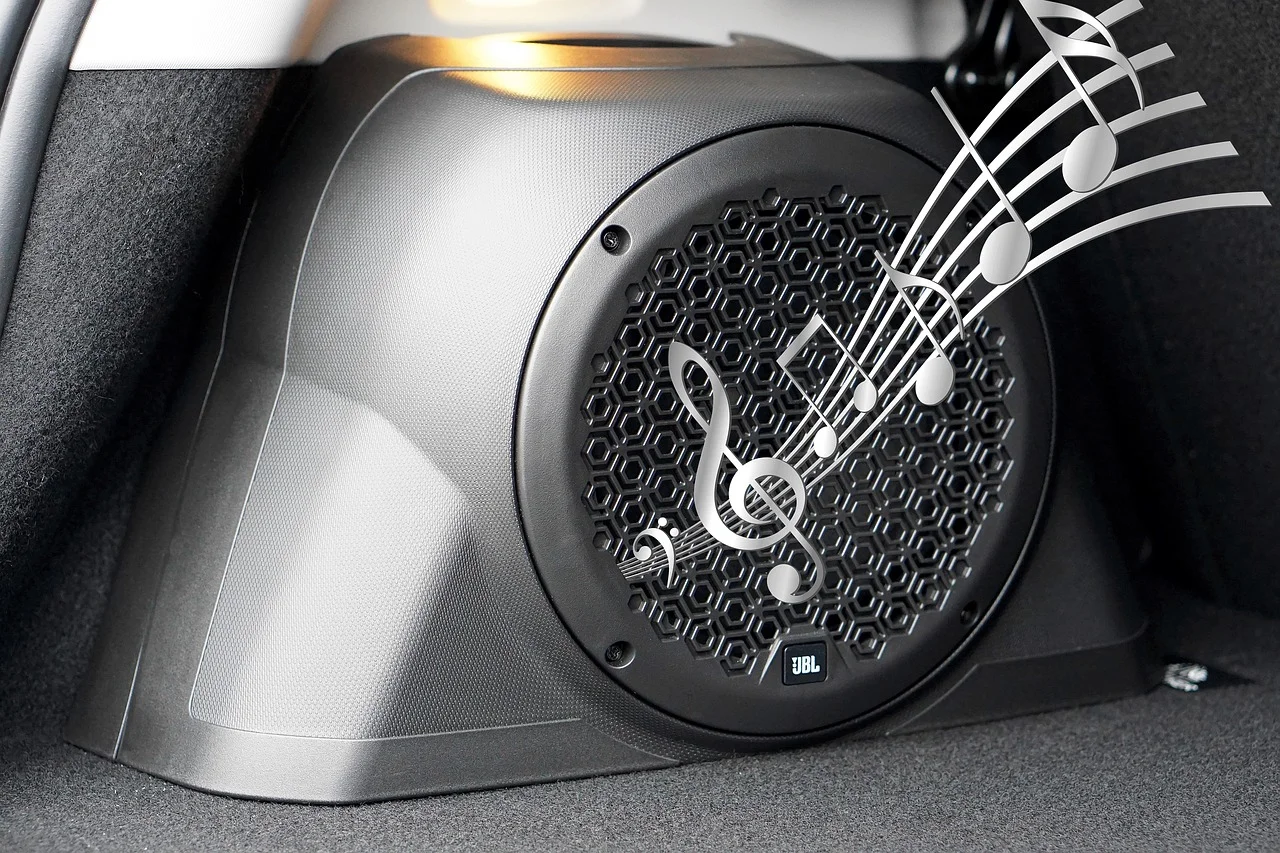
Credit: caraudioradar.com
Environmental Factors
Room acoustics can change your speaker’s sound quality. Hard surfaces like tiles or glass reflect sound. Soft surfaces like carpets or curtains absorb sound. Small rooms might make sound bounce around more. Large rooms can make the sound spread out. Try different rooms to see if the sound improves.
Other devices can interfere with your JBL speaker. Wi-Fi routers, phones, or other Bluetooth devices can cause issues. Keep your speaker away from these devices. Walls and furniture can also block the signal. Place your speaker in an open space for better sound.
Test With Different Devices
Testing your JBL speaker with different devices can help identify if the issue is with the speaker or the audio source. By using various smartphones, tablets, or computers, you can determine if the muffled sound persists. This simple troubleshooting step can save time and effort in diagnosing the problem.
Smartphones
First, connect your JBL speaker to a smartphone. Play some music. Listen carefully. If the sound is still muffled, the issue may be with the speaker. Try adjusting the volume and settings. Make sure the Bluetooth connection is strong. Check for any obstacles.
Laptops
Next, try connecting your JBL speaker to a laptop. Play music or a video. Listen to the sound quality. If it sounds clear, the issue might be with your smartphone. Check the audio settings on your laptop. Ensure they are set correctly. You may need to update drivers or software.
Seek Professional Help
Consult a technician if your JBL speaker sounds muffled. They can diagnose and fix any underlying issues efficiently.
Authorized Service Centers
Authorized service centers know JBL speakers well. They can fix many problems. Visiting them ensures your speaker gets the best care. Certified technicians check and repair issues. This keeps your warranty valid. They use original parts for repairs. This helps your speaker last longer. Find a center near you on the JBL website.
Warranty Claims
Check if your speaker is under warranty. Warranty covers many issues at no cost. Contact JBL support for help. They guide you on making a claim. Follow their instructions to get your speaker fixed. This saves you money. It also ensures your speaker is repaired by experts.

Credit: www.tiktok.com
Frequently Asked Questions
What To Do When Your Jbl Speaker Sounds Muffled?
Check for debris or dust in the speaker grill. Ensure Bluetooth connection is stable. Reset the speaker. Update firmware if needed.
Why Does My Jbl Speaker Sound Fuzzy?
Your JBL speaker may sound fuzzy due to a low battery, Bluetooth interference, or dirt in the speaker grill. Ensure it’s fully charged, try moving it away from other devices, and clean the grill gently.
Why Does My Jbl Sound Like It’s Underwater?
Your JBL might sound underwater due to water damage, low battery, or a software issue. Check for debris or reset it.
Why Does My Speaker Suddenly Sound Muffled?
Your speaker might sound muffled due to dust, debris, or water damage. Check for obstructions and clean it gently.
Conclusion
A muffled JBL speaker can be frustrating. Common causes include dust, water damage, or internal issues. Regular cleaning and careful handling can help maintain sound quality. Check for software updates too. Sometimes, a simple reset solves the problem. Remember, quality audio depends on proper maintenance.
If issues persist, professional repair might be needed. Understanding these tips ensures your JBL speaker performs well. Enjoy clear, crisp sound once again. Happy listening!


