Want to know your hiking speaker’s Bluetooth range? It’s easy! Just find an open space, play some music, and walk away until the sound cuts out. This simple test shows you how far your speaker can reach, ensuring you have tunes on every adventure.
Hey there, tech adventurers! Max here from AffTechy.com, ready to dive into something super useful for anyone who loves music on the go. You know those awesome Bluetooth speakers that make your hikes, picnics, or beach days way more fun? They’re like magic boxes of sound, but sometimes you wonder, “How far can this thing really go?”
It’s a question many of us have! You might be setting up camp, lounging by the pool, or just exploring a new trail, and you want your music to follow you. But what happens when you wander a little too far? Does the music fade out? It can be a bummer, right?
That’s why understanding your speaker’s Bluetooth range is a game-changer. It means no more guessing games or sudden silences when you’re trying to enjoy your favorite tunes. We’ll make this super simple, so you’ll know exactly what to do.
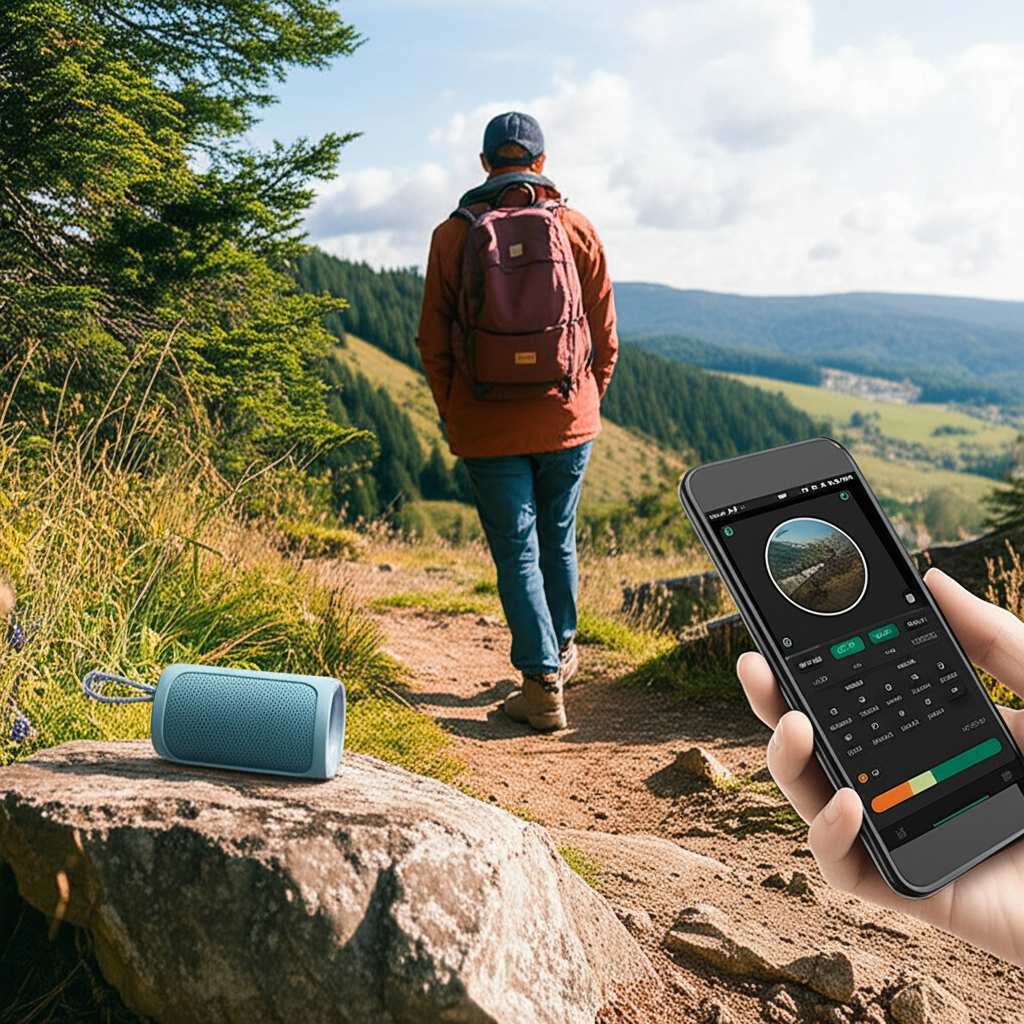
Ready to unlock the full potential of your portable sound? Let’s break down how to test your hiking speaker’s Bluetooth range, step by step. It’s easier than you think!
Why Does Bluetooth Range Even Matter for Hiking Speakers?
Imagine you’re on a beautiful hike. You’ve found the perfect scenic spot to take a break, and you pull out your trusty Bluetooth speaker. You connect your phone, and the music starts filling the air. Awesome!
But then, you decide to wander a bit further to admire a view, or maybe a friend wants to chat without carrying their phone. Suddenly, the music skips, or worse, cuts out completely. That’s frustrating, and it can totally break the mood.
Knowing your speaker’s Bluetooth range helps you avoid these awkward moments. It tells you how much freedom you have to move around while still enjoying your audio. This is especially important when you’re out in nature, where you might not always be right next to your device.
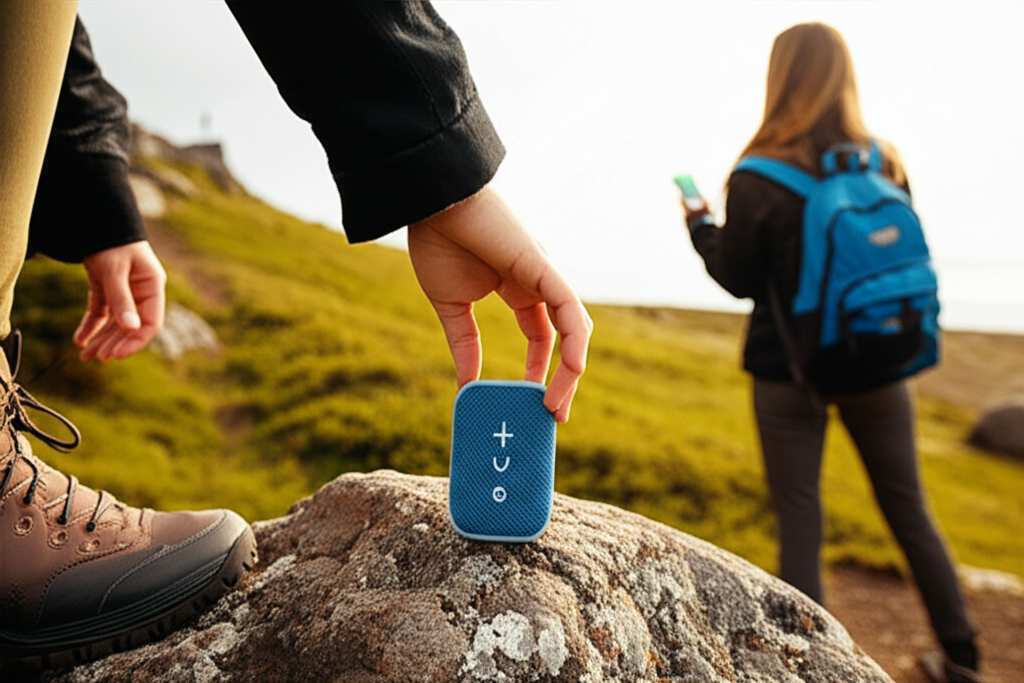
Understanding Bluetooth: The Basics
Before we test, let’s quickly chat about Bluetooth itself. Think of Bluetooth as a wireless radio signal. Your phone or device sends music signals to your speaker, and the speaker plays them. This signal has a limit, just like any radio wave.
Different versions of Bluetooth have different ranges. Newer versions, like Bluetooth 5.0 and above, generally offer longer ranges and more stable connections than older ones. It’s like upgrading from an old walkie-talkie to a modern smartphone – the tech gets better!
What is the “Ideal” Bluetooth Range for a Hiking Speaker?
When we talk about Bluetooth range, we usually mean the maximum distance your device and speaker can stay connected. For standard Bluetooth devices, this is often around 30 feet (about 10 meters). This is what’s called “Class 2” Bluetooth, which is the most common type.
However, for a hiking speaker, you might hope for a bit more! Some rugged or outdoor-focused speakers are designed with better antennas or newer Bluetooth tech (like Bluetooth 5.0 or 5.1) that can push this range further. You might see manufacturers claim ranges of 50 feet, 60 feet, or even more.
But here’s a little secret: those advertised ranges are often under perfect conditions. Think open fields with no obstacles. In real life, things like walls, trees, water, and even your own body can interfere with the signal. So, testing it yourself is key!
Let’s Get Testing! Your Step-by-Step Guide
Okay, ready to put your speaker to the test? It’s super simple and doesn’t require any fancy gadgets. Grab your speaker, your phone (or whatever device you use), and let’s head outside!
Step 1: Find Your Testing Ground
The best place to test Bluetooth range is somewhere with plenty of open space and minimal interference.
Ideal spots: A large park, an empty field, a quiet beach, or even a big backyard.
Avoid: Busy streets, indoor spaces with lots of walls, or areas with a lot of other wireless devices (like a crowded festival).
The more open space you have, the clearer your results will be.
Step 2: Prepare Your Devices
Make sure both your speaker and your phone are fully charged. You don’t want the battery dying halfway through your test!
Speaker: Turn it on and make sure it’s in pairing mode or already connected to your device.
Phone/Device: Turn on your Bluetooth and connect it to the speaker.
It’s a good idea to disable Wi-Fi on your phone temporarily, as it can sometimes interfere with Bluetooth signals.
Step 3: Start the Music!
Play a song or podcast you know well. Make sure the volume is at a comfortable level so you can easily hear any changes.
Pro Tip: Choose a track with a good mix of bass and treble. This helps you notice subtle audio quality changes or skips more easily.
Step 4: The Walk-Away Test
Now for the main event!
1. Place your phone down at your starting point.
2. Take your speaker and start walking directly away from your phone in a straight line.
3. Pay close attention to the music. Listen for any skipping, popping, or sudden drops in volume.
4. Keep walking until the audio quality significantly degrades or cuts out completely.
5. Note the spot where this happens. You can even use a landmark or a physical object to mark it.
This distance is your speaker’s real-world maximum range in that specific environment.
Step 5: Test in Different Directions
Bluetooth signals aren’t always perfectly uniform. Sometimes, the range can be slightly different in different directions.
Repeat the walk-away test, but this time, walk in a different direction (e.g., 90 degrees from your first test).
Try walking in a circle around your phone, keeping the speaker at a consistent distance.
This gives you a better overall picture of your speaker’s performance.
Step 6: Consider Obstacles (Optional but Recommended)
Real hiking often involves trees, rocks, or even other people between you and your speaker. To simulate this:
Place your phone in one spot.
Walk away with the speaker, but this time, walk behind a tree, a large rock, or even a person.
See how much range you lose when there’s an obstacle in the way.
This will give you a more practical understanding of how the speaker will perform during an actual hike.
What Affects Bluetooth Range? Let’s Dig Deeper!
You might be wondering why your speaker’s range isn’t always what the box says. Several things can impact how far that wireless signal can travel.
Bluetooth Version: As mentioned, newer versions (like Bluetooth 5.0+) are generally better. They have improved power efficiency and longer theoretical ranges.
Antenna Quality: The design and quality of the antennas inside both your device and the speaker play a huge role. Better antennas mean stronger signals.
Interference: This is the big one! Other wireless devices (Wi-Fi routers, microwaves, other Bluetooth gadgets) can jam the signal. Even things like USB 3.0 ports can cause interference.
Obstacles: Walls, doors, furniture, trees, hills, and even your own body can absorb or block Bluetooth signals. The more solid stuff between your devices, the weaker the signal.
Battery Levels: Sometimes, low battery on either the speaker or the source device can affect Bluetooth performance.
Environment: Humidity and even weather conditions can subtly affect signal strength.
Table Time! Comparing Typical Bluetooth Ranges
To give you an idea of what to expect, here’s a look at how different Bluetooth versions and scenarios can affect range. Remember, these are general estimates!
| Scenario | Bluetooth Version | Typical Range (Open Air) | Notes |
|---|---|---|---|
| Standard Connection | Bluetooth 4.0 – 4.2 | Up to 30 feet (10 meters) | Most common in older devices. |
| Enhanced Connection | Bluetooth 5.0 – 5.3 | Up to 80 feet (24 meters) | Offers better speed and range. |
| Speaker with Extended Range Features | Often Bluetooth 5.0+ | Up to 100+ feet (30+ meters) | Marketing claims can be optimistic; real-world varies. |
| Connection with Obstacles (e.g., 1-2 Walls) | Any Version | Reduced significantly (e.g., 15-25 feet) | Signal strength drops with each barrier. |
See how the “ideal” range can change a lot? The “Bluetooth Version” column shows the potential. But the “Connection with Obstacles” row is what you’ll often experience in daily life. That’s why testing in your typical use environments is so important!
Tips for Maximizing Your Speaker’s Bluetooth Range
Want to get the most out of your speaker’s connection? Here are some handy tips:
Keep Devices Closer: The simplest trick is to keep your phone and speaker as close as possible when you need a solid connection.
Minimize Obstacles: Try to position your speaker and device so there are fewer things between them. Place the speaker on a clear surface, not buried in a backpack.
Reduce Interference: Turn off other Bluetooth devices you aren’t using. If you’re near a strong Wi-Fi source, consider moving slightly away from it.
Update Your Device’s Software: Sometimes, operating system updates for your phone or tablet can improve Bluetooth performance.
Check Speaker Placement: Elevating your speaker slightly can sometimes help clear ground-level interference.
Use Newer Bluetooth Versions: If you’re buying a new speaker, aim for one with Bluetooth 5.0 or newer for the best performance.
Testing Specific Hiking Speaker Features
Many hiking speakers come with extra features designed for the outdoors. Let’s see how some of these might interact with Bluetooth range.
Multi-Speaker Pairing (True Wireless Stereo – TWS)
Some speakers let you pair two identical speakers together for stereo sound.
How to test: Pair two speakers together. Then, try testing the range from your phone to one of the speakers. See if the signal to the second speaker is also strong. Usually, the range is determined by the speaker closest to your phone.
What to look for: A stable connection to both speakers, even when they are a good distance apart.
Waterproof and Dustproof Ratings (IP Ratings)
While IP ratings (like IP67 or IP68) are about protection from water and dust, they can indirectly relate to speaker design.
How it relates: Speakers built to be rugged and waterproof often have robust designs. This can mean they incorporate better antennas or more shielded components, potentially leading to a more stable connection, though it’s not a direct guarantee of longer range.
What to look for: A speaker that feels well-built and sealed. This gives confidence it can handle the elements and maintain a good connection.
Built-in Power Banks
Some speakers can charge your phone.
How to test: While playing music and testing range, plug your phone into the speaker’s power bank. See if this setup affects the Bluetooth signal strength.
What to look for: Consistent audio playback even while charging. Some charging circuits can introduce minor interference, but good designs minimize this.
Real-World Scenarios: When Range Matters Most
Let’s picture a few hiking scenarios where knowing your speaker’s range is super handy.
Scenario 1: The Campsite Chill
You’ve set up your tent, and you want to relax with some music. You place the speaker near the campfire. You might wander off to gather firewood or set up a hammock a good distance away. Knowing your speaker can reach 40 feet means you can do this without the music cutting out.
Scenario 2: The Group Hike
You’re hiking with friends, and everyone wants to enjoy the tunes. You can place the speaker centrally, and people can chat or take photos a reasonable distance away from it. If your speaker has a 50-foot range, people can spread out a bit more comfortably.
Scenario 3: The Solo Explorer
You love exploring trails alone, and music keeps you company. You can place your speaker at a scenic overlook while you explore a nearby cliff edge or a small side path. A reliable range ensures your soundtrack continues uninterrupted.
Troubleshooting Common Bluetooth Issues
Sometimes, even after testing, you might run into problems. Don’t worry, here are quick fixes!
Sound is choppy or cutting out: This usually means you’re at the edge of your range or there’s interference. Try moving closer or removing obstacles.
Speaker won’t connect: Turn off Bluetooth on both devices, then turn it back on and try pairing again. If that doesn’t work, restart both the speaker and your phone.
Volume is too low: Make sure the volume is turned up on both your device and the speaker. Also, check that your device isn’t set to “low volume” mode.
Connection drops frequently: This is a classic sign of interference or being too far away. Try moving to a more open area or closer to the speaker.
FAQ: Your Burning Bluetooth Range Questions Answered
Got more questions? We’ve got answers!
Q1: How far is the average Bluetooth range for a speaker?
A1: For most standard Bluetooth speakers, the average range is about 30 feet (10 meters) in open air. However, many modern speakers, especially those designed for outdoor use, boast ranges of 50-100 feet or more.
Q2: Does the material of my phone case affect Bluetooth range?
A2: Yes, some phone cases, especially those made of thick metal or containing metallic elements, can slightly reduce Bluetooth signal strength. It’s usually a minor effect, but it’s something to consider.
Q3: Can I test Bluetooth range indoors?
A3: You can, but the results won’t be as accurate. Walls, furniture, and appliances create a lot of interference and signal blockage, so indoor range is always much shorter than outdoor range.
Q4: What’s the difference between Bluetooth 4.0 and Bluetooth 5.0 range?
A4: Bluetooth 5.0 generally offers up to four times the range and twice the speed of Bluetooth 4.0, meaning it can potentially reach much further and maintain a more stable connection.
Q5: My speaker is advertised with a 100-foot range, but I only get 40 feet. Why?
A5: Advertised ranges are usually tested in perfect, open-air conditions with no interference. Real-world factors like walls, trees, and other electronic devices significantly reduce the effective range. The 40 feet you’re getting is likely a more realistic figure for your environment!
Q6: Does water affect Bluetooth range?
A6: While waterproof speakers are designed to keep water out, the water itself can absorb or scatter Bluetooth signals if it’s between the speaker and your device. So, if you’re testing near a lake or pool, expect a slightly reduced range.
Q7: How can I improve my Bluetooth speaker’s connection quality?
A7: Keep your phone and speaker within line of sight and as close as practically possible. Minimize other wireless devices that might interfere and ensure both devices have good battery levels.
Conclusion: Enjoy Your Music, Anywhere!
So there you have it! Testing your hiking speaker’s Bluetooth range is a simple process that gives you a clear understanding of its capabilities. You’ve learned why range matters, how to perform the test yourself, and what factors can affect that precious signal.
Now you can confidently take your speaker on your next adventure, knowing exactly how far you can roam while keeping the tunes flowing. Whether you’re camping, hiking, or just relaxing in your backyard, great sound is always within reach.
Go out there, explore, and let the music lead the way! Now go enjoy amazing sound and make every moment louder and better!