Syncing lights with Bluetooth speakers for office parties is easier than you think! Get ready for a vibrant atmosphere that will make your next event unforgettable.
Hey there! Max here from AffTechy.com. You know how music just makes everything better? Whether it’s a chill background tune or a full-on party playlist, sound has this amazing power to change a mood. And when you’re planning an office party, you want it to be special, right? You want everyone to have a blast!
But sometimes, setting up tech for a party can feel a bit… complicated. You’ve got speakers, maybe some lights, and getting them all to work together perfectly can seem like a puzzle. Don’t worry, though! I’m here to show you how to make your office parties pop with synchronized lights and awesome sound. It’s way simpler than it sounds, and the result is totally worth it.
We’re going to walk through everything, step by step. Think of me as your friendly guide, holding your hand through the tech maze. We’ll cover how to pick the right gear and get it all synced up so your next office bash is the talk of the town. Let’s dive in and make some magic happen!
Why Sync Lights with Your Bluetooth Speakers?
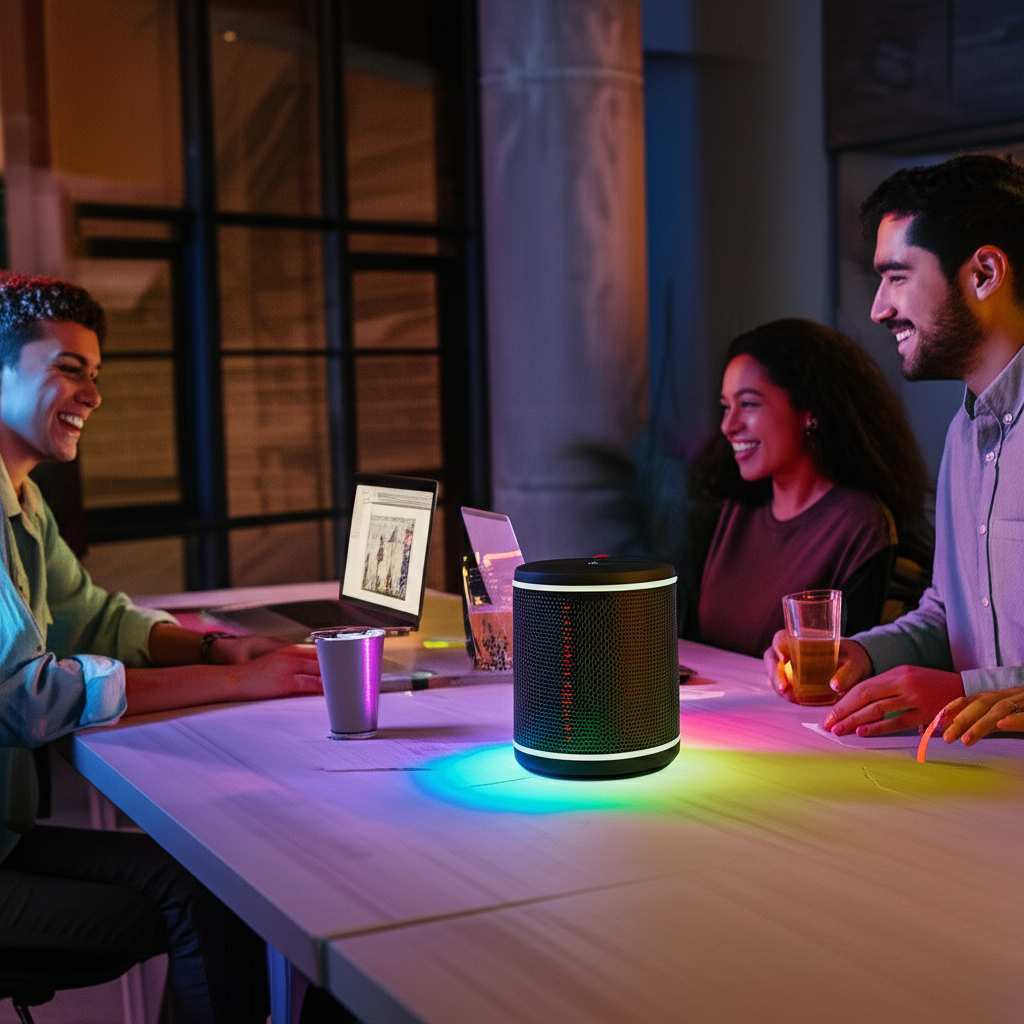
Imagine this: The music starts, and suddenly, the lights in the room begin to pulse and change color with the beat. It’s not just background music anymore; it’s an experience! Syncing your lighting with your Bluetooth speakers can transform a regular office gathering into an energetic, immersive event. It adds a whole new layer of fun and excitement.
This isn’t just for huge concerts or clubs. Even a small office party can feel more special with a little bit of synchronized flair. It helps create a festive mood, gets people energized, and makes your event feel more professional and memorable. Plus, it shows you’ve put extra thought into making it a great time for everyone.
Let’s Talk About the Gear: Speakers and Lights
Before we can sync anything, we need to know what we’re working with. For office parties, you’ll typically be looking at Bluetooth speakers and some kind of lighting. The good news is, many modern speakers and lights are designed with this kind of integration in mind!
When it comes to speakers, think about size and sound quality. For an office, you probably don’t need a massive, booming system, but you do want something that can fill the space with clear sound. Bluetooth speakers are super convenient because they connect wirelessly to your phone, laptop, or tablet. No messy cables!
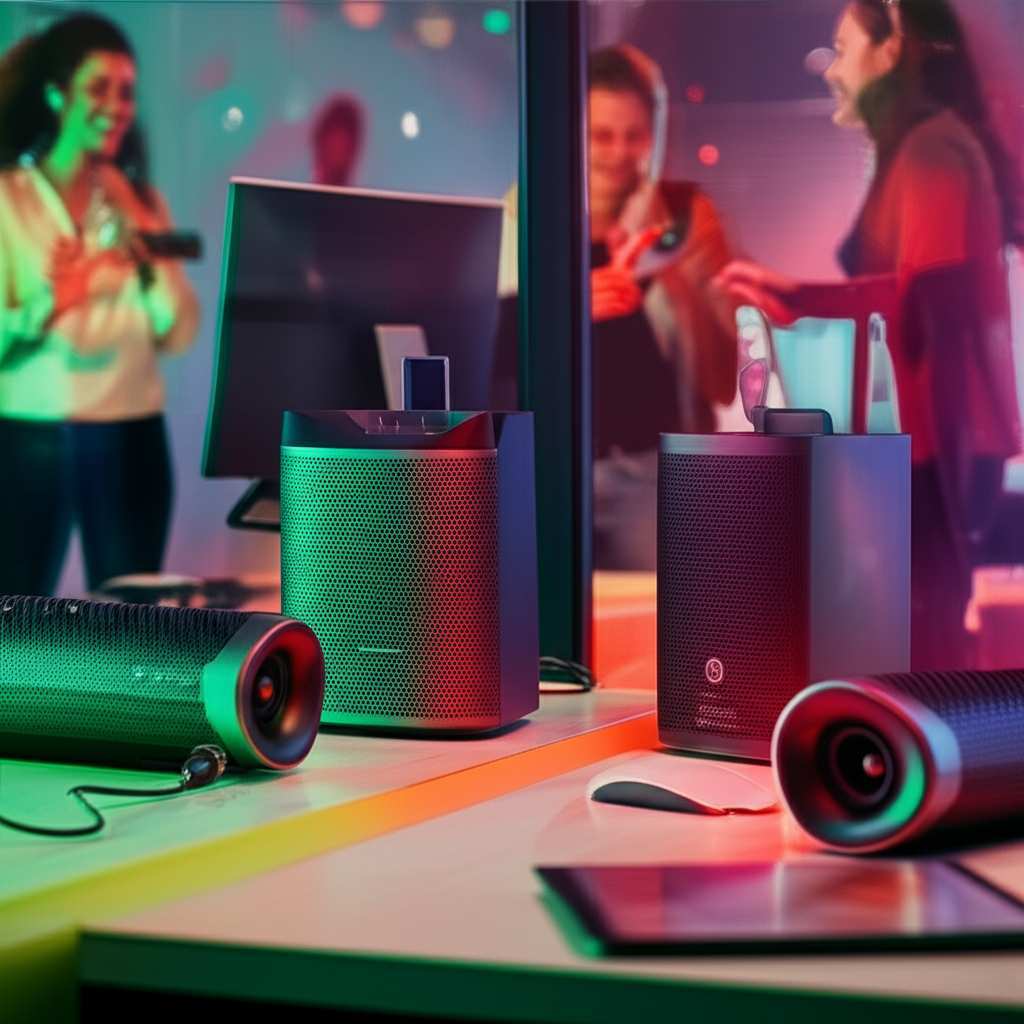
For lights, you have a few options. You might have smart bulbs that you can control with an app, portable LED light bars, or even simple string lights. The key is to find lights that can either react to sound or be controlled in a way that lets you match them to the music.
Choosing the Right Bluetooth Speaker
Picking the perfect Bluetooth speaker is the first big step. You want something that sounds great and is easy to use. Here are a few things to consider:
- Sound Quality: This is obvious, right? Listen for clear highs, solid mids, and a decent bass. You don’t want tinny sound.
- Battery Life: If your party goes on for a while, you need a speaker that can keep up. Look for speakers that offer at least 8-10 hours of playback.
- Connectivity: Most use Bluetooth, but some also have aux inputs or even Wi-Fi. Bluetooth is usually the easiest for quick setups.
- Durability: Even in an office, things can get bumped. A sturdy speaker is a good investment.
- Portability: If you plan to move the speaker around or use it in different areas, consider its size and weight.
Here’s a quick look at some popular types of Bluetooth speakers and what they’re good for:
| Speaker Type | Pros | Cons | Best For |
|---|---|---|---|
| Portable Bluetooth Speaker | Easy to move, quick setup, good for small to medium spaces. | Sound might not be as powerful as larger units. | Casual office gatherings, breakout rooms. |
| Smart Speaker (with Bluetooth) | Can often control lights via voice commands, good sound. | Might require Wi-Fi for full smart features, can be pricier. | Tech-savvy offices, integrating with other smart devices. |
| Party Speaker | Loud sound, often with built-in lights or effects. | Can be bulky, might be overkill for smaller events. | Larger office parties, events where dancing is expected. |
See? It’s not too complicated. For most office parties, a good quality portable Bluetooth speaker will do the trick. It’s the Swiss Army knife of speakers – versatile and reliable!
Getting the Right Lighting
Now, let’s talk lights! This is where the magic really happens. You want lights that can sync with the music to create that dynamic atmosphere. Here are a few popular options for office parties:
- Smart LED Bulbs: These screw into your existing lamps or fixtures. You can control their color, brightness, and often set them to “music sync” modes using a smartphone app.
- Portable LED Light Bars/Strips: These are great because you can place them anywhere. Many have built-in microphones that pick up sound and change color accordingly.
- Bluetooth-Enabled Stage Lights: For a more professional look, you can get small stage lights that connect via Bluetooth and are controlled by an app.
- Themed String Lights: Sometimes, even simple string lights can add a festive touch, especially if they have different modes or color options.
The easiest way to sync is to use lights that have a built-in sound-reactive feature. This means the lights have a microphone, and they’ll react directly to the music coming from your Bluetooth speaker. No extra apps or complicated connections needed!
If you’re using smart bulbs, you’ll want to check if their companion app offers a music sync feature. Some apps can listen to the music playing from your phone’s speaker or even directly from the room’s microphone and adjust the lights.
How to Sync: The Step-by-Step Guide
Alright, let’s get down to business! Here’s how you can sync your lights with your Bluetooth speakers for that awesome party vibe. We’ll cover a few common scenarios.
Scenario 1: Lights with Built-in Sound Reactivity
This is the simplest method. Many portable LED lights are designed to do this right out of the box.
- Set up your Bluetooth Speaker: Place your speaker where it can fill the room with sound. Turn it on and connect it to your music source (phone, laptop, etc.).
- Position your Lights: Place your sound-reactive lights around the room. Make sure they can “hear” the music from the speaker.
- Power on the Lights: Turn on your LED lights.
- Activate Sound Mode: Most sound-reactive lights have a button or a setting to switch them to “music mode” or “sound sync.” Look for a microphone icon or similar.
- Play Your Music: Start your playlist! The lights should now flash, pulse, or change color in time with the music.
Pro Tip: Experiment with the light’s sensitivity if it has an adjustment. Too sensitive, and they might flicker with every tiny noise; not sensitive enough, and they might not react well to softer parts of the music.
Scenario 2: Smart LED Bulbs with App Control
If you’re using smart bulbs, you’ll rely on their app to get the sync going. This often gives you more control.
- Set up your Bluetooth Speaker: Just like before, get your speaker connected and playing music.
- Install and Set Up Smart Bulb App: Make sure your smart bulbs are connected to your Wi-Fi and set up in their respective app (e.g., Philips Hue, Wyze, Kasa).
- Find the Music Sync Feature: Open the app and look for a “Music,” “Party,” or “Sync” mode.
- Select Your Light(s): Choose which bulbs you want to sync with the music.
- Choose a Sync Mode: The app might offer different visual effects. Some apps will use your phone’s microphone to listen to the music. Others might let you link to music streaming services directly.
- Start the Music and Watch: Play your music. The app will process the sound and send commands to your lights to change color and brightness.
What to Look For: Some apps can directly listen to music playing on your phone. Others might need the music to be playing from a specific service linked within the app. Check your app’s features!
Scenario 3: Using a Dedicated Lighting Controller or App
For more advanced setups, you might use a central controller or a more sophisticated app that can manage multiple types of lights and speakers.
- Connect Your Devices: Ensure your Bluetooth speaker and your lighting system (if it’s not just smart bulbs) are powered on and discoverable.
- Use a Syncing App: Some apps are designed to coordinate multiple devices. You might connect your speaker via Bluetooth and your lights via Wi-Fi or a separate connection.
- Configure Sync Settings: In the app, you’ll tell it which devices to control and how they should react to the music. You might be able to set specific colors, patterns, and transitions.
- Start the Music and Controller: Play your music through the Bluetooth speaker. The controller app will then direct the lights to follow the rhythm and mood.
A Little Extra: Some professional lighting systems can be controlled via DMX, but for an office party, we’re sticking to the easier Bluetooth and app-based methods!
Making Your Office Party Shine: Extra Tips
Getting the sync right is key, but there are a few other things that can elevate your office party’s atmosphere. Think of these as the cherry on top!
Sound and Light Balance
You want your lights to enhance the music, not overpower it. If the lights are flashing too aggressively, it can be distracting. Find a balance that feels energetic but still allows people to chat and enjoy themselves.
- Adjust Brightness: Dim the lights slightly if they’re too intense.
- Color Choice: Use colors that match your office’s brand or the party’s theme. Blues and greens can be calming, while reds and oranges are more energetic.
- Pacing: Some light modes offer slower transitions, which can be great for background music. Faster, more dynamic modes are better for when the party really gets going.
Speaker Placement Matters
Where you put your Bluetooth speaker can significantly impact the sound quality and how well the lights sync. Ideally, place it in a central location, but avoid corners where bass can become muddy.
- Central Location: This ensures sound reaches most areas evenly.
- Elevate the Speaker: Placing it on a table or stand can help project sound better.
- Avoid Obstructions: Don’t hide it behind furniture or stacks of boxes.
Consider the Music Genre
Different music genres lend themselves to different light shows. A pulsing beat in electronic music might look great with rapid color changes, while a slow jazz tune might be better with gentle, flowing colors.
For example, a classic rock playlist might respond well to bold, simple color changes, while a pop playlist could handle more complex, dynamic lighting effects. Knowing your playlist helps you choose the right light settings.
Test Everything Before the Party
This is super important! Don’t wait until guests arrive to set up your tech. Do a full test run a day or two before. This way, you can troubleshoot any connection issues or settings that aren’t working as expected.
- Test Speaker Connection: Ensure it pairs quickly and stays connected.
- Test Light Sync: Play a few different songs and see how the lights react. Adjust sensitivity or modes as needed.
- Battery Check: Make sure all devices are fully charged or plugged in if necessary.
A quick test can save you a lot of stress on the day of the party. It’s like a dress rehearsal for your tech!
Fun Facts About Light and Sound Sync
Did you know that the way our brains perceive light and sound is interconnected? This is why synchronized light and sound feels so natural and engaging. Here are a few neat tidbits:
- The McGurk Effect: This is a phenomenon where what you see influences what you hear. While not directly about sync, it shows how powerful visual and auditory cues are together.
- Rhythm and Timing: Our brains are wired to find patterns, especially in rhythm. When light and sound sync up, it creates a satisfying pattern that our brains easily process and enjoy.
- Evolutionary Advantage: Some scientists believe our sensitivity to synchronized audiovisual events might have helped our ancestors detect danger or locate food more effectively. Pretty cool, huh?
So, when you sync your lights and speakers, you’re tapping into something fundamental about how we experience the world!
Troubleshooting Common Issues
Even with the best planning, sometimes tech throws a curveball. Don’t panic! Here are some common problems and how to fix them.
Issue 1: Lights Not Reacting to Music
- Check Mode: Ensure your lights are definitely in “music” or “sound sync” mode. Sometimes they can accidentally get switched off.
- Mic Blocked: If your lights have a microphone, make sure it’s not covered or blocked by anything.
- Volume Too Low: The music might not be loud enough for the lights to detect. Try turning up the volume on your Bluetooth speaker.
- Sensitivity Setting: If adjustable, try increasing the sensitivity.
- App Permissions: For smart bulbs, ensure the app has permission to access the microphone if it’s using that for sync.
Issue 2: Bluetooth Speaker Connection Problems
- Turn Off/On: The classic fix! Turn both your speaker and your music device off and then back on.
- Forget and Re-pair: On your phone or laptop, go to Bluetooth settings, find your speaker, and select “Forget Device.” Then, re-pair it as if it were new.
- Distance: Make sure your music device isn’t too far from the speaker. Bluetooth has a limited range.
- Interference: Other wireless devices can sometimes interfere. Try moving away from microwaves or other strong Wi-Fi signals.
- Check Speaker Battery: A low battery can sometimes cause connection issues.
Issue 3: Lights Out of Sync with Music
This can be frustrating, but often it’s a latency issue or a setting within the app.
- App Settings: Look for any settings within your smart bulb app that adjust sync speed or latency.
- Restart Devices: Sometimes a simple restart of the app, the lights, and the speaker can realign them.
- Wired vs. Wireless: If possible, some systems might offer a more stable connection if you can use a wired link for control, though this is less common with Bluetooth speakers.
- Update Firmware/App: Check if there are any updates available for your smart lights or their app. Updates often fix bugs.
For more in-depth troubleshooting, you can often find helpful guides on manufacturer websites or tech review sites like CNET.
Example Office Party Setup
Let’s paint a picture of a fantastic office party setup. Imagine you have a medium-sized meeting room, perfect for a team get-together.
The Speaker: A JBL Charge 5. It’s portable, sounds great for its size, has good battery life, and is pretty rugged. You place it on a central table.
The Lights:
- Four Philips Hue White and Color Ambiance bulbs in existing floor lamps around the room.
- A Govee RGBIC LED strip light behind a large potted plant in the corner.
The Sync Process:
- Connect the JBL Charge 5 to your laptop via Bluetooth.
- Open the Philips Hue app. You’ve already set up your bulbs. You go to the “Scenes” tab and select “Natural” or “Party” mode, which uses the app’s music sync feature. You choose to use your laptop’s microphone for sound input.
- Open the Govee Home app. You select the LED strip, go to its “Music Mode,” and choose a vibrant effect that reacts to sound.
- Play your curated office party playlist from your laptop.
As the music starts, the Philips Hue bulbs start shifting through colors, gently pulsing with the beat. The Govee strip in the corner adds dynamic, flowing patterns of light that dance to the music’s rhythm. The JBL speaker fills the room with clear, energetic sound.
The result? A dynamic, fun atmosphere that makes the office space feel transformed. It’s engaging without being overwhelming, perfect for mingling and celebrating. It feels professional, yet incredibly fun!
Comparing Lighting Sync Technologies
It’s useful to know the different ways lights can sync. This helps you choose the best option for your needs and budget.
| Sync Method | How it Works | Pros | Cons | Best For |
|---|---|---|---|---|
| Built-in Sound Reactive (Mic) | Lights have a microphone that picks up ambient sound. | Simple, no extra apps needed, works with any speaker. | Can be sensitive to other noises, less precise control. | Quick setups, basic party lighting. |
| Smart Bulb App (Music Sync) | App on phone/tablet listens to music or connects to streaming service. | More control over colors/patterns, can sync multiple bulbs. | Requires specific app, needs Wi-Fi for bulbs, may have latency. | Creating a specific mood, integrating with smart home. |
| Dedicated Controller/Software | Central hub or software manages both lights and sound. | Highest level of control, professional effects, can sync many devices. | Complex setup, expensive, often overkill for office parties. | Large events, professional setups. |
| Wireless Protocols (e.g., DMX over Art-Net) | Digital signals sent over networks for precise control. | Extremely precise, complex scenes, industry standard for pro lighting. | Requires specialized hardware/software, steep learning curve. | Professional stage productions, large concerts. |
For most office parties, you’ll likely be using either the “Built-in Sound Reactive” or “Smart Bulb App” methods. They offer a great balance of ease of use and impressive results. The key is finding lights that are compatible with your existing setup or that you can easily integrate.
Frequently Asked Questions (FAQ)
Got more questions? No worries, I’ve got you covered!
Q1: Do I need special Bluetooth speakers to sync lights?
Nope! You can use almost any Bluetooth speaker. The lights do the syncing work. Some smart lights can even sync with music playing from your phone’s built-in speaker if you don’t have a separate Bluetooth speaker handy.
Q2: Can I sync lights with music from YouTube or Spotify?
Yes, usually! If your lights have a built-in microphone, they’ll react to any sound, including YouTube or Spotify. If you’re using a smart bulb app, check if the app can directly link to Spotify or if it relies on your device’s microphone.
Q3: How do I make sure the lights and music are perfectly in sync?
Perfect sync can be tricky. For built-in mic lights, the volume and mic placement are key. For app-controlled lights, look for latency settings or try restarting devices. Sometimes, a slight delay is unavoidable, but you can minimize it with testing.
Q4: Can I control the light colors and patterns manually too?
Absolutely! Most smart lights and many sound-reactive lights allow manual control through their apps. This is great for setting a specific mood before the music starts or for dialing back the intensity during speeches or quieter moments.
Q5: What if my office has strict rules about decorations or noise?
Always check with your office manager or HR department first! Discuss your plans for lighting and music volume. Using temporary, plug-in lights and keeping the music at a reasonable level should generally be fine, but it’s best to get approval.
Q6: Are there any all-in-one solutions for syncing lights and sound?
Some party speakers come with built-in lights that sync to the music. Also, some smart home systems can be programmed to coordinate lights and sound. However, for flexibility, using separate, compatible speakers and lights is often easier and more effective.
Q7: How many lights can I sync at once?
With smart bulbs, you can often sync many bulbs throughout a room or even multiple rooms, as long as they are connected to the same network and controlled by the same app. For basic sound-reactive lights, you can use as many as you want, as long as they can all “hear” the music.
Conclusion: Light Up Your Next Office Party!
See? Syncing lighting with your Bluetooth speakers for office parties isn’t some dark art. It’s totally achievable and can seriously level up your event. By picking the right gear and following these simple steps, you can create a vibrant, engaging atmosphere that everyone will love.
You’ve learned how to choose speakers, select lights, and get them working together, whether through simple sound reactivity or smart app controls. You’ve even got tips for troubleshooting and making sure everything runs smoothly. It’s all about adding that extra spark to make your colleagues feel appreciated and have a fantastic time.
So, go ahead and experiment! Try out a few light settings, find a playlist that gets everyone moving, and don’t be afraid to get a little creative. The goal is to make your office parties more memorable and fun.
Now go enjoy amazing sound and make every moment louder and better!