Keep your Bluetooth connection solid while biking with these easy fixes! Avoid dropped calls and choppy music, so you can enjoy your ride, hands-free and uninterrupted.
Hey there, fellow adventurers! You know that feeling, right? You’re out on your bike, the sun is shining, the wind is in your hair, and your favorite playlist is pumping through your Bluetooth headphones. It’s pure freedom! But then, BAM! Your music cuts out, or your call drops. Suddenly, that perfect ride feels a little… frustrating. It’s like the tech gods are playing a prank on you!
Picking out the right tech gear can sometimes feel like navigating a maze. There are so many options, and all those technical terms can make your head spin. We’ve all been there, staring at specs and wondering, “What does this even mean for my ride?” But don’t worry, that’s exactly why I’m here! I love making tech simple and fun, so you can focus on enjoying your awesome gadgets.
We’re going to dive into how to make sure your Bluetooth connection stays strong and steady, even when you’re cruising down the road or hitting those trails. No more annoying interruptions, just smooth sailing (or cycling!). We’ll cover everything from what might be causing the problem to super simple solutions you can try right away.
So, grab your helmet and get ready to tune in. Let’s make sure your ride is always soundtracked perfectly!
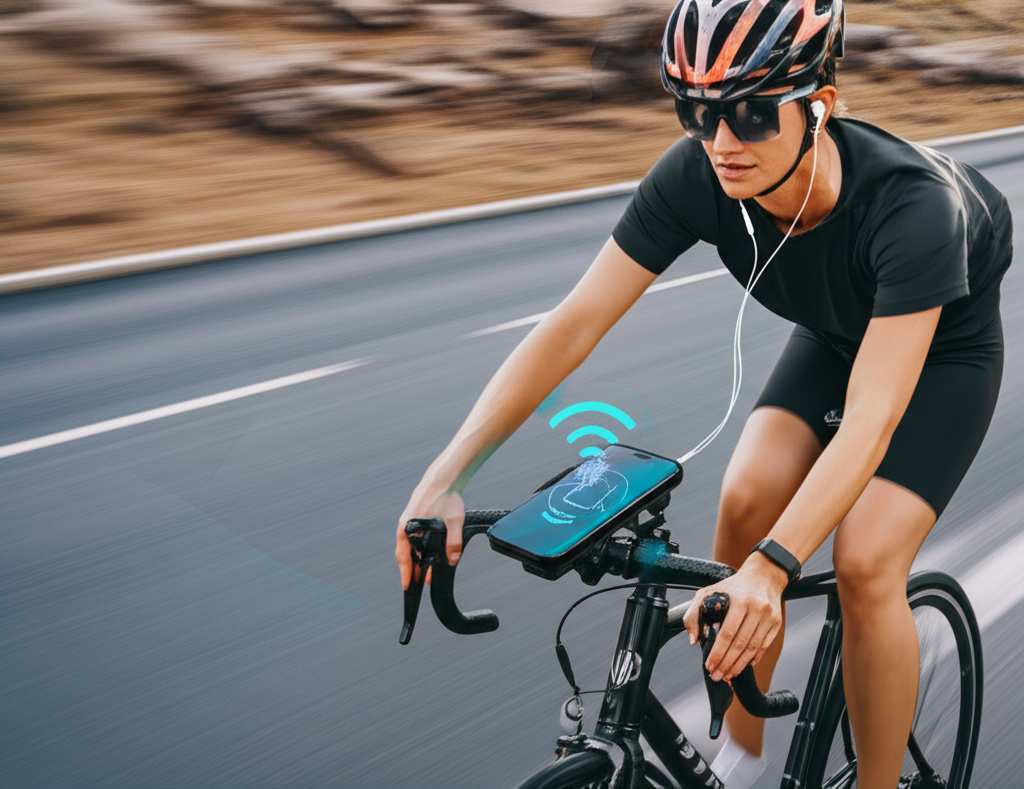
Why Does My Bluetooth Connection Act Up on My Bike?
It’s super common for Bluetooth connections to get a bit wobbly when you’re moving, especially on a bike. Think about it: you’re outside, there are lots of things happening around you, and your body is in motion. All these things can actually interfere with those little invisible Bluetooth signals. It’s not usually a big deal indoors, but when you add wind, speed, and open space, things can get tricky.
Your body itself can sometimes be a barrier! The human body is mostly water, and water can actually absorb Bluetooth signals. When your phone is in a backpack or a pocket, and your headphones or speaker are further away, your body can get in the way. It’s like your body is saying, “Hold on a minute, signal, I need to absorb some of you!” This is a common reason for those annoying dropouts.
Awesome Fixes to Stabilize Your Bluetooth Connection
Don’t let a flaky connection ruin your ride! Here are some super simple and effective ways to keep your Bluetooth humming along smoothly. We’ll start with the easiest fixes and move to a few more involved ones.
1. Phone Placement is Key!
This is often the biggest culprit, and the easiest to fix. Where you keep your phone matters a lot for Bluetooth. If your phone is buried deep in a backpack or a pocket that’s far from your headphones, your body can block the signal. It’s like trying to hear someone whisper from across a crowded room!
Pro Tip: Keep it Close!
Armband Power: A phone armband for your bicep is a game-changer. It keeps your phone right there, close to your headphones, with minimal body obstruction.
Jersey Pocket Perfect: If you wear cycling jerseys, the back pockets are usually great. They keep the phone relatively close to your ears or any handlebar-mounted devices.
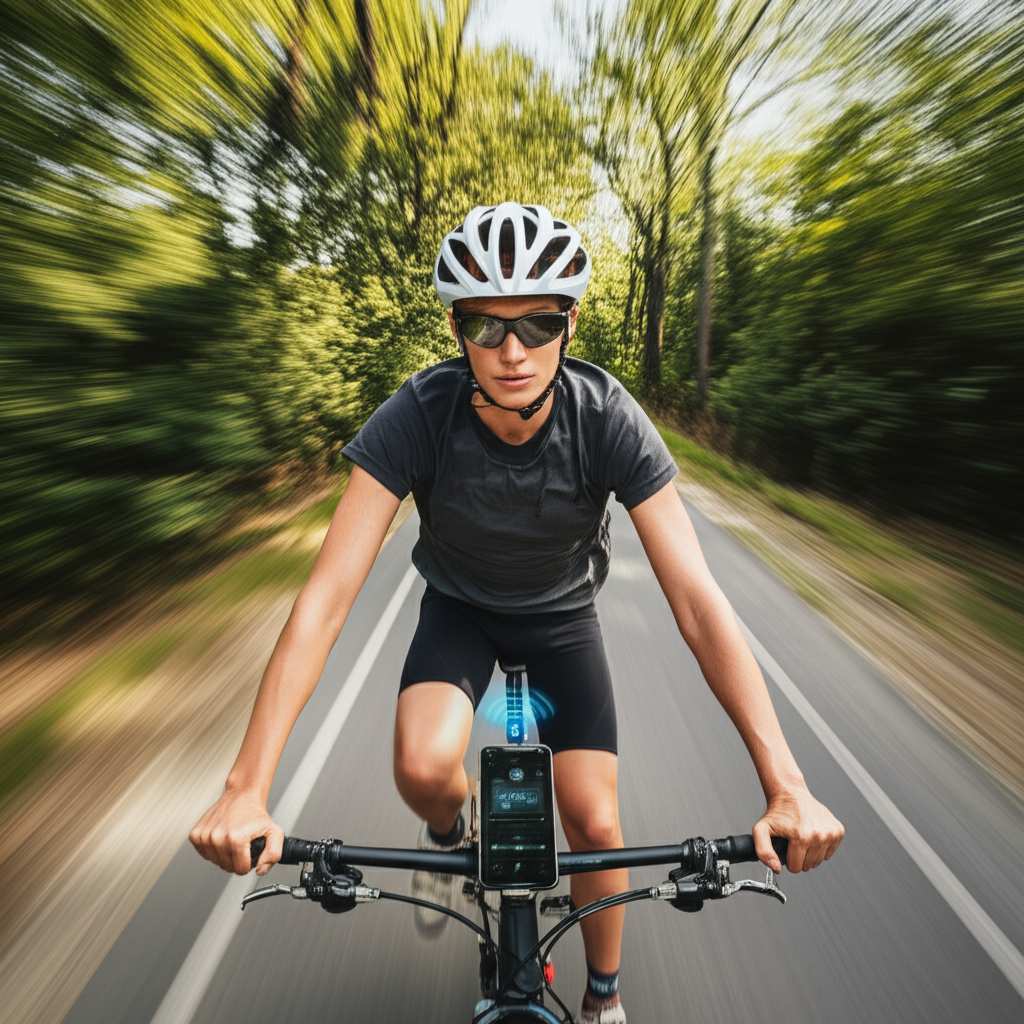
Handlebar Mount Magic: For easy access and a clear line of sight, consider a handlebar mount. This is ideal if you use your phone for navigation too.
2. Reduce Interference from Other Devices
Bluetooth uses a specific radio frequency, and sadly, other devices use similar frequencies. Things like Wi-Fi routers, microwaves, and even other Bluetooth gadgets can sometimes cause interference. While you can’t control everything around you on a ride, you can manage what’s on your person.
Minimizing the Mayhem:
Turn Off Unused Bluetooth: If you’re not using your smartwatch or other Bluetooth accessories on your ride, try turning off their Bluetooth temporarily. This reduces the number of signals competing for attention.
Airplane Mode Trick: If you’re only listening to music you’ve downloaded and don’t need calls or data, switching your phone to airplane mode can sometimes help. It cuts out cellular and Wi-Fi signals that might interfere. Just remember to turn off airplane mode if you do need to take a call!
3. Check Your Bluetooth Device’s Battery Life
This might sound obvious, but a device with a low battery can sometimes struggle to maintain a strong, stable connection. When a device is running on fumes, its performance can dip across the board, including its Bluetooth transmitting power.
Battery Basics:
Charge Up Fully: Always start your ride with your headphones, earbuds, or speaker fully charged.
Keep an Eye on Levels: Many devices will alert you when the battery is low, but it’s good practice to check the battery indicator on your phone before you head out.
4. Update Your Software!
This is a big one for all your tech! Manufacturers often release software updates for both your phone’s operating system and your Bluetooth devices. These updates can include crucial improvements for Bluetooth performance and bug fixes that might be causing instability.
Update Your Gear:
Phone Updates: Regularly check for software updates for your smartphone. These are usually found in your phone’s settings menu.
Headphone/Speaker Firmware: Some higher-end headphones and speakers have companion apps. Check these apps for any firmware updates for your specific device.
5. Forget and Re-Pair Your Device
Sometimes, the connection profile between your phone and your Bluetooth device can get corrupted. It’s like a digital handshake that’s gone a bit wonky. The easiest way to fix this is to “forget” the device in your phone’s Bluetooth settings and then pair it again.
Re-Pairing Steps:
1. Go to your phone’s Bluetooth settings.
2. Find your headphones or speaker in the list of paired devices.
3. Tap on the device name and select “Forget Device” or “Unpair.”
4. Turn off Bluetooth on your phone.
5. Turn off your Bluetooth headphones/speaker.
6. Turn your headphones/speaker back on and put them in pairing mode (check your device manual if you’re unsure how).
7. Turn Bluetooth back on on your phone.
8. Scan for devices and select your headphones/speaker to pair them again.
6. Consider the Bluetooth Version
Bluetooth technology has come a long way! Newer versions are generally more stable and efficient. If you have a very old phone or very old headphones, they might be using an older Bluetooth version that’s more prone to interference and dropouts.
Bluetooth Versions Explained Simply:
Bluetooth 4.x: Still quite common, offers decent performance.
Bluetooth 5.x (and newer): Offers better range, speed, and stability. This is what you want for the most reliable connection.
If your devices are several years old, this might be a factor. Upgrading to newer devices with Bluetooth 5.0 or higher can make a noticeable difference.
7. Physical Obstructions and Distance
We touched on this with phone placement, but it’s worth repeating. Bluetooth signals have a limited range, typically around 30 feet (10 meters) in ideal conditions. When you’re biking, you’re often moving, and this distance can fluctuate. Plus, anything that physically blocks the signal path can cause issues.
Distance and Blockage:
Maintain Proximity: Try to keep your phone and your audio device as close as possible.
Clear Path: Avoid having large metal objects or dense materials between your phone and your audio device. Your body is one of those materials!
8. Environmental Factors on the Road
Believe it or not, the environment can play a role. Areas with a lot of wireless activity, like busy city centers with many Bluetooth and Wi-Fi signals, can be more challenging for a stable connection. Strong winds or even certain types of road surfaces can sometimes cause vibrations that might subtly affect connections, though this is less common.
Riding in Tough Spots:
City vs. Trail: You might notice more dropouts in a bustling city than on a quiet park trail.
Weather Watch: While rare, extreme weather conditions could theoretically affect signal transmission, but this is usually not the main issue.
9. Re-Boot Everything! The Universal Fix
Sometimes, the simplest solutions are the best. Just like restarting your computer when it’s acting up, restarting your phone and your Bluetooth device can clear out temporary glitches and establish a fresh connection.
The Reboot Routine:
1. Turn off your Bluetooth headphones or speaker.
2. Turn off Bluetooth on your phone.
3. Wait about 30 seconds.
4. Turn Bluetooth back on on your phone.
5. Turn your Bluetooth headphones or speaker back on.
6. Your devices should automatically try to reconnect. If not, follow the pairing steps again.
10. Test with a Different Device
If you’ve tried everything else and you’re still having trouble, it might be helpful to test your phone with a different Bluetooth device, or test your Bluetooth headphones with a different phone. This helps you figure out if the problem lies with your phone or with your audio device.
Troubleshooting Test:
Phone Issue? Try connecting your headphones to a friend’s phone. If they work fine, your phone might be the issue.
Headphone Issue? Try connecting your phone to a different Bluetooth speaker or pair of headphones. If they work fine, your original headphones might be the problem.
A Quick Comparison: Bluetooth Versions and Their Benefits
To give you a better idea of why newer is often better, here’s a simple look at some Bluetooth versions. This helps you see how much the technology has improved, making connections more reliable.
| Bluetooth Version | Key Improvements | Typical Range (Ideal Conditions) |
|---|---|---|
| Bluetooth 4.0/4.1 | Increased speed, improved power efficiency, better coexistence with other wireless tech. | Up to 33 feet (10 meters) |
| Bluetooth 4.2 | Enhanced privacy and security, faster speeds, better internet connectivity for devices. | Up to 33 feet (10 meters) |
| Bluetooth 5.0 | Massive speed increase (2x), 4x range, 8x better broadcasting capacity. Greatly improved stability. | Up to 80 feet (24 meters) |
| Bluetooth 5.1 | Added direction-finding capabilities (useful for device tracking). | Up to 80 feet (24 meters) |
| Bluetooth 5.2 | Improved power efficiency, support for advanced audio features (like LE Audio). | Up to 80 feet (24 meters) |
See how much better Bluetooth 5.0 and later versions are? The increased range and stability mean your connection is much less likely to drop out, especially when you’re moving around on your bike. If your current devices are older than Bluetooth 5.0, upgrading might be the most impactful fix for consistent performance. You can usually find the Bluetooth version of your phone in its specifications online or in the device settings.
Frequently Asked Questions About Bluetooth on Bikes
Got more questions? No worries, I’ve got you covered! Here are some common things people ask when trying to keep their Bluetooth stable while cycling.
- Q1: Can my cycling helmet’s built-in Bluetooth cause connection problems?
- Yes, it can! Just like regular headphones, helmet Bluetooth can be affected by distance and obstructions. Always ensure your phone is positioned well, ideally on your arm or in a close jersey pocket, to maintain a strong link to your helmet’s speakers.
- Q2: My music skips, but my calls are fine. What’s going on?
- This is interesting! Music streaming requires a constant, high-bandwidth data flow. Call audio is often compressed and requires less bandwidth. If your connection is borderline, music might skip first while calls still come through. This often points to interference or distance issues. Try moving your phone closer!
- Q3: Does a waterproof phone case affect Bluetooth signals?
- Generally, no. Most modern waterproof cases are designed to not significantly interfere with Bluetooth signals. However, if the case is extremely bulky or made of very dense materials, it’s theoretically possible it could add a tiny bit of signal loss. If you suspect this, try a quick test with and without the case to see if it makes a difference.
- Q4: How far away can my phone be from my Bluetooth headphones while biking?
- In ideal, open-air conditions, newer Bluetooth versions (like 5.0+) can reach up to 80 feet (24 meters). However, when you factor in your body blocking the signal, plus potential environmental interference, it’s best to keep them within 10-20 feet (3-6 meters) for a consistently stable connection, especially if you have an older Bluetooth version.
- Q5: Is it safe to use my phone for navigation and Bluetooth audio at the same time?
- Absolutely! That’s what they’re designed for. The key is ensuring a stable Bluetooth connection for both. If you notice audio skipping when navigation prompts come through, it might mean your connection is already struggling. Improving the general stability (as we discussed) will help with this multitasking.
- Q6: What’s the best way to test if my phone or my headphones are the problem?
- The best way is to swap components! Pair your phone with a friend’s Bluetooth headphones, or pair your headphones with a friend’s phone. If the problem follows your phone, it’s likely a phone issue. If the problem follows your headphones, they might be the culprit. It’s a simple but effective troubleshooting step.
- Q7: Can fitness trackers interfere with my Bluetooth headphones?
- It’s possible, but usually not a major issue with modern devices. Both fitness trackers and headphones use Bluetooth, and in very crowded wireless environments, multiple signals can* sometimes cause minor interference. Turning off Bluetooth on unused devices (like a smartwatch you’re not actively syncing) can help reduce this.
Wrapping Up Your Stable Connection Journey
So there you have it! Keeping your Bluetooth connection stable while you’re out on your bike isn’t some sort of secret tech magic. It’s mostly about understanding a few simple principles and making small adjustments. By paying attention to where you place your phone, managing potential interference, and keeping your gear updated, you can enjoy your music and calls without those annoying interruptions.
Remember, a stable connection means a more enjoyable ride. Whether you’re listening to an epic podcast, your favorite tunes, or taking an important call, you want your tech to keep up with you. Try out these tips, and you’ll likely find a big improvement in how smoothly your Bluetooth devices work together on the go. For more insights into making your tech work for you, check out guides from trusted sources like CNET.
Now go out there and enjoy your ride with perfect sound! Happy cycling!