
How To Fix Laptop Charging Issue: Simple Troubleshooting Tips
If your laptop isn’t charging, don’t panic—many issues can be quickly fixed with a few simple troubleshooting steps. First, check […]
If your laptop isn’t charging, don’t panic—many issues can be quickly fixed with a few simple troubleshooting steps. First, check […]
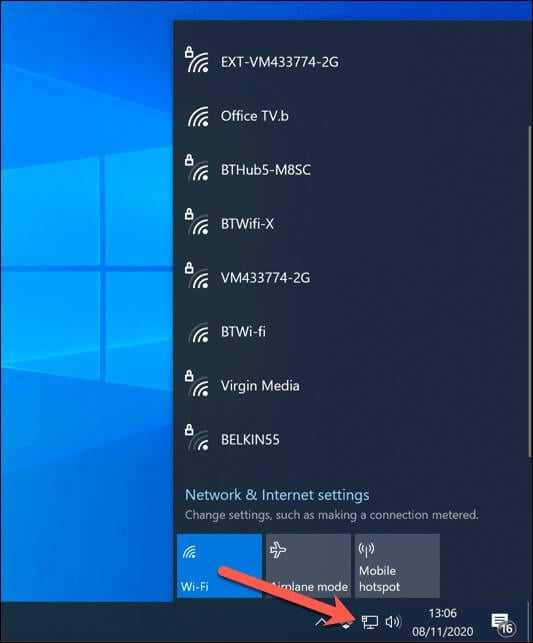
To connect your laptop to WiFi quickly, turn on your laptop, open the network settings, select your WiFi network from
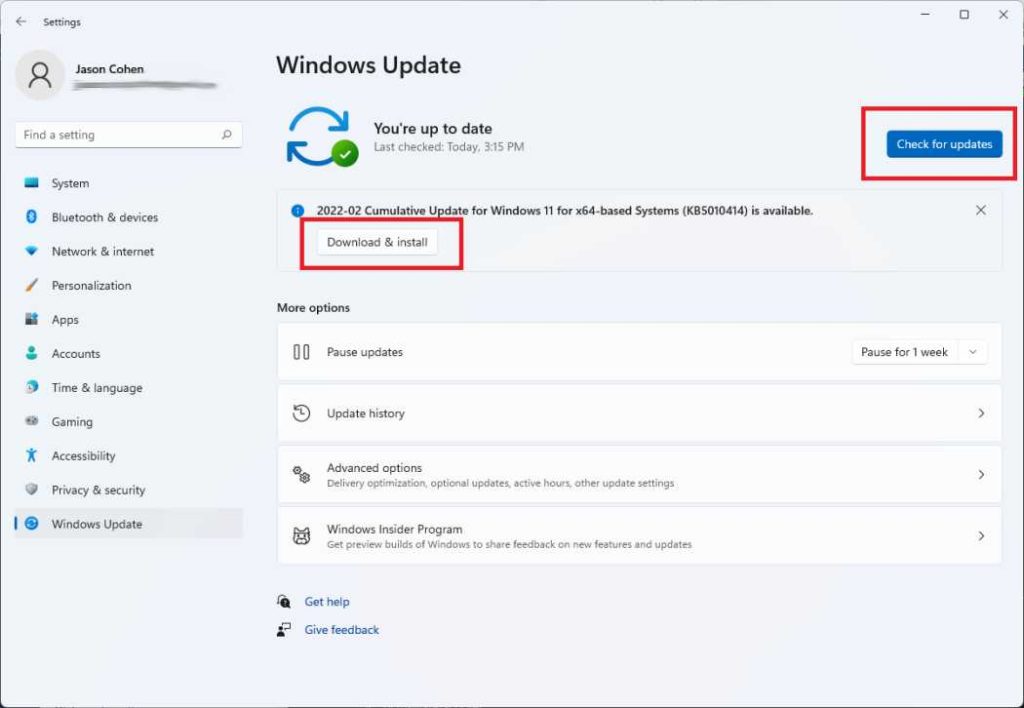
To update your laptop drivers quickly, head to the Device Manager, right-click on the device you want to update, and
To quickly remove a virus from your laptop, run a trusted antivirus scan, delete any suspicious files, and update your
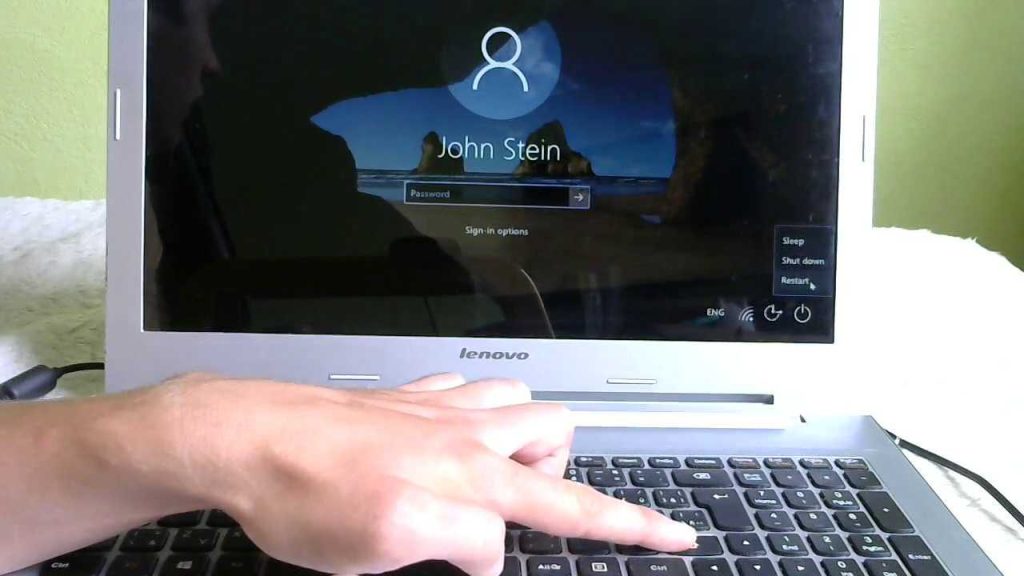
If you’ve forgotten your laptop password and are locked out, don’t panic—there are simple ways to regain access quickly. The
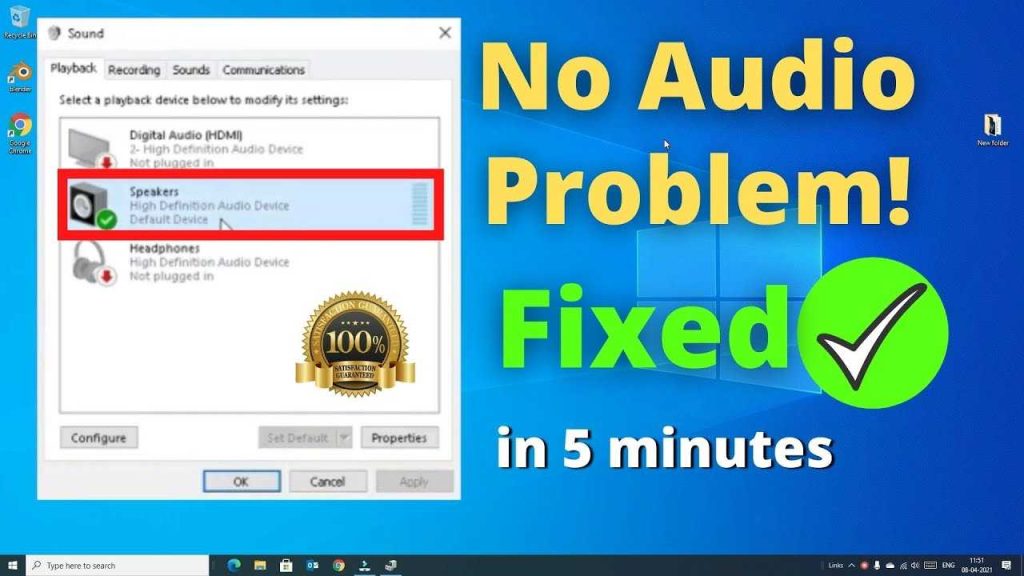
To fix your laptop’s sound not working quickly, start by checking if the volume is muted or turned down, ensure
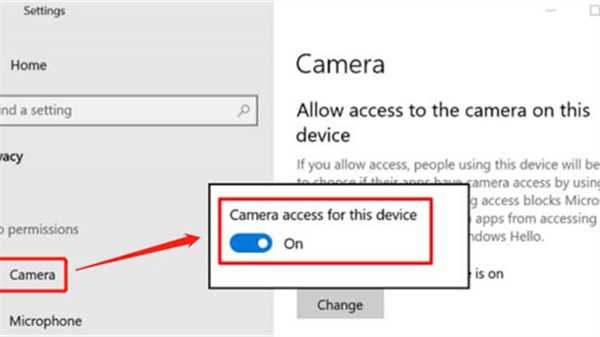
To start using your laptop webcam quickly, simply open the camera app or your preferred video conferencing software, ensure the
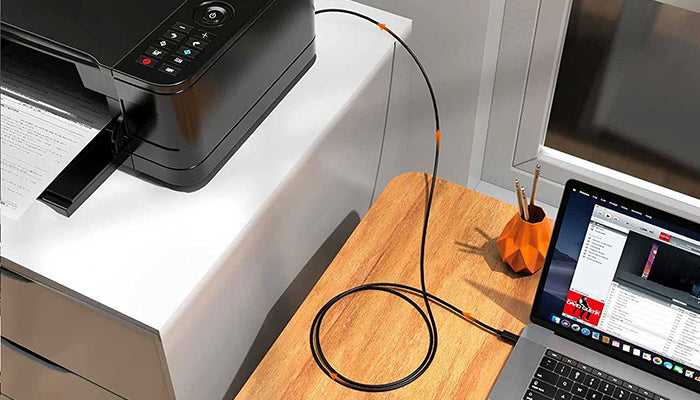
To connect your laptop to a printer quickly, start by ensuring your printer is turned on and connected to the
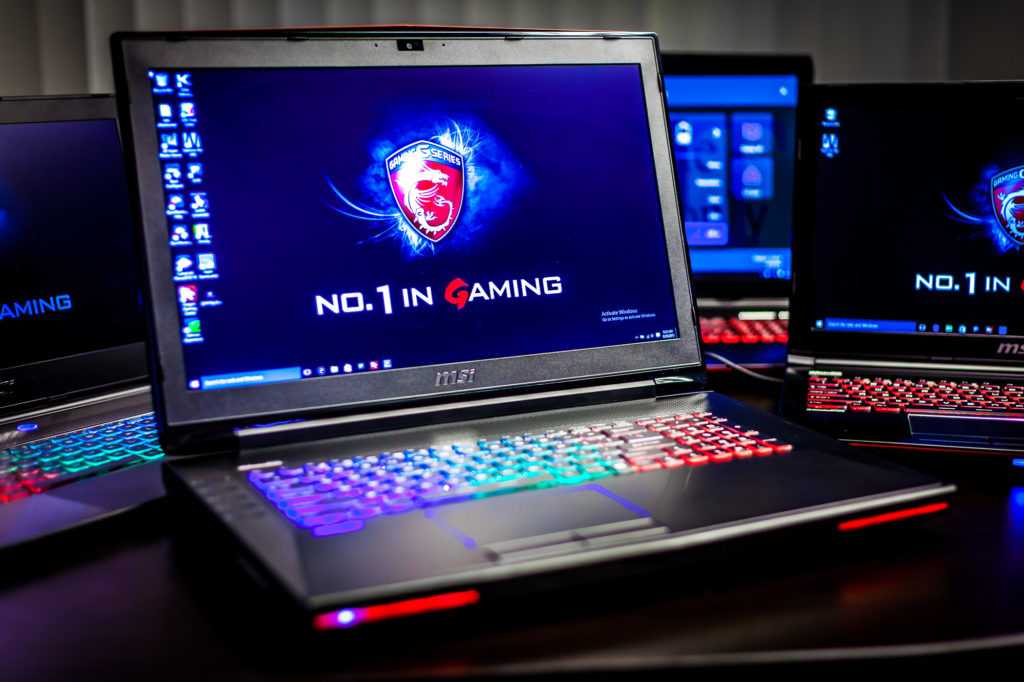
To boost your laptop’s gaming performance instantly, optimize your settings, keep your drivers updated, and consider hardware upgrades like adding
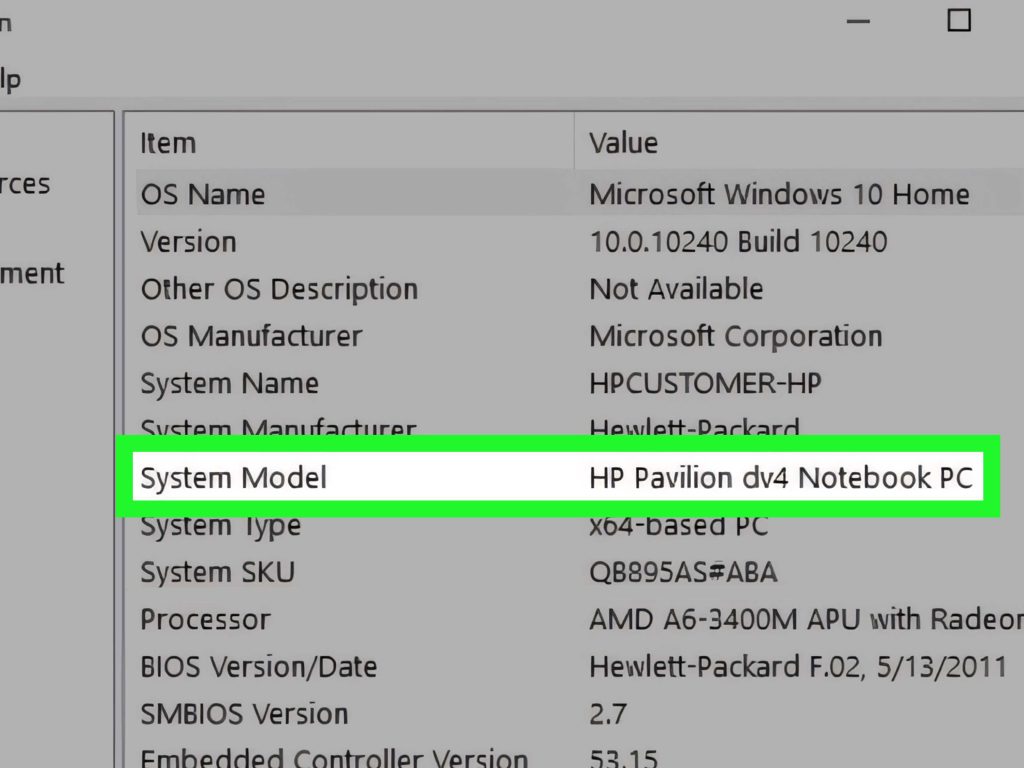
To quickly find your laptop model, look for a label on the bottom or inside the battery compartment, or check