
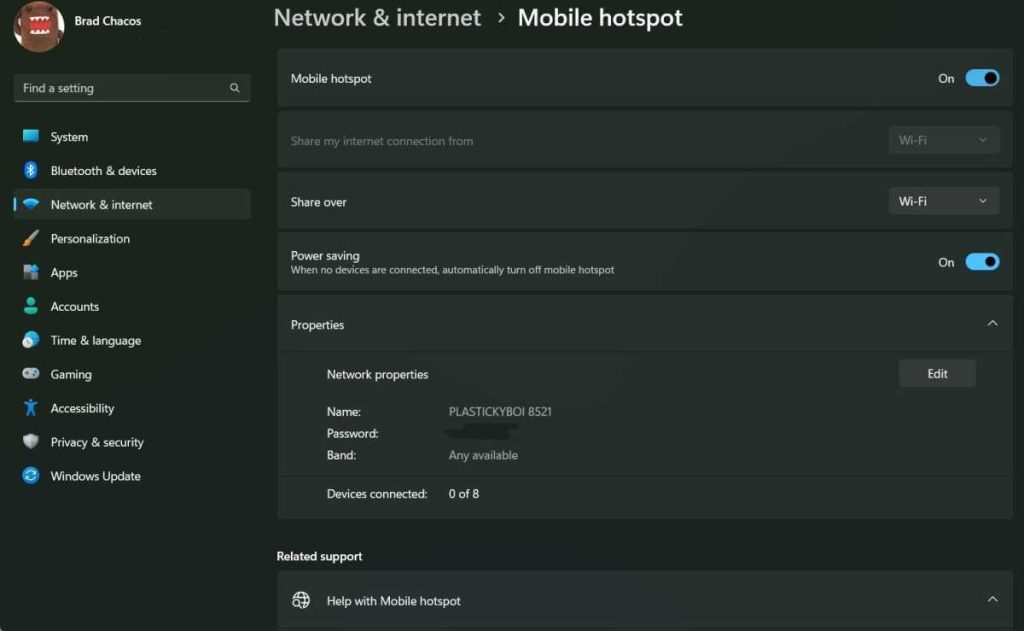
How To Use Laptop As Hotspot Tips For Easy Connection
Quick answer: To use your laptop as a hotspot, enable the mobile hotspot feature in your system settings, connect your […]
Quick answer: To use your laptop as a hotspot, enable the mobile hotspot feature in your system settings, connect your […]
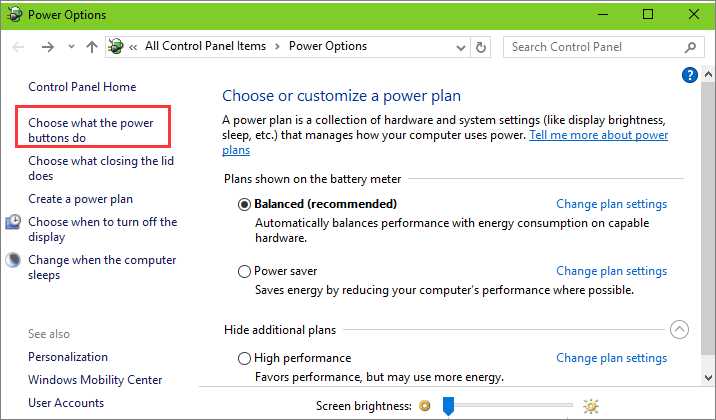
If your laptop takes forever to start, don’t worry—you’re not alone, and there are simple fixes to get it booting
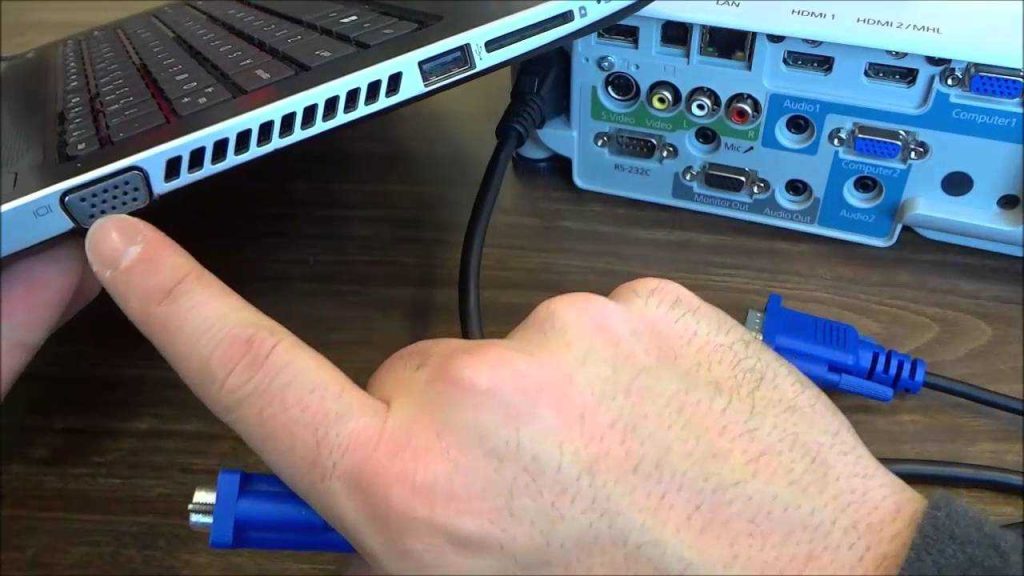
To connect your laptop to a projector quickly, simply identify the correct cable or wireless method that matches your devices—like
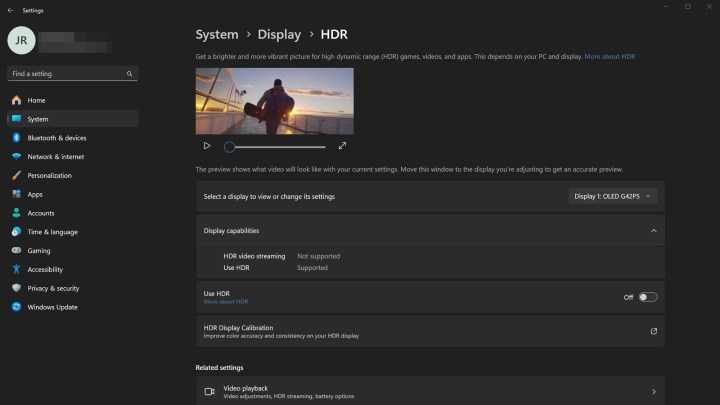
To enable HDR on your laptop quickly, go to your display settings, turn on HDR, and ensure your graphics drivers
To optimize your laptop for video editing, start by upgrading your hardware, such as increasing RAM and switching to a
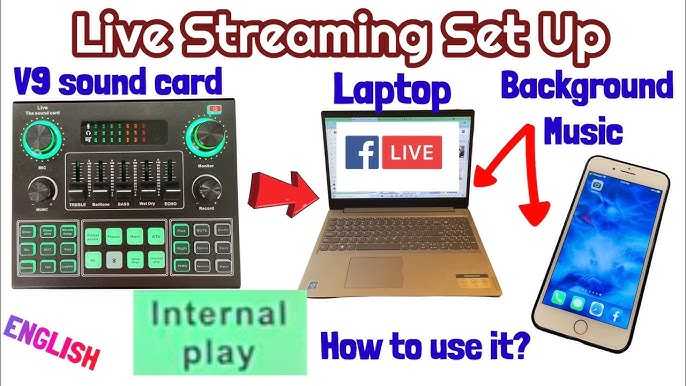
To start streaming on your laptop, simply connect it to a stable internet connection, open your preferred streaming platform, and
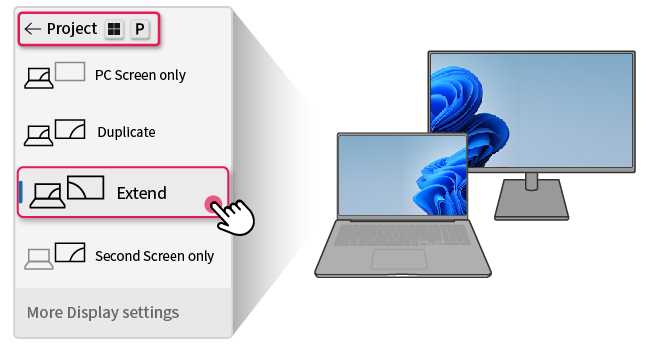
To extend your laptop display effortlessly, simply connect an external monitor via HDMI, DisplayPort, or USB-C and adjust the display
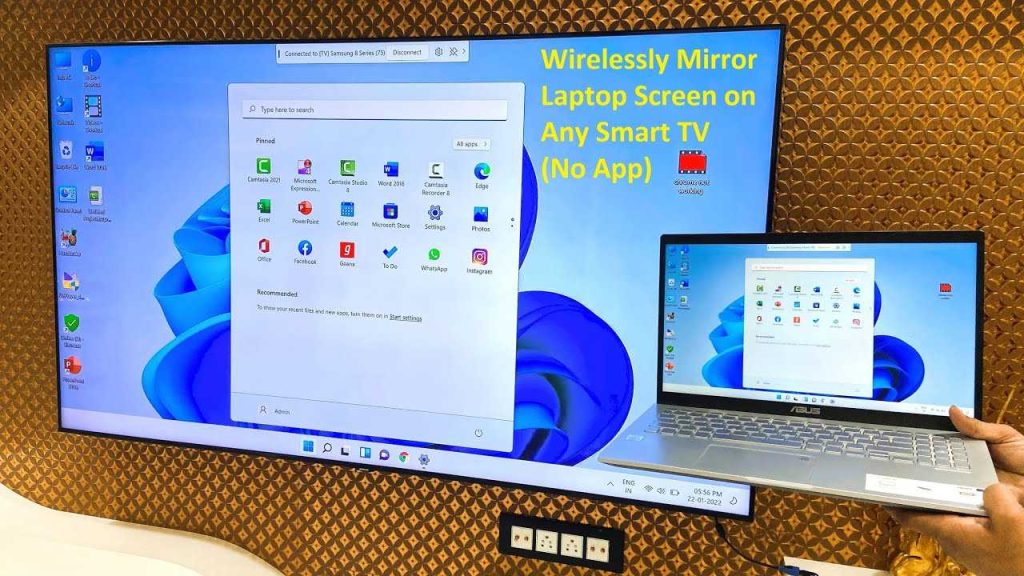
To instantly mirror your laptop screen to your TV, use simple options like HDMI cables or wireless streaming solutions such
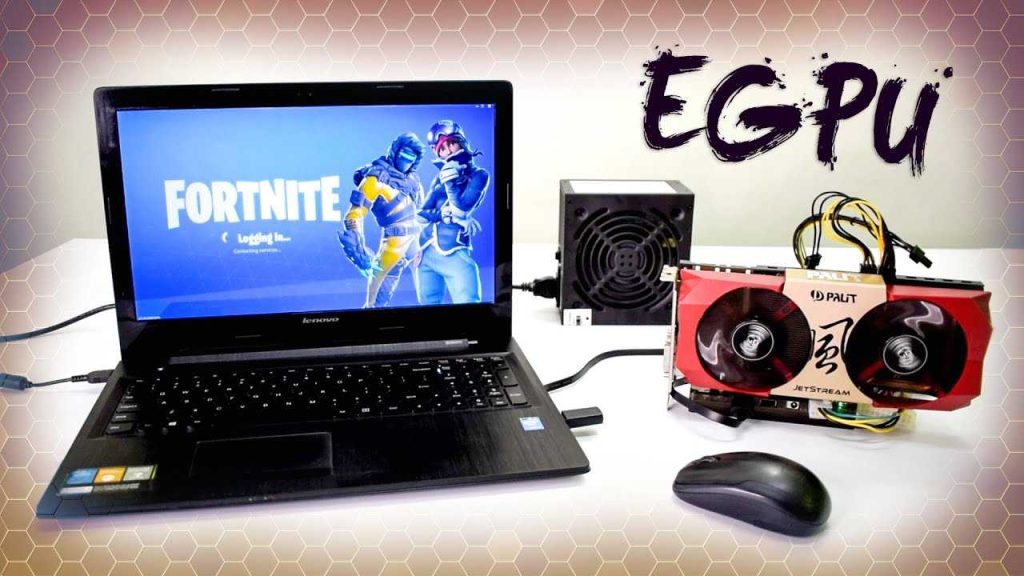
To connect an external GPU to your laptop, you simply need to use a compatible Thunderbolt 3 or 4 port
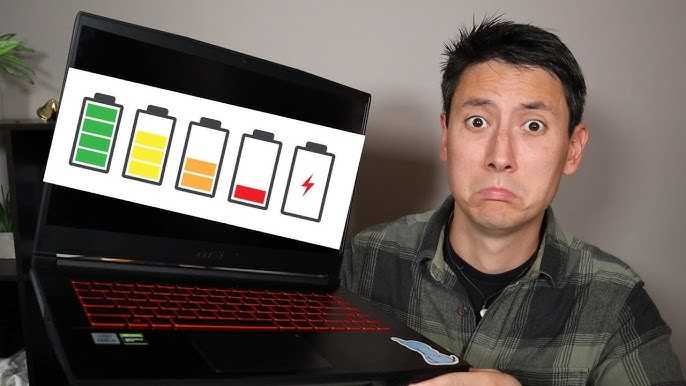
Calibrating your laptop battery can significantly improve its performance and lifespan, ensuring you get the most out of each charge.