
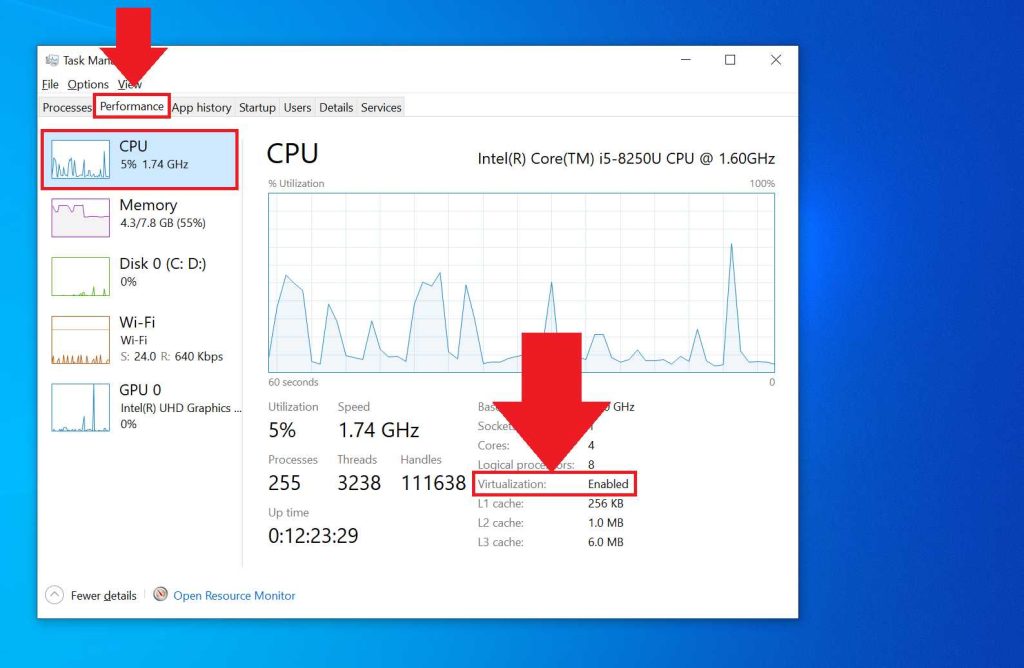
How To Enable Virtualization On Laptop For Improved Performance
To enable virtualization on your laptop, restart your device, enter the BIOS or UEFI settings during startup (usually by pressing […]
To enable virtualization on your laptop, restart your device, enter the BIOS or UEFI settings during startup (usually by pressing […]
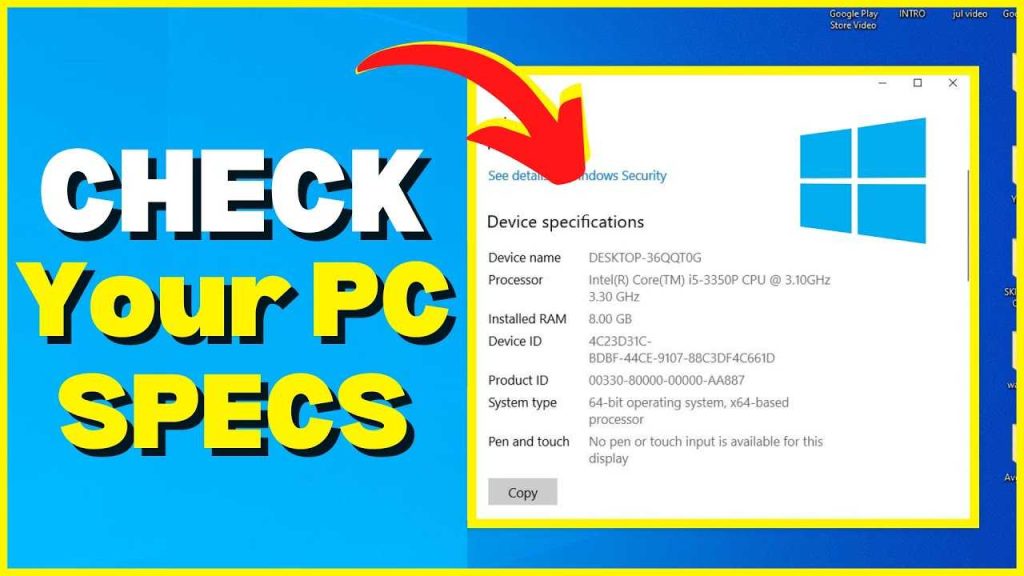
To quickly check your laptop specifications, press the Windows key + R, type “dxdiag,” and hit Enter, or simply go
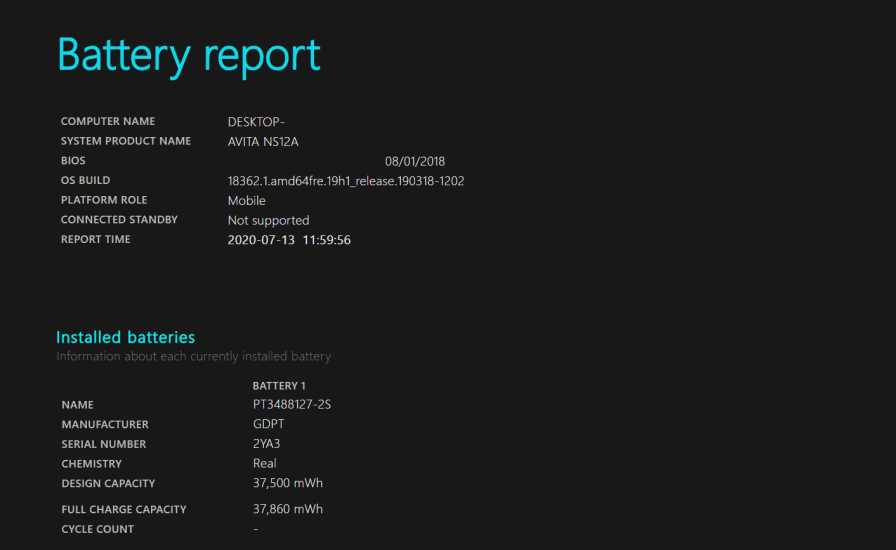
To quickly check your laptop battery health, use built-in diagnostics or third-party tools to get a clear picture of its
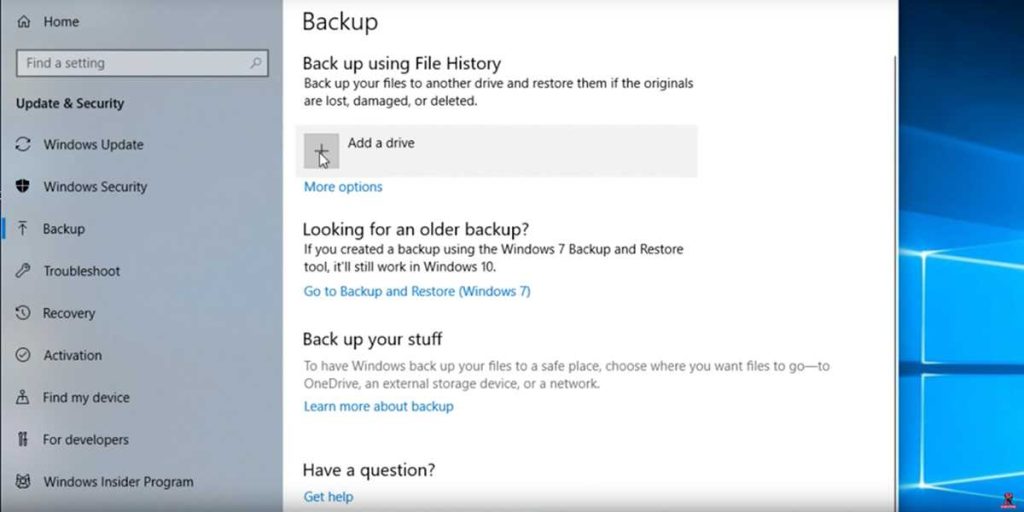
To back up your laptop quickly and easily, start by using built-in tools like Windows Backup or Time Machine on
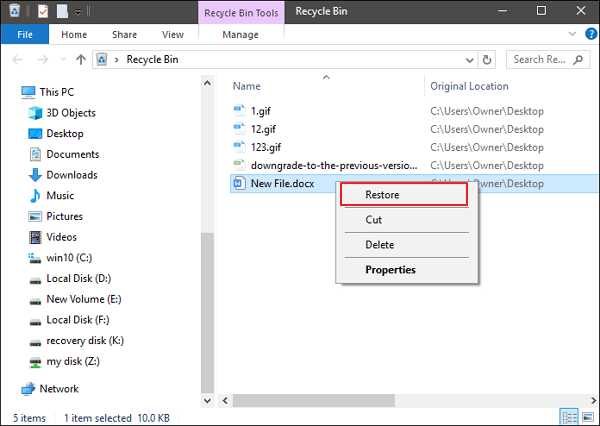
To quickly recover deleted files from your laptop, stop using the device immediately to prevent overwriting data, then utilize recovery
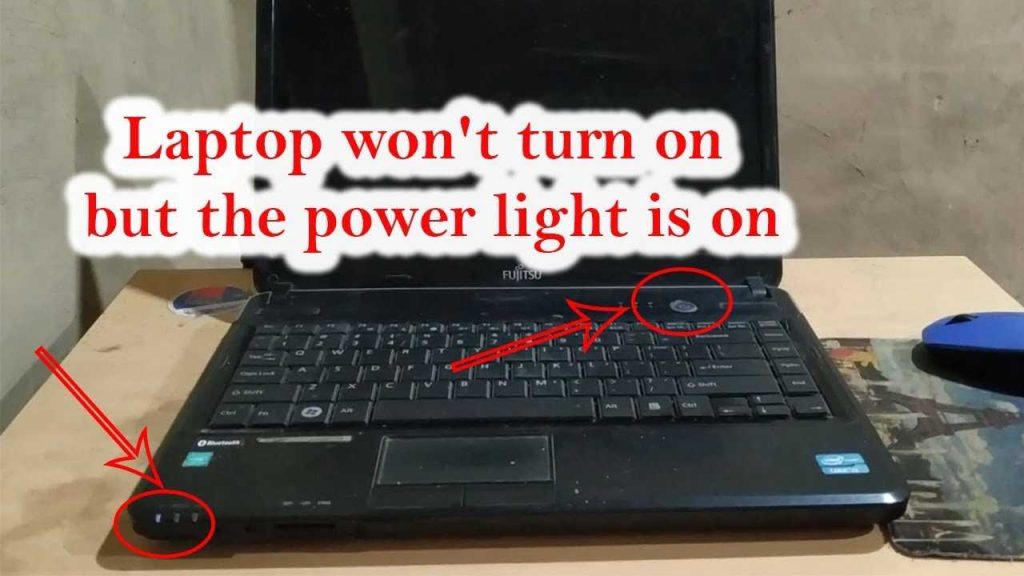
If your laptop suddenly refuses to turn on, don’t panic—there are simple steps you can try to get it working
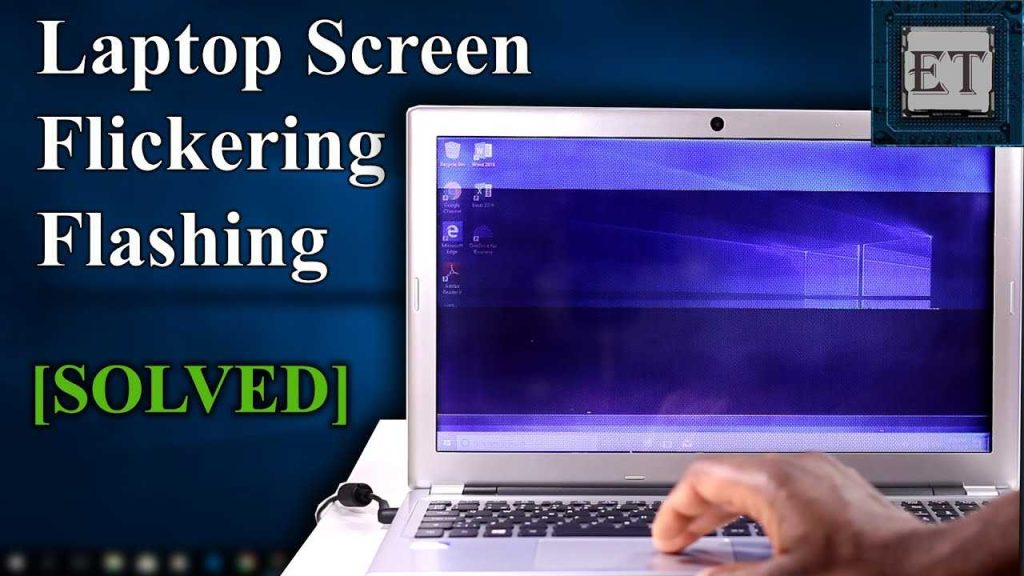
To fix a flickering laptop screen quickly, start by checking your display connections, updating your graphics driver, and adjusting your
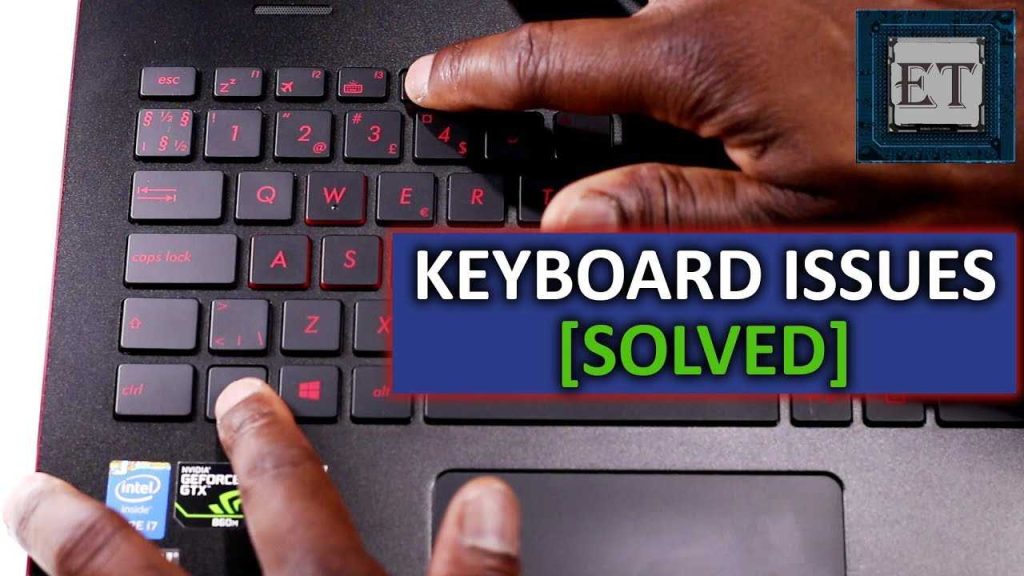
If your laptop keyboard suddenly stops working, don’t panic—you can often fix it yourself! First, try restarting your laptop or
To connect Bluetooth headphones to your laptop, simply turn on Bluetooth on both devices, make your headphones discoverable, then select
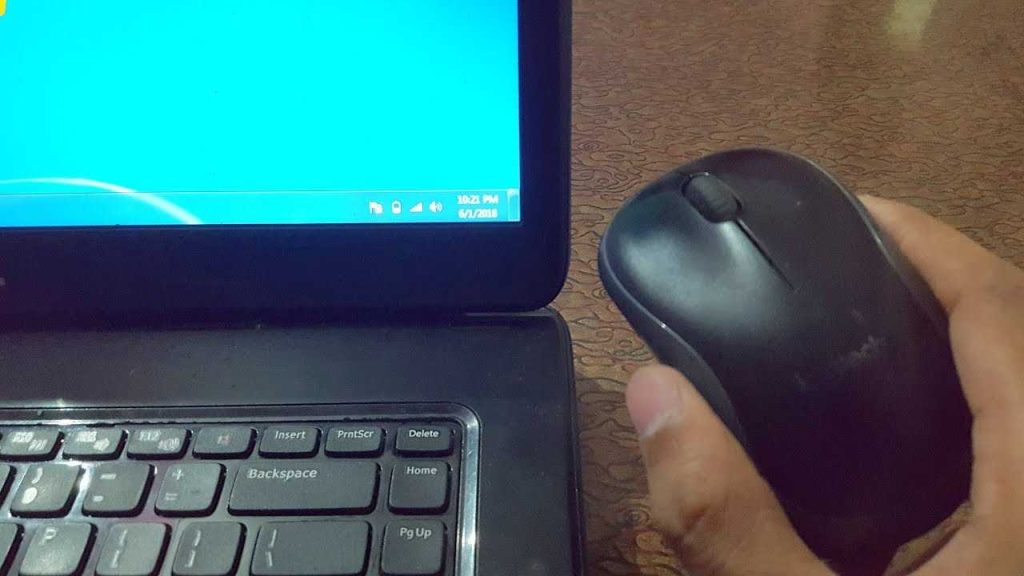
To connect a wireless mouse to your laptop quickly, turn on the mouse, enable Bluetooth or insert the USB receiver