Pair your Altec Lansing Bluetooth speaker easily! This guide shows you exactly how to connect your phone or device in just a few simple steps so you can enjoy your music.
Hey there, tech friend! Are you ready to fill your space with awesome sound? Music, podcasts, or even movie audio can sound so much better with a good speaker. Altec Lansing makes some seriously cool speakers that bring the party wherever you go.
Sometimes, though, getting that speaker connected can feel like a puzzle. You see all these buttons and lights, and you just want to play your favorite song, right? I get it! It’s like having a great new toy but not knowing which button makes it do its magic.
But don’t worry, that’s where I come in! We’re going to break down exactly how to pair your Altec Lansing Bluetooth speaker. It’s way simpler than you might think. Let’s make sure you’re jamming out in no time!
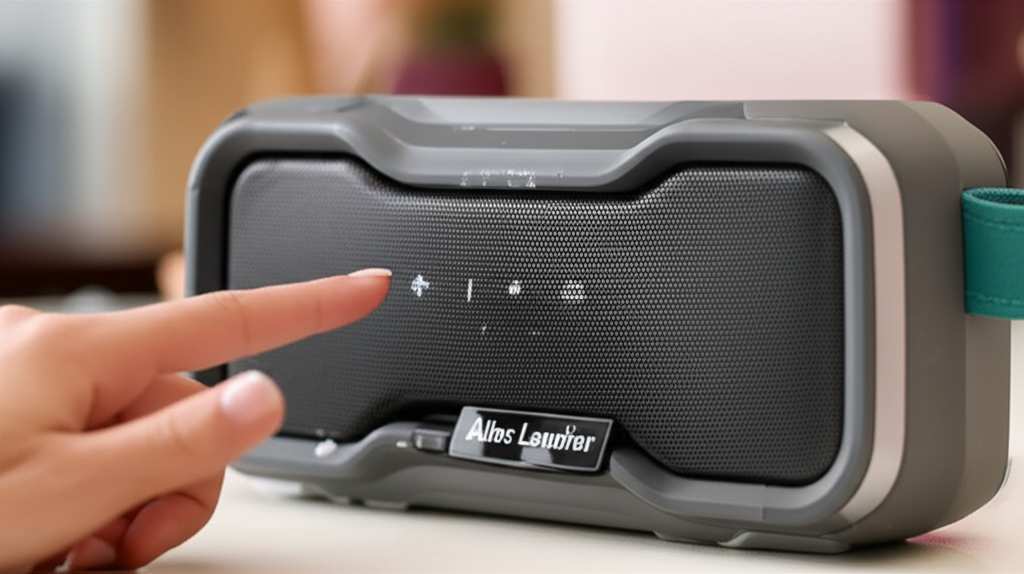
Why Bluetooth Speakers Are Awesome
Bluetooth speakers are like little portable sound machines. They let you take your music from your phone or tablet and play it out loud for everyone to hear. No messy wires needed! This means you can set them up anywhere, from your kitchen counter to a picnic in the park.
Altec Lansing is known for making speakers that are not only tough but also sound fantastic. They’ve been in the audio game for a long time, so they know how to make sound that makes you feel good. Imagine your favorite playlist booming from a speaker that’s built to last – pretty neat, huh?
Let’s Get Your Altec Lansing Speaker Connected!
Okay, ready to dive in? Connecting your Altec Lansing speaker is usually a straightforward process. Most of their speakers follow a similar pattern for pairing. We’ll go through the most common steps. If your speaker looks a little different, don’t sweat it – the main idea is the same.
Step 1: Power Up Your Speaker
First things first, your speaker needs some juice! Find the power button. It’s usually on the top or side of the speaker. Press and hold it for a few seconds until you see a light turn on or hear a little power-up sound.
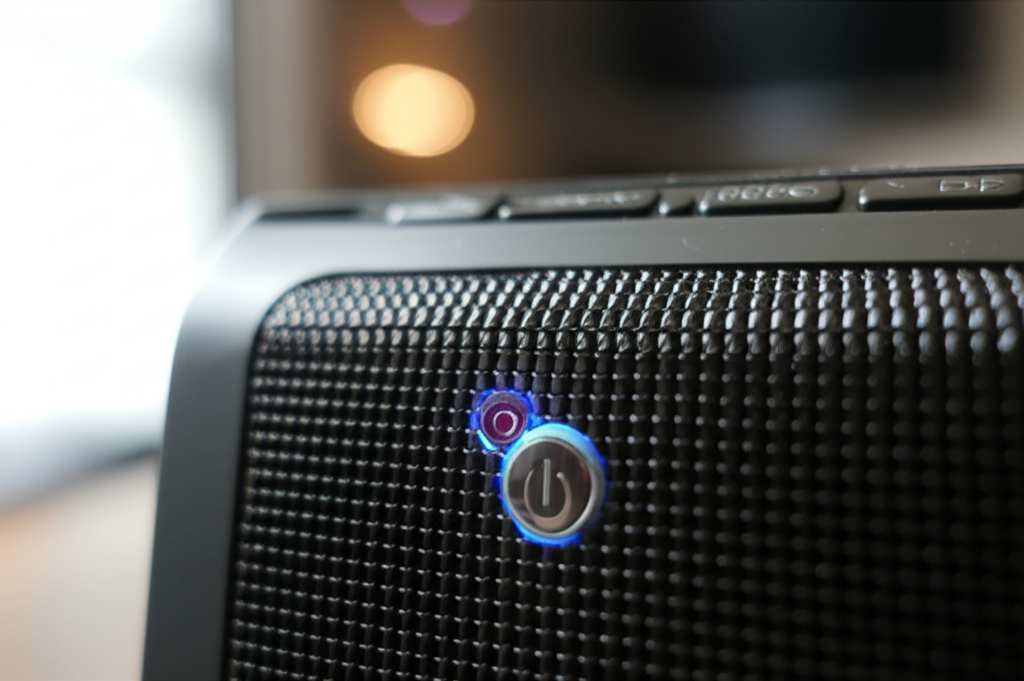
Most Altec Lansing speakers have a battery indicator light. Make sure it’s charged enough, or plug it in if needed. A fully charged speaker means more uninterrupted listening time – nobody wants their music to cut out halfway through a great song!
Step 2: Put Your Speaker in Pairing Mode
This is the magic step! To connect your phone or device, the speaker needs to be discoverable. Look for a button that has a Bluetooth symbol on it (it looks like a little B). Sometimes it’s labeled “Bluetooth” or “Pair.”
Press and hold this Bluetooth button. You’ll usually hear a little beep or a voice say, “Pairing mode,” and a light might start blinking. This blinking light is your speaker saying, “I’m ready to meet your device!” If the light is solid, it might already be connected to something else, so try holding the button again.
Step 3: Open Bluetooth Settings on Your Device
Now, grab your phone, tablet, or computer. You need to tell your device to look for new Bluetooth devices. Go into your device’s settings menu. You’ll see an option for “Bluetooth.” Tap on that.
Make sure Bluetooth is turned ON. You’ll see a list of available devices appear. This is where your Altec Lansing speaker will show up! Sometimes it takes a few seconds for your device to scan and find new gadgets. Be patient, it’s like playing hide-and-seek!
Step 4: Select Your Altec Lansing Speaker
In the list of available devices, look for the name of your Altec Lansing speaker. It might be something like “Altec Lansing [Model Name],” or just a generic name. If you’re not sure, check your speaker’s manual or the box it came in.
Once you spot it, tap on the name. Your device will then try to connect to the speaker. You might hear another beep from the speaker, or the blinking light will turn solid. This means you’ve successfully paired them!
Step 5: Play Your Music!
Hooray! You’re all connected. Now you can open your favorite music app, pick a song, and enjoy the sound. The audio should now come from your Altec Lansing speaker. It’s like magic, but it’s just cool technology!
You only need to pair your speaker with your device the first time. After that, as long as Bluetooth is on for both, they should connect automatically when you turn them both on. How easy is that?
Troubleshooting Common Pairing Problems
Sometimes, technology likes to keep us on our toes! If your Altec Lansing speaker isn’t pairing, don’t panic. Here are a few common issues and how to fix them.
Speaker Not Appearing in Device List
Is it in pairing mode? Make sure you held down the Bluetooth button long enough. The light should be blinking.
Is Bluetooth on your device on? Double-check your phone or tablet settings.
Is it too far away? Keep your device and speaker close together, especially during the initial pairing.
Connection Fails or Drops
Too many devices connected? Some speakers can only connect to one device at a time. Try disconnecting from other devices.
Restart everything. Turn off your speaker, turn off Bluetooth on your device, then turn them back on and try pairing again. It’s like giving them a fresh start!
Update your device’s software. Sometimes older software can cause issues.
Speaker Connected, But No Sound
Check the volume. Make sure the volume is turned up on both your device and your speaker.
Is it connected to the right device? If you have multiple devices, ensure it’s connected to the one you intend to use.
Is the audio output set correctly? On some devices, you might need to select the Bluetooth speaker as the audio output source.
Understanding Your Altec Lansing Speaker’s Lights
Those little lights on your speaker are super helpful! They give you clues about what’s happening.
| Light Indicator | Meaning |
|---|---|
| Solid Blue Light | Speaker is powered on and connected via Bluetooth. |
| Blinking Blue Light | Speaker is in pairing mode or trying to connect. |
| Solid Red Light | Speaker is charging. |
| Solid Green/White Light (depending on model) | Speaker is fully charged. |
| No Light | Speaker is off or battery is dead. |
These are general indicators, and they can vary slightly between Altec Lansing models. Always check your specific user manual for the most accurate information about your speaker’s lights.
Quick Tips for a Better Bluetooth Experience
Want to get the most out of your Altec Lansing speaker? Here are some quick tips:
Keep it charged: A dead battery means no music. Plug it in when you’re not using it, or when the low battery warning comes on.
Update your device: Make sure your phone or tablet’s operating system is up to date. This can prevent compatibility issues.
Store it properly: If you’re not using it for a while, store it in a cool, dry place. Avoid extreme temperatures.
* Clean it gently: Use a soft, dry cloth to clean the speaker. Avoid getting moisture into any openings.
Altec Lansing Speaker Models & Pairing Variations
While most Altec Lansing speakers pair similarly, some models might have slight differences. Here’s a quick look at a few popular types and what to expect:
| Speaker Model | Typical Pairing Method | Key Features |
|---|---|---|
| Altec Lansing Jacket (e.g., IMS500) | Hold Bluetooth button until light blinks. | Rugged, waterproof, great for outdoors. |
| Altec Lansing SoundBlade | Press and hold the Bluetooth button. | Compact, portable, good battery life. |
| Altec Lansing BoomJacket | Dedicated Bluetooth button to press and hold. | Larger, powerful sound, often includes a power bank. |
| Altec Lansing Orbit | Twist the base to expose the Bluetooth button and hold. | Unique spherical design, portable. |
Always refer to the specific manual that came with your Altec Lansing speaker for the most precise instructions. You can usually find these manuals on the Altec Lansing website if you’ve lost yours. It’s always good to have that detailed guide handy!
Why Does Bluetooth Pairing Matter?
Bluetooth technology has revolutionized how we connect our devices. It’s a wireless communication standard that allows two devices to talk to each other over short distances. When you pair your Altec Lansing speaker, you’re creating a secure, direct link between your phone and the speaker.
This wireless connection means you don’t have to worry about tangled cables or being tethered to your device. You can move around your room or even step outside while your music keeps playing. It’s the freedom that makes Bluetooth speakers so popular!
For more on Bluetooth technology, you can check out this helpful guide from CNET.
Frequently Asked Questions (FAQ)
Got more questions? We’ve got answers!
How do I reset my Altec Lansing speaker if it won’t pair?
If your speaker is being stubborn, try turning it off, then on again. For some models, there might be a small reset button (often a tiny pinhole) that you can press with a paperclip for a few seconds. Check your manual for this option.
Can I connect my Altec Lansing speaker to more than one device at a time?
Most Altec Lansing speakers are designed to connect to one device at a time for audio playback. If you want to play music from a different device, you’ll usually need to disconnect the first device first. Some newer models might offer multi-point pairing, but this is less common.
My Altec Lansing speaker is connected, but the sound is choppy. What’s wrong?
Choppy audio can happen if the Bluetooth signal is weak or if there are too many other wireless devices interfering. Try moving your device closer to the speaker, removing obstacles, and turning off other Bluetooth devices you aren’t using.
How long does the battery on an Altec Lansing speaker usually last?
Battery life varies a lot by model and how you use it (volume level, features like lights). Smaller speakers might offer 5-10 hours, while larger ones like the BoomJacket can last 20 hours or more. Always check the product specifications for your specific model.
Do I need an app to pair my Altec Lansing speaker?
Generally, no! Pairing is done directly through your device’s Bluetooth settings. Some Altec Lansing speakers might have companion apps for advanced features, but the basic pairing process doesn’t require one.
What should I do if my Altec Lansing speaker won’t turn on?
First, check if it’s charged. Plug it in for at least an hour and try again. If it still doesn’t turn on, the battery might be dead, or there could be an internal issue. Contact Altec Lansing support if it’s a new speaker.
Is my Altec Lansing speaker waterproof?
Many Altec Lansing speakers, especially those in the “Jacket” series, are designed to be waterproof or water-resistant. However, this varies greatly by model. Always check the product description or your manual to know if your speaker can handle splashes or submersion.
Conclusion: Enjoy Your Sound, Wire-Free!
See? Connecting your Altec Lansing Bluetooth speaker is totally doable! You’ve learned how to power it up, get it into pairing mode, and connect it to your device. We’ve also covered how to fix common hiccups and what those little lights mean.
Now you’re all set to enjoy your music, podcasts, or whatever audio you love, with amazing sound quality. No more struggling with confusing buttons or tangled wires. You’ve got this!
So go ahead, pick your favorite tunes, and let your Altec Lansing speaker fill your world with sound. It’s time to turn up the volume and make every moment more enjoyable. Happy listening!