
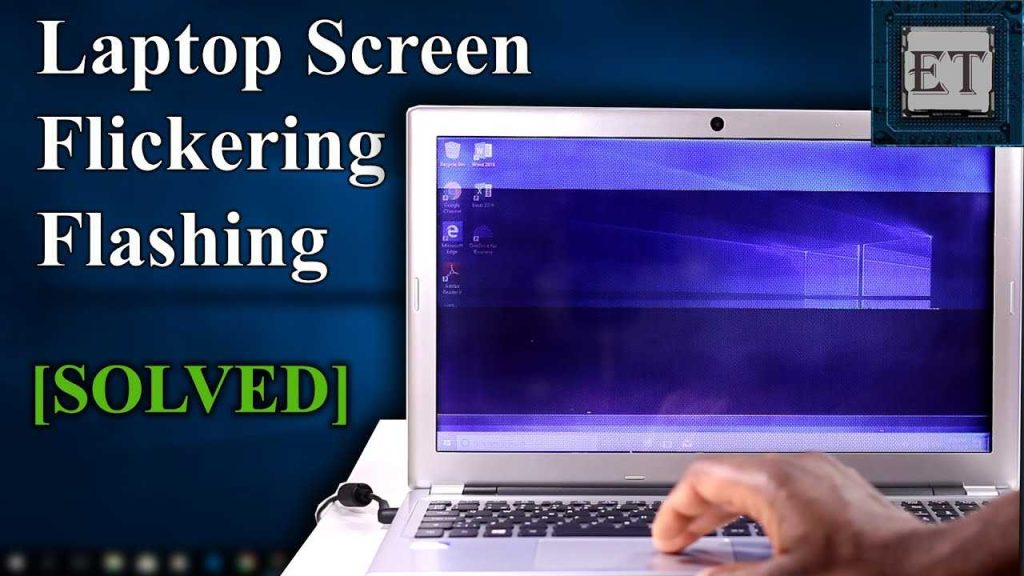
How To Fix Laptop Screen Flickering Effectively
To fix a flickering laptop screen quickly, start by checking your display connections, updating your graphics driver, and adjusting your […]
To fix a flickering laptop screen quickly, start by checking your display connections, updating your graphics driver, and adjusting your […]
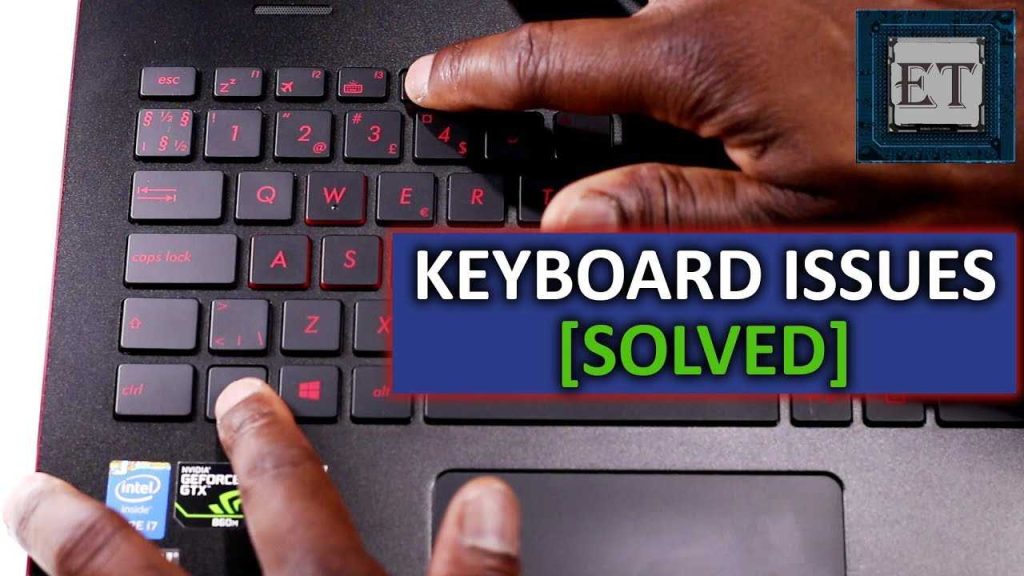
If your laptop keyboard suddenly stops working, don’t panic—you can often fix it yourself! First, try restarting your laptop or
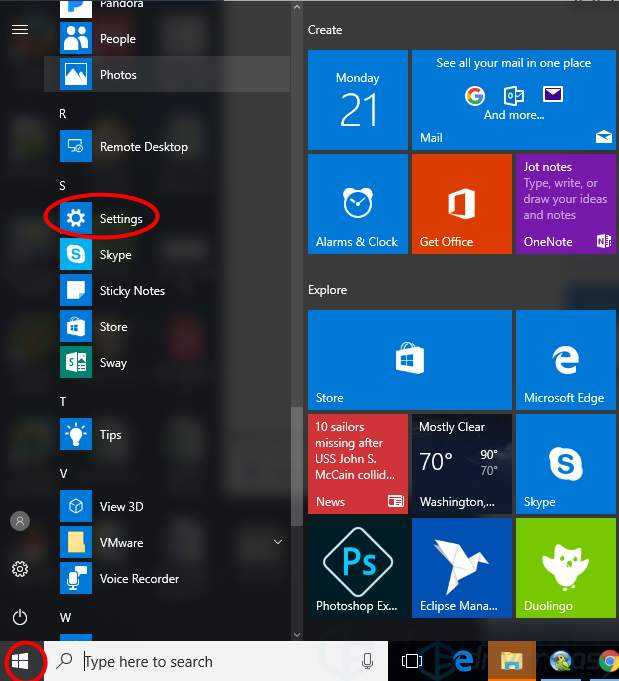
To connect Bluetooth headphones to your laptop, simply turn on Bluetooth on both devices, make your headphones discoverable, then select
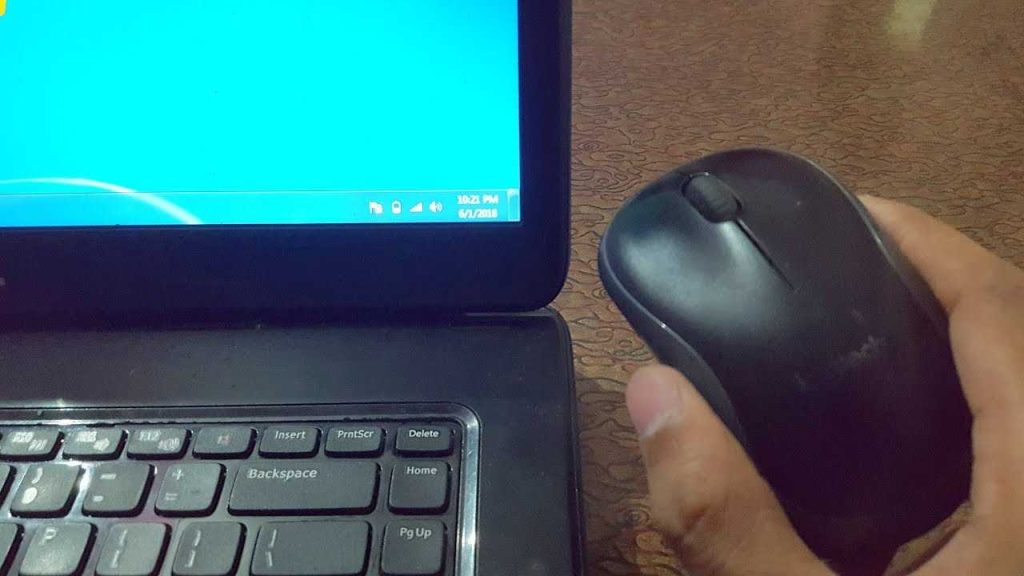
To connect a wireless mouse to your laptop quickly, turn on the mouse, enable Bluetooth or insert the USB receiver
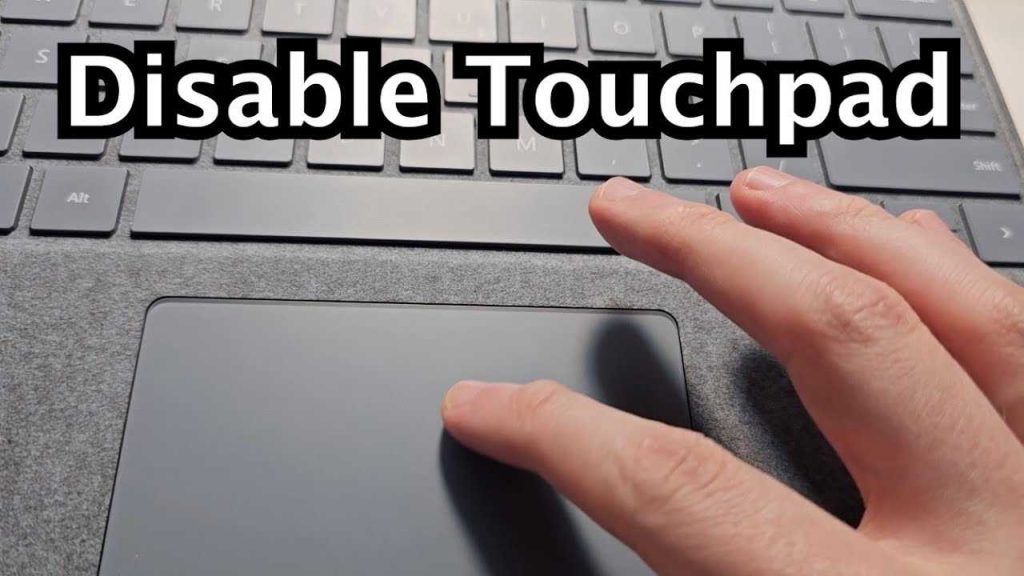
Quick solution: To disable your laptop’s touchpad, go to your device settings or use the function keys often marked with
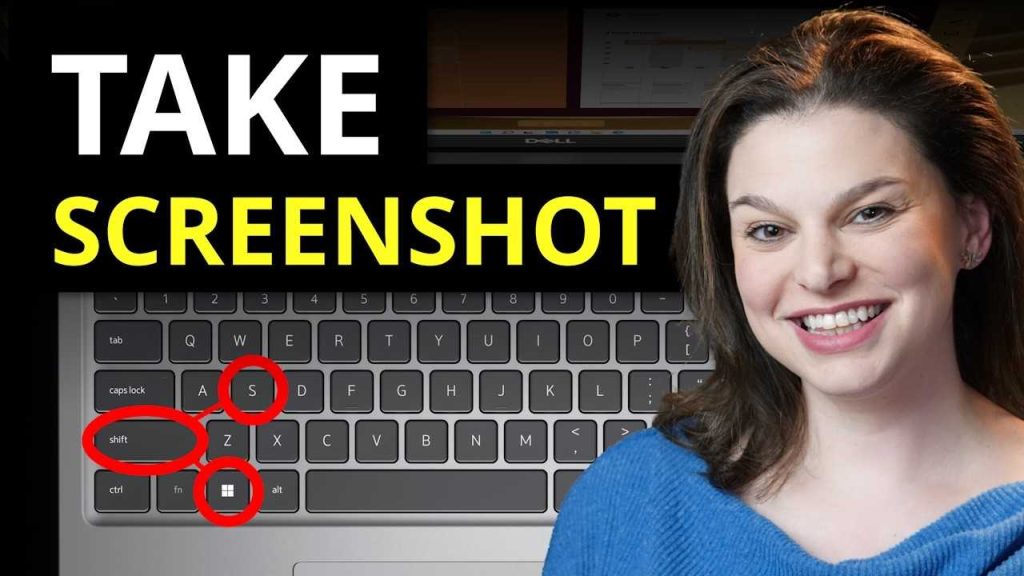
To quickly capture your screen on a laptop, press the “Print Screen” button, then paste the image into an editing
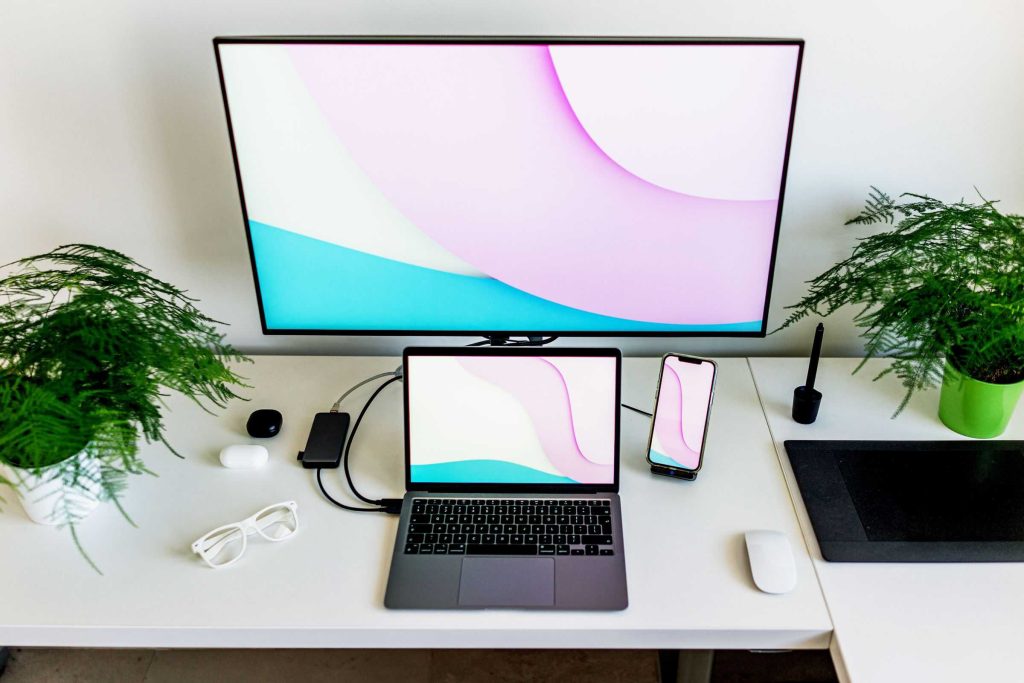
Thinking of boosting your productivity or creating a seamless workspace? Using your laptop as a second monitor is a smart
To dual boot your laptop, start by creating a partition for the second OS, then install the new operating system
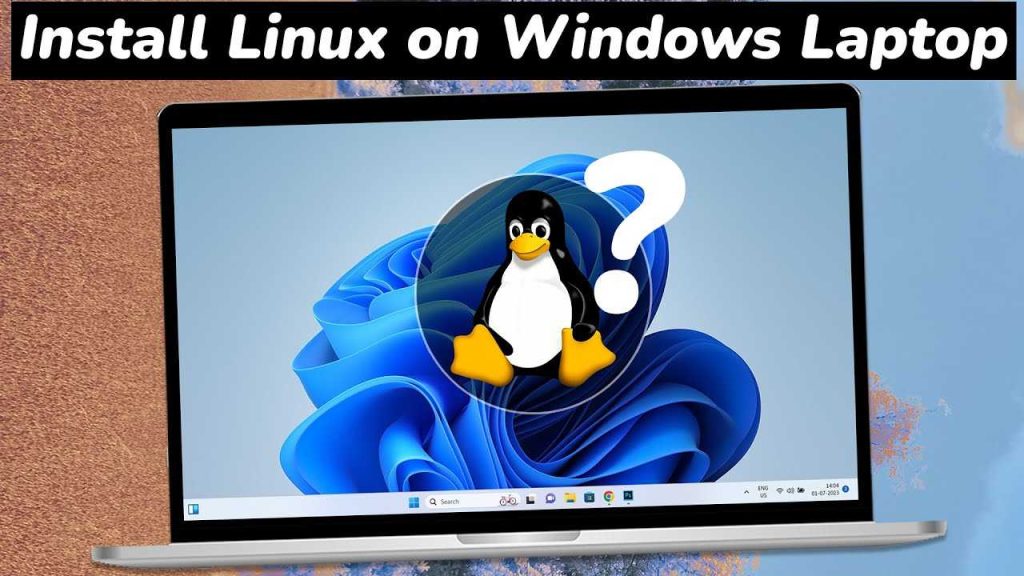
To install Linux on your laptop quickly, start by creating a bootable USB drive with your chosen Linux distribution, then
To install Windows 11 on your laptop quickly, ensure your device meets the minimum system requirements, back up your data,