
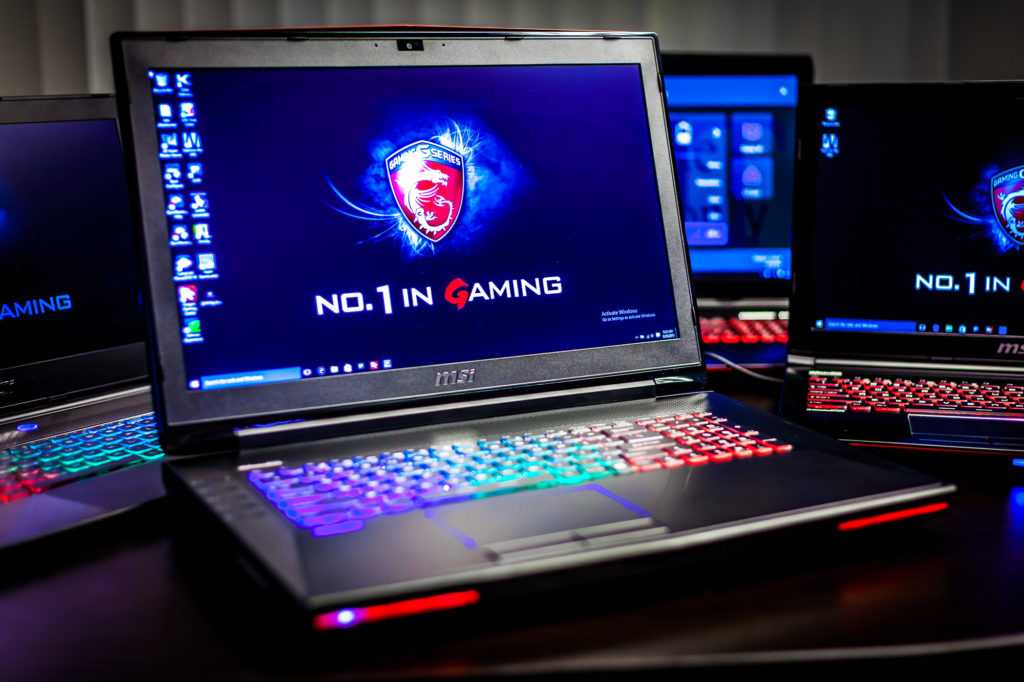
How To Improve Laptop Gaming Performance Effectively
To boost your laptop’s gaming performance instantly, optimize your settings, keep your drivers updated, and consider hardware upgrades like adding […]
To boost your laptop’s gaming performance instantly, optimize your settings, keep your drivers updated, and consider hardware upgrades like adding […]
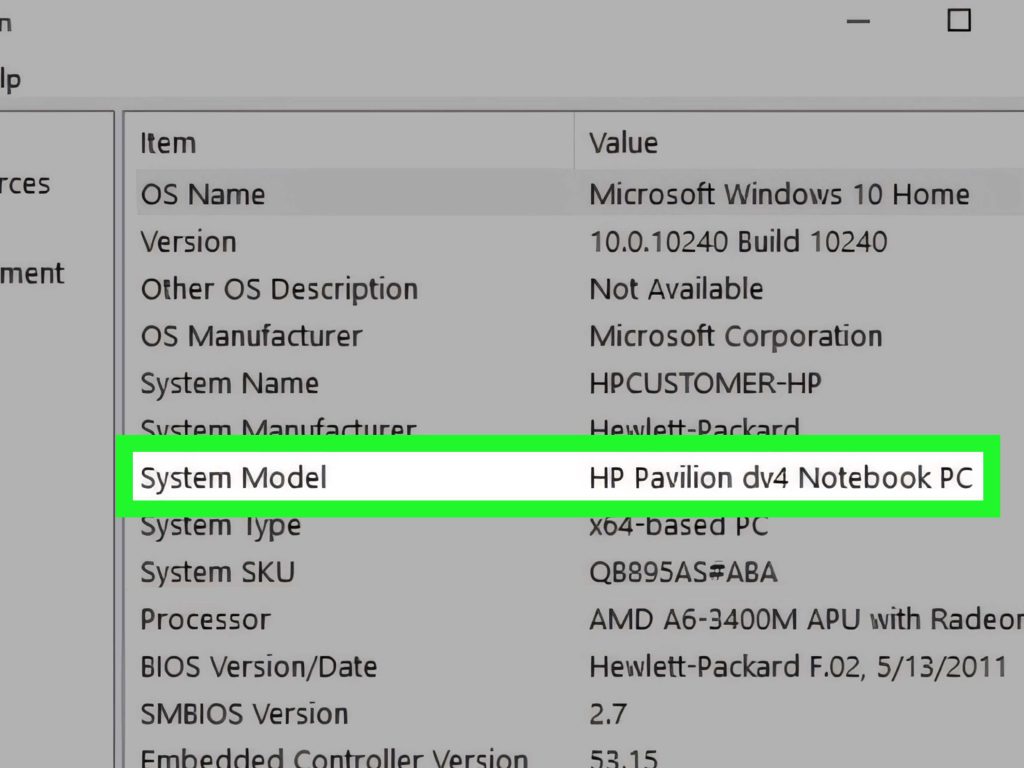
To quickly find your laptop model, look for a label on the bottom or inside the battery compartment, or check
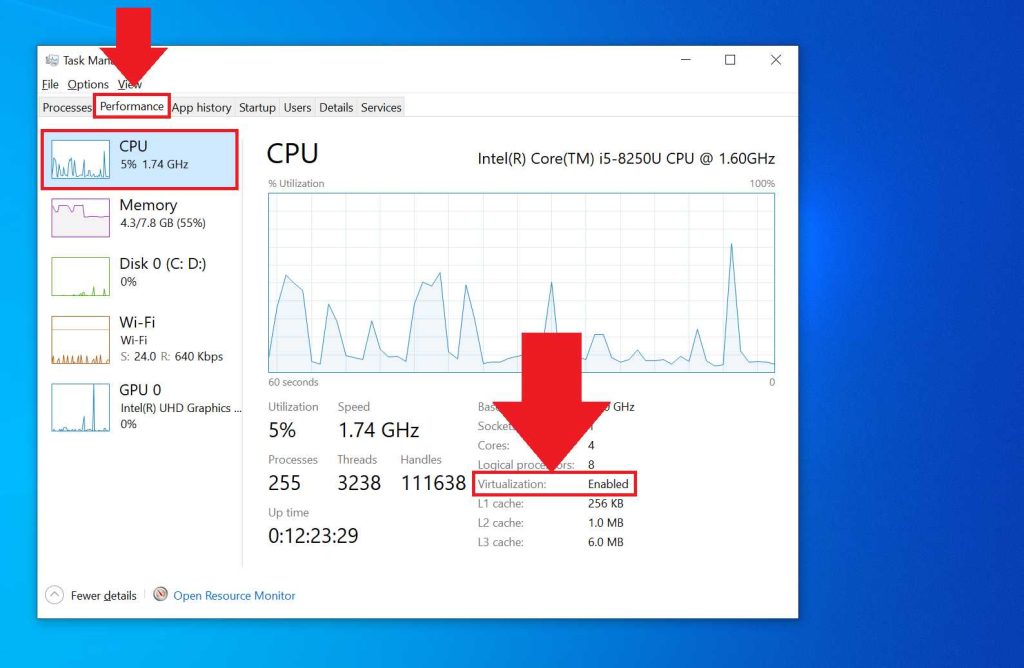
To enable virtualization on your laptop, restart your device, enter the BIOS or UEFI settings during startup (usually by pressing
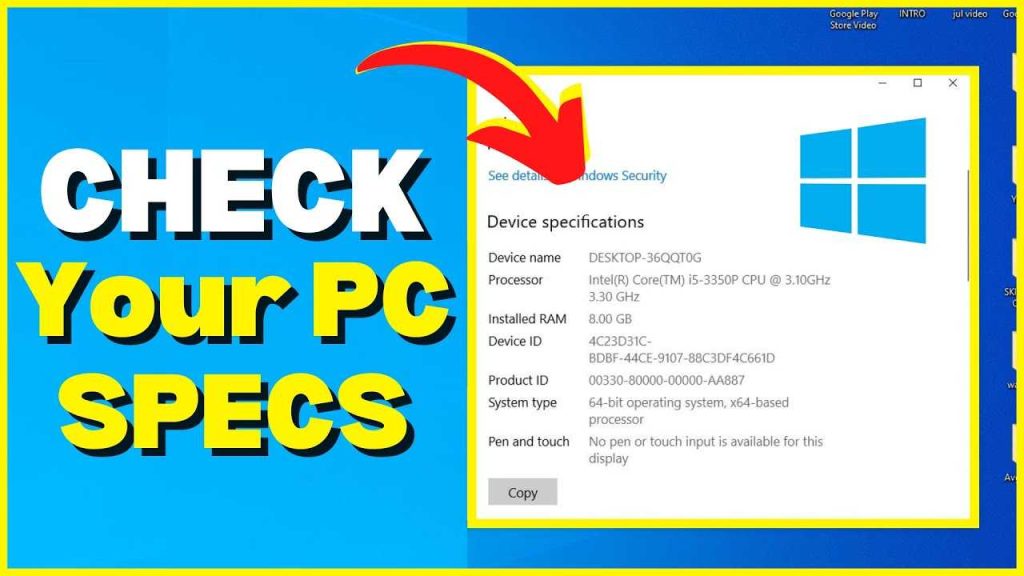
To quickly check your laptop specifications, press the Windows key + R, type “dxdiag,” and hit Enter, or simply go
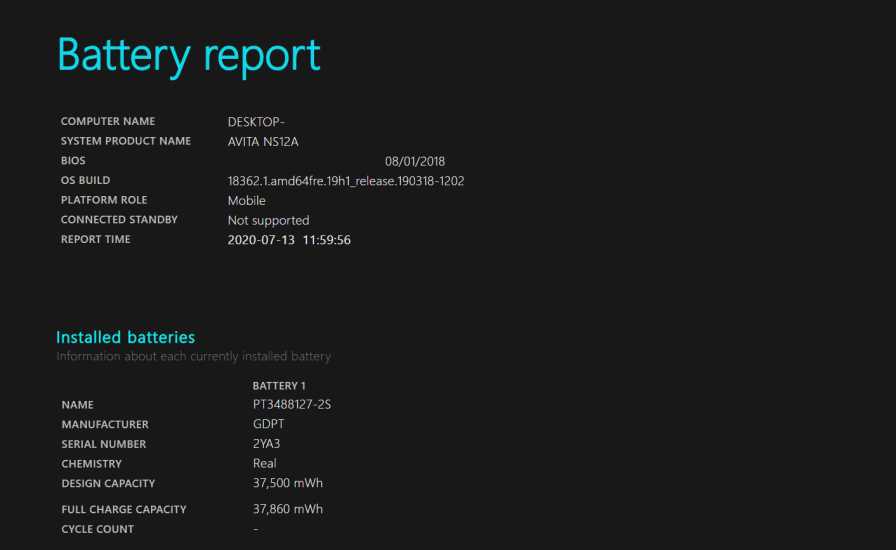
To quickly check your laptop battery health, use built-in diagnostics or third-party tools to get a clear picture of its
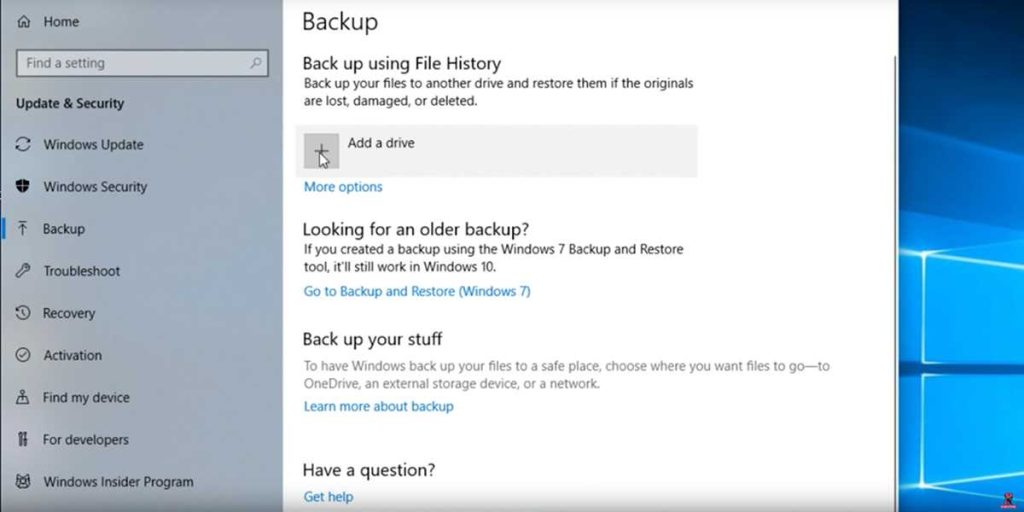
To back up your laptop quickly and easily, start by using built-in tools like Windows Backup or Time Machine on
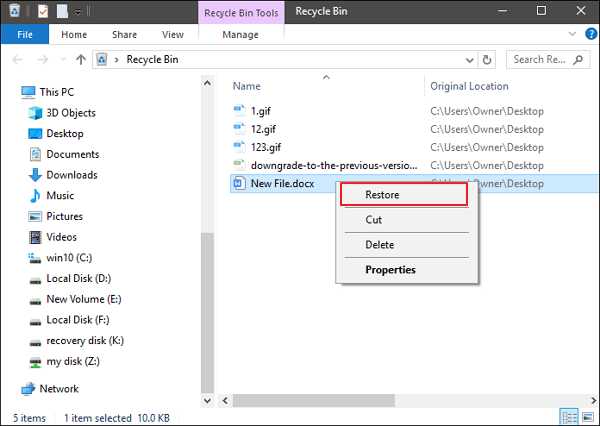
To quickly recover deleted files from your laptop, stop using the device immediately to prevent overwriting data, then utilize recovery
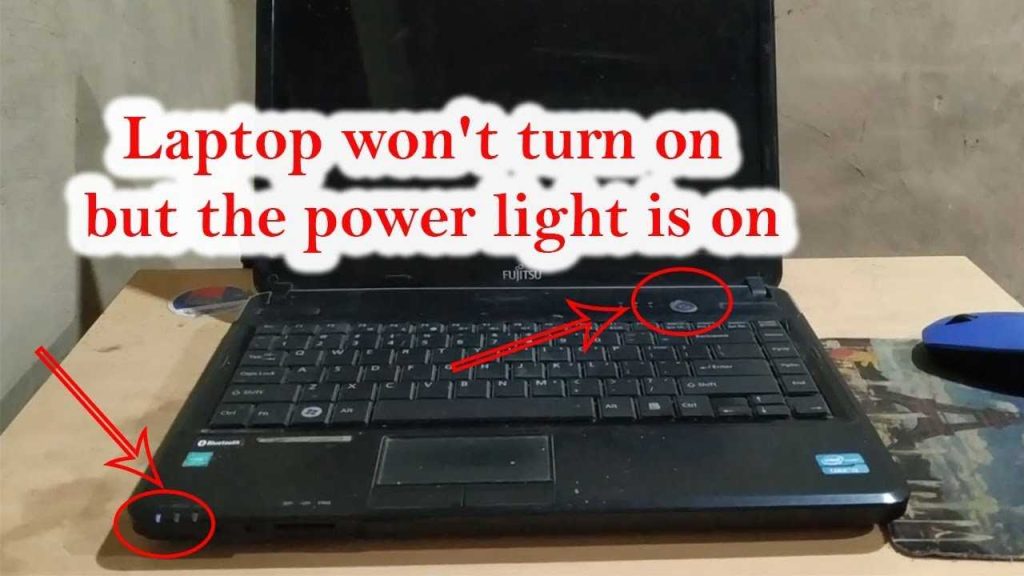
If your laptop suddenly refuses to turn on, don’t panic—there are simple steps you can try to get it working
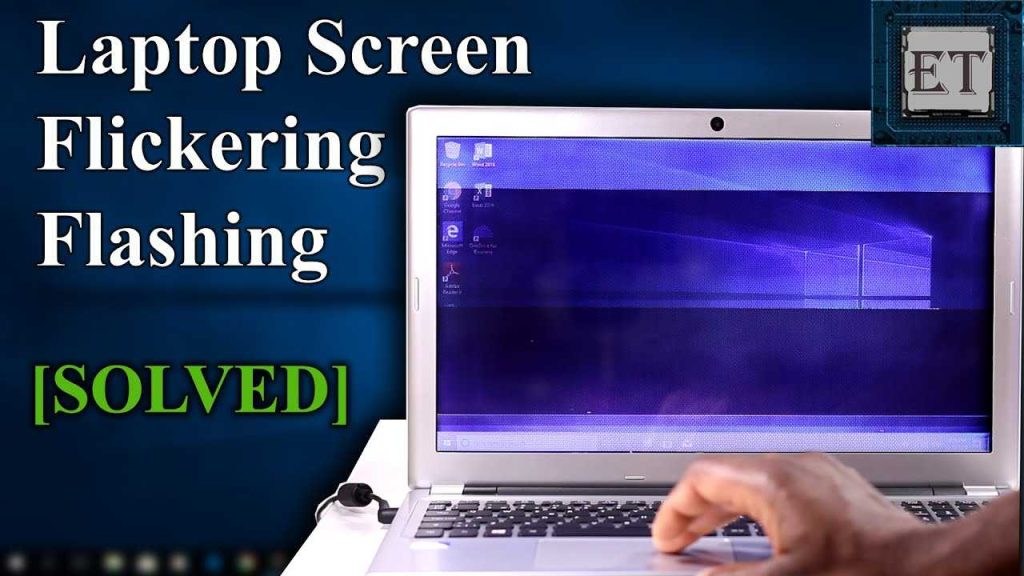
To fix a flickering laptop screen quickly, start by checking your display connections, updating your graphics driver, and adjusting your
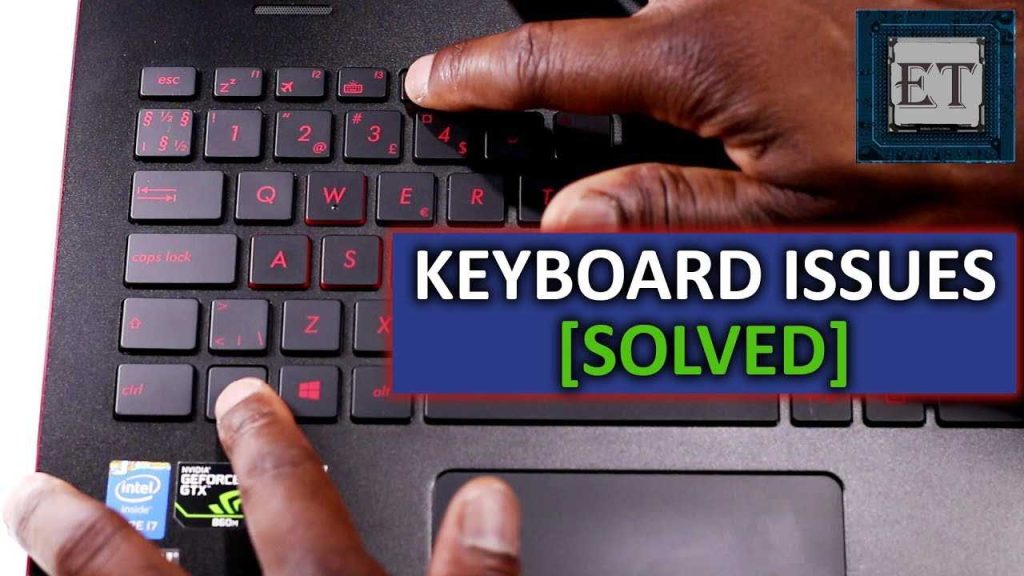
If your laptop keyboard suddenly stops working, don’t panic—you can often fix it yourself! First, try restarting your laptop or